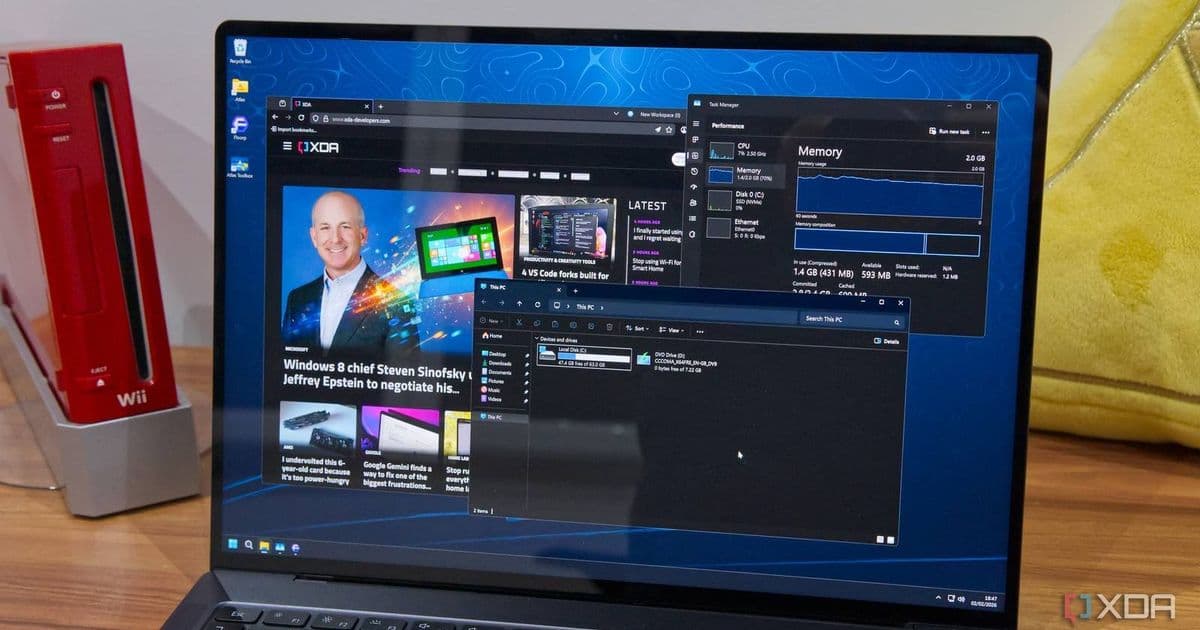
Microsoft confirms February 2026 Windows 11 update (KB5077181) causes C: drive access failures on select Samsung devices, with users reporting 'Access denied' errors and application crashes.
Microsoft has confirmed a critical bug in the February 2026 Windows 11 security update (KB5077181) that renders the C: drive inaccessible on certain Samsung devices, preventing users from launching essential applications and accessing files.
The Scope of the Problem
The issue affects multiple Samsung device models, with Microsoft specifically mentioning the Galaxy Book 4 series. Users report encountering the error message "C:\ is not accessible – Access denied" when attempting routine operations like accessing files, launching applications, or performing administrative tasks.
According to Microsoft's official documentation, the bug manifests after installing KB5077181 and subsequent updates. The company states that affected devices encounter the issue during common actions without requiring any specific user intervention beyond normal operations.
Impact on Daily Use
Users experiencing this bug report that the C: drive lockout prevents access to critical system functions and applications. The error blocks the launch of Microsoft Office apps, Outlook, web browsers, system utilities, and Quick Assist. In more severe cases, users cannot elevate privileges, uninstall problematic updates, or collect diagnostic logs due to permission failures.
Suspected Cause
While Microsoft has not definitively identified the root cause, the company suspects the Samsung Share application may be involved. This pre-installed Samsung utility facilitates file sharing between Samsung devices, but the exact mechanism by which it conflicts with the Windows update remains unclear.
User-Suggested Workarounds
A Reddit thread has become a hub for affected users seeking solutions. Several users report success with a workaround involving changing C: drive permissions:
- Log in as an administrator
- Right-click the C: drive and select Properties
- Navigate to the Security tab
- Modify permissions to grant the user full access to the C: drive
The effectiveness of this fix varies among users, and some report that the issue recurs after system reboots or when launching certain applications.
Official Recommendations
Microsoft advises affected users to avoid risky manual fixes that could potentially cause further system instability. Instead, the company recommends either uninstalling the problematic update or waiting for an official patch.
To uninstall the update:
- Go to Settings > Update & Security > Windows Update
- Click "Update history"
- Select "Uninstall updates"
- Locate and remove KB5077181
Broader Context
This bug represents the latest in a series of Windows 11 update issues that have plagued users since the operating system's release. Similar problems have included update-related boot failures, application crashes, and system instability.
For Samsung device owners, this incident highlights the potential complications that arise when manufacturer-specific software interacts with core Windows system updates. The Samsung Share application, while useful for device-to-device file transfers, appears to have compatibility issues with certain Windows security updates.
What to Do If You're Affected
If you own a Samsung device and have installed the February 2026 Windows 11 update:
- Check if you're experiencing C: drive access issues by attempting to open File Explorer and navigate to your main drive
- If you encounter the "Access denied" error, avoid making manual permission changes unless you're comfortable with potential risks
- Consider uninstalling the update through Windows Update settings
- Back up important files if possible, as the bug may prevent normal file access
- Monitor Microsoft's official support channels for patch announcements
Microsoft has not provided a timeline for when a fix will be available, but given the severity of the issue affecting core system functionality, a resolution is likely to be prioritized.
For users who rely on their Samsung devices for work or critical tasks, the safest approach remains either rolling back the update or waiting for Microsoft's official fix rather than attempting potentially unstable workarounds.
Comments
Please log in or register to join the discussion