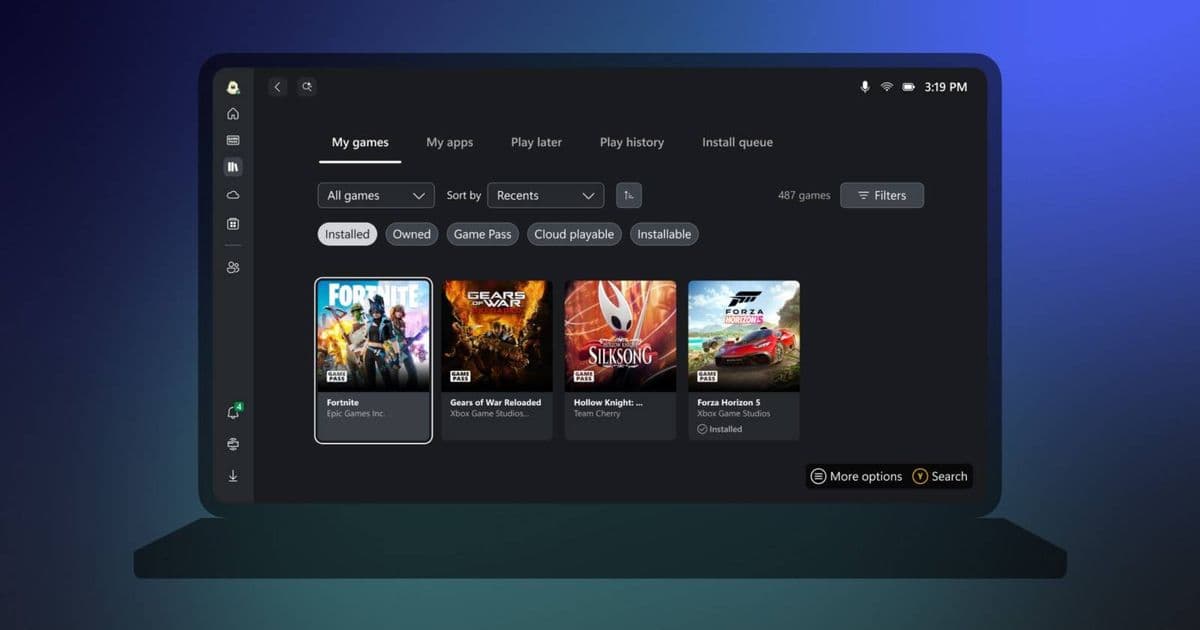
Microsoft has released a native Arm64 version of the Xbox app, bringing full gaming ecosystem access to devices powered by Qualcomm Snapdragon X Elite and other Arm processors without emulation overhead.
After months of testing and anticipation, Microsoft has officially launched the native Arm64 version of the Xbox app for Windows. This release marks a significant milestone for the growing ecosystem of Arm-based Windows laptops and tablets, particularly those powered by Qualcomm's latest Snapdragon X Elite processors.
What Changed
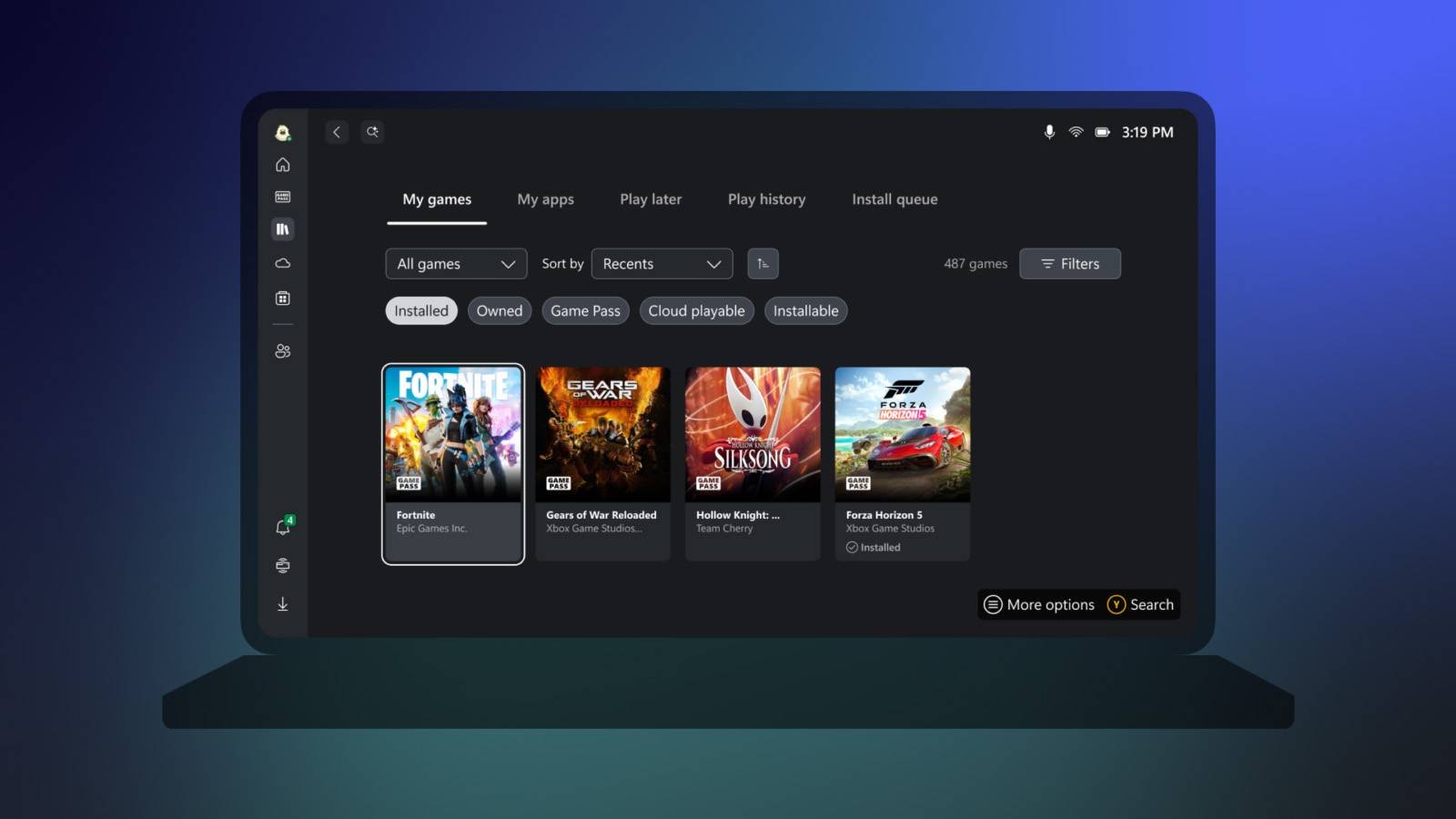
The Xbox app now installs and runs directly on Arm64 Windows devices without requiring x86 emulation through Windows 11's Prism layer. Previous versions forced Arm users to run the emulated x86 version, which introduced performance penalties, increased power consumption, and occasionally caused compatibility issues with game downloads and cloud streaming.
The native build leverages the ARM instruction set directly, resulting in faster launch times, smoother navigation through the interface, and more efficient resource usage. This matters because the Xbox app serves as the primary gateway to PC Game Pass, cloud gaming via Xbox Cloud Gaming, and the Microsoft Store's gaming catalog.
Why This Matters for Developers
For mobile developers maintaining cross-platform applications, this signals Microsoft's continued investment in the Arm Windows platform. The company has been gradually porting its core applications—Edge, Teams, Office suite, and now Xbox—to native Arm64 builds. This pattern suggests that Arm Windows devices are transitioning from niche products to viable primary development and gaming platforms.
Developers building applications that interact with Xbox services, whether through the Xbox Live SDK, Microsoft Store integration, or cloud gaming APIs, should verify their software runs natively on Arm. Applications that rely on the Xbox app for authentication or game services will benefit from reduced latency when both apps run natively on the same architecture.
The Broader Context
This release coincides with the expansion of Arm-based Windows hardware. The Snapdragon X Elite platform has gained traction in premium laptops, offering competitive performance with exceptional battery life—attributes that appeal to developers who need portable workstations. However, gaming has remained a weak point for Arm Windows devices, partly due to limited native game support and the overhead of emulation.
By delivering a native Xbox app, Microsoft addresses one piece of that puzzle. Users can now install and manage games through a properly optimized application. The company has also been working with game developers to compile more titles for Arm64, though most AAA games still require x86 emulation or run through cloud streaming.
Technical Considerations
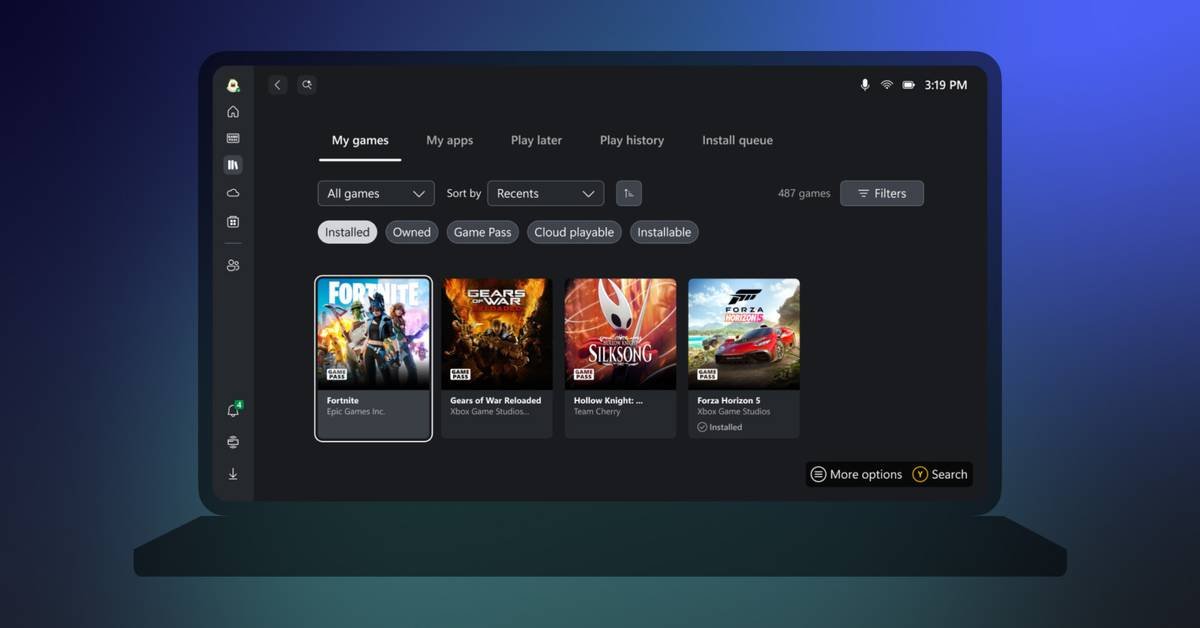
The native Xbox app includes full feature parity with the x86 version:
- Game installation and management for titles that support Arm64 natively
- Xbox Cloud Gaming streaming with reduced app overhead
- Social features including friends lists, parties, and achievements
- Store integration for purchasing and managing game licenses
- Game Pass catalog browsing and subscription management
For users on Arm Windows devices, the app should appear as an update through the Microsoft Store. The installation process automatically selects the correct architecture build.
What Comes Next
Microsoft's move to native Arm64 builds across its application ecosystem suggests the company is committed to making Arm Windows devices viable for mainstream users. For developers, this means considering Arm compatibility in testing matrices, especially for applications that integrate with Microsoft's gaming services.
The Xbox app joining the native Arm64 lineup removes another barrier for developers considering Snapdragon X Elite hardware as their primary development machines. While game compatibility still depends on individual studios porting their titles, the foundation for a functional Arm Windows gaming experience is now in place.
Developers can download the updated Xbox app through the Microsoft Store on supported Arm64 Windows devices. The app requires Windows 11 version 22H2 or later.
Official Xbox App Page Microsoft Arm64 Development Documentation Qualcomm Snapdragon X Elite Information
Comments
Please log in or register to join the discussion