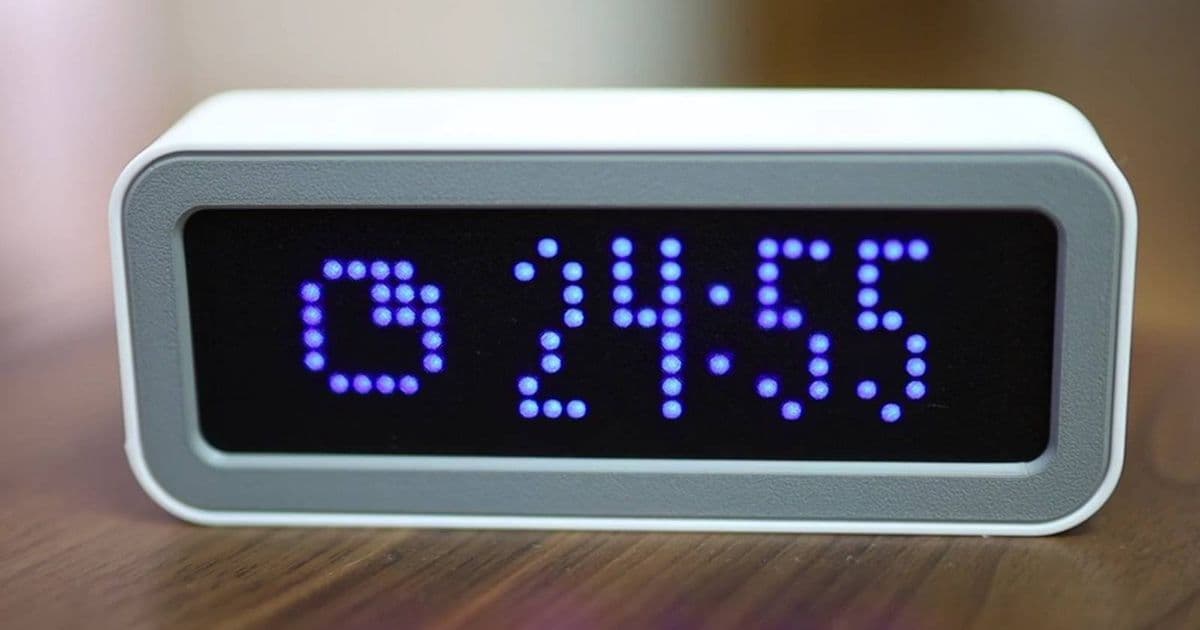
ESPTimeCast simplifies ESP32 clock building with web-based setup and new Pomodoro timer functionality. Flash your device in under a minute with the web installer and customize work intervals through the intuitive interface.
The ESP32 continues to prove itself as one of the most versatile microcontrollers available, with projects ranging from simple sensors to complex IoT devices. Among these projects, ESPTimeCast stands out for its remarkable simplicity and recent feature additions that make it both a practical clock and a productivity tool.
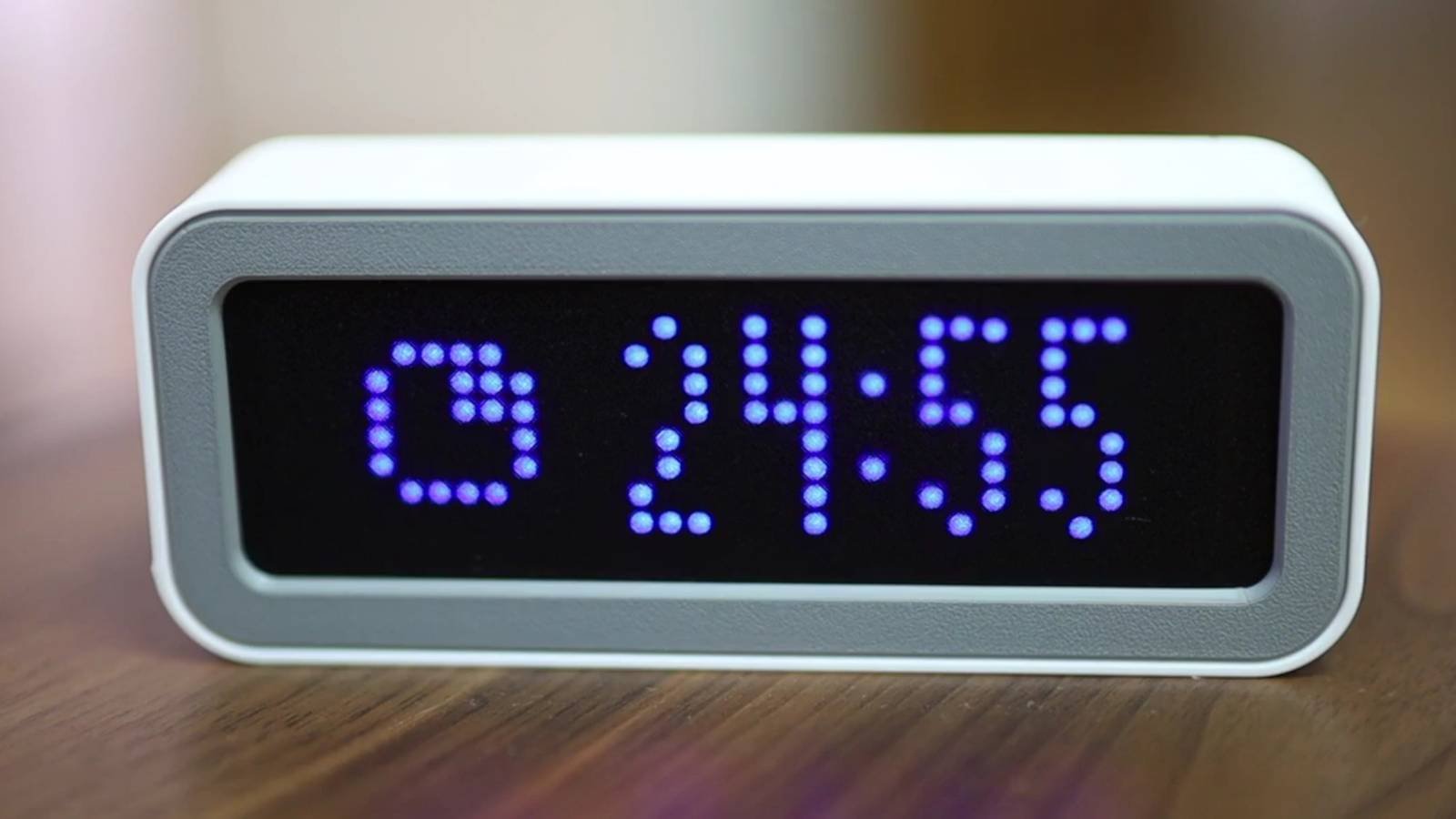
ESPTimeCast is an ESP32-powered clock designed with ease of use as its primary focus. The project eliminates many of the common barriers to entry for DIY electronics by providing a streamlined setup process that requires minimal technical knowledge. All you need is an ESP32 development board, an LED display, and a case to house them—conveniently, the project website includes 3D printable case designs.
The recent update to ESPTimeCast introduces two valuable features: a stopwatch and a Pomodoro timer. The Pomodoro Technique, a popular productivity method, involves working focused intervals followed by short breaks. Traditionally, this requires tracking time manually or using apps on your phone, which can lead to distractions. ESPTimeCast provides a dedicated, physical timer that sits on your desk, helping you maintain focus without digital distractions.
Setting up ESPTimeCast is remarkably straightforward. The process begins by connecting your ESP32 board to your computer via USB. The project includes a web installer that handles the complex task of flashing the firmware onto the ESP32. This eliminates the need for installing specialized development environments or understanding command-line tools. Simply visit the web installer page, select your board type, and follow the on-screen instructions. The entire process typically takes less than a minute, making it accessible even to those new to microcontroller projects.
Once installed, ESPTimeCast functions as a digital clock with a clear LED display. The interface is designed to be readable from across a room, with adjustable brightness settings to accommodate different lighting conditions. The clock can display time in either 12-hour or 24-hour format, depending on your preference.
The new Pomodoro timer functionality allows you to customize both work and break intervals. By default, it follows the classic 25-minute work sessions with 5-minute breaks, but these values can be adjusted to match your personal productivity needs. Configuration is handled through two convenient methods: a web-based user interface and a Chrome extension.
The web UI provides a clean dashboard where you can set your preferred work and break durations, enable or disable the Pomodoro feature, and adjust display settings. This interface is accessible from any device with a web browser, making it easy to manage your ESPTimeCast from your phone, tablet, or computer. The Chrome extension offers additional convenience by allowing you to start, pause, or reset the timer directly from your browser without needing to navigate to the web interface.
For developers who want to customize the project further, the ESPTimeCast code is open source and available on the project's GitHub repository. The code is well-documented, making it relatively easy to understand and modify. Common customization options include changing the display format, adding new features, or integrating with other services. The project uses standard ESP32 libraries, which simplifies adding functionality like network time synchronization or weather display.
The hardware requirements for ESPTimeCast are minimal. At its core, you need an ESP32 development board (such as the popular ESP32 DevKitC) and an LED display. The project supports several common display types, including SSD1306-based OLED displays and TM1637-based 7-segment displays. This flexibility allows builders to use components they may already have on hand or that are readily available at low cost.
The 3D printable case designs included with the project help give ESPTimeCast a polished, finished appearance. The cases are designed to provide protection for the electronics while ensuring the display remains visible. Different case options are available to accommodate various display sizes and personal aesthetic preferences.
For those interested in building their own ESPTimeCast, the project website provides comprehensive documentation. This includes a bill of materials, assembly instructions, troubleshooting guides, and links to all necessary software and libraries. The documentation is regularly updated to reflect changes in the project, ensuring that builders always have access to the most current information.
The ESPTimeCast project demonstrates how accessible microcontroller development has become. By abstracting away the complexities of programming and flashing, the project opens up the world of DIY electronics to a broader audience. The addition of productivity features transforms what could be a simple novelty clock into a practical tool for improving focus and time management.
As the ESP32 ecosystem continues to grow, projects like ESPTimeCast highlight the potential for combining practical functionality with ease of use. Whether you're a seasoned electronics enthusiast or a complete beginner, ESPTimeCast offers a rewarding project that can be completed in an afternoon and provide daily value.
For more information on ESPTimeCast, including build instructions and download links for the web installer and Chrome extension, visit the project's official website. The GitHub repository contains the source code for those interested in exploring or modifying the project further.
Comments
Please log in or register to join the discussion