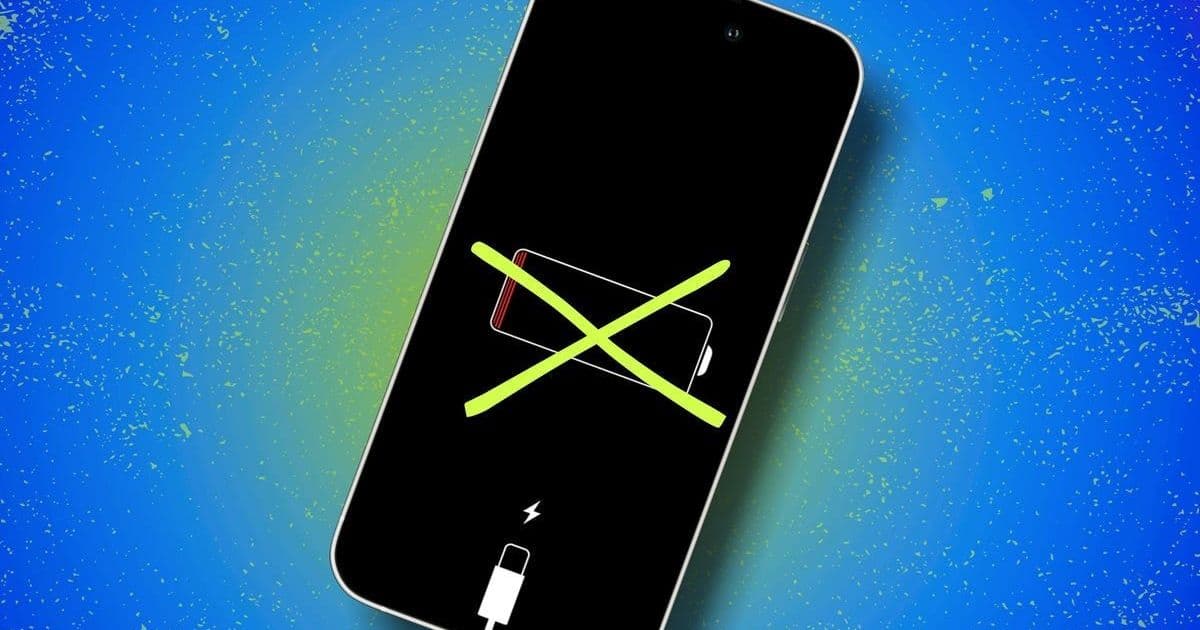
Struggling with iPhone battery drain? ZDNET tested 17 software adjustments that instantly boost endurance—from disabling battery-hungry features like Always-On Display to leveraging iOS 26's new Adaptive Power Mode. These free tweaks offer significant gains without costly hardware replacements.
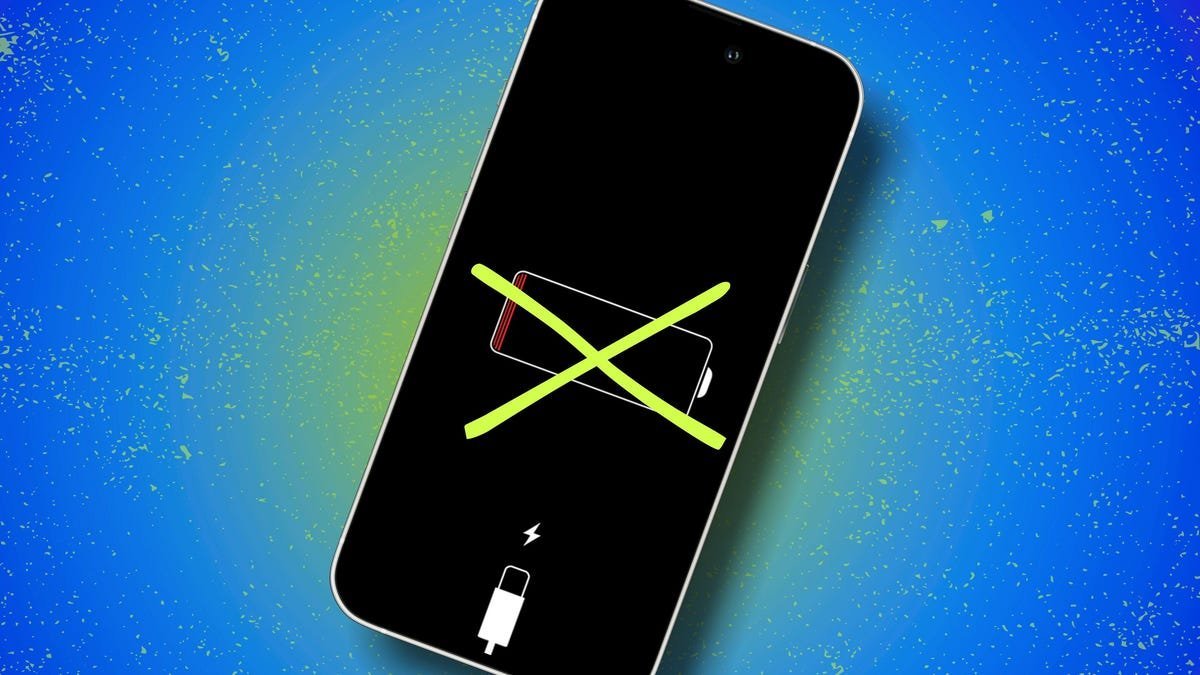
Image: Elyse Betters Picaro / ZDNET demonstrates iPhone battery settings.
For iPhone users watching their battery percentage plummet before noon, the instinct might be to upgrade hardware or replace batteries. Yet ZDNET's rigorous testing reveals software optimizations can yield dramatic improvements—no purchase required. Senior Contributing Editor Elyse Betters Picaro methodically tested 17 iOS settings adjustments that collectively combat one of mobile tech's most universal frustrations: premature battery depletion.
The Core Culprits: Display, Connectivity & Background Processes
1. Display Efficiency Tweaks
Screen brightness consumes up to 30% of battery life. Simple fixes include:
- Dimming manually: Reduce brightness by 10-20% via Control Center
- Enabling Auto-Brightness:
Settings > Accessibility > Display & Text Size - Disabling Always-On Display (iPhone 14 Pro+): Saves ~24% daily
- Using Dark Mode: OLED iPhones (X and later) conserve power with black pixels
 Image: Keyboard haptics settings—one of many subtle battery drains.
2. Network Optimization
Cellular radios are notorious energy hogs:
- Prefer Wi-Fi over cellular: Disable Cellular Data when possible
- Switch 5G to LTE in weak signal areas:
Settings > Cellular > Cellular Data Options - Disable Wi-Fi Assist: Prevents background cellular fallback
3. Background Process Control
Silent battery vampires include:
- Keyboard Haptics: Each keystroke activates the Taptic Engine
- "Hey Siri": Continuous microphone/Neural Engine usage
- Live Activities & Lock Screen Widgets: Constant background refreshes
- Background App Refresh: Disable globally or per-app under
Generalsettings
Advanced Power Management
Low Power Mode remains Apple's blunt-force tool—throttling CPU, limiting background activity, and reducing animations for emergency runtime. But iOS 26 introduces a smarter alternative:
Adaptive Power Mode (iPhone 15 Pro/16 series) uses on-device AI to subtly adjust performance:
"It leverages machine learning to make micro-adjustments—like slightly lowering brightness or allowing non-urgent processes to run slower—extending battery life without noticeable performance hits." — Picaro
Enable via Settings > Battery > Power Mode once iOS 26 launches officially.
Long-Term Health Strategies
Beyond immediate fixes, Optimized Battery Charging (Settings > Battery > Battery Health) uses ML to limit time spent at 100% charge, slowing battery degradation. iPhone 15+ users can enable Optimized Charge Limit to cap charging at 80%.
Why This Matters for Developers
These optimizations highlight iOS's layered power management architecture—from low-level hardware controls (Taptic Engine, OLED pixel control) to ML-driven system behaviors. For app developers, the findings underscore the impact of:
- Notification frequency
- Background refresh patterns
- Always-On Display/Live Activity implementations
As Picaro notes: "Thousands of micro-interactions—keyboard vibrations, notification wake-ups, background location checks—compound into significant drain." Recognizing these systemic behaviors informs more battery-efficient app design.
While hardware limitations eventually demand upgrades, these 17 tweaks demonstrate how understanding platform mechanics can squeeze months or years from existing devices. In an era of sustainability focus and economic constraints, such software mastery is increasingly vital.
Source: ZDNET
Comments
Please log in or register to join the discussion