A practical guide to using AI agents like Copilot CLI for diagnosing and resolving Azure Function App problems, demonstrating how automated troubleshooting can identify storage account key mismatches and implement fixes while maintaining security compliance.
Azure Functions have become a cornerstone of serverless computing, enabling developers to run event-driven code without managing infrastructure. However, when issues arise—such as HTTP triggers failing to execute—traditional troubleshooting can be time-consuming and complex. This article explores how AI agents can streamline the debugging process, using a real-world scenario where an HTTP trigger fails in the Azure Portal while the app appears healthy.
Preparation: Setting Up AI-Powered Troubleshooting
Before diving into troubleshooting, several key considerations must be addressed:
Tool Selection
For this demonstration, we'll use Copilot CLI, though alternatives like OpenCode, Hermes, or OpenClaw could serve similar purposes. The choice of AI model matters too—in this case, we're using Anthropic Claude Opus for its reasoning capabilities.
Enterprise Compliance
Enterprise environments require careful consideration before implementing AI agents. Organizations must:
- Obtain stakeholder approval for AI tool usage
- Ensure compliance with internal security policies
- Verify that AI interactions meet regulatory requirements
- Document all AI-assisted operations for audit trails
Network and Permission Constraints
Several technical limitations can impact AI-assisted troubleshooting:
Network considerations:
- Outbound internet connectivity is required for the agent to access external resources
- Kudu container access may be restricted by network policies
- Session interruptions can occur during container restarts, requiring
/resumecommands
Permission requirements:
- Azure blessed images use a fixed password (
Docker!) - Custom containers need appropriate authentication methods
- SAMI (Serverless Assistant Managed Identity) must be enabled for resource access
- RBAC roles should follow least privilege principles
The Troubleshooting Scenario
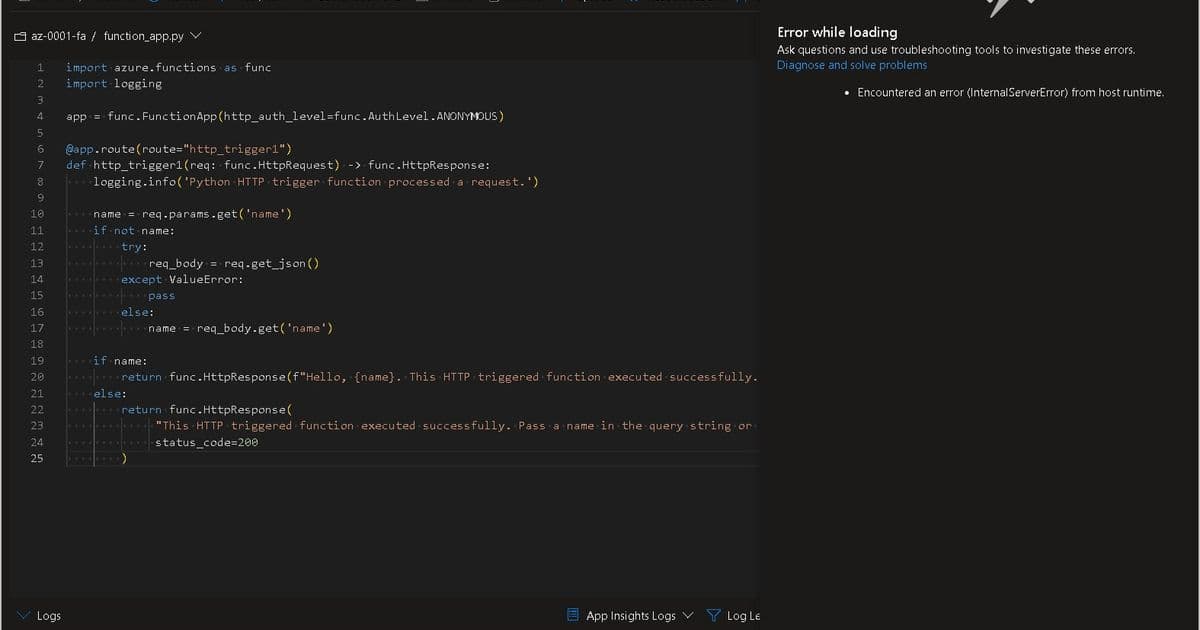
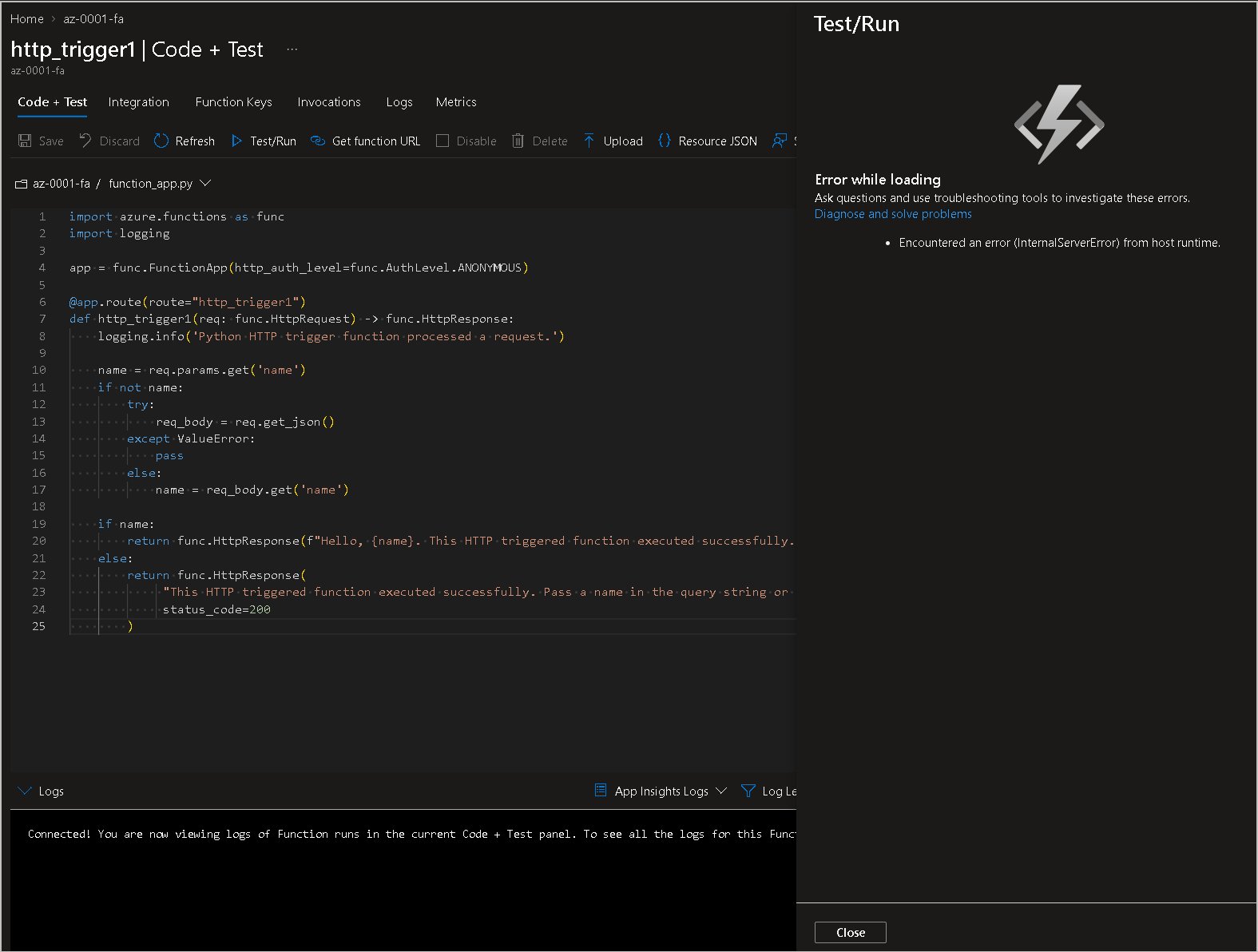
The problem: An HTTP-triggered Azure Function fails when tested via the Azure Portal, showing an error message, yet the Function App dashboard displays normal status. This discrepancy suggests an underlying configuration issue rather than an obvious service failure.
Step-by-Step AI-Assisted Resolution
1. Permission Setup
First, we obtain the Function App's SAMI and assign it the Owner role for the resource group. While this demonstrates full permissions, best practice dictates scoping down to only necessary resources and operations.
2. Accessing the Kudu Container
The Kudu container serves as the maintenance environment for the app. Here, we:
- Install and enable Copilot CLI
- Describe the problem to the AI agent
- Allow the agent to analyze logs, configurations, and system state
3. Investigation and Diagnosis
The AI agent conducts a comprehensive investigation, examining:
- Application logs and error patterns
- Configuration settings and environment variables
- Storage account connectivity
- Runtime environment status
In this case, the agent identifies the root cause: the Storage Account access key had been rotated previously, but the Function App hadn't updated the corresponding environment variable. This is a common issue when Storage Account keys expire or are manually rotated without updating dependent services.
4. Automated Resolution
With proper permissions granted through SAMI, the AI agent can implement the fix directly:
- Update the Storage Account connection string in application settings
- Restart the Function App container to apply changes
- Validate the fix by testing the HTTP trigger
During the container restart, the session disconnects. Using the /resume command, we reconnect to the Kudu container and allow the agent to continue the repair process.
5. Validation
After the repair completes, the agent confirms the issue is resolved. Testing the HTTP trigger in the Azure Portal now succeeds, demonstrating that the Storage Account connectivity has been restored.
Knowledge Capture and Future Efficiency
One of the most valuable aspects of AI-assisted troubleshooting is the ability to capture learned solutions. After resolving the issue, we can:
- Extract the troubleshooting experience into a reusable skill
- Store the skill in a Storage Account for future reference
- Reduce investigation time for similar issues
- Minimize token usage and associated costs
- Build an organizational knowledge base of common problems and solutions
Business Impact and Strategic Value
Implementing AI agents for Azure Function troubleshooting offers several strategic advantages:
Operational Efficiency
- Reduces mean time to resolution (MTTR)
- Minimizes manual investigation time
- Enables junior engineers to handle complex issues
- Provides consistent troubleshooting methodology
Cost Optimization
- Decreases engineering hours spent on debugging
- Reduces downtime and service impact
- Optimizes AI token usage through skill reuse
- Prevents recurring issues through knowledge capture
Scalability
- Handles multiple concurrent troubleshooting requests
- Maintains consistency across different team members
- Scales expertise across the organization
- Enables 24/7 support without proportional staffing increases
Best Practices for AI-Assisted Troubleshooting
To maximize the effectiveness of AI agents in your Azure environment:
Security First
- Implement proper RBAC controls
- Use managed identities instead of hardcoded credentials
- Audit all AI-assisted operations
- Maintain compliance with organizational policies
Process Integration
- Incorporate AI troubleshooting into your incident management workflow
- Document successful resolutions as organizational knowledge
- Train team members on AI tool usage and limitations
- Establish feedback loops for continuous improvement
Performance Optimization
- Cache frequently used skills and solutions
- Monitor AI token usage and costs
- Regularly update AI models and tools
- Measure success metrics and ROI
Conclusion
AI agents like Copilot CLI represent a significant advancement in cloud troubleshooting capabilities. By automating the investigation and resolution of common Azure Function issues—such as Storage Account key mismatches—organizations can dramatically reduce downtime and operational overhead.
The ability to capture and reuse troubleshooting knowledge transforms individual problem-solving into organizational capability. As AI tools continue to evolve, their role in cloud operations will likely expand from reactive troubleshooting to proactive system optimization and predictive maintenance.
The future of cloud operations isn't about replacing human expertise but augmenting it with intelligent automation that handles routine issues while freeing engineers to focus on strategic initiatives and complex problem-solving.
For organizations running Azure Functions at scale, implementing AI-assisted troubleshooting isn't just a nice-to-have—it's becoming a competitive necessity in an environment where every minute of downtime has measurable business impact.
Comments
Please log in or register to join the discussion