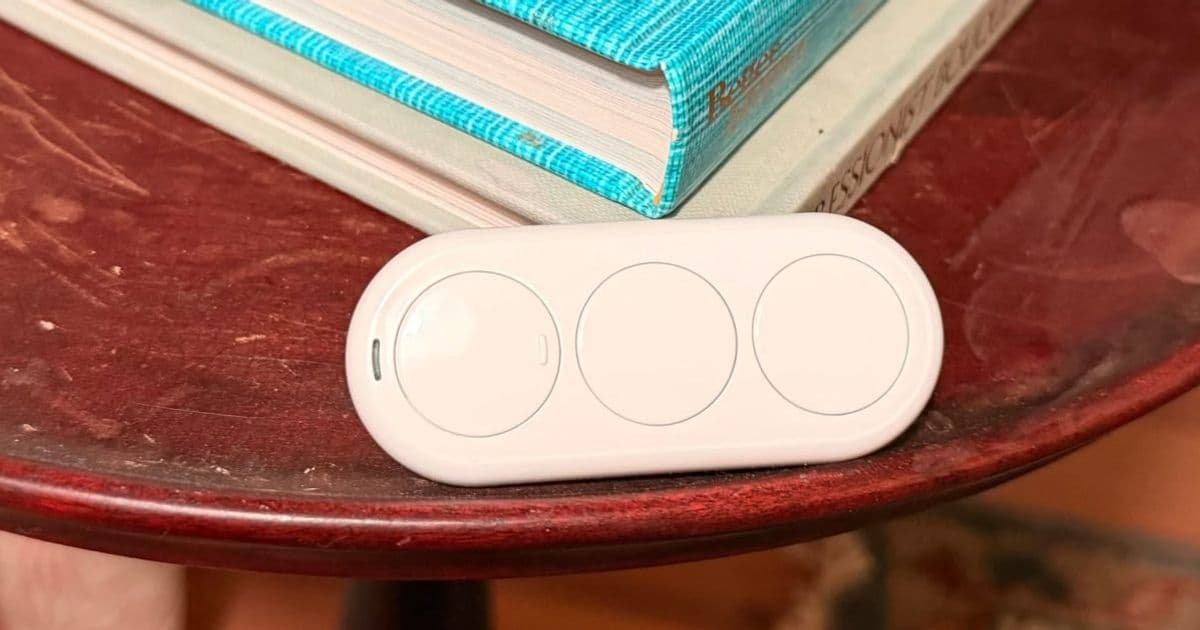
The Airversa QliQ is a three‑button, USB‑C rechargeable controller that uses Thread to connect directly to HomeKit. It offers nine programmable actions, tactile feedback and a magnetic mount, making it a solid, battery‑free addition to any Apple‑centric smart home.
Airversa QliQ Review – Apple Home Gets a Thread‑Powered Button
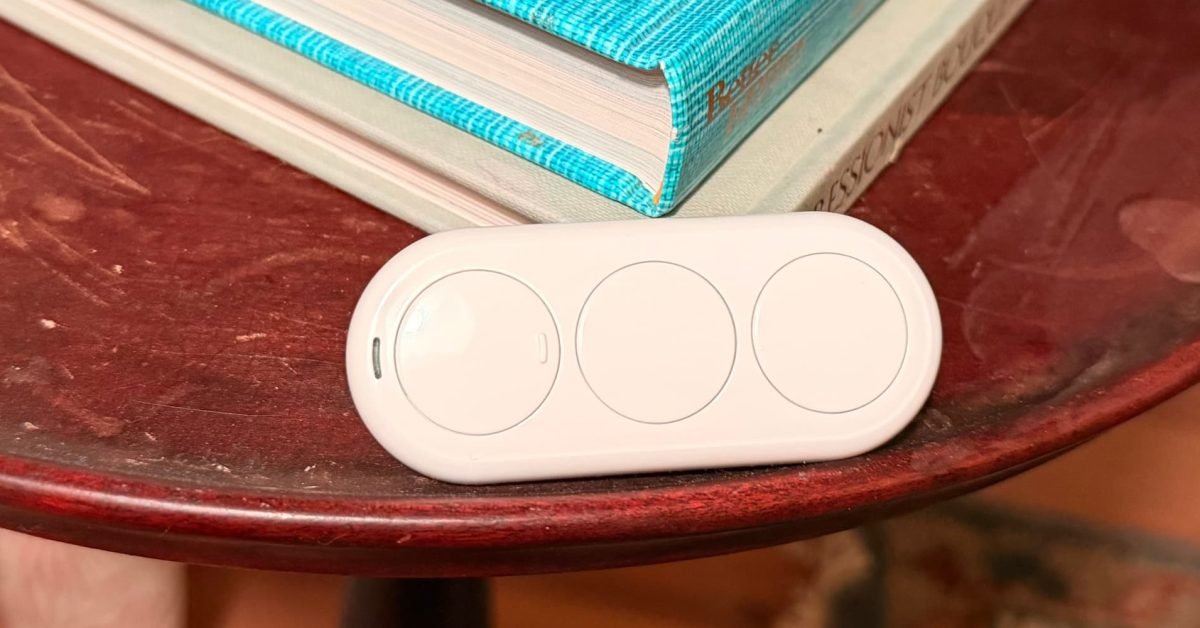
Smart buttons have become a staple in the Apple Home ecosystem, yet many still suffer from Bluetooth latency or disposable coin batteries. The Airversa QliQ tackles both issues with a Thread‑based radio and a built‑in rechargeable cell, positioning itself as a premium yet practical remote for HomeKit users.
What the QliQ brings to the table
| Feature | Details |
|---|---|
| Buttons | Three physical buttons, each supporting single‑click, double‑click, and long‑press. This yields up to nine distinct triggers per device. |
| Connectivity | Thread (802.15.4) – requires a Thread‑enabled hub such as an Apple TV 4K, HomePod mini, or HomePod mini‑enabled iPad. |
| Power | 150 mAh rechargeable lithium‑ion cell, advertised for up to two months of typical use on a single charge. USB‑C charging port and red LED low‑battery indicator. |
| Feedback | Light haptic pulse plus a short audible beep on every press. Both can be disabled in the companion app. |
| Mounting | Integrated magnetic plate; snaps to any metal surface or the supplied metal wall plate. |
| Software | No extra account needed. Pair via HomeKit QR code in the Apple Home app. Optional Airversa app for fine‑tuning (beep, vibration, button naming). |
Thread vs. Bluetooth: Why it matters
Thread creates a low‑power mesh that routes messages through any nearby Thread border router. In practice, this means:
- Faster response – commands travel over the mesh rather than hopping through a phone’s Bluetooth connection.
- Higher reliability – if one node drops, the mesh reroutes automatically, keeping your button functional even if the nearest hub is temporarily offline.
- Lower battery drain – Thread’s radio uses less power than Bluetooth LE, extending the QliQ’s charge life.
For Apple Home users, the biggest benefit is that the button works even when the iPhone is in airplane mode or the user’s phone is elsewhere in the house, because the command is processed locally by the Thread border router.
Setting up the QliQ – a quick walk‑through
- Unbox – remove the device, attach the magnetic plate if you prefer wall mounting, and plug the USB‑C cable to charge for an hour.
- Open the Home app on an iPhone, iPad, or Mac that is signed into your iCloud account.
- Tap “Add Accessory” and scan the HomeKit QR code on the back of the QliQ.
- Assign a room and give each button a name (e.g., “Entry‑Press”, “Reading‑Double”).
- Choose actions – you can link each press type to any HomeKit scene, accessory, or automation. The app also lets you set a default fallback (e.g., toggle a light if no scene is assigned).
- Optional app – download the Airversa app from the App Store if you want to mute the beep or adjust vibration strength.
The entire process takes under two minutes and does not require a separate account, which is a pleasant contrast to many competing smart‑button brands.
Real‑world use cases
- Arrive Home – Mount the QliQ on the entryway wall. A long press on the top button triggers a scene that powers on the foyer lights, lifts the smart blinds, and starts playing your favorite playlist.
- Reading Mode – Place the device on a nightstand. A double‑click on the middle button dims the floor lamp, sets the thermostat to a cozy 72 °F, and activates a “Do Not Disturb” automation for your HomePod.
- Bedtime Routine – A short press on the bottom button locks doors, arms the security system, turns off all interior lights, and lowers the thermostat by three degrees.
- Accessibility – The haptic feedback and audible beep make the button usable for users with limited vision. The optional app lets you turn off the beep entirely if you prefer silent operation.
How the QliQ fits into the Apple Home ecosystem
Apple’s HomeKit strategy has emphasized privacy, local processing, and a growing Thread‑first approach. The QliQ aligns perfectly with that vision:
- Local control – Because Thread operates on the local network, commands are processed without leaving your home, preserving privacy.
- Future‑proofing – As Apple expands Thread support across more devices (e.g., newer HomePod models, Apple TV 4K), the QliQ will continue to work without firmware updates.
- No lock‑in beyond HomeKit – While the button is optimized for HomeKit, the underlying Thread protocol is open, meaning it could be adopted by other ecosystems in the future.
Verdict
The Airversa QliQ feels like a thoughtful evolution of the smart button concept. Its Thread connectivity eliminates the latency and reliability quirks of Bluetooth, while the rechargeable battery removes the recurring cost and waste of coin cells. The tactile and audible feedback, combined with a magnetic mounting system, make it feel premium without being overly complex.
If you already own a Thread‑enabled HomeKit hub and are looking for a versatile, battery‑free controller, the QliQ is a solid investment. For users still on Bluetooth‑only hubs, the device will not pair, so a hardware upgrade is required.
Where to buy
The QliQ is available as a single unit or a two‑pack on Amazon and directly from Airversa’s website. Pricing hovers around $79 for a single and $149 for the two‑pack, which is competitive given the Thread radio and rechargeable design.
Further reading
- Airversa official product page
- Apple HomeKit Thread support overview
- Thread protocol basics (GitHub)
Bradley C. is a longtime educator‑technologist who writes about HomeKit, networking and classroom‑grade tech integration. Follow his HomeKit Weekly series for more hands‑on reviews and automation ideas.
Comments
Please log in or register to join the discussion