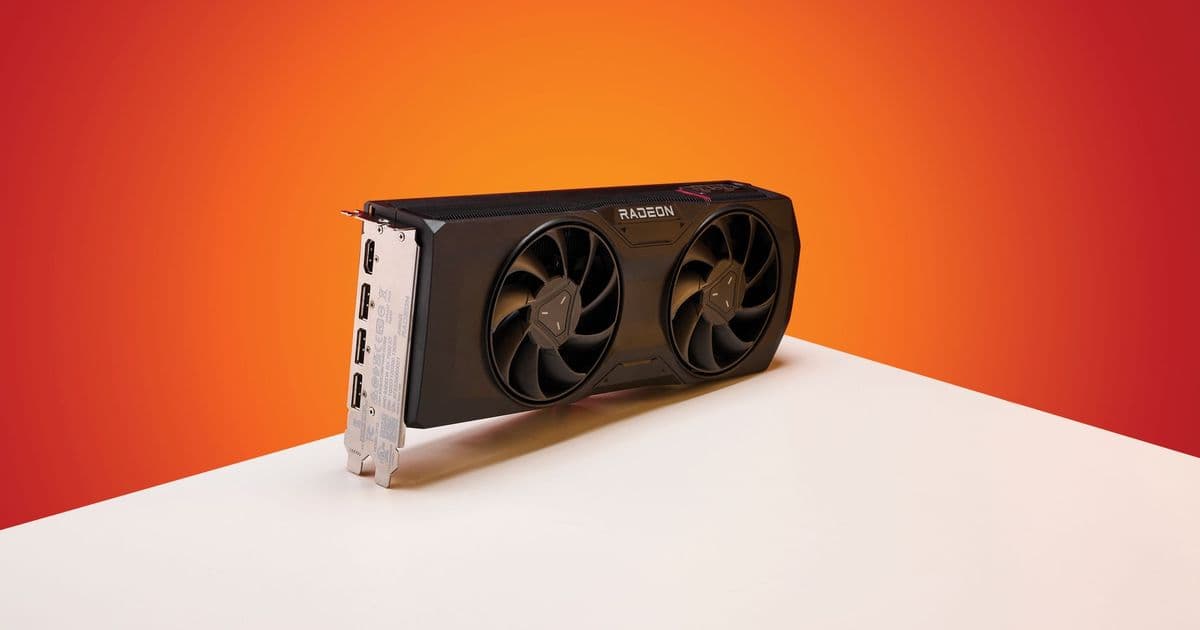
AMD's latest graphics driver has introduced a critical bug that disables the Zero RPM cooling feature, potentially causing GPU temperatures to rise unexpectedly after monitor sleep cycles, with multiple users reporting the issue on Reddit.
AMD's Adrenalin 26.5.1 graphics driver, released on May 6, has introduced a critical bug affecting the Zero RPM feature on several of the company's graphics cards. The malfunction causes the cooling fans to remain inactive after a monitor resumes from sleep or is powered back on, potentially leading to unexpected temperature increases and hardware damage if users proceed with demanding tasks like gaming.
The Zero RPM feature is a power-saving and noise-reduction technology that automatically disables cooling fans when the GPU is under light load or idle, such as during web browsing or video playback. This functionality relies on the GPU's heatsink for passive cooling as long as temperatures remain within safe parameters. When workload increases, such as during gaming or rendering tasks, the fans automatically activate to maintain optimal operating temperatures.
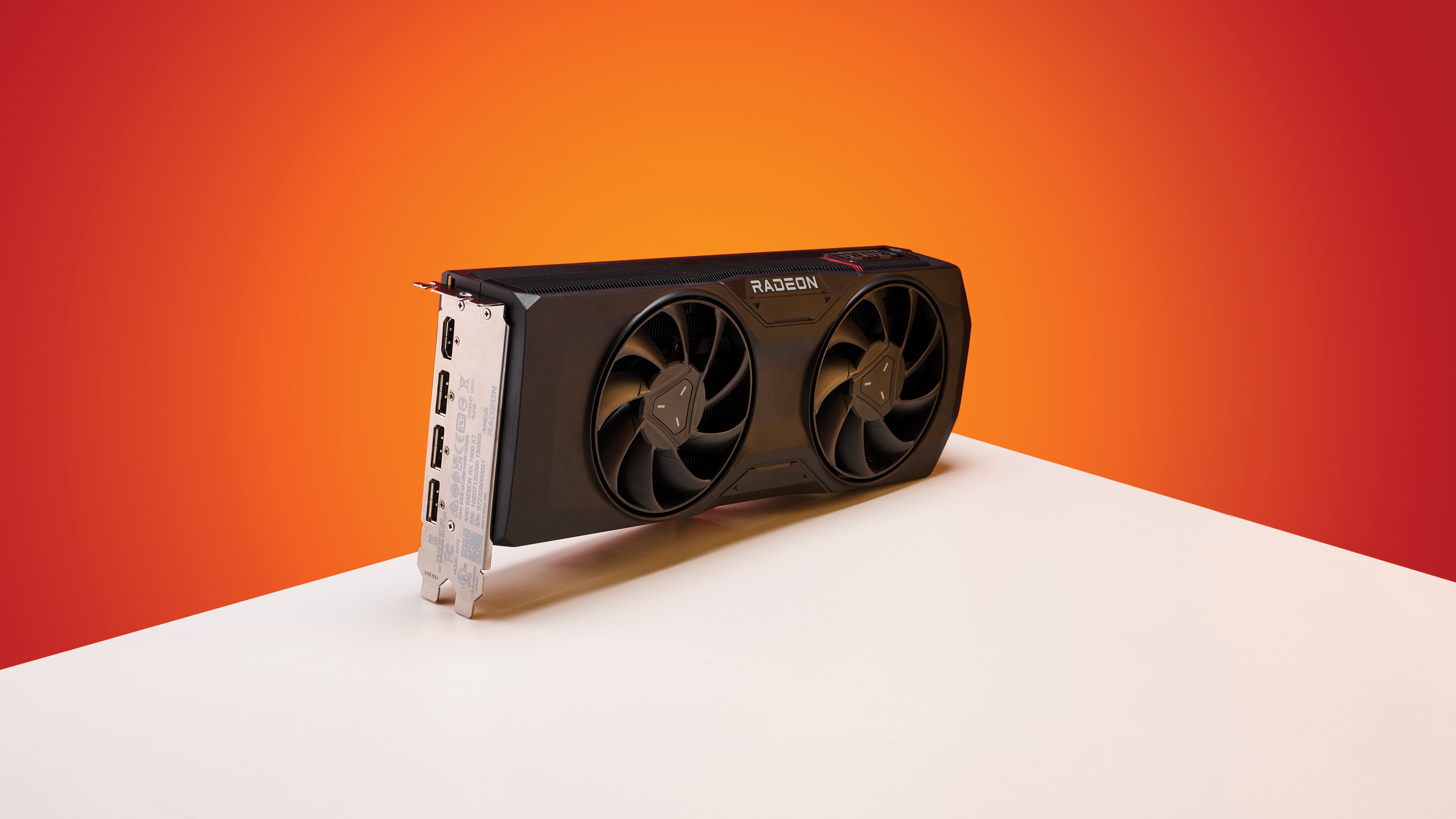
The specific bug manifests when the monitor transitions from sleep mode back to active operation. According to Redditor Evelyne-Tourneciel, who first reported the issue, the Zero RPM feature fails to properly deactivate in this scenario, leaving the GPU without active cooling despite potentially rising temperatures. At least four other AMD graphics card owners have confirmed experiencing the same problem, indicating it's not an isolated incident.
The consequences of this malfunction can be severe. When users unknowingly launch demanding applications while the cooling system remains disabled, GPU temperatures can rise rapidly. Without proper ventilation, this can lead to thermal throttling, performance degradation, or in extreme cases, permanent hardware damage. The risk is particularly elevated in regions with high ambient temperatures, where the margin for error is reduced.
"The issue poses a significant risk, as you may unknowingly begin gaming or other demanding tasks while the cooling fans remain idle, preventing proper heat dissipation," the article notes. "Since the fans fail to spin, the graphics card's temperatures will rise quickly, potentially leading to thermal throttling, reduced performance, or even hardware damage."
Several workarounds have emerged for affected users. The most immediate solution involves restarting the system after the monitor wakes up, though this approach quickly becomes tedious for users who frequently step away from their workstations. Alternatively, users can disable the Zero RPM feature entirely through the Adrenalin software, though this eliminates the noise reduction and dust prevention benefits.
A more technical solution involves performing a clean driver installation using Display Driver Uninstaller (DDU), a third-party utility that removes all traces of AMD drivers from the system. After using DDU, users can either reinstall the problematic driver or roll back to an earlier version like Adrenalin 26.3.1, which doesn't exhibit the Zero RPM bug. However, reverting to an older driver means missing out on performance optimizations, new features, and security updates introduced in more recent releases.
The issue has been reported to AMD, but the company has not yet acknowledged the bug or provided an official solution. The recently released Adrenalin 26.5.2 driver makes no mention of the Zero RPM malfunction, suggesting it remains unfixed. For users experiencing this problem, submitting a detailed bug report to AMD through their official channels may help expedite a resolution.
This incident highlights the challenges associated with complex driver software and the importance of thorough testing before major releases. The Zero RPM feature, while beneficial for everyday use, demonstrates how seemingly small software issues can create significant hardware risks when they fail to account for common usage scenarios like monitor sleep cycles.
For AMD GPU owners experiencing this issue, monitoring GPU temperatures after monitor wake-up using utilities like HWiNFO or GPU-Z remains crucial until a permanent fix is available. Additionally, considering the potential hardware risks, users may want to temporarily disable the Zero RPM feature or revert to an earlier driver version until AMD addresses the problem.
Comments
Please log in or register to join the discussion