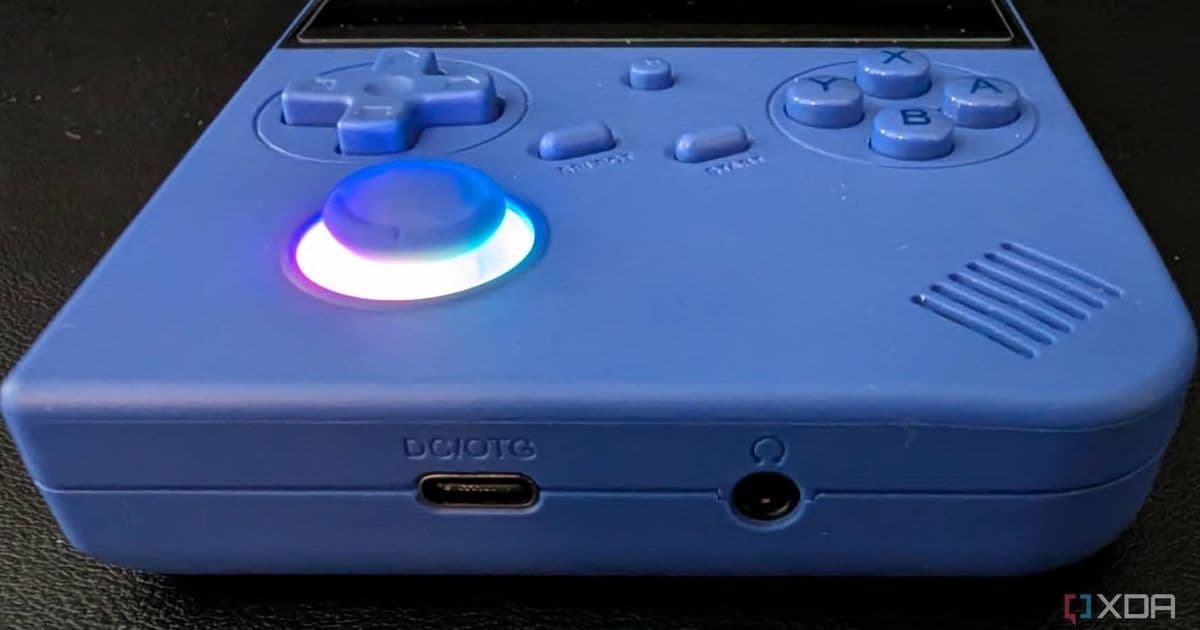
Anbernic gives handheld owners a cheaper repair path with official joysticks, screens, batteries, shells, and boards, but buyers need to match the exact model and color before checkout.
Platform update
Anbernic now sells replacement parts for its handheld consoles through its own store, giving owners a source for parts that used to require marketplace hunting, donor units, or support tickets.
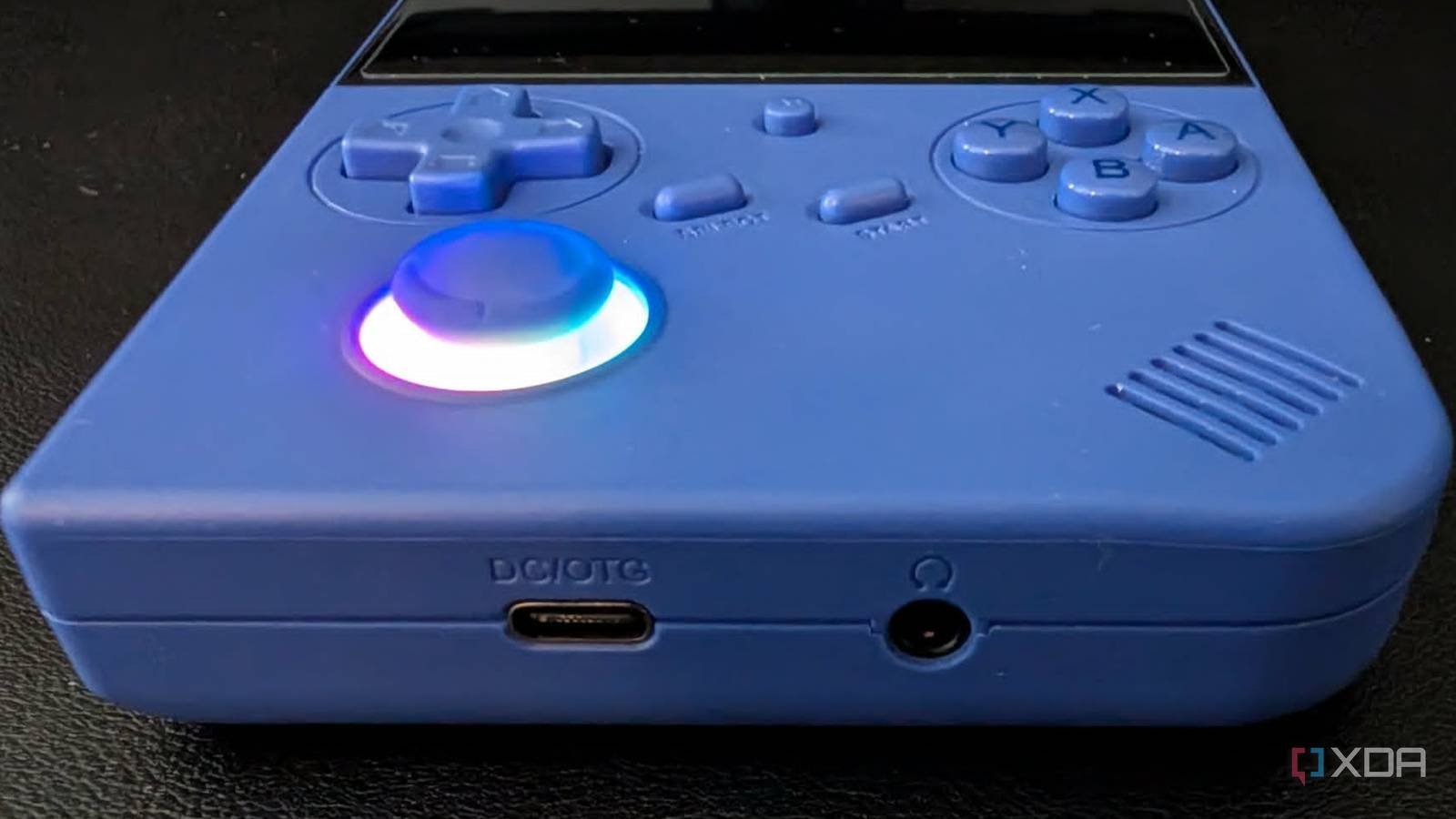
The new parts listings cover core hardware such as screens, motherboards, batteries, shells, joysticks, buttons, and pads. Anbernic also lists older accessory and parts bundles on its official accessories page, and the company points customers with repair questions to its support site.
Prices start low. Pads cost $3, batteries cost $8, and many replacement parts cost $10. That pricing changes the repair math for common failures such as stick drift, cracked shells, worn buttons, and dead batteries.
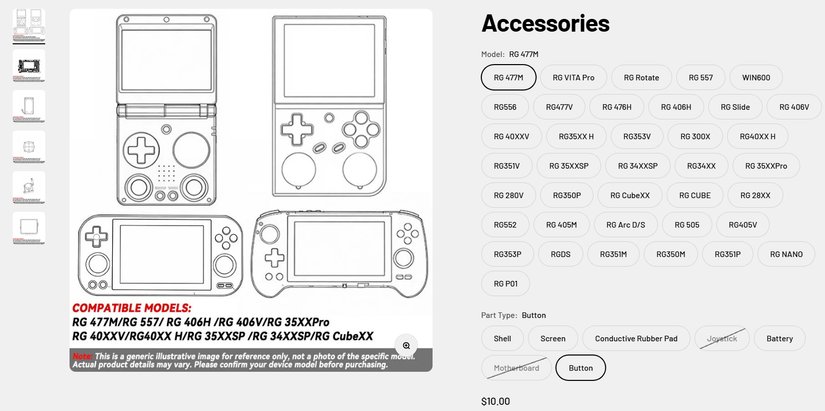
Anbernic adds one important catch: buyers need to match the handheld model and color before checkout. The company says it will not refund or exchange parts ordered for the wrong console. It also says buyers who choose the wrong color will not get a refund. Orders without a color choice can get canceled after one week.
That policy puts more work on the buyer, but it also gives modders and repair shops a cleaner supply chain. You can buy the part from the company that built the handheld, then avoid bootleg parts with odd tolerances, mismatched plastics, or questionable batteries.
Developer impact
Anbernic handhelds matter to emulator developers, frontend maintainers, port authors, and Android game developers because the devices span Linux and Android builds across many screen sizes, chipsets, input layouts, and firmware stacks.
A repair parts store helps developers keep test hardware alive. A maintainer who tests RetroArch cores, launcher builds, controller mappings, or Android game compatibility can replace a bad joystick or screen instead of retiring the whole device.
That matters more with Anbernic's newer Android handhelds. The RG 477V, RG 477M, and RG Slide give developers Android 14-class targets, modern wireless stacks, high-refresh screens, and physical controls. Older Linux devices still cover low-power retro workloads, smaller displays, and community firmware.
Cross-platform teams should treat repaired devices as test targets with known variance. A swapped screen can affect brightness, color, touch behavior, or panel timing. A replacement stick can alter dead zones. A new motherboard can reset firmware state. Developers who ship controller profiles, emulator defaults, or Android builds should retest input, suspend behavior, charging, Wi-Fi, Bluetooth, and display scaling after hardware repair.
Migration
Owners should identify the exact model before buying parts. Anbernic names similar devices with small differences, including RG35XX, RG35XX Plus, RG35XX H, RG40XX H, RG40XXV, RG CubeXX, RG 406V, RG 477M, and RG 477V. Those letters and suffixes can point to different shells, boards, buttons, and screens.
Buyers should check the label on the device, confirm the color, compare the product photo against the handheld, and keep the order narrow. A joystick for one model may fit the board connector but fail the shell fit. A matching shell in the wrong color can leave you with a repair that works but looks patched together.
Repair shops should update intake forms to capture model, color, storage option, firmware, and visible board revision before ordering. Teams that maintain lab devices should tag each handheld with a model number and firmware version, then record any replacement part after repair.
Anbernic still supports free replacement repair parts within its 12-month warranty window, according to the FAQ on its site. Owners inside that period should contact support before paying for parts. Owners outside warranty now have a cheaper option than buying a second handheld for donor parts.
For developers and heavy users, the store turns Anbernic handhelds into better long-term test hardware. You can keep a device in the rotation after stick drift, battery wear, or screen damage, then retest the platform after the repair instead of rebuilding your device matrix from scratch.
Comments
Please log in or register to join the discussion