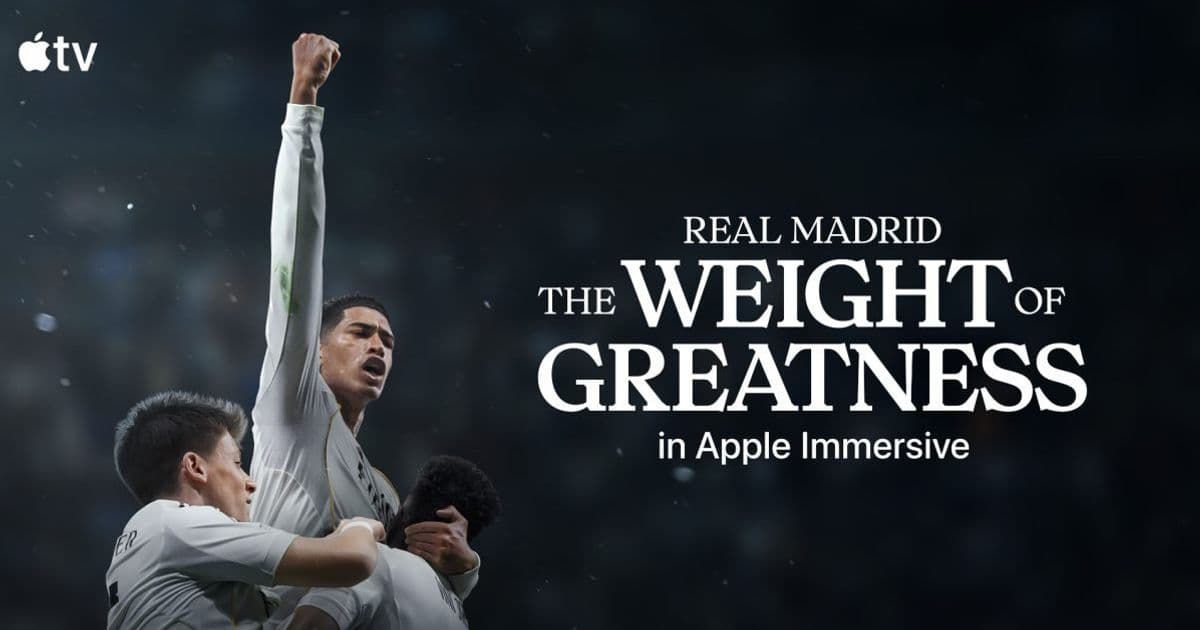
Apple’s 20‑minute 180‑degree documentary “Real Madrid: The Weight of Greatness” premieres on Vision Pro Friday, May 22. Shot with 30+ Blackmagic URSA Cine Immersive cameras, the film showcases the club’s Champions League moments and player interviews, and is available for free through the Apple TV app. The release highlights the latest VisionOS SDK capabilities and sets a benchmark for future immersive content.
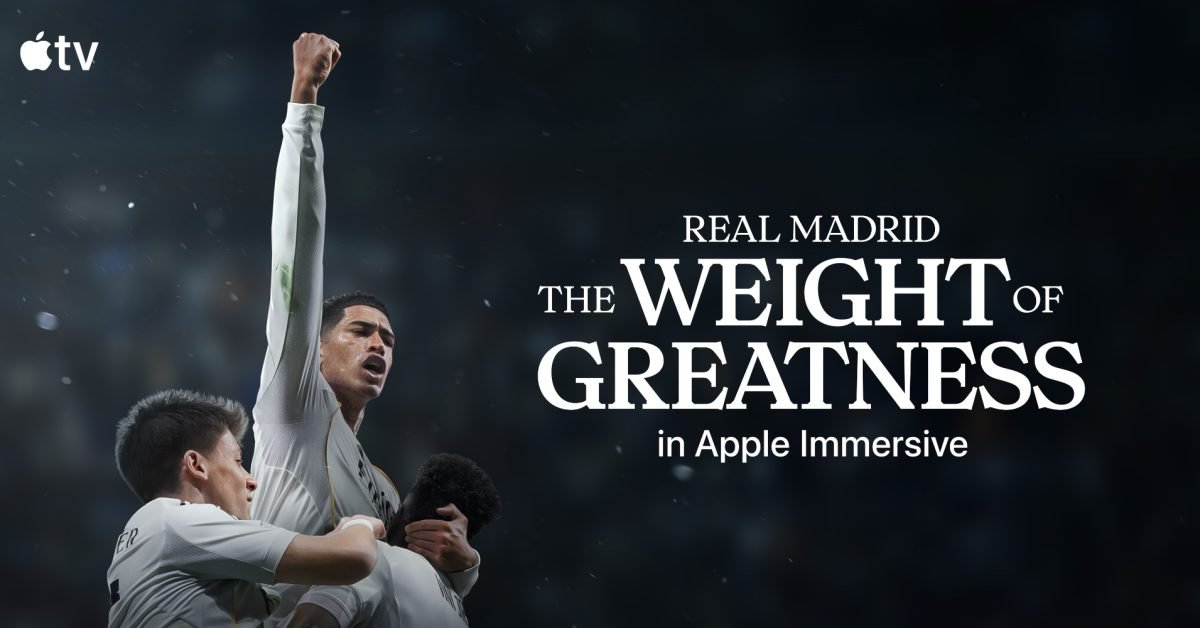
Apple’s newest immersive experience for Vision Pro is set to launch this Friday, May 22. Titled Real Madrid: The Weight of Greatness, the 20‑minute documentary puts viewers inside the world of one of football’s most storied clubs. The film blends on‑field action captured during the 2025 Champions League with in‑depth interviews featuring Kylian Mbappé, Jude Bellingham, Vinícius Júnior, and Thibaut Courtois.
Platform update
The video is delivered through Apple’s Apple Immersive format, which runs on VisionOS 2.0 and requires a Vision Pro device with at least 8 GB of RAM. The accompanying SDK, released with VisionOS 2.0, adds support for 180‑degree video layers, spatial audio tracks, and dynamic focus cues that adjust based on head movement. Developers can now access the ImmersiveVideoView component in Xcode 15.3, which simplifies stitching together footage from multiple cameras and handling real‑time reprojection.
Developer impact
For teams building immersive content, the Real Madrid production serves as a practical case study:
- Camera rig – Apple worked with more than 30 Blackmagic URSA Cine Immersive cameras, each capturing 6K equirectangular video at 60 fps. The SDK’s
MultiCamCaptureAPI can ingest that raw feed and automatically generate the tiled projection needed for Vision Pro. - Spatial audio – The documentary uses Apple’s Spatial Audio Engine to place crowd chants, stadium ambience, and interview dialogue in a 3‑D sound field. The
AudioEnvironmentNodelets developers position audio sources relative to the user’s gaze, creating a more convincing sense of presence. - Performance budgeting – Vision Pro caps immersive video at 30 fps for battery efficiency. The production team compressed the final 20‑minute cut to 12 Mbps using Apple‑optimized HEVC‑VR profiles, staying within the device’s real‑time decoding budget.
Developers planning similar projects should review the Apple Immersive Production Guide (available on the Apple Developer site) for recommended workflows, including color grading for equirectangular footage and latency‑aware audio mixing.
Migration path for existing 360° content
If you already have 360‑degree videos for other headsets, moving them to Vision Pro involves a few steps:
- Re‑encode using the VisionOS‑specific HEVC‑VR profile to meet the 12 Mbps target.
- Update metadata – add
spatialAudioflags and set theprojectionfield toequirectangularin the app’sInfo.plist. - Swap UI layers – replace generic overlay controls with
ImmersiveOverlaycomponents that respect the user’s depth perception. - Test on device – use the Vision Pro simulator in Xcode 15.3, then validate on hardware to catch any reprojection artifacts.
What this means for Vision Pro users
Starting Friday, Vision Pro owners can watch the documentary for free inside the Apple TV app. The experience runs without a controller; users simply look around to follow the action, and the system automatically pauses when they look away. Apple’s marketing team describes it as “one of the largest Immersive productions to date,” and the technical execution backs that claim.
Looking ahead
Apple’s investment in high‑quality immersive video suggests that more sports leagues and entertainment brands will adopt the format. For developers, the Real Madrid release provides a concrete reference for how to combine large‑scale camera rigs, spatial audio, and VisionOS SDK features into a polished product.
For a deeper dive into the technical details, see the official VisionOS SDK documentation and the Apple Immersive Production Guide.
Comments
Please log in or register to join the discussion