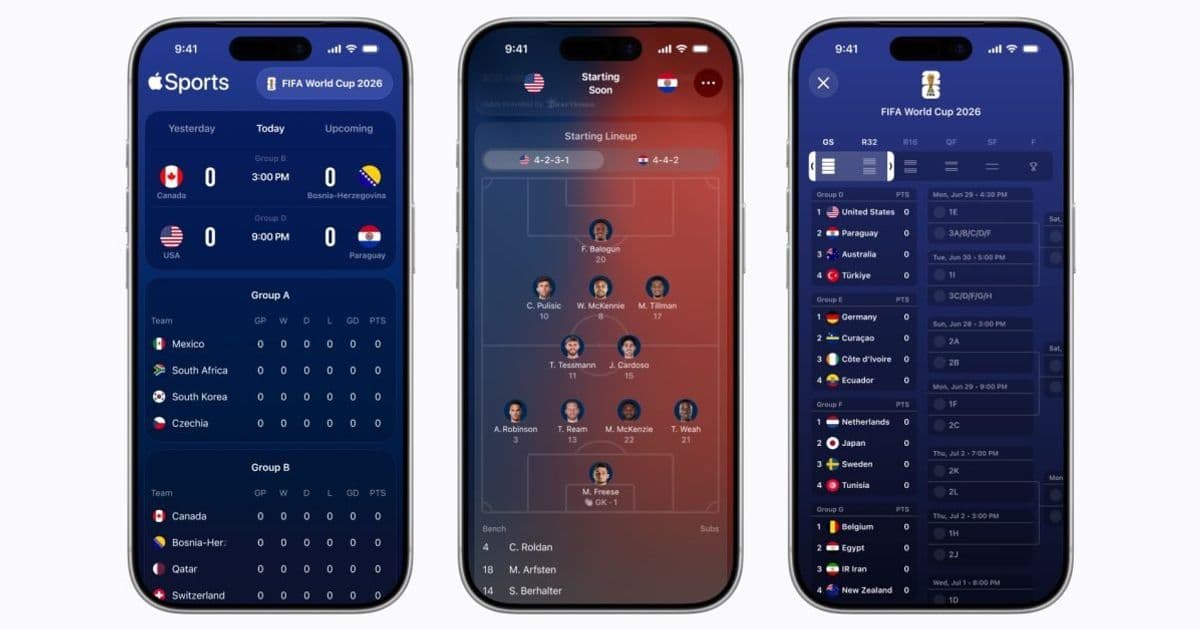
Apple’s Sports app has been upgraded to version 4.0, bringing live line‑ups, bracket tracking and team‑specific notifications for the 2026 FIFA World Cup, while expanding availability to more than 170 countries.
Apple Sports 4.0 adds World Cup 2026 features and rolls out to 90+ new markets
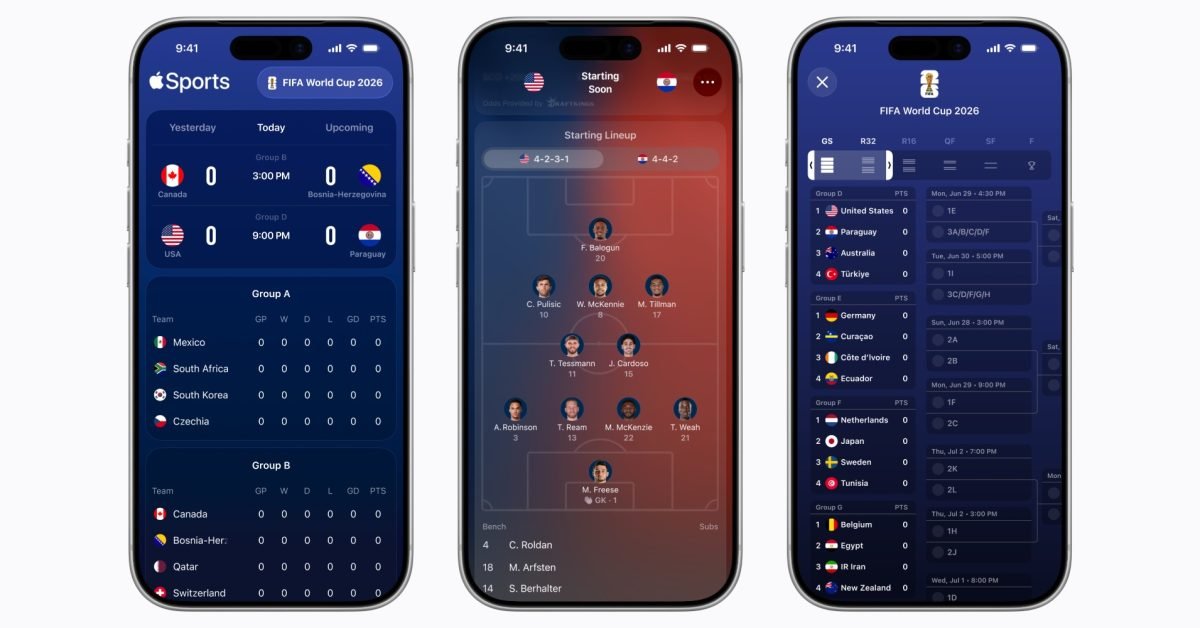
Apple released Sports 4.0 on the App Store on May 19, 2026. The update is timed for the June kickoff of the FIFA World Cup and adds a set of UI components that let fans follow the tournament without leaving the app.
What the update brings for the World Cup
- Line‑ups and formations – When a match is about to start, the app shows the official starting XI for each side, complete with formation graphics. The data is pulled from the official FIFA feed and refreshed automatically if a last‑minute change occurs.
- Bracket view – All knockout‑stage games are displayed in a single, scrollable bracket. Tapping a match expands a detail pane with live scores, goal alerts and a small video preview (where rights allow).
- Team‑specific notifications – After launching the updated app, users see a banner prompting them to select the teams they want to follow. Selecting a team subscribes the device to push notifications for line‑up releases, goal alerts and post‑match summaries. Users can also opt‑in to a generic “FIFA World Cup 2026” feed that aggregates every match.
- Real‑time score ticker – A persistent ticker at the bottom of the screen shows the current score, goal scorer and match minute for any game the user has followed.
All of these features are built on iOS 17.5 and iPadOS 17.5 SDKs, with the underlying data layer using the new Apple SportsKit framework (introduced in iOS 17). SportsKit provides a typed API for schedule, roster and live‑event data, reducing the need for third‑party parsers. The framework also respects user privacy by delivering only the data that the user has explicitly subscribed to.
Expansion to new regions
Before version 4.0, Apple Sports was limited to roughly 80 countries. Apple’s release notes now list over 170 supported regions, adding 90 + new markets across Africa, the Middle East and Southeast Asia. The rollout uses the same App Store localization pipeline that powers Apple TV + and Apple Music, so users in newly supported locales see the app’s interface in their native language and receive region‑specific match times.
From a developer perspective, the broader availability means the SportsKit API must handle a wider set of locale‑specific data (e.g., different date formats, right‑to‑left scripts). Apple has updated the SDK documentation to cover these edge cases, and the sample project on GitHub now includes a LocaleDemo target that shows how to format match times for Arabic and Hindi locales.
Impact on cross‑platform development
Many teams build companion experiences for Android, React Native or Flutter that mirror Apple’s native sports offering. With SportsKit now public, iOS developers can offload most of the heavy lifting to Apple’s backend, but Android developers still need to rely on the FIFA Open Data API or third‑party providers. This creates a divergence in feature parity:
- iOS apps can use the built‑in push‑notification subscription model that respects the user’s privacy settings.
- Android apps must implement their own subscription UI and handle background fetches manually.
If you maintain a single codebase with Flutter, you can now call the native SportsKit APIs via platform channels. The Flutter team released a sports_kit plugin (see the official repo) that wraps the most common calls – fetching the tournament schedule, subscribing to a team, and receiving live‑score events.
Migration steps for existing users
- Update the app – Open the App Store, search for “Apple Sports” and tap Update. The new binary requires iOS 17.5 or later.
- Grant notification permission – The first launch after the update will prompt for push‑notification access. Approve it to receive real‑time alerts.
- Select teams – Use the banner that appears on launch or go to Settings → Sports to pick the national teams you want to follow.
- Check the region setting – If you live in a newly supported country, verify that your App Store region matches your actual location; otherwise the app may fall back to English only.
Developers who have embedded the old Sports API should update their code to the latest SportsKit 1.2 framework and re‑run the Xcode migration assistant. The assistant will flag any deprecated methods (e.g., fetchMatchInfo) and suggest the newer LiveMatchProvider class.
What this means for fans
The combination of real‑time data, localized UI and expanded availability puts Apple Sports on a similar footing to dedicated sports broadcasters in many regions. For users who already own an iPhone or iPad, the app now serves as a lightweight, notification‑driven hub for the World Cup, eliminating the need to install multiple third‑party apps.
You can download the updated version directly from the App Store here.
Author: Ryan Christoffel, 9to5Mac
Comments
Please log in or register to join the discussion