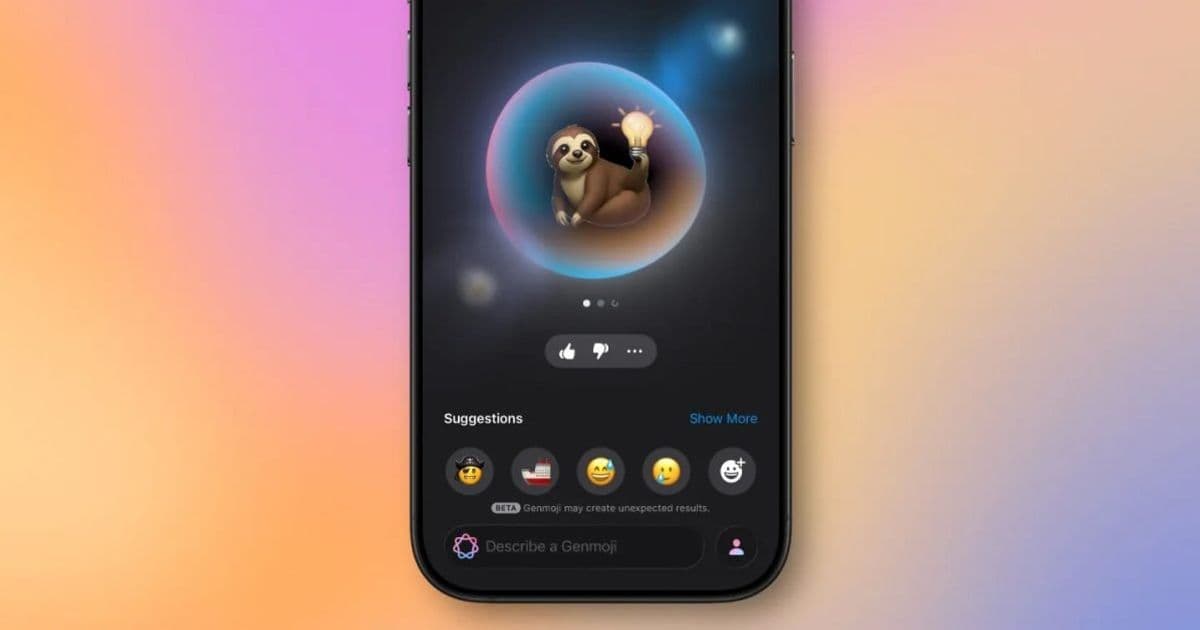
Apple’s upcoming iOS 27 will introduce “Suggested Genmoji,” a feature that creates custom emoji from your photo library and keyboard habits, aiming to make the AI‑driven Genmoji tool more useful while keeping it optional for privacy‑focused users.
Apple to Add Automatic Genmoji Suggestions in iOS 27
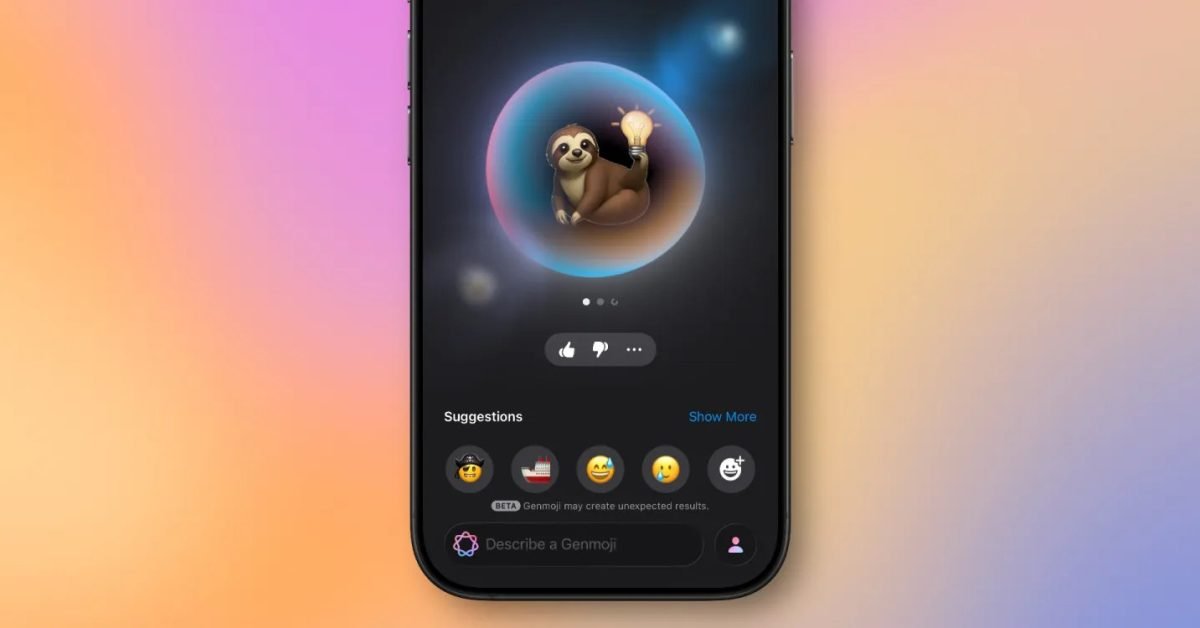
Apple’s AI‑driven emoji creator, Genmoji, is getting a modest but potentially impactful upgrade in the next major software release. According to Mark Gurman’s Power On newsletter, iOS 27 and iPadOS 27 will include a new toggle called Suggested Genmoji that surfaces custom emoji generated from a user’s photo library and frequently typed phrases.
What Genmoji Is Today
Genmoji debuted in iOS 18.2 as part of the first Apple Intelligence rollout. The feature lets you type a short prompt—“a smiling avocado” or “a tiny robot”—and an on‑device diffusion model creates a small, emoji‑style illustration that matches the request. The output is deliberately simple, keeping the file size low enough to be used as a regular emoji in messages and notes.
In iOS 26 Apple added two notable enhancements:
- Deeper customization – you can adjust color palettes, line thickness, and background shape.
- Mix‑and‑match – combine two existing emojis into a hybrid (think a cat‑dog or a coffee‑book).
Both updates kept the generation entirely on the device, preserving privacy and avoiding the latency of cloud inference.
The New “Suggested Genmoji” Feature
The upcoming Suggested Genmoji toggle lives in Settings → General → Keyboard → Suggested Genmoji. When enabled, the system silently scans two local data sources:
- Photo library thumbnails – low‑resolution previews are examined for recurring visual themes (e.g., beach trips, pets, coffee cups).
- Keyboard history – the most common phrases you type, such as “good morning,” “let’s meet,” or “happy birthday.”
Using these cues, the on‑device model generates a small set of custom emojis and surfaces them in the emoji picker bar, much like the predictive text bar you see above the keyboard. The suggestions update dynamically as you type, so a message that mentions “beach” while you have a recent photo of a surfboard could trigger a surf‑board Genmoji.
How It Works Under the Hood
Apple’s AI stack for Genmoji relies on a lightweight diffusion model trained on a curated emoji‑style dataset. For the suggestion engine, the model receives a dual‑prompt: a visual embedding derived from the photo analysis plus a textual embedding from the typed phrase. The two embeddings are merged using a cross‑attention layer, allowing the model to generate an image that reflects both visual and linguistic context.
Because the model runs on the Neural Engine, inference takes roughly 200 ms on the latest A18 Bionic chip, keeping the UI responsive. The system also respects the existing on‑device privacy guardrails: thumbnails are never uploaded, and the keyboard history is processed locally without leaving the device.
Why This Matters for Users
Boosting Adoption
Genmoji has been praised for its novelty but criticized for low utility—users often have to craft prompts manually, and the results can be hit‑or‑miss. By surfacing context‑aware suggestions automatically, Apple hopes the feature becomes a natural part of everyday messaging, similar to how predictive stickers gained traction on other platforms.
Privacy Considerations
Automatic generation based on personal photos and typing habits could feel invasive. Apple mitigates this by:
- Making the toggle off by default on first launch of iOS 27.
- Providing a clear explanation in the settings screen.
- Storing all analysis locally and discarding it after the suggestion is dismissed.
Users who value privacy can keep the feature disabled without losing the core Genmoji creation tools.
Ecosystem Impact
Genmoji sits at the intersection of Apple Intelligence and the broader iMessage ecosystem. If the suggestion engine proves useful, we could see third‑party developers tapping the same on‑device model via the new Apple Intelligence API that Apple announced at WWDC 2026. This would enable apps to offer custom sticker packs or quick‑reply emojis without building their own AI pipelines.
Additionally, the feature reinforces Apple’s strategy of keeping AI workloads on the device, differentiating iOS from Android’s cloud‑first approach. It also nudges developers to think about context‑aware UI—a trend that may spread to widgets, shortcuts, and even HomeKit automations.
What Remains Unclear
- Model upgrades – Gurman’s note doesn’t mention a new diffusion model, so it’s likely Apple will continue using the existing on‑device engine. That could limit visual fidelity compared to future cloud‑based generators.
- Cross‑device sync – Will suggested Genmoji sync across iPhone, iPad, and Mac via iCloud Keychain, or will each device generate its own set? Apple has not clarified.
- User control granularity – The toggle is binary today, but power users may want to limit the feature to either photos or typing history, or set a confidence threshold for suggestions.
Bottom Line
iOS 27’s Suggested Genmoji is a modest addition that could make Apple’s AI emoji creator feel less like a novelty and more like a practical communication aid. By leveraging on‑device analysis of photos and typed phrases, Apple aims to increase relevance while keeping privacy intact. The feature’s success will hinge on how accurately the model interprets context and how comfortably users accept AI‑generated emoji that draw from personal data.
For more details on Apple Intelligence and upcoming iOS features, keep an eye on the official Apple developer documentation and the next WWDC keynote.
Comments
Please log in or register to join the discussion