
Once dismissed as inadequate for serious video work, Linux now hosts powerful editing suites rivaling industry standards. From DaVinci Resolve's Hollywood-grade color science to Kdenlive's lightweight efficiency, these four tools prove open-source platforms can handle professional workflows.

For decades, Linux faced a persistent myth: it couldn't handle professional creative work. While developers championed its reliability for servers and coding, video editors remained skeptical. That assumption is now crumbling. As content creation explodes across YouTube, indie films, and corporate media, Linux-based editors have evolved from basic utilities to sophisticated post-production suites – and they're gaining serious traction.
The Professional Powerhouse: DaVinci Resolve
Blackmagic's DaVinci Resolve stands as the undisputed heavyweight, offering a feature set that challenges Adobe Premiere Pro. Its node-based color grading system (a staple in Hollywood color correction) delivers unparalleled precision. Recent versions added AI-driven tools like Magic Mask and text-based editing – features once exclusive to premium subscriptions elsewhere. While its $295 Studio version unlocks advanced capabilities like temporal noise reduction and multi-GPU support, the free version remains remarkably capable. As contributor Jack Wallen notes: "Every time I use Resolve, I find something new to love. Outside of Adobe Premiere, you won't find better color tools."
The Hybrid Contender: Lightworks
Positioned between consumer and professional tiers, Lightworks offers robust editing with a gentler learning curve. Its real-time background rendering and proxy workflow support smooth handling of high-resolution footage. Though lacking Resolve's depth in color science, it excels in audio enhancement and visual effects integration. The tiered subscription model (Free/$14 Create/$28 Pro monthly) provides flexibility, making it ideal for documentary filmmakers and mid-tier production houses needing reliability without cinematic-grade complexity.
The Open-Source Workhorse: Kdenlive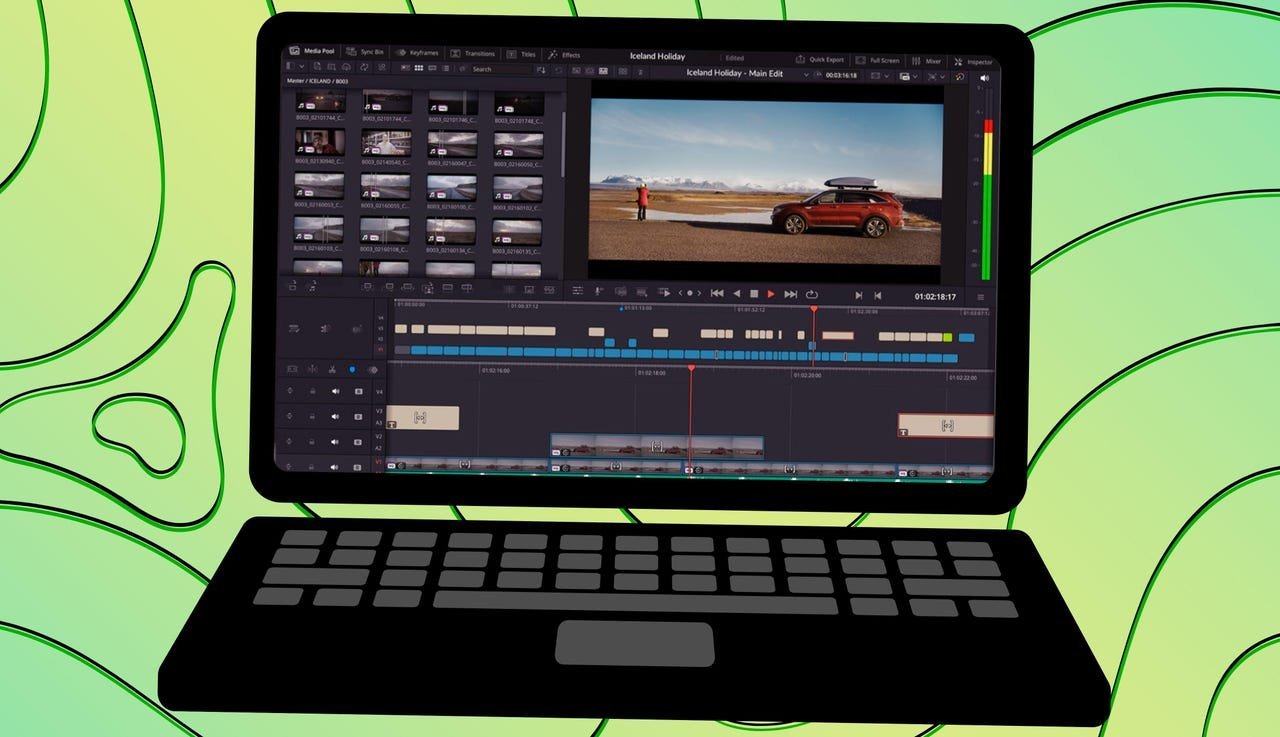
KDE's Non-Linear Video Editor (Kdenlive) shatters expectations for open-source tools. Its resource-efficient engine renders without crippling your system – a stark contrast to resource-hungry commercial alternatives. The intuitive UI supports multi-track editing, keyframe animation, and a library of effects. While not designed for feature films, it's perfect for YouTube creators, educators, and marketers. "You might think, because Kdenlive is open-source, that the UI would be less than professional-looking, but you'd be wrong," observes Wallen. Its zero-cost accessibility makes it a gateway for aspiring editors.
The Precision Scalpel: Flowblade
Built for speed and accuracy, Flowblade targets editors prioritizing efficiency over Hollywood glitz. Version 2.0 introduced essential tools like blade editing, while supporting nine video/audio tracks and over 40 transition wipes. Its compositing tools (mix, zoom, move, rotate) handle basic motion graphics, but color correction remains limited. Ideal for quick-turn projects like social clips or event highlights, Flowblade’s Debian/Ubuntu-focused packaging underscores its Linux-native ethos.
Why This Evolution Matters
These tools signal a seismic shift: Linux is no longer just for servers and developers. As remote work grows and subscription fatigue plagues creatives, open-source alternatives offer freedom from vendor lock-in and recurring fees. DaVinci Resolve’s Hollywood adoption proves Linux can handle elite workflows, while Kdenlive and Flowblade democratize access. For developers, this ecosystem presents opportunities to build plugins, integrate with cloud rendering pipelines, or contribute to core tools. The message is clear – the editing suite of the future might not require a proprietary OS after all.
Source: ZDNET (https://www.zdnet.com/article/yes-you-can-edit-video-like-a-pro-on-linux-here-are-my-4-go-to-apps/)
Comments
Please log in or register to join the discussion