
Claude now creates interactive charts, diagrams and visualizations directly in chat conversations, building custom visuals in real time to aid understanding as discussions evolve.
Claude now creates interactive charts, diagrams and visualizations directly in chat conversations, building custom visuals in real time to aid understanding as discussions evolve.

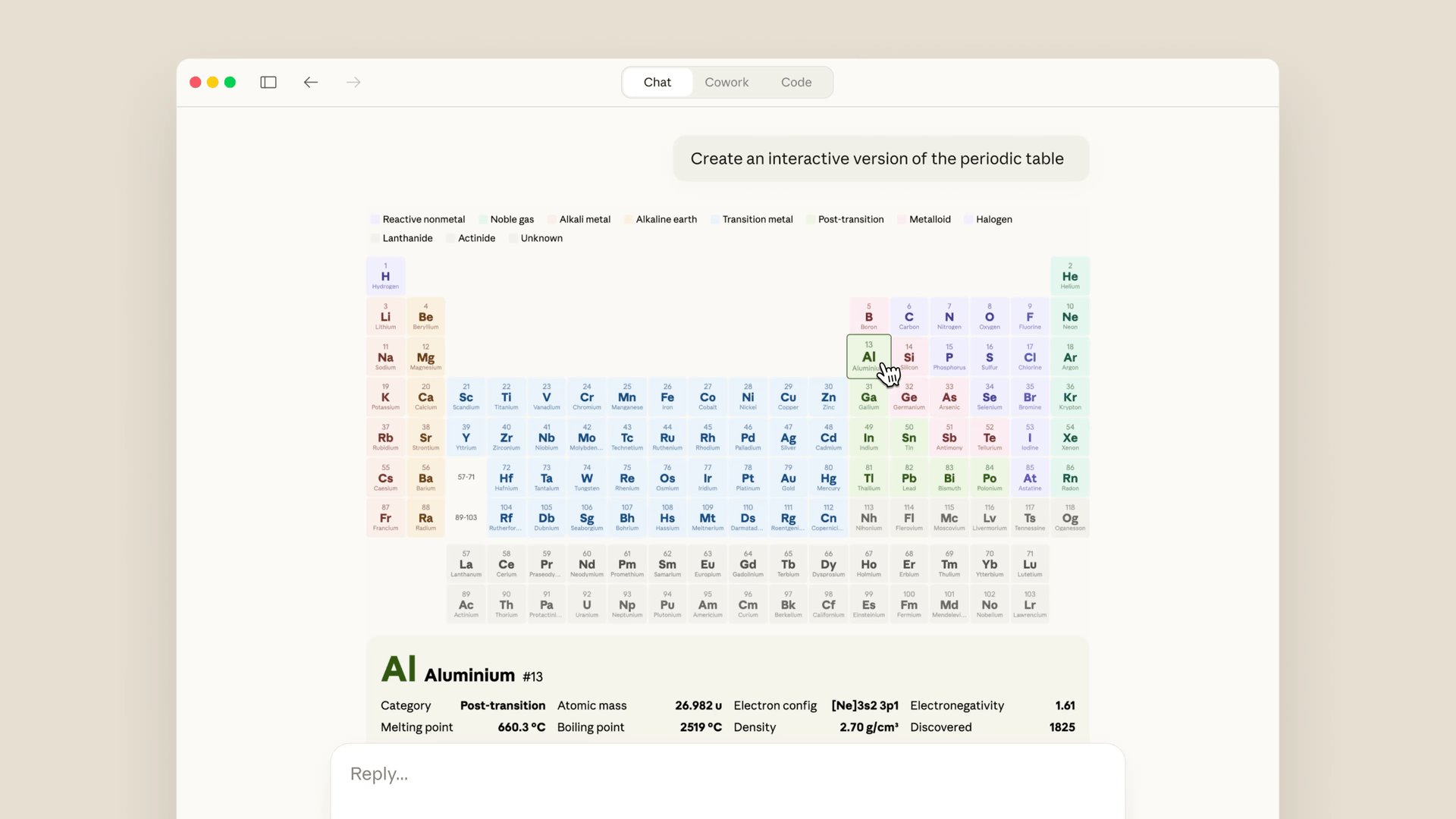
Last fall, we previewed Imagine with Claude: a new way for Claude to build visuals in real time, without any code. We’re now bringing a version of this feature, in beta, to Claude’s chat conversations. Claude can create custom charts, diagrams and other visualizations in-line in its responses—and then tweak and modify its creations as the conversation develops.
Claude’s conversations already include artifacts: permanent tools and documents created by Claude, designed to be shared or downloaded as more polished work. By contrast, these charts, diagrams and visualizations serve a different purpose: Claude builds them to aid users’ understanding as it’s discussing the topic at hand. They appear in-line, rather than in a side panel, and they’re temporary—they change or disappear as the conversation evolves.
Here are a couple of examples. You can ask Claude how compound interest works, and it’ll give you a curve to play around with. Or you can ask about the periodic table, and it’ll build an interactive visualization in which you can click around for more details, as in the example below:
This feature will be on by default. Claude will decide when to build a visual for something, or you can ask it to do so directly (with a query like “draw this as a diagram” or “visualize how this might change over time”). Once Claude has created something, you can ask for adjustments or to dig in deeper.
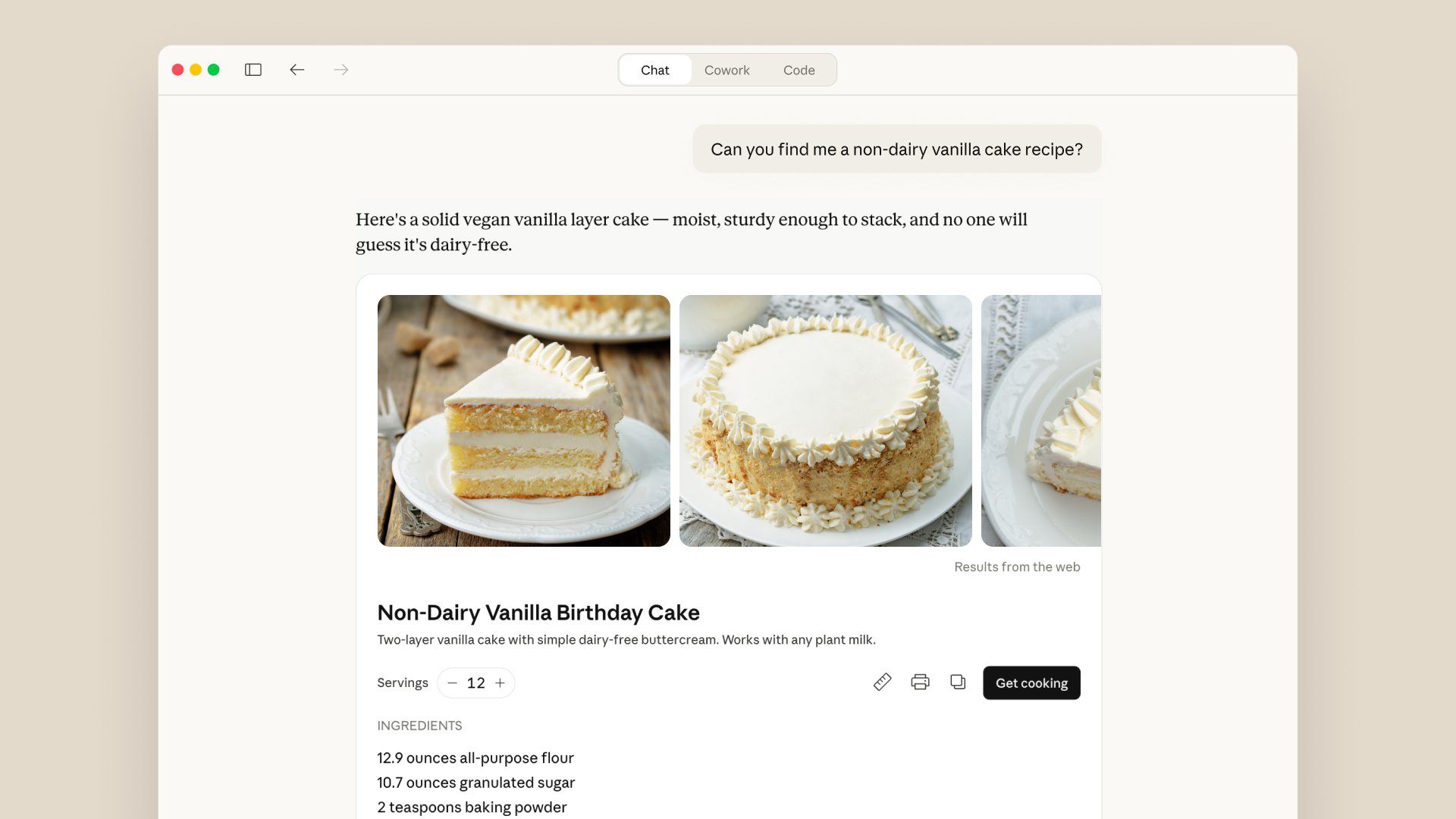
These visuals are part of a broader set of improvements we’ve made to Claude’s responses recently. Earlier this year, Claude began using purpose-designed formats for some topics: recipes, for example, now appear with ingredients and steps, and Claude provides a visual when you ask it for the weather. You can also interact directly with apps like Figma, Canva, and Slack within your discussions.
Try it today. This feature is available on all plan types.
Related posts
Explore more product news and best practices for teams building with Claude.
Feb 17, 2026
Increase web search accuracy and efficiency with dynamic filtering
Product announcements
Increase web search accuracy and efficiency with dynamic filtering
Mar 9, 2026
Bringing Code Review to Claude Code
Claude Code
Bringing Code Review to Claude Code
Mar 3, 2026
Improving skill-creator: Test, measure, and refine Agent Skills
Claude Code
Improving skill-creator: Test, measure, and refine Agent Skills
Jan 26, 2026
Your favorite work tools are now interactive connectors inside Claude
Product announcements
Your favorite work tools are now interactive connectors inside Claude
Transform how your organization operates with Claude
See pricing
See pricing
Contact sales
Contact sales
Get the developer newsletter
Product updates, how-tos, community spotlights, and more. Delivered monthly to your inbox.
Subscribe
Please provide your email address if you'd like to receive our monthly developer newsletter. You can unsubscribe at any time.
Comments
Please log in or register to join the discussion