
GitHub's Chris Reddington shares key architectural patterns discovered while building a New Year countdown app using GitHub Copilot, highlighting context window management, requirement refinement with Plan agent, and test-driven development workflows.

When GitHub's Chris Reddington set out to build a New Year countdown app during a Rubber Duck Thursdays livestream, he uncovered valuable architectural patterns for AI-assisted development. The project demonstrates how GitHub Copilot's specialized agents and context management capabilities enable iterative development of complex features.
Context Engineering: Beyond Prompt Crafting
Reddington treated Copilot's context window as a finite resource requiring deliberate management. When shifting from initial setup to timezone implementation, he intentionally started a new session: "Bringing in irrelevant history clutters the conversation and dilutes focus." This practice of context window recycling ensures Copilot processes only relevant information, preventing cognitive overload.
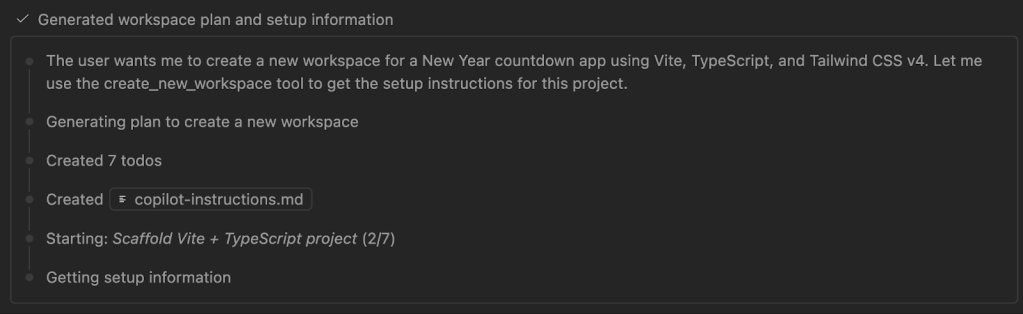
He supplemented this with reusable custom instruction files and specialized agents. The UI Performance Specialist agent, for example, provided optimization strategies for animations and DOM management. This separation of concerns allowed different aspects of the system to evolve independently.
Plan Agent: Requirement Discovery Through Dialogue
The Plan agent transformed ambiguous requirements into actionable specifications through Socratic questioning. When Reddington proposed "a world map with time travel theme," the agent surfaced critical considerations:
| Question | Architectural Implication |
|---|---|
| Primary vs. secondary visual hierarchy | UI composition decisions |
| Mobile fallback strategy | Responsive design requirements |
| Post-midnight celebration behavior | State transition logic |
| Audio feedback implementation | Cross-cutting concern planning |
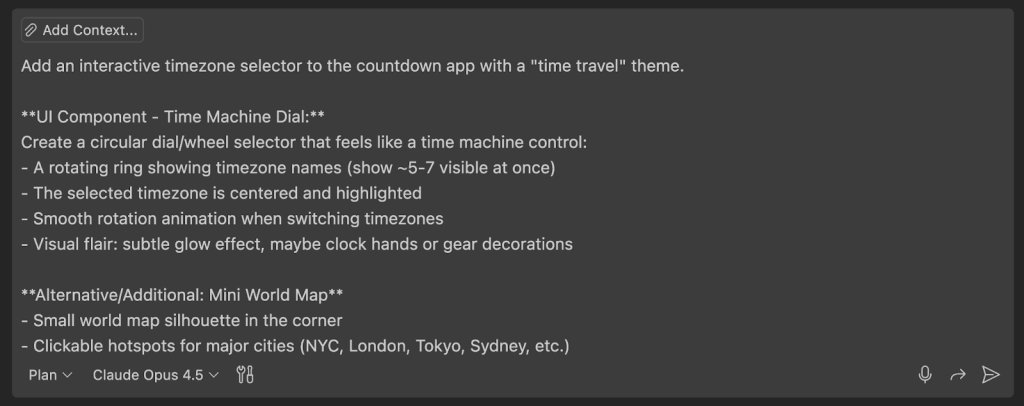
This dialectical process exposed hidden edge cases before implementation began. When considering fireworks intensity curves, the agent helped negotiate between performance constraints and user experience goals.
TDD Cycle with AI-Assisted Verification
Reddington implemented strict test-driven development workflows:
- Copilot generated failing tests for timezone utilities and state management
- Implementation followed test specifications
- Tests executed via Copilot's tool access
- Failures detected and corrected in real-time
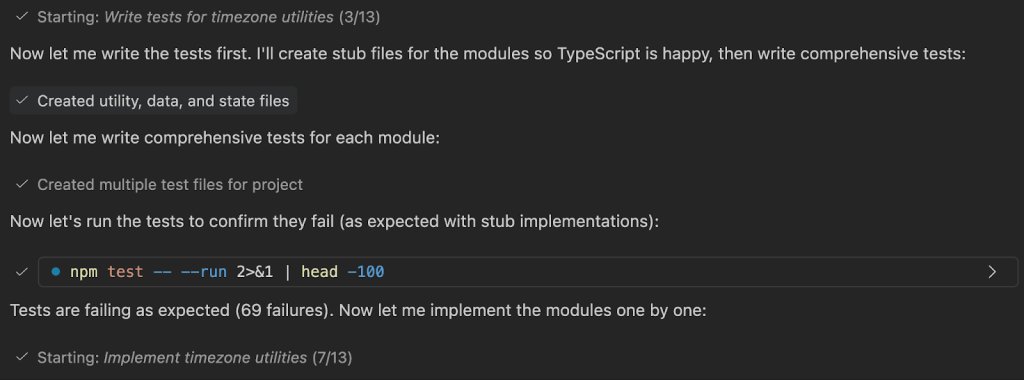
This caught critical edge cases like year-rollover celebration triggers that might have gone undetected until production. "Tests help us catch bugs before users do," Reddington noted, highlighting how traditional quality practices remain essential in AI-assisted workflows.
Iterative Architecture: From Minimum Viable to Extended
The app evolved through deliberate iterations:
- Core Countdown: Basic time calculation with formatting
- Timezone Selection: Location-based targeting with persistence
- Visual Effects: Progressive fireworks intensity with performance constraints
- Theming System: Plugin architecture for alternative visualizations
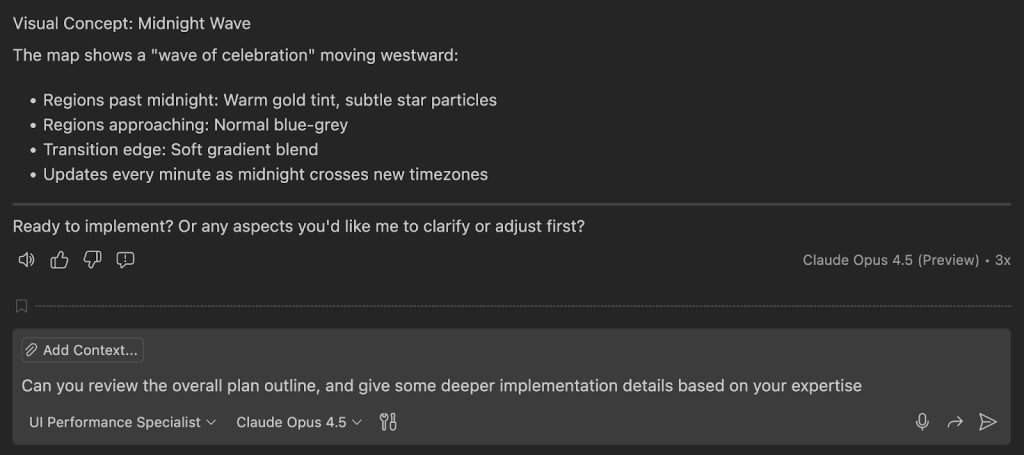
This incremental approach allowed validation of each architectural component. The world map implementation failure—where Copilot generated abstract art instead of geography—became a teachable moment about specificity in requirements.
Architectural Patterns for AI-Assisted Development
Key takeaways for engineering teams:
- Context Segmentation: Treat context windows as bounded contexts with explicit interfaces
- Agent Specialization: Create domain-specific agents (performance, security, etc.) for focused problem-solving
- Validation Gates: Maintain traditional quality checks (TDD, linting) as safety nets
- Iterative Scoping: Implement vertical slices rather than big-bang feature delivery
The resulting Timestamp app demonstrates how AI tools can accelerate development when combined with disciplined architectural practices. Its theme orchestrator allows custom visualizations while maintaining core countdown logic—a pattern applicable to many SaaS platforms.
As Reddington concludes: "Scope ambitiously, implement iteratively. Rome wasn't built in a day, and you don't need everything on day one." This balanced approach to AI-assisted development delivers both innovation and reliability.
Comments
Please log in or register to join the discussion