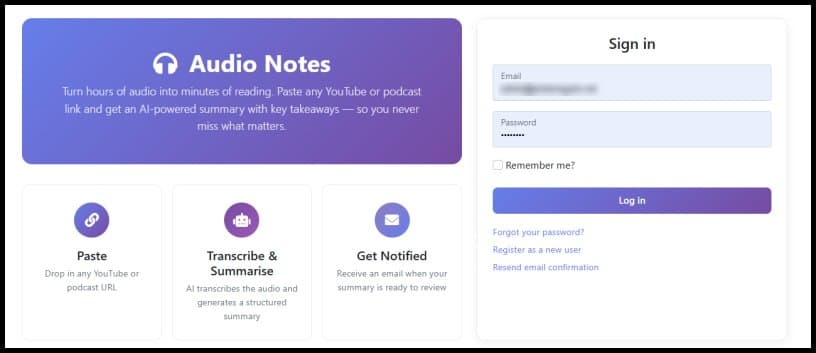
Audio Notes 2.0 transforms long-form content consumption with LLM-powered summaries, dynamic key takeaways, and visible time savings metrics.
Audio Notes 2.0. Smarter Summaries, Better Insights, Less Time Wasted
Audio Notes 2.0: AI-Powered Content Summarization Gets Smarter
Audio Notes 2.0 transforms long-form content consumption with LLM-powered summaries, dynamic key takeaways, and visible time savings metrics.
The Problem: Content Overload Without Time to Consume
We're all drowning in content. Every week there are new podcast episodes, conference talks, and YouTube videos that feel essential to keeping up. The problem isn't finding good content—the problem is that a 3-hour podcast demands 3 hours of your life before you know whether it was worth it.
I built Audio Notes to solve this. You paste a YouTube or podcast URL, and it produces an AI-generated summary with key takeaways, action items, and topic tags. Version 1 did a solid job. Version 2 does it significantly better.
What Was Missing in Version 1
The original Audio Notes relied heavily on Azure AI Language for summarisation. It worked, but the summaries were extractive—the system pulled key sentences directly from the transcript rather than synthesising new ones. For a 30-minute video this was adequate. For a 3-hour podcast, the output often felt thin.
Key takeaways were the biggest gap. A 3-hour conversation covering half a dozen topics would produce 3 to 5 bullet points. That's not enough to capture the breadth of a long discussion. I was losing information that mattered.
I also had no way to see at a glance how much time a summary was saving me. The numbers were impressive, but they were invisible.
What Is New in Audio Notes 2.0
LLM-Powered Summary Generation
The biggest change is the integration of OpenAI via Semantic Kernel. Instead of relying solely on extractive summarisation, Audio Notes now sends the full transcript to a large language model with a structured prompt. The model returns:
- A written summary of the content
- Key takeaways covering the breadth of topics discussed
- Action items mentioned in the conversation
- Topic tags for quick categorisation
The difference in quality is immediately noticeable. Summaries read like something a person wrote, not a collection of sentences pulled from a transcript.
Smarter Key Takeaways That Scale with Content Length
This was a specific frustration. A 15-minute video and a 3-hour podcast were producing roughly the same number of key takeaways. That made no sense.
Audio Notes 2.0 scales the number of requested takeaways based on the transcript length:
- Short content (under ~20 minutes): 5 takeaways
- Medium content (up to ~1 hour): 8 takeaways
- Longer content (up to ~2 hours): 10 takeaways
- Extended content (3+ hours): 15 takeaways
The prompt also instructs the model to cover the breadth of topics discussed, rather than clustering around a single theme. The result is a set of takeaways that actually represents the full conversation.
Time Savings Dashboard
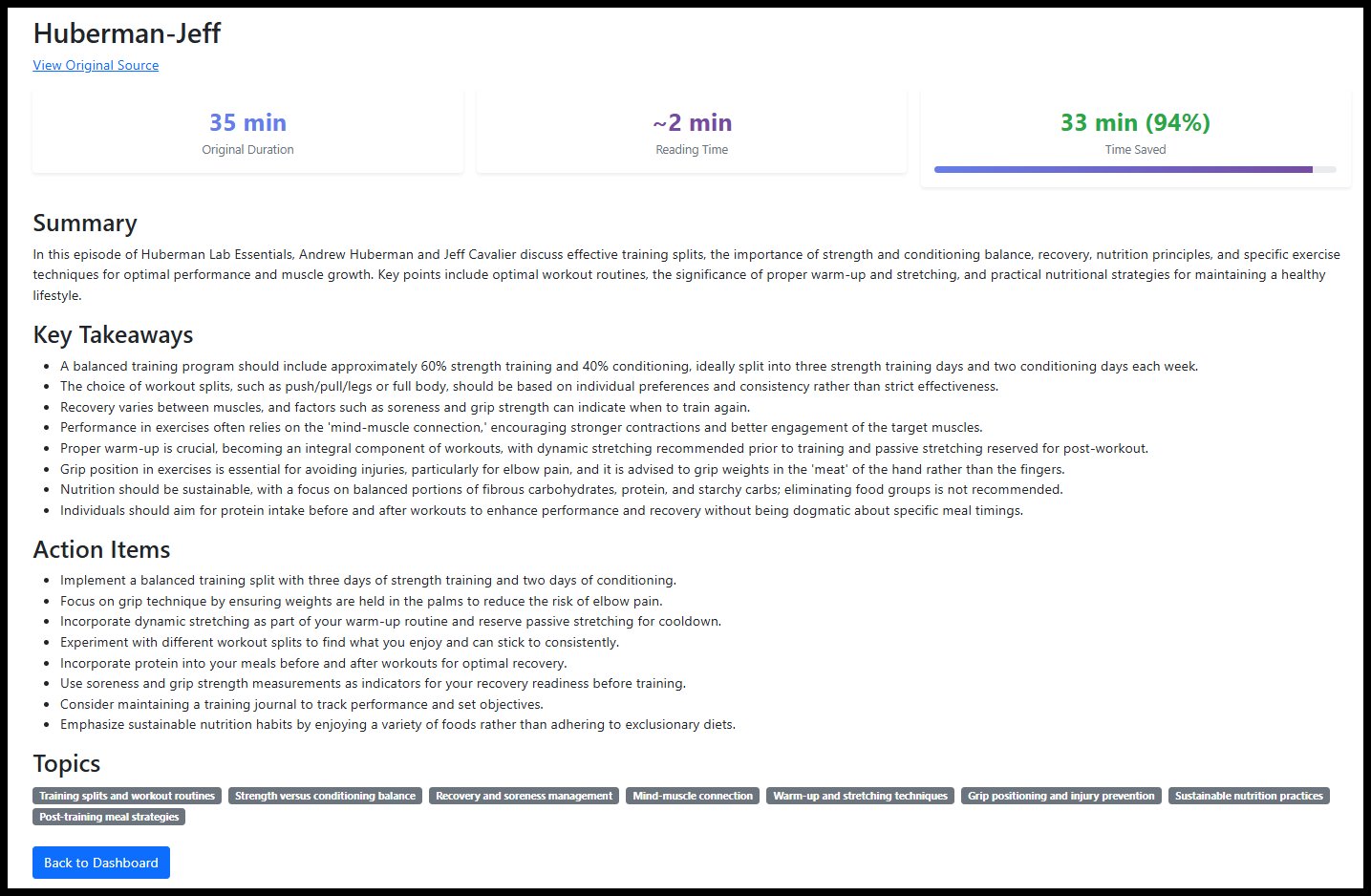
Every summary page now displays three stat cards at the top:
- Original Duration showing the length of the source content in hours and minutes
- Reading Time estimating how long it takes to read the summary at an average reading pace
- Time Saved showing the minutes reclaimed and a percentage with a visual progress bar
For a typical 60-minute podcast, the reading time is around 3 to 4 minutes. That's a 90%+ saving displayed right on the page. It's a small addition, but seeing the concrete numbers reinforces that the tool is doing its job.
Improved YouTube Processing
Audio extraction from YouTube has been overhauled. The underlying tooling now handles a wider range of video formats and edge cases. The processing pipeline is more reliable, and failures that previously required manual intervention are handled automatically.
Topic Badges
Topics extracted from the content are displayed as visual badges on the summary page. This gives you an instant signal about what a piece of content covers before you read any of the summary text.
How It Works
The workflow is still three steps and hasn't changed:
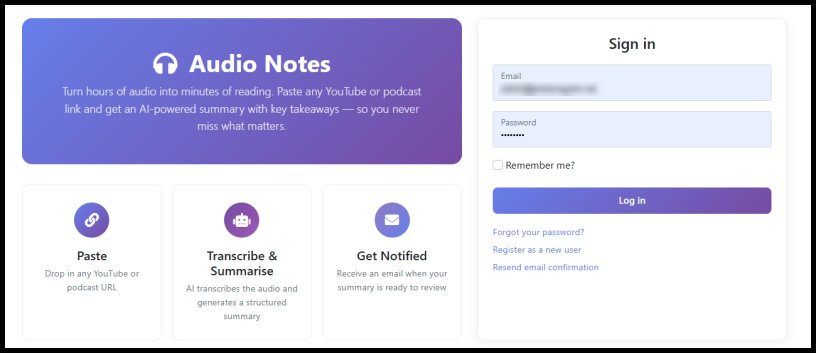
- Paste a URL: Drop in any YouTube video or podcast URL from the dashboard
- Generate Summary: Audio Notes extracts the audio, sends it to Azure transcription, then passes the transcript to OpenAI for structured analysis. The entire pipeline runs asynchronously so you can submit a URL and come back to it later.
- Review Your Insights: The summary page presents the time savings dashboard, the full summary with markdown formatting, key takeaways, action items, and topic badges. A link back to the original source is included if you decide the content warrants a full listen.
I have removed the voice note feature for now.
The Technology Behind It
Audio Notes 2.0 is built on .NET with the following services:
- Azure Speech Services for batch transcription of audio content
- OpenAI via Semantic Kernel for LLM-powered summary generation, key takeaway extraction, action item identification, and topic classification
- Azure Blob Storage for persisting transcripts and generated summaries
- SQL Server with Entity Framework Core for job tracking, user management, and encrypted settings storage
The background processing middleware monitors the database for new jobs, submits them to Azure Speech Services, polls for completion, downloads the transcript, extracts the duration, and triggers summary generation. The web application handles the user interface and job management.
A Real Example
I recently processed a 6-hour podcast episode. In version 1, I would have received a handful of takeaways that barely scratched the surface. With version 2, the summary page showed:
- Original Duration: 6h 9m
- Reading Time: 2 min
- Time Saved: 367 min (99%)
The key takeaways section listed many distinct points covering the full range of topics discussed across the episode. The action items flagged specific tools and frameworks mentioned that were worth investigating further. The topic badges gave me an instant overview before I read a single line.
Total time from paste to insight: under 10 minutes including processing time.
What Is Next
I am continuing to refine the summarisation prompts and exploring the integration of Audio Notes with my AI Researcher agent. The goal is a fully automated pipeline where the researcher agent discovers noteworthy content and Audio Notes summarises it without manual intervention.
I am also looking at supporting batch submission of multiple URLs in a single operation, making it practical to process an entire week of podcast episodes in one go.
Wrapping Up
Audio Notes 2.0 is a good step forward from the original. The move to LLM-powered summarisation, the dynamic scaling of key takeaways, and the time savings dashboard make the tool more useful for processing long-form content.
If you are spending hours each week consuming podcasts and YouTube videos, this is the kind of tool that gives you those hours back. The summaries are better, the insights are deeper, and the time savings are now visible on every page.
You can then decide if you want to make the time investment.
Audio Notes 2.0 is available here.



Comments
Please log in or register to join the discussion