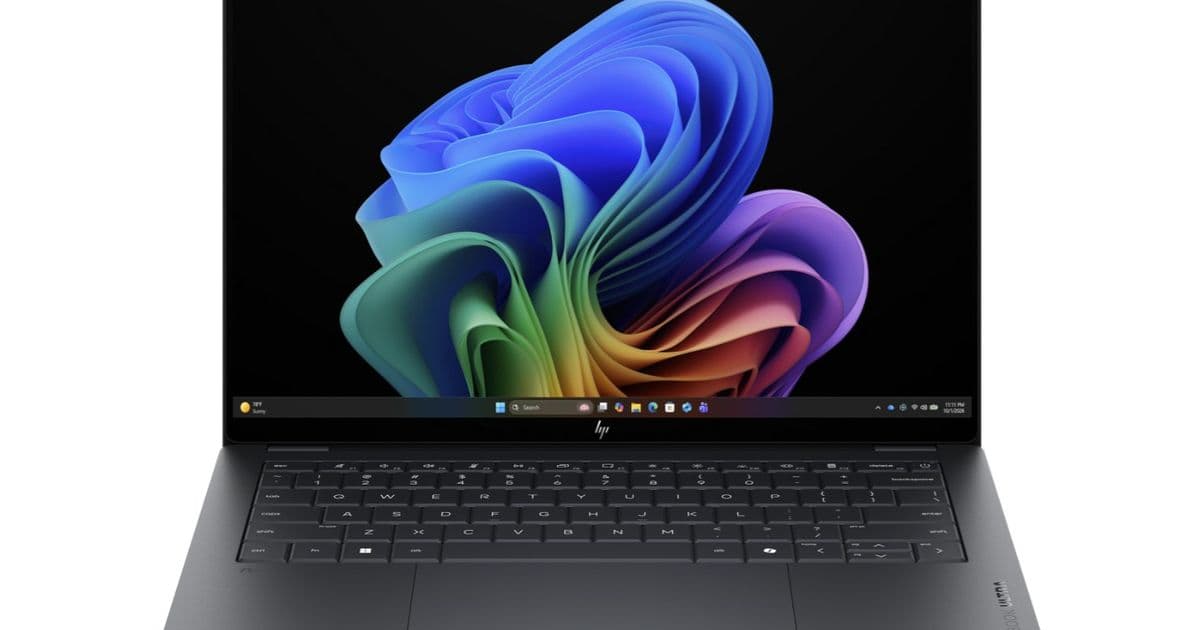
The HP OmniBook Ultra 14 with the flagship Core Ultra X9 388H falls behind cheaper Core Ultra X7 386H laptops in real-world testing, raising questions about Intel's premium tier pricing strategy.
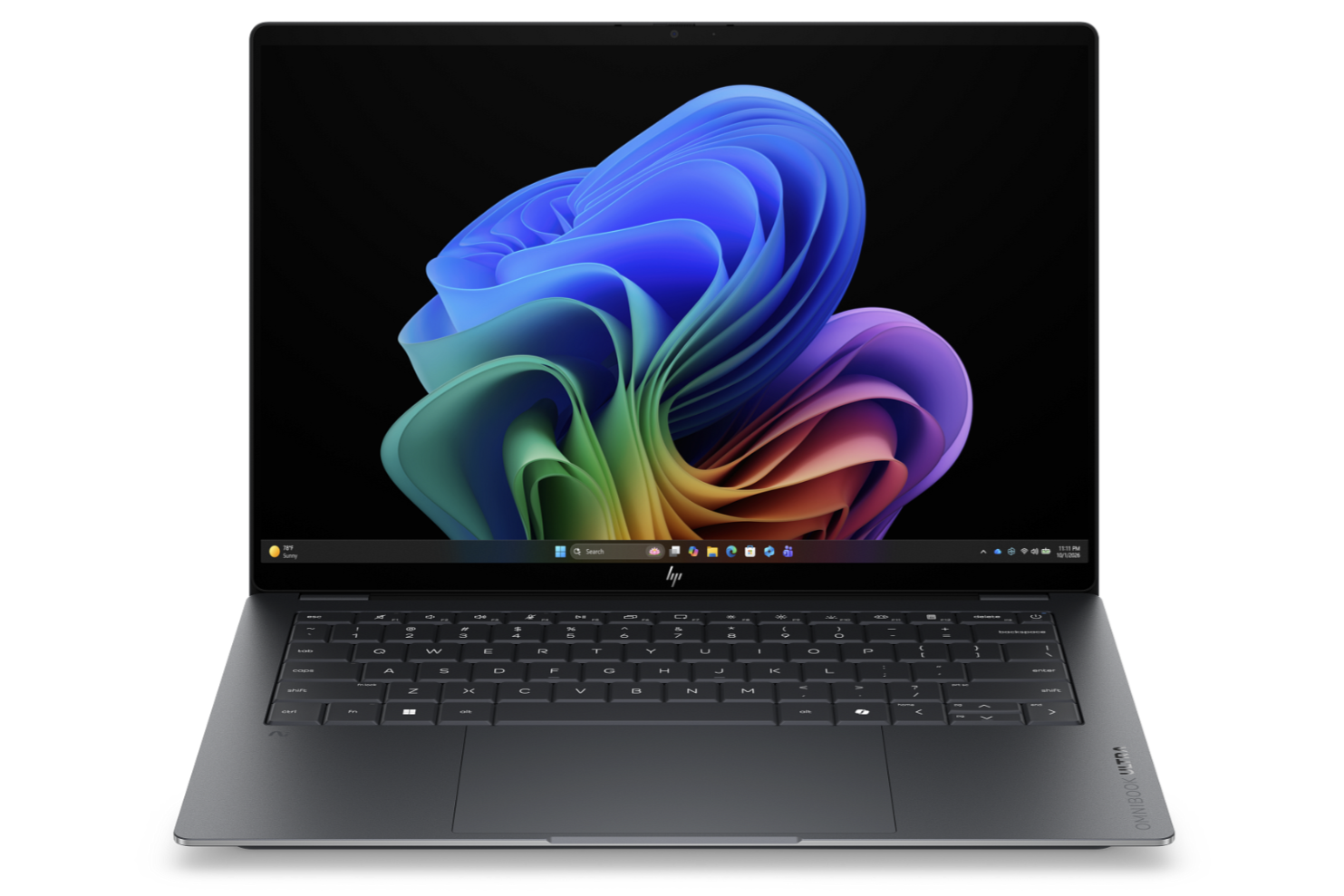
The Panther Lake-X series launched with two distinct CPU tiers: the Core Ultra X7 386H and the Core Ultra X9 388H. On paper, the X9 should deliver superior performance. Both chips share identical core counts and features, with the only difference being target clock rates. In practice, however, the performance gap between these two processors has become a cautionary tale about thermal management and the diminishing returns of premium CPU badges.
The Benchmark Reality
Two laptops currently ship with the Core Ultra X9 388H: the Asus Zenbook Duo and the HP OmniBook Ultra 14. The Asus model demonstrates what the X9 can achieve with adequate cooling. The HP OmniBook Ultra 14, on the other hand, tells a different story.
In multi-threaded workloads measured by Cinebench R15 Multi Loop, the HP OmniBook Ultra 14 scores an average of 2,466 points. The Asus Zenbook Duo with the same X9 processor achieves 2,951 points. That is an 11 percent deficit for the HP machine. Graphics performance shows a similar pattern, with the HP trailing the Asus by approximately 7 percent in GPU-intensive benchmarks.
The gap becomes more problematic when comparing the HP's X9 to laptops equipped with the supposedly inferior X7. The Dell XPS 14 with Core Ultra X7 358H scores 2,340 points in the same Cinebench test, while the Asus ExpertBook Ultra B9406CAA with X7 reaches 2,886 points. Both X7 machines perform within striking distance of the HP's X9, and the ExpertBook actually outpaces it.
Why This Happens
Processor performance is not determined solely by clock speeds and core counts. Thermal design power, cooling solution effectiveness, and firmware optimization all play critical roles in real-world performance. The HP OmniBook Ultra 14 appears to throttle the X9 more aggressively than Asus does with the Zenbook Duo, likely due to differences in heatsink design, fan configuration, or power delivery constraints.
This is not unique to Intel or these specific models. Premium CPU badges often promise performance that depends entirely on the laptop manufacturer's ability to dissipate heat and supply adequate power. A flagship processor in a thin-and-light chassis may perform worse than a mid-range chip in a well-cooled business laptop.
The CPU Performance Hierarchy
Looking at the broader performance ratings across multiple benchmarks, the Asus Zenbook Duo with X9 sits at the top with 84.1 points. The Asus ExpertBook Ultra with X7 follows at 79.9 points. The Dell XPS 14 with X7 reaches 79.7 points. The HP OmniBook Ultra 14 with X9 trails at 78.7 points.
This means the HP's flagship X9 processor delivers worse overall CPU performance than several X7 machines. Buyers paying the premium for the X9 badge in the OmniBook receive less computational throughput than those who chose the cheaper X7 option in competing laptops.
Graphics Performance Tells the Same Story
The integrated Arc B390 graphics follow the same pattern. The Asus Zenbook Duo achieves a 3DMark Performance rating of 100 points, while the HP OmniBook Ultra 14 manages only 91.6 points. Multiple X7-equipped laptops outperform the HP's X9 in graphics benchmarks, including the Dell XPS 14 at 98.3 points and the Khadas Mind Pro at 96.1 points.
Blender rendering tests confirm the trend. In the Blender v3.3 Classroom CPU benchmark, the HP OmniBook Ultra 14 completes the render in 326 seconds. The Asus Zenbook Duo with the same X9 processor finishes in 282 seconds, a 13 percent improvement. Several X7 machines also outperform the HP's X9 in this workload.
Buyer Guidance
The narrow and inconsistent performance gap between the Core Ultra X7 and Core Ultra X9 means buyers should approach premium-tier pricing with skepticism. Unless a laptop demonstrates exceptional cooling capabilities, the X9 badge does not guarantee better performance than well-implemented X7 alternatives.
For most buyers, the Core Ultra X7 386H represents the better value proposition. The money saved by choosing X7 over X9 can be redirected toward components that deliver more noticeable improvements: additional RAM, faster storage, or a higher-quality display. These upgrades provide tangible daily benefits that far outweigh the marginal performance advantages of a higher-clocked processor.
Buyers should also check whether a laptop offers X7 configuration options before committing to the X9. Some models, like the HP OmniBook Ultra 14, ship exclusively with the X9 processor. This forces customers to pay the premium tier price even when the laptop's thermal design cannot extract the full performance potential of the chip.
The Bigger Picture
Intel's Panther Lake-X series demonstrates a recurring pattern in mobile processor marketing. Higher model numbers and clock speeds create the impression of superior performance, but real-world results depend heavily on implementation. The same silicon can deliver dramatically different results depending on the laptop's cooling architecture.
This benchmark comparison serves as a reminder that spec sheets only tell part of the story. The relationship between theoretical performance and actual throughput is mediated by thermal design, power management, and firmware optimization. Buyers who focus solely on CPU model numbers without considering these factors may find themselves paying more for less.
For detailed benchmark comparisons and additional analysis, refer to the HP OmniBook Ultra 14 Core Ultra X9 review on Notebookcheck.
Comments
Please log in or register to join the discussion