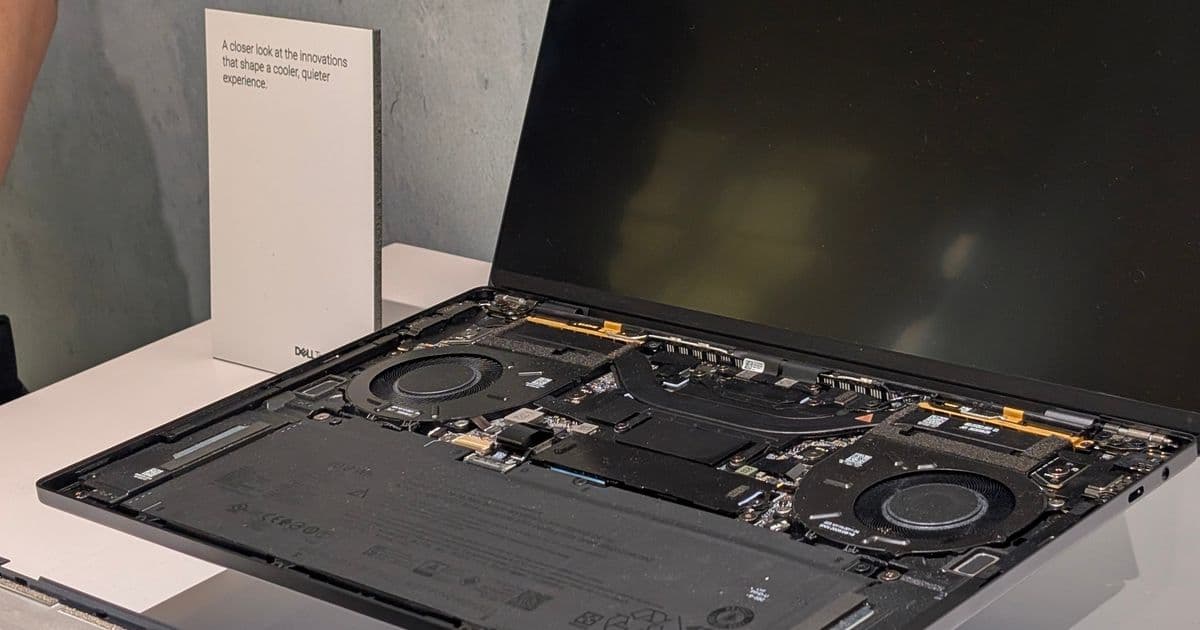
The redesigned Dell XPS 14 and 16 require a more intricate disassembly process than previous models, with the keyboard deck now needing removal for component access.
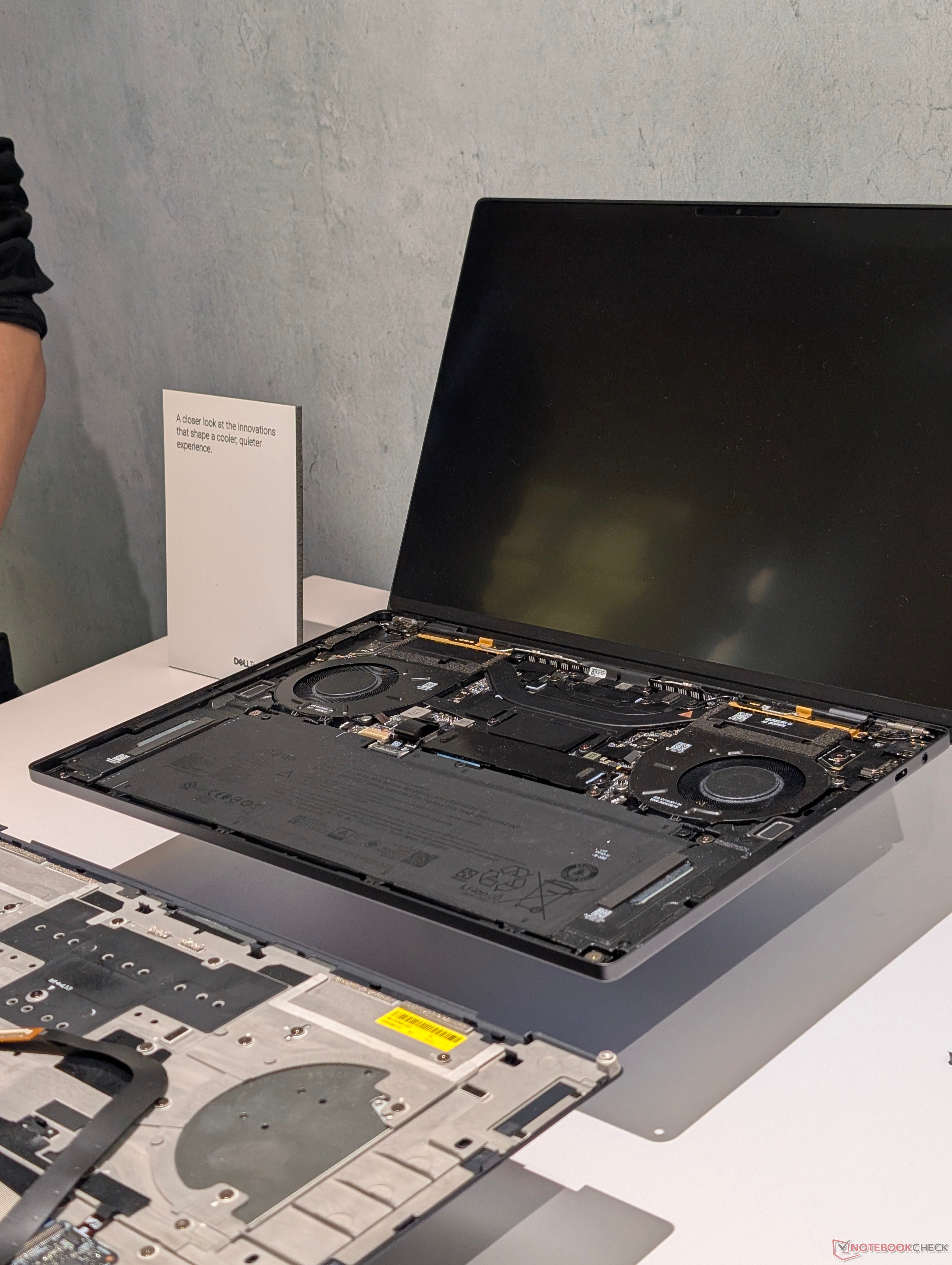
The 2026 Dell XPS 14 and XPS 16 represent a complete overhaul, not just in aesthetics and internals but also in their serviceability. Dell has released a detailed service manual for these models, revealing a significant departure from traditional laptop disassembly methods that potential buyers and owners should understand before attempting upgrades or repairs.
Unlike most laptops where removing the bottom panel grants immediate access to internal components, the new XPS series requires technicians to first remove T5 Torx screws from the bottom panel. The critical next step involves inserting the screwdriver into the empty screw holes to push the keyboard deck (C cover) away from the bottom chassis (D cover). This is followed by carefully separating the two sections using a plastic spudger along the edges.
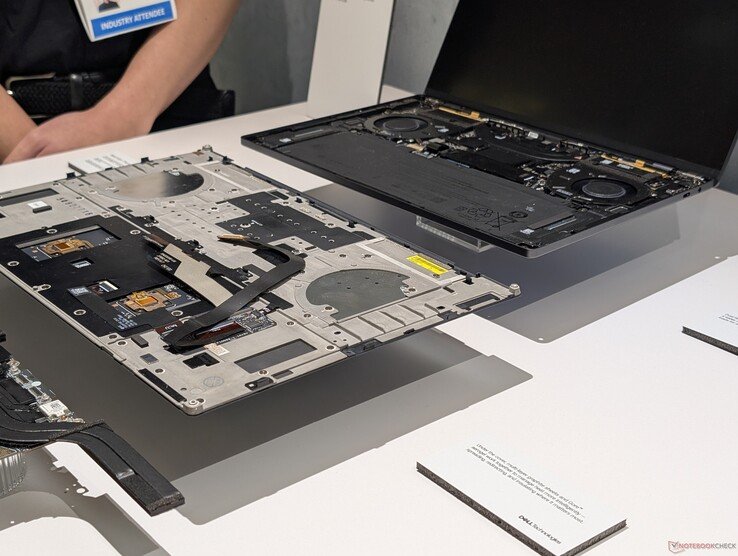
This procedure introduces new complexity because the keyboard connects to the motherboard via a fragile ribbon cable vulnerable to damage during separation. Dell explicitly warns about this risk in their service documentation. Once the C cover is removed, components like the battery, SSD, and cooling system become accessible - but they're mounted on what is effectively the top side of the motherboard.
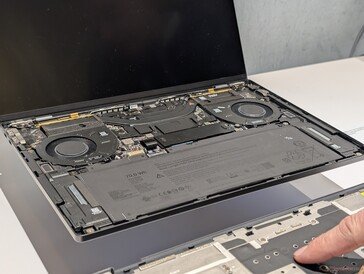
The design inversion means common upgrades like SSD replacements now require substantially more steps than on previous XPS generations. Compared to the straightforward bottom-panel access of competitors like Lenovo's ThinkPads or HP's EliteBooks, Dell's approach adds complexity. However, this configuration contributes to improved structural rigidity that reduces chassis flex and eliminates creaking noises - common complaints in earlier XPS models.
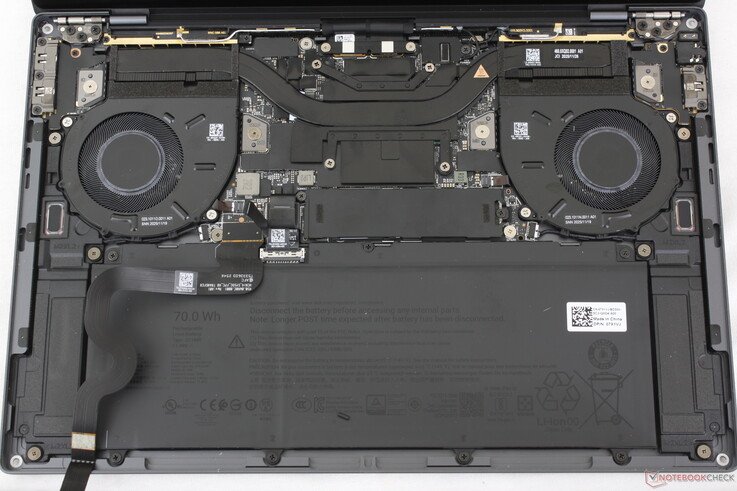
Notably, Framework laptops use a similar top-access philosophy for repairability, but Dell's execution achieves greater stiffness in direct comparisons. The cooling solution also reflects this design shift, featuring dual 50mm fans that rank among Dell's thinnest implementations for the XPS series.
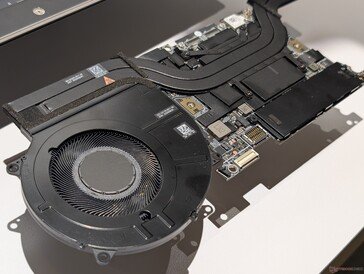
For users accustomed to older XPS models, the 2026 variants demand more patience during servicing. While the trade-off delivers tangible benefits in build quality, Dell strongly recommends consulting their freely available service manual before disassembly. This design evolution positions the XPS line closer to modular concepts while maintaining Dell's premium construction standards, though at the cost of simplified user access.
Those considering upgrades should weigh the improved durability against the more involved maintenance process. For comprehensive performance analysis, see our full review of the 2026 Dell XPS 14 detailing thermal performance, benchmark results, and real-world usage impressions.
Comments
Please log in or register to join the discussion