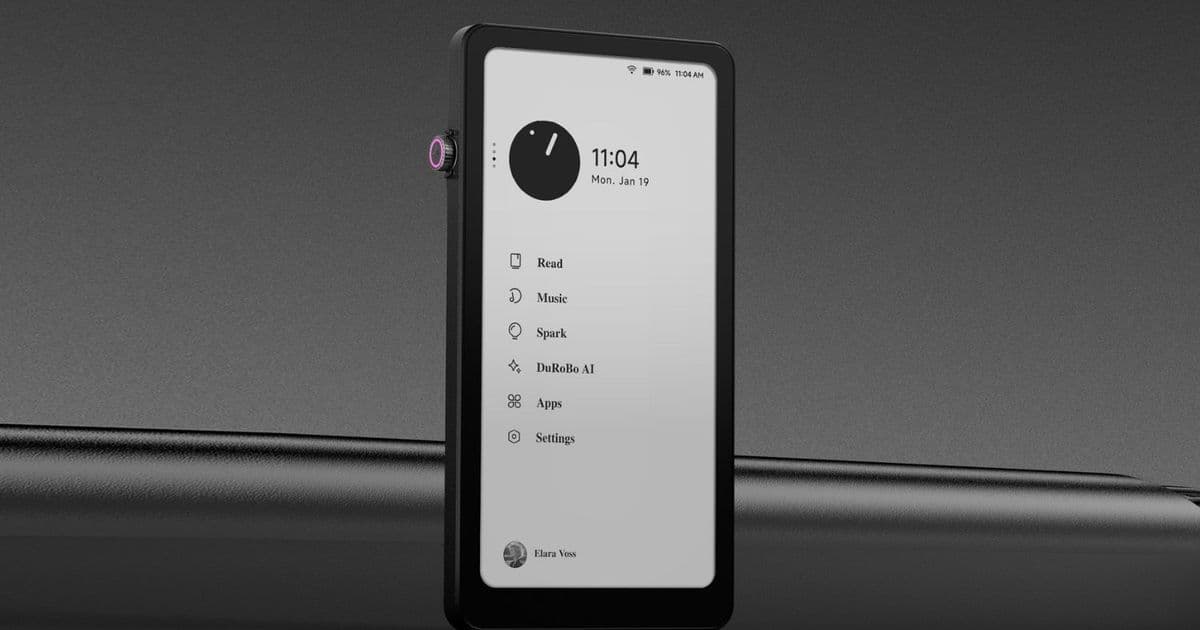
DuRoBo’s 6.13‑inch Krono e‑reader receives two software upgrades—adding a Transfer app, Spark enhancements, and a native web browser—while reaching Amazon UK for £249. The article breaks down what’s new, how the changes stack up against the original launch and competing devices, and who will benefit most from the refreshed feature set.
DuRoBo Krono e‑ink reader expands to UK and gains native browser in post‑launch updates
What’s new
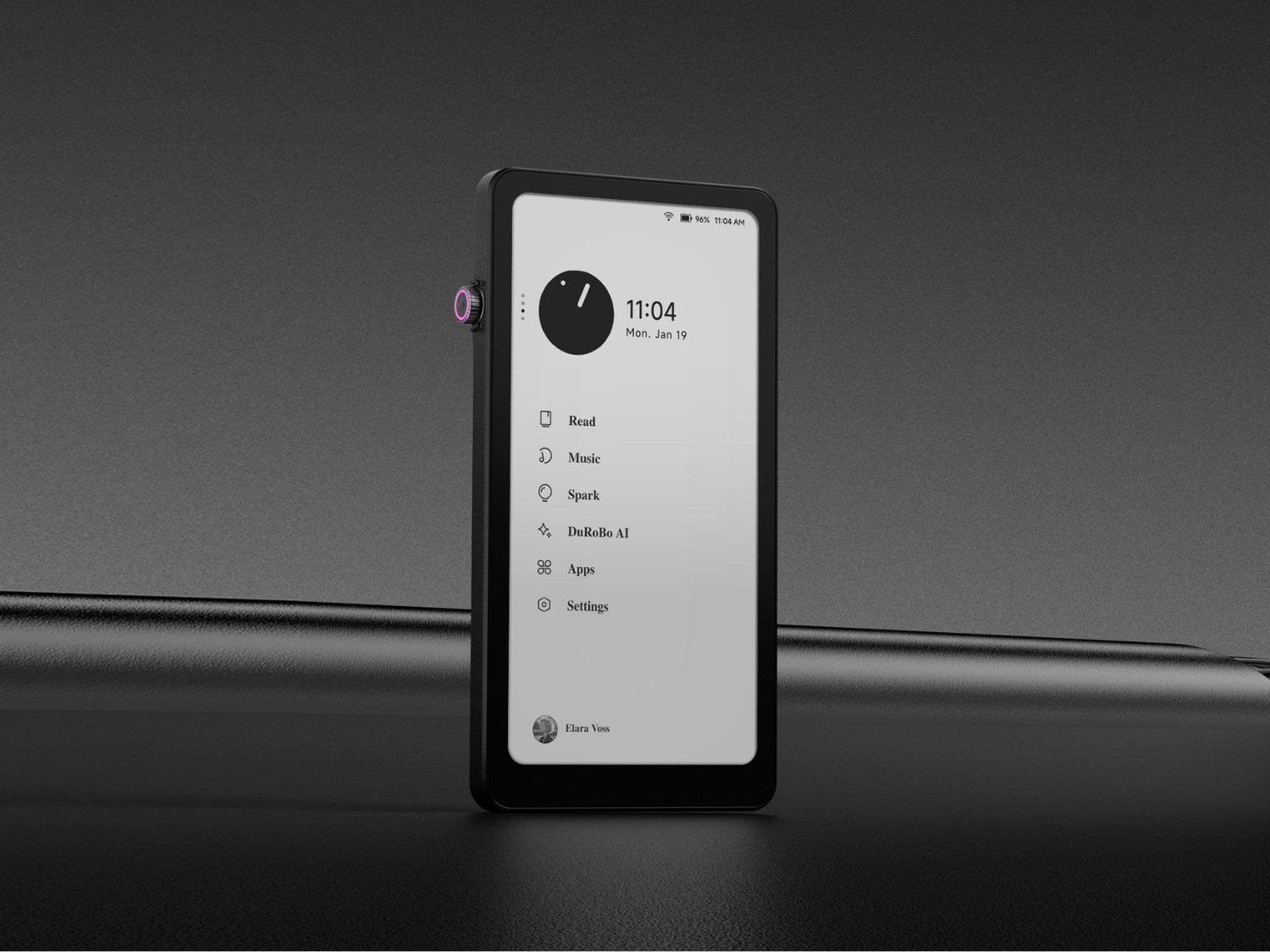
Since its April debut, the Krono has been patched twice. Version 1.1 introduced the Transfer app, which lets you push PDFs, EPUBs, and other files over Wi‑Fi without fiddling with a USB cable. The same update refined the reading UI: you can now pick from a broader range of fonts, toggle layout presets, and save Spark‑generated summaries directly to the bookshelf. Version 1.2.1 adds two headline features:
- Native web browser – a lightweight Chromium‑based viewer that opens URLs without launching the Play Store. This removes the most common complaint from early adopters who felt forced to install a full‑blown Android browser app for occasional web look‑ups.
- Invert Scrolling for the Smart Dial – a user‑requested option that reverses the direction of the rotary encoder, making page‑turning feel more natural for left‑handed readers.
Both updates are delivered OTA, and the device reboots into Android 15 with Google Play still intact, so you keep the full app ecosystem while gaining the convenience of an integrated browser.
Market reach – now on Amazon UK
The Kronon’s pricing line‑up is straightforward:
| Region | Retail channel | Price |
|---|---|---|
| United States | Amazon.com | $279.99 |
| United Kingdom | Amazon.co.uk | £249 |
| Direct | DuRoBo website | $279.99 (or equivalent) |
The UK listing appears in both black and white finishes, matching the US catalogue. At 9 mm thickness and 173 g, the device feels more like a premium smartphone than a traditional Kindle, which should help it stand out on the UK e‑reader shelves where bulkier paper‑white devices dominate.
How the Krono stacks up against its predecessor and rivals
| Spec | DuRoBo Krono (v1.2.1) | Kindle Paperwhite 2023 | Kobo Libra 2 |
|---|---|---|---|
| Display | 6.13‑in Carta 1200, 300 PPI, ePaper | 6.8‑in Carta E‑Ink, 300 PPI | 7.0‑in Carta E‑Ink, 300 PPI |
| Processor | Octa‑core (Qualcomm Snapdragon 8cx Gen 2) | 2 GHz dual‑core | MediaTek Helio G90 |
| RAM / Storage | 6 GB / 128 GB | 4 GB / 32 GB | 4 GB / 64 GB |
| OS | Android 15 with Google Play | Fire OS 8 (Amazon) | Android 13 (custom) |
| Unique input | Smart Dial rotary encoder + Spark capture | Touch + page‑turn buttons | Touch + page‑turn buttons |
| Audio | Built‑in speaker + Bluetooth | No speaker | Bluetooth only |
| Price (USD) | $279.99 | $139.99 | $199.99 |
The Krono’s biggest differentiator is the Smart Dial paired with the Spark note‑capture AI. While the Kindle and Kobo rely on simple tap gestures, the Krono lets you spin the dial to scroll, change font size, or invoke Spark’s AI‑generated summary of a highlighted passage. The addition of a native browser narrows the gap with Android‑based competitors like the Onyx Boox Nova 3, which have long offered built‑in web access.
Who should consider the Krono now?
- Power readers who also need occasional web lookup – The native browser means you can check a quick Wikipedia entry or look up a citation without leaving the device’s ecosystem.
- Students and researchers – Spark’s AI summarization, combined with the Transfer app’s wireless file import, streamlines the workflow of gathering PDFs, annotating them, and generating quick notes.
- Tech‑savvy users who like Android flexibility – Full Play Store access remains, so you can install third‑party e‑reading apps (e.g., Moon+ Reader, Aldiko) alongside DuRoBo’s native software.
- Anyone who values portability – At under 200 g and thinner than a typical paperback, the Krono slips into a jacket pocket, making it a viable alternative to a phone when you want a distraction‑free reading experience.
If you are primarily after a low‑cost, no‑frills e‑ink device, the Kindle Paperwhite still offers a better price‑to‑feature ratio. However, for users who want a hybrid of e‑reading and light Android functionality, the Krono’s recent updates make it a compelling mid‑range option, now with a UK price that aligns with other premium e‑readers.
Looking ahead
DuRoBo has promised “incremental updates” as the platform matures. Expect future firmware to tighten integration between Spark and the Libby AI assistant, possibly adding voice‑controlled page turns or deeper cloud sync. The hardware roadmap is still vague, but the company’s willingness to respond to community feedback—evidenced by the Invert Scrolling tweak—suggests a responsive post‑sale experience.
For the full specifications sheet, see the official DuRoBo product page.
Comments
Please log in or register to join the discussion