Credential theft jumped 160% in 2025 and now factors into one in five breaches. Security teams are rethinking how they prove someone is who they claim to be, from phishing-resistant MFA to locking down the help desk against deepfake-assisted social engineering.
Credential theft climbed 160% in 2025, and stolen logins now play a role in roughly one in five data breaches. The shift is partly a numbers game and partly a change in tactics. Attackers are folding AI into their workflows, cloning voices for help desk calls and automating the kind of reconnaissance that used to take days. The result is that the old question, "is this the right password?", no longer tells you much about who is actually on the other end of the connection.
Security teams are responding by treating identity verification as a layered problem rather than a single gate. The goal is to make verification strong enough to stop an attacker holding valid credentials, without burying legitimate users in friction every time they sign in. Weak onboarding, static credentials that never change, and authentication policies that vary by team all hand attackers an opening. Here are five practices that consistently close those gaps.
1. Use MFA that resists fatigue and phishing
Multi-factor authentication is still one of the highest-return controls available, but not all MFA is equal. The principle is to combine factors from different categories: something you know (a password or PIN), something you have (a phone, authenticator app, or hardware key), and something you are (a fingerprint or face scan). NIST guidance is explicit that strength comes from mixing categories. A password plus a hardware token beats a password plus a security question, because the second pair are both knowledge factors an attacker can phish or guess.
The weak implementations are the ones getting bypassed. Prompt bombing, where an attacker spams approval requests until a tired user taps "yes," and SIM swapping, which redirects SMS codes, both exploit convenience-first MFA. Practical hardening looks like this:
- Retire SMS and email one-time passcodes where you can. They are interceptable and easy to social-engineer.
- Move toward phishing-resistant methods: FIDO2 security keys, passkeys, or certificate-based authentication.
- Prefer authenticator apps that generate local codes over push approvals, which invite blind taps.
None of this removes the password problem underneath. Verizon's Data Breach Investigations Report attributes 44.7% of breaches to stolen credentials, so blocking known-compromised passwords in Active Directory remains a baseline worth keeping. Tools like Specops Password Policy check passwords against billions of leaked entries to keep weak choices out of the directory in the first place.
2. Treat the help desk as a primary attack surface
The service desk sits exactly where attackers want to be: it controls access, handles identity, and operates under time pressure to be helpful. The common play is impersonating an employee to trigger a password or MFA reset. AI has sharpened this considerably. Deepfaked audio and scraped personal details make a fraudulent reset request sound entirely routine.
This is not a hypothetical risk. Help desk compromise was the opening move in several major incidents, including the attacks on Marks & Spencer and Clorox, both of which escalated toward ransomware and lateral movement. The M&S intrusion suspended online sales for five days, with daily losses estimated around £3.8 million. In nearly every case, the failure was not a missing tool but inconsistent verification during a stressful support call.
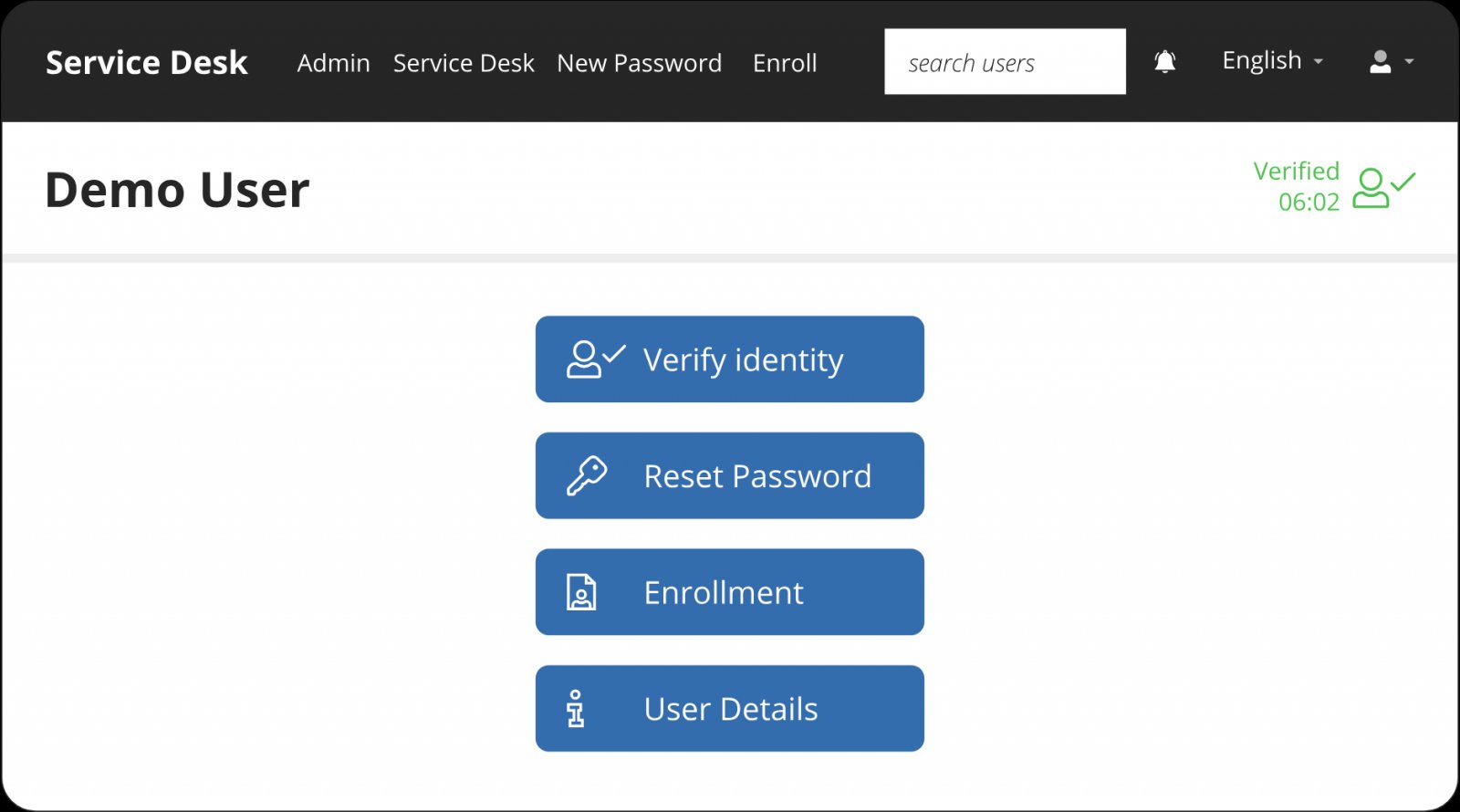
The fix is to make identity verification a required, automated step in the workflow rather than something an agent decides under pressure. Solutions such as Specops Secure Service Desk force callers to prove identity through a trusted method before any reset or MFA change goes through, which takes the judgment call away from the human and the manipulation lever away from the attacker.
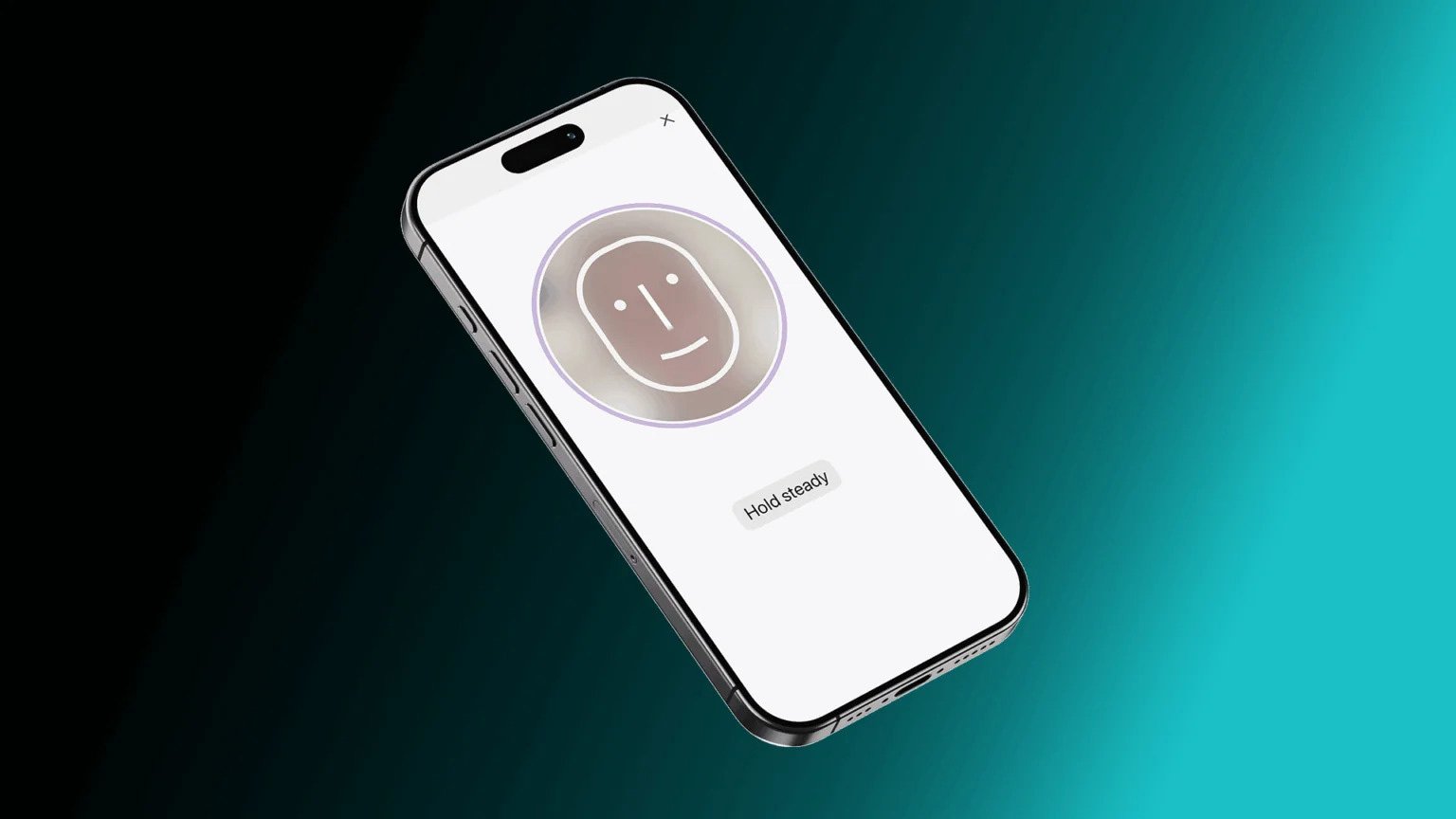
For the highest-risk actions, document scanning and biometric liveness detection add another barrier. Specops Verified ID, for instance, can require a government ID scan and a live face check, making impersonation far harder to pull off than a convincing phone voice alone.
3. Bring device trust into the decision
Credentials and MFA tokens both get stolen, and attackers increasingly hijack session cookies to skip authentication entirely. Once that happens, the login itself looks legitimate. The way to regain signal is to verify not just who is logging in, but what they are logging in from.
Device trust evaluates context alongside identity. Useful signals include:
- Whether the device is corporate-managed or unmanaged
- OS version and patch status
- Presence of EDR or endpoint protection
- Device certificates or cryptographic identifiers
- Browser reputation and session integrity
- Indicators of malware, rooting, or jailbreaking
With these in play, a sign-in from a compliant corporate laptop on a known network can stay low-friction, while the same credentials arriving from an unmanaged machine on a suspicious IP can trigger step-up authentication, restricted access, or an outright block. That conditional logic is the core of a zero trust approach: never assume, always evaluate.
4. Start moving toward passkeys
If passwords are the recurring liability, passkeys are the most mature way to start removing them. Built on the FIDO2 and WebAuthn standards, passkeys use public-key cryptography so nothing secret travels across the network. The private key stays on the user's device, which makes passkeys inherently resistant to phishing, credential theft, and password reuse. There is also nothing to remember or rotate, which quietly reduces help desk volume.
The honest caveat is that passkeys are not a full replacement yet. Account recovery and device switching still fall back to passwords in most environments, which means strong password policy and phishing-resistant MFA stay relevant wherever a password can still be used. Passkeys shrink the attack surface; they do not erase it on day one.
5. Protect biometric data like it can never be reset
Biometrics strengthen verification, but they carry a unique risk: you cannot reset a fingerprint or a face the way you reset a password. A compromised biometric template is compromised permanently, which raises the bar on how that data is handled.
The leading practice is to avoid storing raw biometric data at all. Store encrypted templates instead, and perform matching locally on a trusted device wherever feasible so the sensitive data never leaves the endpoint. In higher-security settings, privacy-preserving techniques are gaining ground. Homomorphic encryption, for example, lets a system match biometric data while it stays encrypted, so a breach of the matching service does not expose the underlying biometric itself.
Pulling it together
The through-line across all five practices is the same shift: stop treating a valid credential as proof of identity. Layer phishing-resistant factors, harden the help desk against social engineering, weigh device context, reduce reliance on passwords, and guard biometric data as the irreplaceable asset it is. Attackers are automating their side of this; the defenders keeping pace are the ones automating verification rather than leaving it to a tired human at the worst possible moment. Reviewing these controls now, before an incident forces the question, is the cheaper version of the lesson.
Comments
Please log in or register to join the discussion