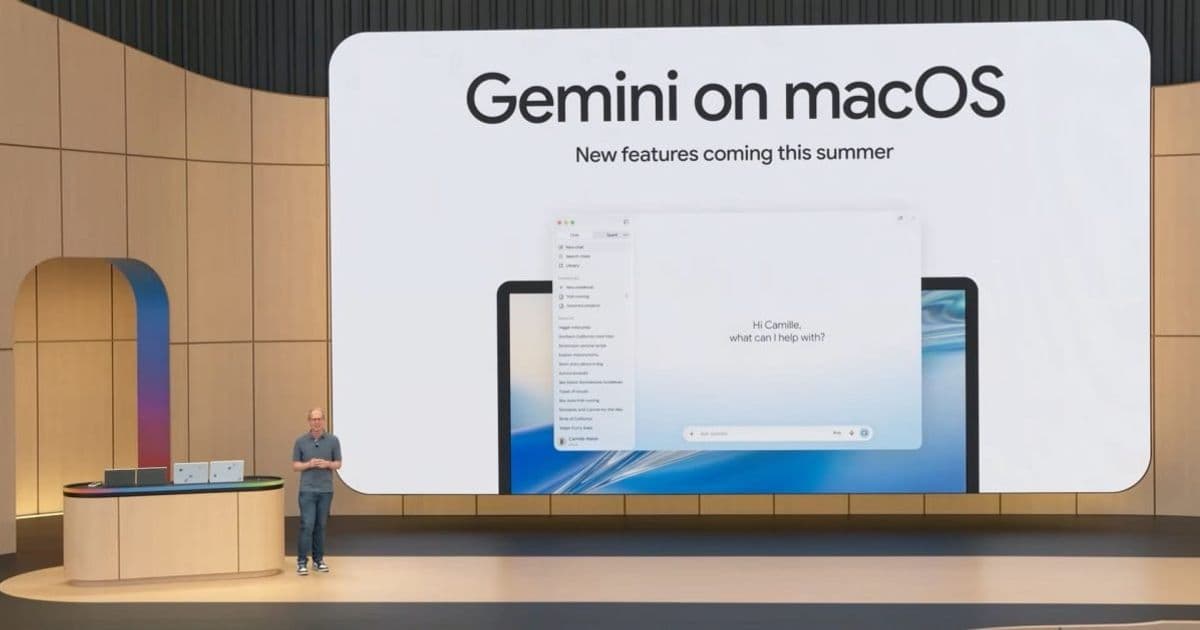
Google is enhancing its Gemini app for macOS with two major features this summer: a personal AI agent called 'Spark' and advanced voice control capabilities, expanding the cross-platform functionality of its AI assistant.
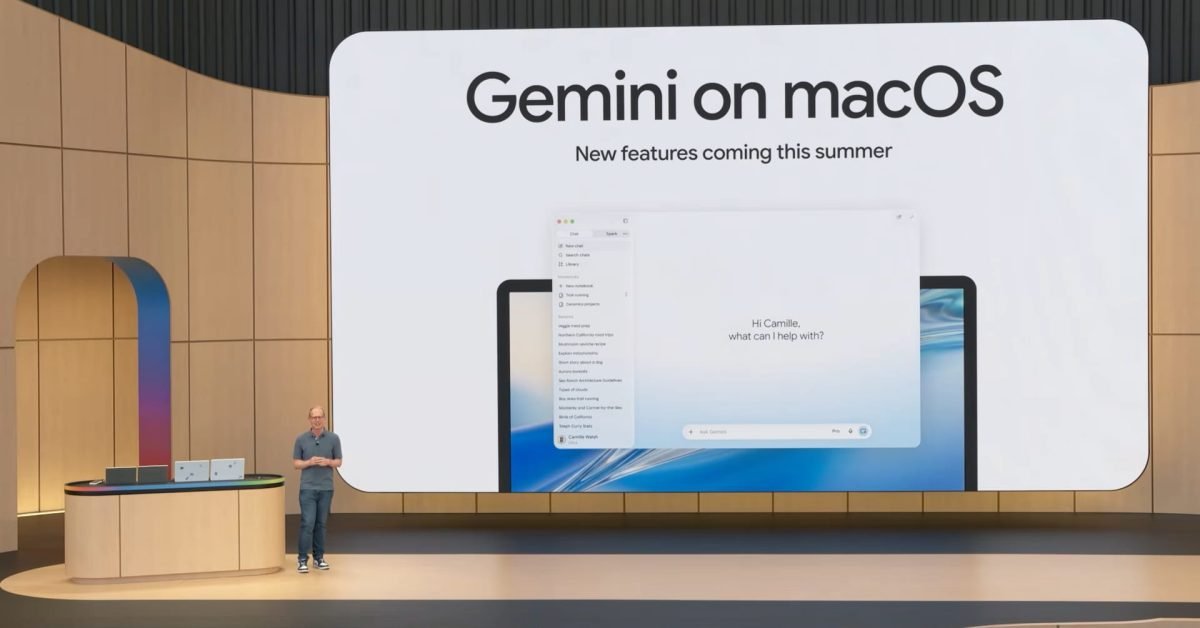
Google is bringing significant enhancements to its Gemini app for macOS this summer, introducing both a powerful personal AI agent called "Spark" and advanced voice control functionality. These updates represent Google's continued investment in making its AI assistant more integrated and actionable across platforms, particularly on desktop where automation capabilities can significantly enhance productivity.
The Spark Agent: Your 24/7 Personal AI Assistant
The most significant addition coming to Gemini for Mac is the "Spark" agent, positioned as a 24/7 personal AI that can take actions on behalf of users to help "navigate your digital life." This goes beyond simple question-answering by allowing the AI to perform tasks and integrate with various services.
Spark will integrate deeply with Google's ecosystem, including Gmail, Docs, and other Workspace applications. More importantly, it will also connect with third-party services, potentially creating a comprehensive automation hub for users' digital lives. For macOS users specifically, Spark will gain the ability to interact with local files and automate workflows across the desktop environment, a capability not available on mobile platforms.
The agent will first become available to Google AI Ultra subscribers ($100 per month) in beta next week across Android, iOS, and web platforms before arriving on macOS later this summer. This tiered approach allows Google to refine the experience across different form factors before bringing the full power to the desktop.
Voice Control: Natural Speech to Precise Text
Alongside Spark, Google is introducing a sophisticated voice control experience for Gemini on Mac. This feature recognizes that users often think aloud with natural speech patterns filled with "ums," "what abouts," and other conversational fillers that typically complicate voice-to-text systems.
The implementation involves a simple interaction model: users long-press the function key to activate Gemini, which then displays a floating pill at the bottom of the screen. Releasing the key submits the prompt, accompanied by a thinking animation that shows progress. The system then leverages context from the user's screen to convert free-flowing speech into precisely formatted text, inserting it directly at the cursor location.
During Google's I/O 2026 presentation, the company demonstrated selecting files in Finder and then dictating an email that was automatically inserted into a Gmail compose window. This contextual awareness—understanding both the user's immediate digital environment and their intent—is what sets this voice experience apart from traditional dictation tools.
Cross-Platform Considerations for Developers
For developers maintaining applications across platforms, these enhancements in Gemini highlight several important considerations:
Contextual Integration: The ability to use open windows as context and interact with local files suggests developers should consider how their applications might integrate with AI assistants that can access and manipulate application data.
Automation Potential: With Spark's ability to automate workflows, developers should think about which actions in their applications could benefit from AI-driven automation and potentially expose APIs or hooks for such integrations.
Voice Interface Design: The natural voice processing capabilities suggest that developers should consider voice interfaces as a complementary input method, particularly for complex tasks where users might benefit from speaking their thoughts naturally.
Platform-Specific Implementation: While the core functionality is cross-platform, the specific implementation details for macOS (like the function key integration) highlight the importance of platform-specific design patterns.
Migration Path for Existing Users
For current Gemini app users, these additions represent a significant evolution from a conversational AI to a more capable productivity tool. The migration path will likely involve:
- Gradual rollout of features, with Spark first available on mobile and web before coming to Mac
- Potential changes to the user interface to accommodate the new floating pill interface for voice input
- New privacy considerations as the AI gains more access to local files and system interactions
Google's approach of starting with premium subscribers (AI Ultra) for the beta suggests they may position these advanced features as part of a premium offering, at least initially.
Technical Requirements and Platform Integration
While specific technical requirements weren't detailed in the announcement, the mention of "local files" and "automate workflows across your desktop" suggests these features will require appropriate permissions on macOS. Developers should be aware that:
- macOS security frameworks will likely require explicit user consent for file access
- System-level automation may require enabling certain accessibility permissions
- The integration with Finder demonstrated suggests compatibility with macOS's file system APIs
For cross-platform developers, these platform-specific requirements highlight the importance of designing applications that can gracefully handle varying permission models and system integration capabilities across different operating systems.
The Future of AI on Desktop
These enhancements to Gemini for Mac represent a broader trend of bringing more sophisticated AI capabilities to desktop environments. By combining contextual awareness, automation potential, and natural voice interaction, Google is positioning Gemini as more than just a chat interface—it's becoming a productivity companion that can actively assist users in managing their digital lives.
As these features roll out this summer, we'll likely see how users respond to AI that can take more autonomous actions on their behalf, particularly in the context of their local files and workflows. For developers maintaining applications across platforms, these advancements signal an important evolution in how AI might integrate with and enhance user experiences beyond simple conversational interfaces.
The integration of AI agents like Spark with desktop environments also raises interesting questions about the future of human-computer interaction, potentially moving us closer to more natural, conversational ways of working with our devices.
For more information about the Gemini app and its features, developers can check the official Gemini documentation and follow updates through Google's AI blog.
Comments
Please log in or register to join the discussion