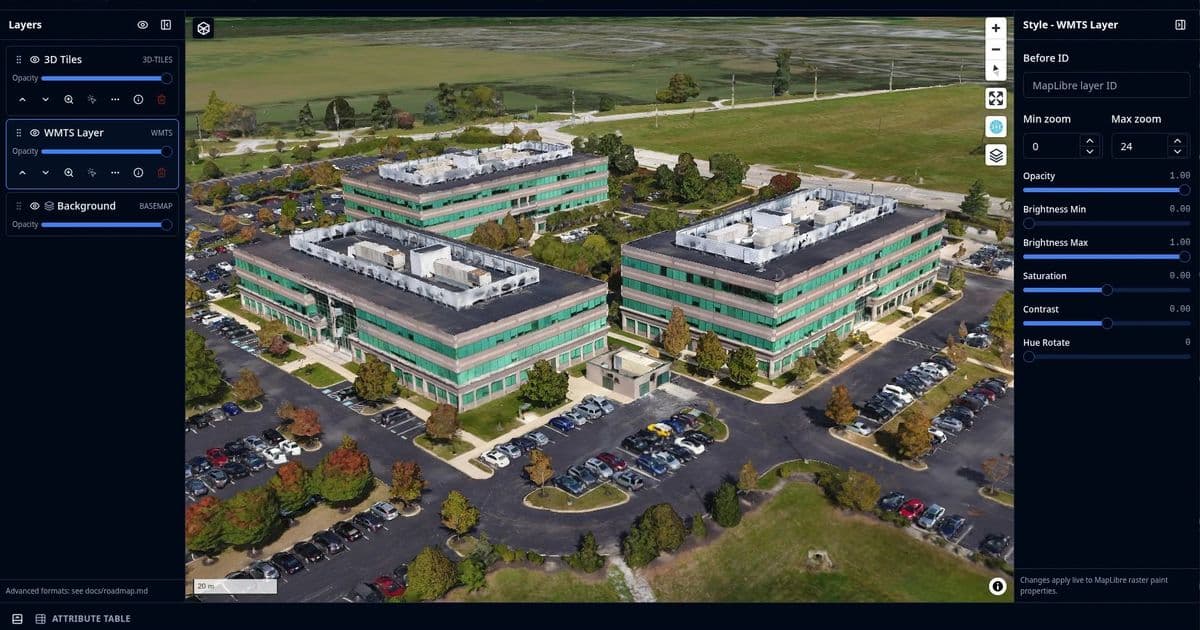
GeoLibre packages a desktop and web GIS into one codebase using Tauri, MapLibre GL JS, and DuckDB-WASM Spatial, running spatial SQL and vector processing entirely client-side. The 1.0 release is honest about being a stable prototype, and its architecture choices are more interesting than its feature checklist.
Most GIS tools force a choice. You either install a heavy desktop application like QGIS that owns your filesystem and runs Python-backed geoprocessing, or you accept a thin web viewer that can display tiles but punts real analysis back to a server. GeoLibre is an attempt to collapse that split. It is a single workspace that runs as a Tauri desktop app and as a static browser site, sharing the same React and TypeScript UI, with the heavy lifting handled by WebAssembly modules running in the browser tab.
The project reached version 1.0, and the maintainers describe it plainly as a "stable prototype." That phrasing is unusual enough to be worth trusting. It signals the core works and the format is committed to, while making no claim that this replaces a production desktop stack today.
What's claimed
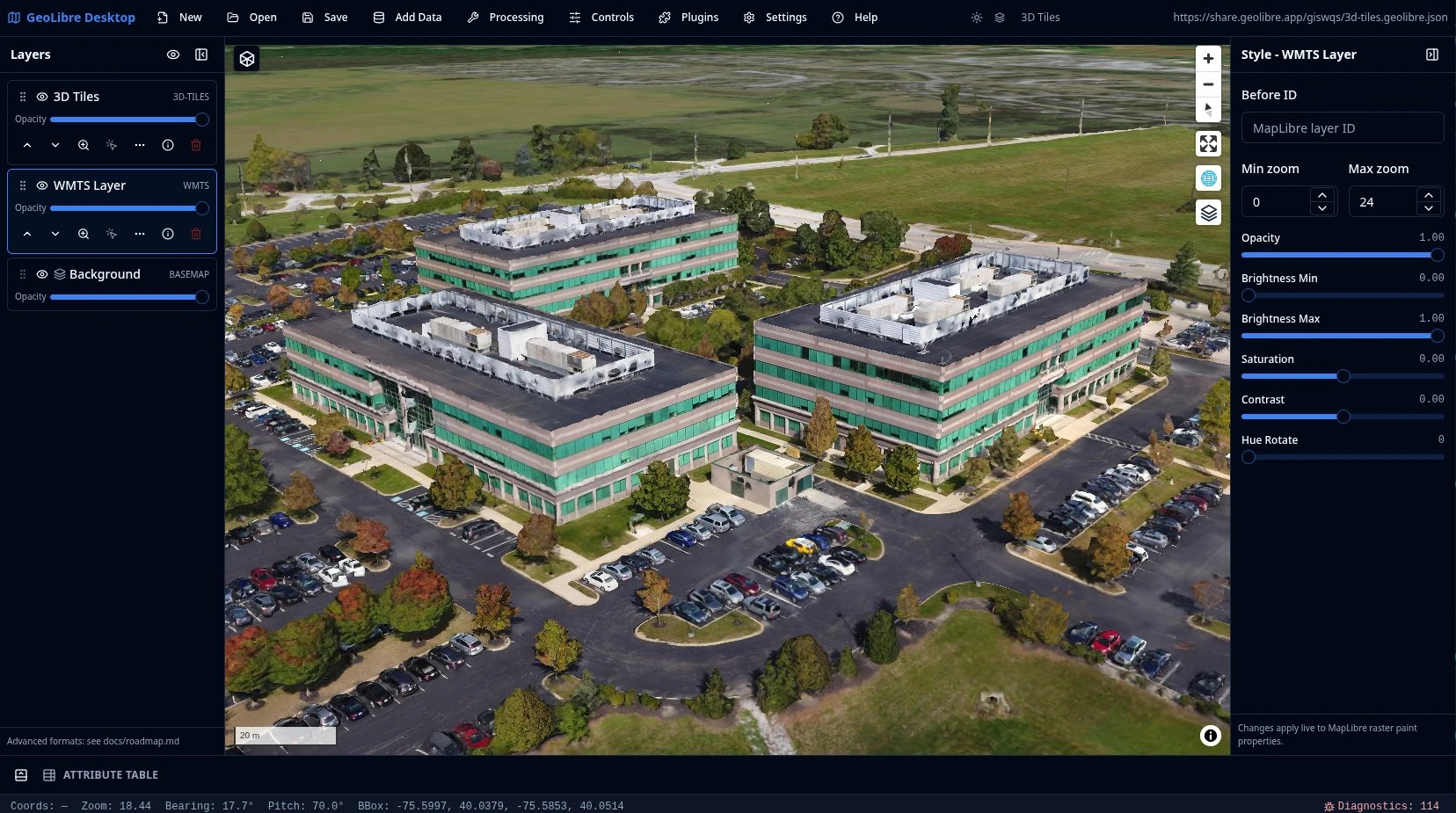
GeoLibre presents itself as a cloud-native GIS platform for visualizing, exploring, and analyzing geospatial data, with the same workspace running across desktop and web. The headline pitch is breadth. It loads local and remote vector and raster data, styles layers with data-driven symbology, saves and shares .geolibre.json project files, and ships a plugin marketplace for installing third-party extensions. The Add Data surface alone lists XYZ, WMS, WFS, WMTS, ArcGIS, and STAC services, plus GeoParquet, FlatGeobuf, PMTiles, Zarr, COG, GeoTIFF, MBTiles, LiDAR, Gaussian splats, 3D Tiles, and direct connections to DuckDB and PostgreSQL databases.
That is a long list, and long lists in GIS marketing usually paper over which formats actually work versus which are listed because a dependency theoretically supports them. The more useful question is what the architecture makes possible.
What's actually new
The technically interesting part is the engine selection, not the format count.
GeoLibre runs DuckDB-WASM Spatial in the browser. That means you can write actual spatial SQL against loaded layers, local files, and remote URLs without a backend database. The SQL Workspace auto-wraps a bare URL into the matching reader and streams remote files over HTTP range requests. That last detail matters. Range requests are what make cloud-native formats like GeoParquet, PMTiles, and COG genuinely usable over the network, because the client fetches only the byte ranges it needs rather than downloading an entire multi-gigabyte file. Running that pattern from a static site, with the query engine compiled to WASM, is the kind of thing that was research-grade a few years ago and is now a deployable app.
The rendering side uses MapLibre GL JS for the 2D and tilted map with OpenFreeMap basemaps, and deck.gl for the heavier layer types. The vector geometry tools, buffer, centroids, convex hull, dissolve, bounding box, simplify, clip, intersection, difference, and union, run in the browser with Turf.js. That is the part most users will touch first, and it runs with no server at all.
The second architectural idea is the optional Python sidecar. GeoLibre does not pretend WASM can do everything. Raster tools like hillshade, slope, aspect, reproject, resample, and contour run on a rasterio sidecar that takes a file path in and writes a file path out. The vector tools can optionally swap Turf.js for a GeoPandas engine, and the Whitebox toolbox provides batch geoprocessing through the same Python process. This is a clean division of labor. Browser-native for interactive work, a local Python process for the operations that genuinely need GDAL-class libraries. The sidecar is opt-in, which keeps the browser-only deployment honest about its limits.
The Jupyter integration follows a pattern that leafmap users will recognize immediately. The geolibre Python package embeds the full app in a notebook, exposes a familiar API with add_geojson, add_tile_layer, and add_cog, and syncs the project both ways so that edits made in the UI are readable back from Python. Two-way sync between a notebook variable and a live UI is harder than it sounds, and it is the feature most likely to pull in the existing scientific Python crowd. The giswqs username in the demo URLs points to Qiusheng Wu, who maintains leafmap, so the lineage here is direct rather than coincidental.
The deployment story
The live demo is a static site on GitHub Pages with no analytics and no server account. Data you load is processed client-side, and it leaves your browser only when you add a remote URL or explicitly share a project. For a geospatial tool, where datasets are often sensitive or simply enormous, client-side processing is a real privacy and practicality argument rather than a checkbox.
The embedding parameters are thoughtfully done. You open a project by passing a public .geolibre.json URL with the url query parameter, then layer on ?layout=compact for icon-only toolbars, &panels=none to hide the Layers, Style, and Attribute panels, or &maponly for a fully chrome-free embed. The fact that there are documented aliases like panels=hidden, panels=hide, and hidePanels=true suggests the team watched people guess at parameter names and decided to accept the guesses. That is a small sign of a project paying attention to how it actually gets used.
Limitations
The split between the browser demo and the installed Tauri app is the honest boundary. Desktop-only file dialogs, local MBTiles, local raster reads, and filesystem save and open operations require the installed app. The browser version handles browser-selected vector data supported by DuckDB-WASM Spatial and URL-based layers, but it is not the full thing. Anyone evaluating GeoLibre should test the specific path they care about rather than assuming the demo represents the installed capability or vice versa.
The raster tools depend entirely on the Python sidecar, which means the browser-only deployment cannot run hillshade, slope, contour, or any of the rasterio operations. That is a reasonable engineering decision, but it does mean the "runs anywhere" claim has an asterisk for raster analysis.
And then there is the prototype label. A stable prototype is still a prototype. The .geolibre.json format, the plugin API, and the marketplace are committed surfaces, but a 1.0 from a project of this scope will have rough edges in the long tail of format support, and the optional sidecar adds an installation and process-management dimension that pure web tools avoid. For exploratory work, quick visualization, sharing a styled map, or running spatial SQL against cloud-hosted GeoParquet, it looks ready. For a production pipeline you depend on daily, the prototype framing is the maintainers telling you to wait or to test thoroughly.
Why it matters
GeoLibre sits at the intersection of two shifts that have been building for years. Cloud-native geospatial formats moved analysis-ready data onto object storage with range-request access, and WebAssembly matured enough to run serious query and geometry engines in a browser tab. GeoLibre is one of the first tools to assume both of those as the baseline rather than bolting them onto a desktop-first design.
The code, documentation, and roadmap are available through the project site, with the User Guide covering the interface, data sources, processing tools, and the plugin marketplace. If you work with geospatial data and have been waiting for the open web stack to be good enough to skip the desktop install for everyday tasks, this is worth an hour in the live demo to find where your particular workflow lands on the browser-versus-sidecar line.
Comments
Please log in or register to join the discussion