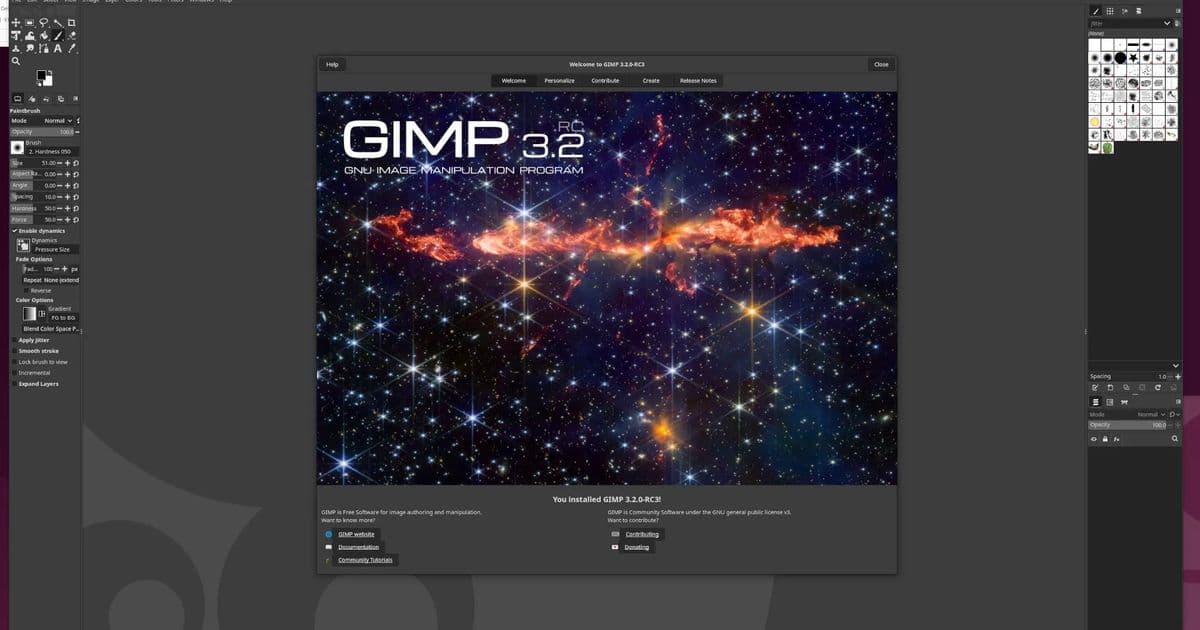
GIMP 3.2 delivers major workflow improvements including non-destructive layers, enhanced brush tools, and SVG export support, marking a significant step forward for the open-source alternative to Photoshop.
Just under one year since the long-awaited GIMP 3.0 release, GIMP 3.2 is out today as the first feature release building off the GIMP 3.0 foundation. GIMP 3.2 brings new non-destructive layers support, an improved MyPaint Brush tool, a new "Overwrite" paint mode, SVG export support, various UI/UX improvements, and a lot of other polishing and enhancements to this leading open-source alternative to Adobe Photoshop.
Kudos to the GIMP developers on their goal for releasing less than one year after GIMP 3.0 on a more expedited timeline than the long-in-development GIMP 3.0 that saw porting from the GTK2 to GTK3 toolkit and other changes. Overall GIMP 3.2 is a nice incremental step forward for this popular Linux desktop program for graphics/image-related tasks.
GIMP 3.2 downloads and more details on this updated image manipulation / graphics program via GIMP.org.
Key Features in GIMP 3.2
Non-Destructive Layers Support
The headline feature in GIMP 3.2 is the introduction of non-destructive layers support. This long-requested functionality allows users to make edits to layers without permanently altering the original pixel data. Users can now apply filters, adjustments, and transformations as layer effects that can be modified or removed at any time, similar to how Photoshop handles smart objects and adjustment layers.
This change fundamentally alters the GIMP workflow, enabling more experimental editing approaches without the fear of losing original image data. The non-destructive layers system integrates seamlessly with existing GIMP features while providing a safety net for complex editing projects.
Enhanced MyPaint Brush Tool
The MyPaint brush engine has received significant improvements in GIMP 3.2. The updated brush tool offers better performance, more realistic brush dynamics, and enhanced pressure sensitivity support for graphics tablets. Artists will notice smoother stroke rendering and more natural brush behavior, particularly when working with high-resolution canvases.
New brush presets have been added, expanding the creative possibilities for digital painters and illustrators using GIMP. The brush engine now handles complex brush shapes more efficiently, reducing lag during intensive painting sessions.
New "Overwrite" Paint Mode
GIMP 3.2 introduces a new "Overwrite" paint mode that provides a more predictable blending behavior compared to the standard "Normal" mode. This mode completely replaces pixel values rather than blending them, which is particularly useful for:
- Creating clean masks and selections
- Working with indexed color images
- Performing precise pixel-level editing
- Avoiding unexpected color mixing during painting operations
The "Overwrite" mode fills a gap in GIMP's painting toolset, giving users more control over how paint interacts with existing pixels.
SVG Export Support
Vector graphics support has been expanded with the addition of SVG export capabilities. Users can now export their GIMP compositions as scalable vector graphics, opening up new possibilities for:
- Creating web graphics that scale without quality loss
- Preparing artwork for print production
- Integrating GIMP compositions into other vector-based workflows
- Maintaining editability in vector-aware applications
This feature bridges the gap between raster and vector workflows, making GIMP more versatile for professional graphic design tasks.
UI/UX Improvements
The user interface has received numerous refinements in GIMP 3.2. The developers have focused on streamlining the workflow and reducing visual clutter. Notable changes include:
- Improved tool organization in the toolbox
- Enhanced context-sensitive menus
- Better handling of high-DPI displays
- Refined color picker interface
- More intuitive layer management controls
These improvements make GIMP more accessible to new users while maintaining the power and flexibility that experienced users expect.
Performance and Stability
GIMP 3.2 includes various performance optimizations that result in faster startup times and more responsive editing, particularly when working with large images or complex layer compositions. Memory management has been improved, reducing the likelihood of crashes during intensive editing sessions.
The development team has also addressed numerous bugs reported in GIMP 3.0, resulting in a more stable and reliable application. Users should experience fewer crashes and better handling of edge cases that previously caused issues.
Development Timeline
The release of GIMP 3.2 demonstrates the development team's commitment to a more frequent release schedule. Following the multi-year development cycle of GIMP 3.0, the team set an ambitious goal of releasing 3.2 within one year. This accelerated timeline has resulted in a steady stream of improvements while maintaining the stability and quality that GIMP users expect.
This approach allows the GIMP project to respond more quickly to user feedback and evolving graphic design workflows, positioning GIMP as a more competitive alternative to commercial software.
Availability
GIMP 3.2 is available immediately for download from GIMP.org. The software is free and open-source, licensed under the GNU General Public License. Users can download pre-built binaries for Windows, macOS, and Linux, or compile the source code for other platforms.
Existing GIMP users can update through their system's package manager or by downloading the latest version from the official website. The developers recommend backing up any custom brushes, patterns, or scripts before updating to ensure compatibility with the new version.
Looking Forward
With GIMP 3.2 establishing a more rapid development cadence, users can expect to see continued improvements in future releases. The development team has hinted at further non-destructive editing capabilities, enhanced animation tools, and improved color management features in upcoming versions.
GIMP 3.2 represents a significant step forward for open-source graphics editing, bringing professional-grade features to a free and accessible platform. Whether you're a hobbyist photographer, digital artist, or graphic designer, GIMP 3.2 offers compelling improvements that enhance your creative workflow.
Comments
Please log in or register to join the discussion