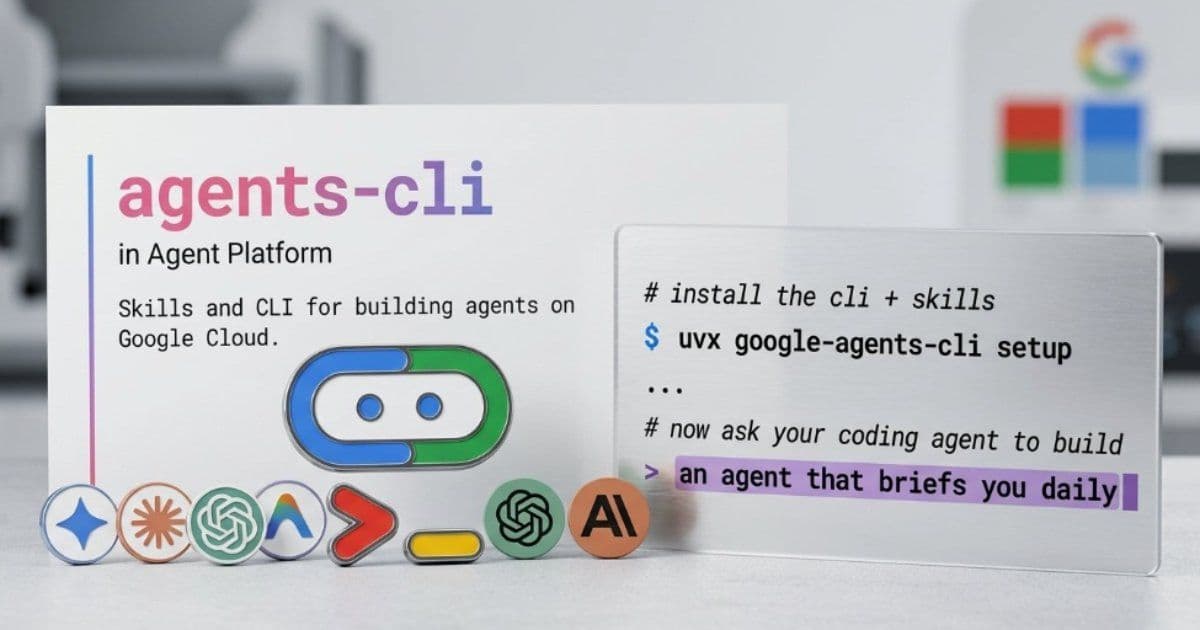
Google Cloud's new Agents CLI unifies the development process for AI agents, addressing fragmentation challenges from prototyping to production while providing structured access to cloud services.
Google Cloud has released Agents CLI, a comprehensive command-line interface designed to streamline the entire AI agent development lifecycle. This tool targets a persistent challenge in the field: the fragmentation of tooling and infrastructure across different environments and services. By providing a unified interface to Google Cloud's Agent Platform, Cloud Run, and infrastructure automation components, Agents CLI aims to reduce friction when moving from experimentation to production systems.
Technical Architecture and Integration
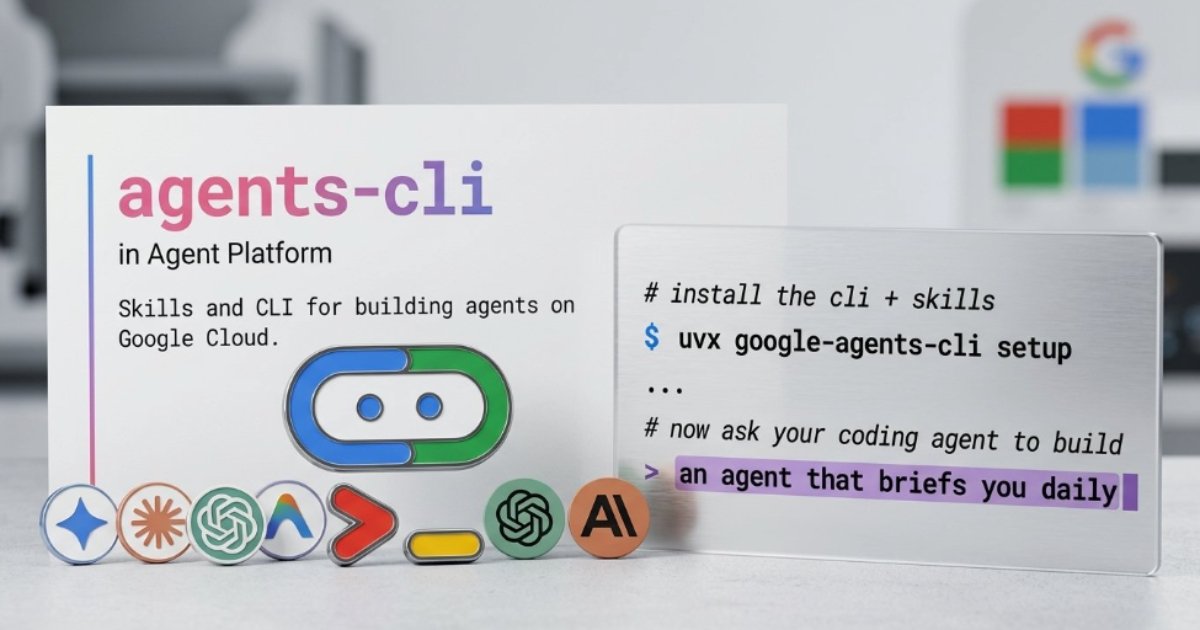
At its core, Agents CLI functions as a programmatic layer that enables coding assistants such as Gemini CLI, Claude Code, and Cursor to access predefined "skills" and API references. This approach eliminates the need for extensive context switching or documentation lookup during development. The CLI embeds structured knowledge directly into the development workflow, making interactions more deterministic and efficient compared to traditional methods where AI assistants must infer cloud service connections.
The tool integrates with existing development environments through a simple installation process. Once installed, developers can initialize projects, define workflows, and configure deployments using a series of intuitive CLI commands. This integration represents a significant shift from the previous paradigm where developers had to manually piece together various services and tools.
Key Features and Capabilities
Local Simulation and Evaluation
Agents CLI includes built-in support for local simulation and evaluation, allowing developers to run comprehensive testing pipelines before deployment. This feature enables comparison of outputs from different runs and validation of agent behavior against datasets. The emphasis on testing reflects the growing recognition of reliability as a critical factor in agent-based systems, where accuracy and consistency directly impact user experience.
Infrastructure Automation
For deployment, the CLI automates infrastructure provisioning and release workflows. It can generate Infrastructure as Code (IaC) configurations, set up CI/CD pipelines, and deploy agents to managed environments such as Cloud Run or Kubernetes. This automation significantly reduces the operational overhead associated with maintaining production-grade AI systems.
Human Mode
A distinctive feature is the introduction of "Human Mode," which allows developers to directly execute CLI commands instead of relying solely on agent-driven automation. This capability addresses transparency concerns in fully autonomous systems by providing a mechanism for inspection and manual control when needed. As one community member noted, "Human Mode is a good addition. It gives a way to verify what's happening instead of treating the agent as a black box."
Use Cases and Industry Applications
Rapid Prototyping
Agents CLI excels in scenarios requiring rapid iteration and prototyping. Development teams can quickly scaffold new projects with minimal configuration, accelerating the initial development phase. This is particularly valuable for startups and innovation teams exploring multiple AI agent concepts simultaneously.
Enterprise Deployment
For larger organizations, the CLI supports publishing agents to enterprise environments, including integration with Gemini Enterprise. This capability ensures that agents can be deployed consistently across different departments while maintaining governance and compliance requirements. The structured approach to deployment also facilitates auditing and monitoring in regulated industries.
Research and Development
The evaluation features make Agents CLI suitable for research environments where different agent architectures need to be compared systematically. Researchers can establish baseline performance metrics and iterate on improvements with confidence in the consistency of their testing methodology.
Trade-offs and Considerations
While Agents CLI offers compelling benefits, organizations should consider several factors before adoption:
Vendor Lock-in
The tight integration with Google Cloud services creates potential vendor lock-in. Teams planning multi-cloud strategies or anticipating future migrations to other providers should carefully evaluate the long-term implications of adopting this toolchain.
Learning Curve
Despite its user-friendly interface, mastering all capabilities of Agents CLI requires investment in learning. Development teams accustomed to more manual processes may experience a transition period before realizing the full efficiency benefits.
Flexibility vs. Structure
The predefined "skills" and API references, while improving efficiency, may limit experimentation with novel approaches. Organizations pushing the boundaries of AI agent design might find the structured framework constraining for research-oriented projects.
Community Reception and Future Outlook
Initial reactions from the developer community highlight both enthusiasm and recognition of the tool's significance in the evolving AI ecosystem. As one commentator noted, "This is a major leap forward. With Agents CLI, building, deploying, and managing agents just got so much more efficient."
Google Cloud has made the CLI available through a straightforward installation process and provides comprehensive documentation and a GitHub repository to support adoption. The release signals the increasing maturity of agent development tooling and reflects the growing importance of streamlined workflows in AI application development.
For organizations evaluating AI agent development platforms, Agents CLI represents a significant step toward addressing the operational challenges that have historically hindered widespread adoption of autonomous systems. By reducing the friction between development and production, Google Cloud aims to accelerate the delivery of practical AI solutions across industries.
Comments
Please log in or register to join the discussion