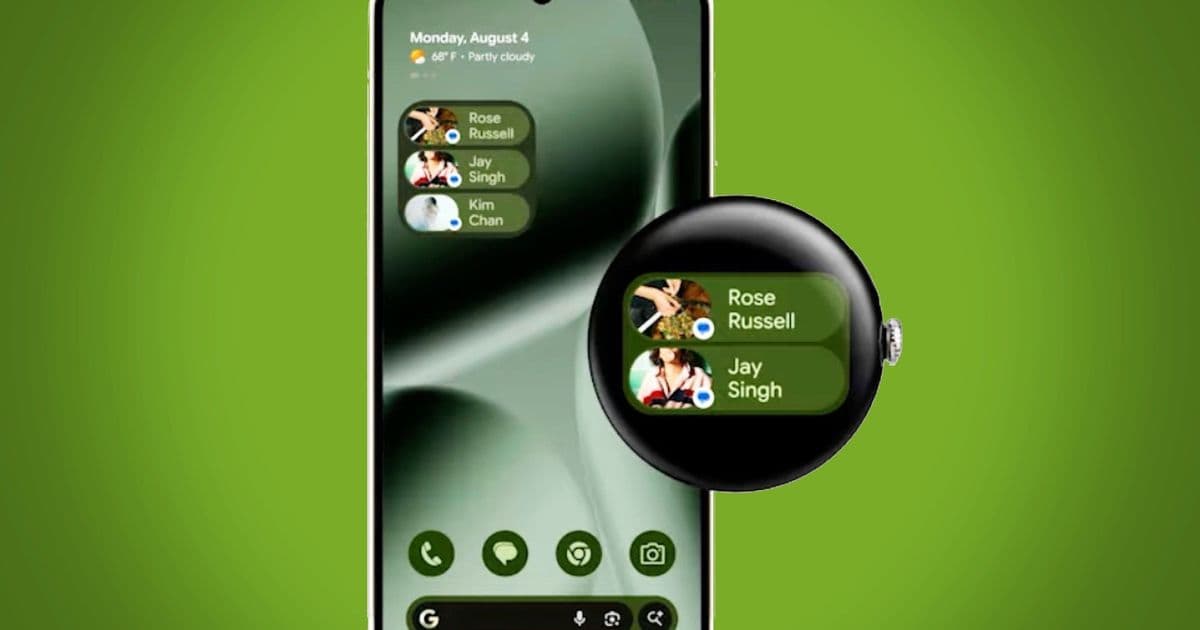
Google adds 2×1 and 2×2 widgets to Wear OS 7, aligning smartwatch UI with Android, cutting power draw and expanding third‑party options. Samsung’s Galaxy Watch 8 will be the first non‑Pixel device to ship them.
Google rolls out Wear OS 7 widgets for Samsung Galaxy Watch 8 and other devices
Wear OS 7 arrived a week ago with a modest 10 % boost to battery life and a handful of AI‑driven features that will land on future hardware. The most visible change, however, is the introduction of true widgets – the same 2×1 and 2×2 blocks that Android users have been dragging onto home screens for years. Google’s goal is simple: make a smartwatch feel like an extension of your phone, both visually and functionally.
What the widgets are and how they work
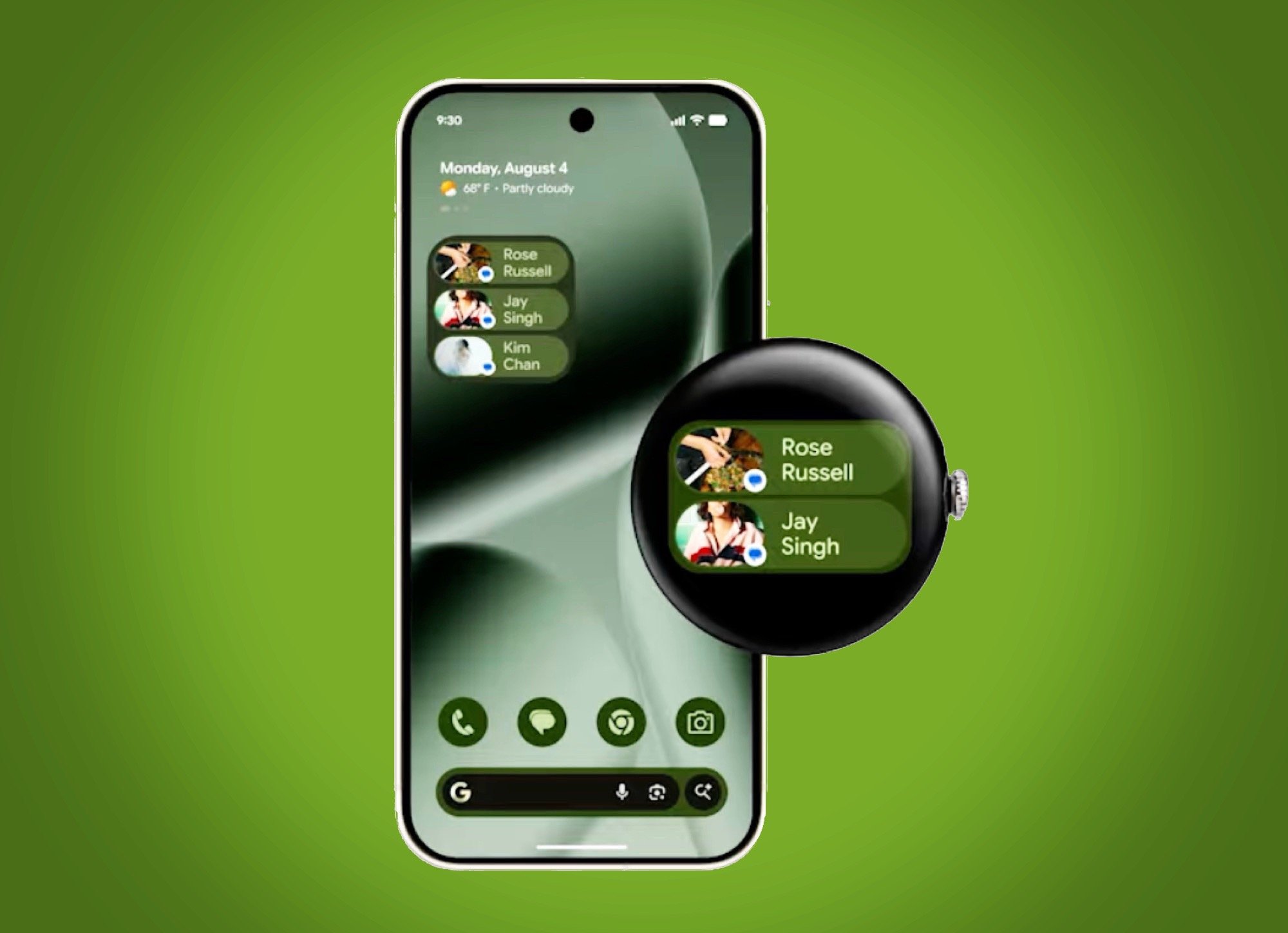
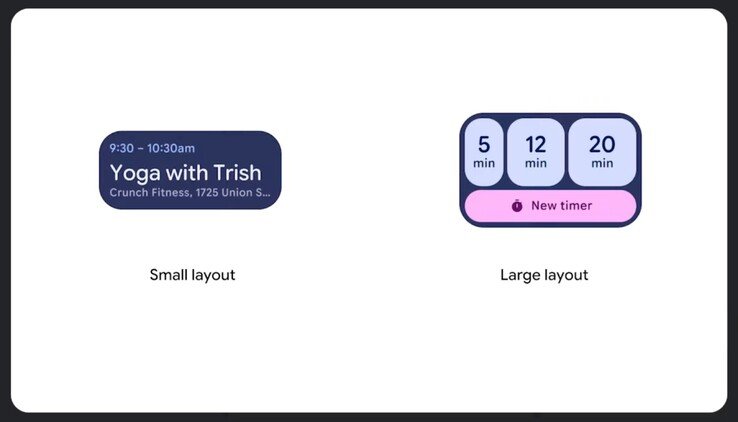
- Form factor – Two sizes are supported: a narrow 2×1 strip and a square 2×2 tile. This mirrors the layout language of Android widgets, meaning developers can reuse most of their existing code.
- Placement – On Wear OS 7 devices the widgets sit on the main watch face screen, alongside the new "quick‑access" bar. Samsung’s Galaxy Watch 8 will integrate them into its own widget carousel, so users won’t need a separate app to access them.
- Performance – Google claims the new widgets draw a fraction of the power that the old Tiles system used. Because they are rendered only when the watch face is active and can be throttled by the OS, they fit neatly into the promised longer battery life.
- Interaction – Tapping a widget launches the associated app or a deep‑linked screen, just like on Android. Long‑press brings up a resize handle for the 2×2 format, allowing users to tailor the layout to their wrist.
How it differs from Tiles
Tiles were essentially full‑screen shortcuts that appeared after a swipe. They were limited to a single size and required a dedicated Wear OS implementation, which discouraged many developers. Widgets, by contrast, share the same XML layout language as Android, so a developer can ship one widget that works on phones, tablets and watches. The power model is also different: Tiles kept the screen on for a few seconds each time they were invoked, while widgets stay dormant until the user actually looks at the watch face.
Early third‑party examples
Google has already demonstrated four third‑party widgets in the launch video:
| App | Widget layout | What it shows |
|---|---|---|
| Spotify | 2×2 | Album art, track title, play/pause button |
| 2×2 | Six contact photos for instant chat access | |
| Google Keep | 2×1 | A single note preview with a checkbox |
| Fitbit | 2×1 | Daily step count and heart‑rate trend |
These examples illustrate the range of information that can be crammed into a tiny wrist‑sized space without sacrificing readability.
Compatibility and rollout schedule
- Pixel Watch 4 – Already shipping with Wear OS 7, it receives the widget update via a OTA patch. The base price remains $309 on Amazon.
- Samsung Galaxy Watch 8 – Samsung confirmed that its upcoming One UI Watch 5 overlay will support the new widget API starting in the November firmware update.
- Other OEMs – Companies that have licensed Wear OS, such as Fossil and TicWatch, are expected to follow suit within the next two quarters, provided they adopt the latest OS build.
Developers who have existing Android widgets can now enable them for Wear OS by adding a few lines to their appwidget-provider XML and submitting a revised binary to the Play Console. Google’s documentation (see the official widget guide) walks through the process step‑by‑step.
Who benefits?
- Everyday users – A music widget means you can glance at the current track without opening Spotify, and a messaging widget lets you start a chat with a single tap.
- Developers – Re‑using Android widget code cuts development time dramatically. The unified UI also means less testing across form factors.
- OEMs – By adopting a standard widget framework, manufacturers can differentiate on hardware while offering a consistent software experience, reducing fragmentation.
Bottom line
Google’s Wear OS 7 widgets are less about a flashy new feature and more about unifying the smartwatch ecosystem with the broader Android platform. Lower power draw, familiar developer tools and immediate third‑party support make them a practical upgrade for both users and manufacturers. Samsung’s decision to bring the widgets to the Galaxy Watch 8 signals industry acceptance, and we should see a steady stream of new widgets appear over the coming months.
Comments
Please log in or register to join the discussion