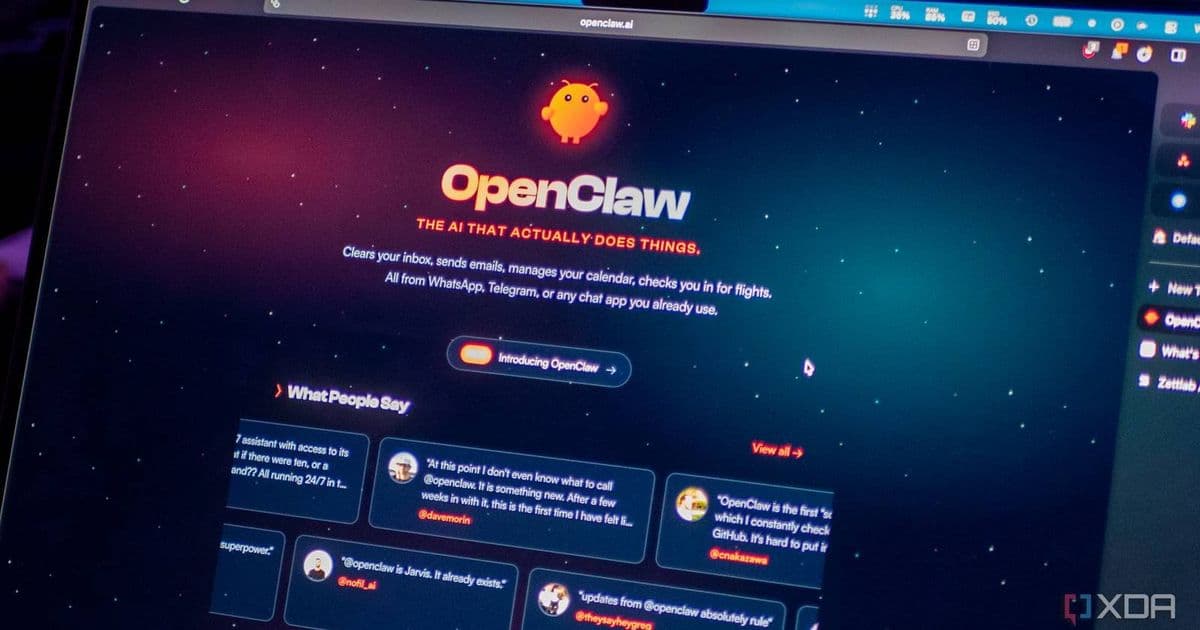
Google has released a new CLI tool called 'gws' that significantly simplifies how OpenClaw can interact with Gmail, Google Docs, Drive, Calendar, and Sheets.
Google has released a new command-line interface tool that makes it dramatically easier for OpenClaw users to connect with and control Gmail, Google Docs, Drive, Calendar, and Sheets. The tool, nicknamed 'gws,' ships with over 100 Agent Skills and 50 curated recipes for common workflows across Workspace APIs.
The Google Workspace CLI is hosted on Google's Workspace GitHub repository but comes with an important caveat: it's not officially supported by Google. Users should exercise caution when implementing it in production environments.
What the Google Workspace CLI Offers
The CLI provides a comprehensive set of capabilities for OpenClaw integration:
- 100+ Agent Skills: Individual skill files for every supported API, plus higher-level helpers for common workflows
- 50 Curated Recipes: Pre-built automation recipes specifically for Gmail, Drive, Docs, Calendar, and Sheets
- Terminal-Based Control: All functionality is accessed through command-line invocations
- Service-Specific Commands: Each Google service has its own command prefix (like
gws-gmail) - Action Subcommands: Detailed subcommands for specific actions (like
gws gmail +send --to --subject --body)
How It Works
The CLI operates by passing the appropriate command with the correct arguments to the terminal, which then handles the complex interactions with Google's APIs. This eliminates much of the manual setup and authentication complexity that previously made OpenClaw integration with Google services challenging.
Users can access the full capabilities through the Skills Index, which provides a complete list of available commands and their functions. The modular design means you can pick and choose which services and workflows to implement based on your specific needs.
Important Considerations
While the tool significantly streamlines OpenClaw integration with Google Workspace, users should note that because it's not officially supported by Google, there may be limitations, potential breaking changes, or lack of formal support channels. The open-source nature means it benefits from community contributions but may not have the same stability guarantees as official Google products.
For OpenClaw users looking to automate workflows across Google's productivity suite, this CLI represents a substantial improvement in accessibility and functionality, though it should be implemented with appropriate testing and caution.
Comments
Please log in or register to join the discussion