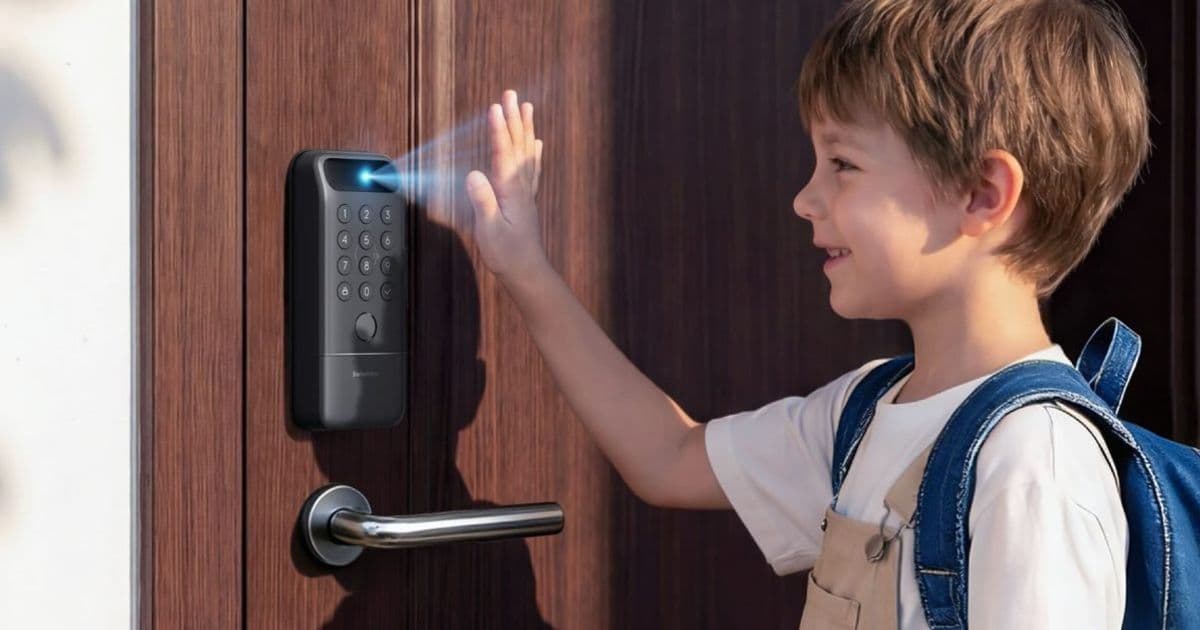
SwitchBot’s new Lock Vision and Lock Vision Pro smart locks bring on‑device 3‑D facial recognition, optional fingerprint and palm‑vein scanning, and Matter support over Wi‑Fi that works directly with Apple TV or HomePod. The article breaks down the hardware specs, HomeKit SDK requirements, and what Android developers need to know for cross‑platform Matter integration.
SwitchBot Lock Vision series – what’s new?
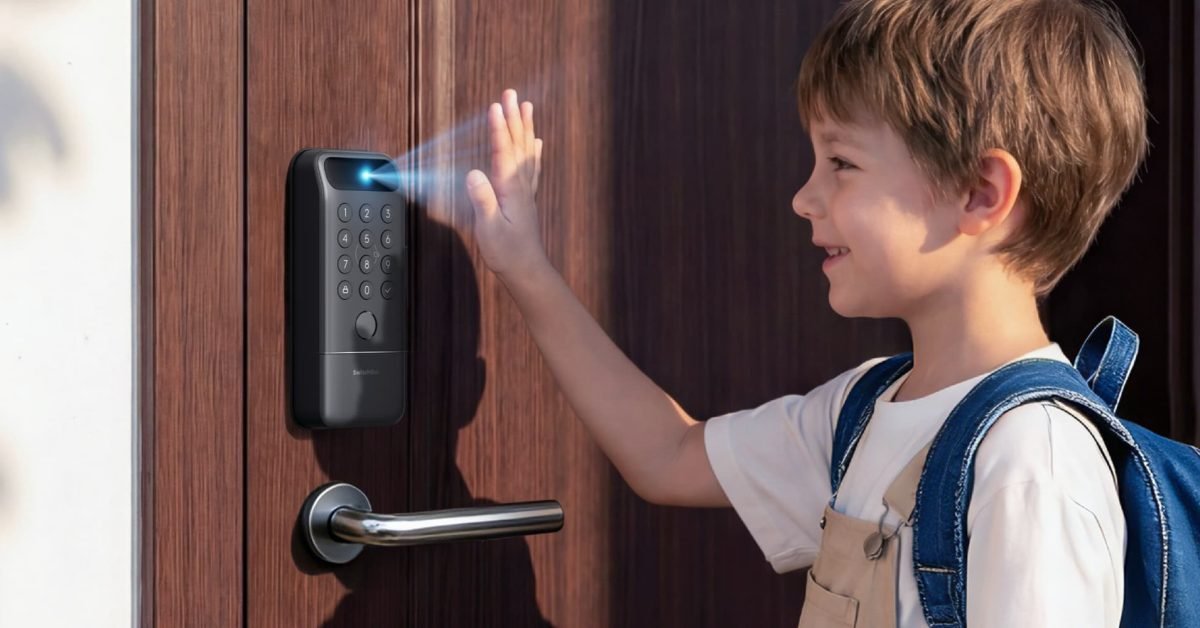 SwitchBot unveiled two new smart locks, Lock Vision and Lock Vision Pro, aimed at Apple Home users who want biometric entry without a dedicated hub. Both models ship with Matter support over Wi‑Fi, which means the lock can join a HomeKit network as long as an Apple TV (4K) or HomePod mini is present. No SwitchBot Bridge is required.
Core hardware features
| Feature | Lock Vision | Lock Vision Pro |
|---|---|---|
| 3‑D facial recognition (20 000 IR points) | ✅ | ✅ |
| Semiconductor fingerprint sensor | – | ✅ |
| Contact‑less palm‑vein scanner (near‑IR) | – | ✅ |
| Dual‑battery system (10 000 mAh Li‑ion + CR123A backup) | ✅ | ✅ |
| mmWave radar for motion‑triggered scanning | ✅ | ✅ |
| USB‑C emergency power port | ✅ | ✅ |
| Price (USD) | 169.99 | 229.99 |
The facial recognition engine builds a depth map in under a second and stores the template locally, encrypted with AES‑128. The Pro model adds a semiconductor fingerprint chip and a palm‑vein scanner that reads vascular patterns without touching the surface.
HomeKit SDK and platform requirements
iOS / iPadOS
- Minimum OS: iOS 17.0 / iPadOS 17.0 – the first release that includes the HomeKit 7 framework with built‑in Matter support.
- Xcode: 15.1 or later. The HomeKit framework is now delivered as a Swift‑first API, and the new
HMAccessoryextensions expose Matter‑over‑Wi‑Fi accessories automatically when they appear on the local network. - Entitlements: Apps that interact with the lock must request the
com.apple.developer.homekitentitlement and enable theMattercapability in the project settings. - Testing: Use the HomeKit Accessory Simulator (bundled with Xcode) to emulate a Matter‑enabled lock and verify that the lock’s QR code provisioning works without a bridge.
Android
While the lock is marketed for Apple Home, its Matter‑over‑Wi‑Fi implementation follows the open Matter spec, so Android developers can integrate it into a Google Home or third‑party Matter hub.
- Minimum Android: 13 (API level 33) – required for the official Matter SDK.
- Matter SDK: Available via Maven (
com.google.android.things:matter:1.2.0). The SDK provides the same device discovery and commissioning flow used on iOS, but the Android app must host a Matter controller. - Cross‑platform note: Because the lock does not need a proprietary bridge, the same Matter‑over‑Wi‑Fi payload can be discovered by both HomeKit and Google Home. However, Apple‑only features such as HomeKit Secure Video or HomeKit Key are unavailable on Android.
Impact on developers maintaining cross‑platform smart‑home apps
- Unified commissioning – With Matter over Wi‑Fi, the QR code printed on the lock’s packaging can be scanned by either an iOS Home app or an Android Matter controller. This reduces the need for separate onboarding flows.
- No bridge dependency – Previously, SwitchBot required its own Bridge to translate Zigbee or Thread to Wi‑Fi. Removing that layer simplifies network topology and lowers latency for lock status updates.
- Battery‑aware UI – The lock’s mmWave radar only powers the biometric sensors when motion is detected. Apps should listen for the
HMAccessoryDidUpdateReachabilitynotification (iOS) or the MatterDeviceReachableChangedcallback (Android) to avoid polling the lock unnecessarily and draining the battery. - Privacy handling – Since biometric templates never leave the device, apps do not need to request additional user permissions beyond HomeKit or Matter access. Still, developers should respect the lock’s
isSecureflag when displaying status in UI. - Future‑proofing – Matter 1.2 adds support for Wi‑Fi 6E and Thread border routers. If SwitchBot releases a Thread‑enabled version later, the same HomeKit and Android code paths will continue to work, requiring only a firmware update on the lock.
Migration checklist for existing SwitchBot users
| Step | iOS | Android |
|---|---|---|
| 1. Verify HomeKit version | Open Settings → General → About → iOS version ≥ 17.0. | – |
| 2. Update Xcode project | Add Matter capability, bump deployment target to iOS 17. |
– |
| 3. Add Android Matter SDK | – | Add implementation "com.google.android.things:matter:1.2.0" to Gradle. |
| 4. Remove Bridge code | Delete any SwitchBotBridge networking layer; replace with Matter discovery. |
Remove Bridge SDK from build.gradle. |
| 5. Test biometric unlock | Use a real device to scan the lock’s QR code; ensure HMAccessory reports isReachable == true. |
Use the Matter controller sample app to commission the lock. |
| 6. Deploy | Submit new build to TestFlight/App Store. | Publish updated APK/AAB to Play Console. |
What’s still missing?
The lock does not currently support Apple Home Key, which would let users unlock via the iPhone lock screen or Apple Watch. For developers, this means the lock will appear as a regular Matter accessory rather than a Home Key‑compatible one, limiting the UI experience on iOS.
Where to get the locks
Both models are available on Amazon with launch‑day pricing. Official product pages and technical specs can be found on the SwitchBot website:
For deeper technical details, see the Matter specification on the Connectivity Standards Alliance site and the Apple HomeKit developer documentation:
HomeKit Weekly continues to track smart‑home hardware that impacts both iOS and Android developers. Stay tuned for upcoming coverage of Thread‑enabled accessories and the next Matter firmware release.
Comments
Please log in or register to join the discussion