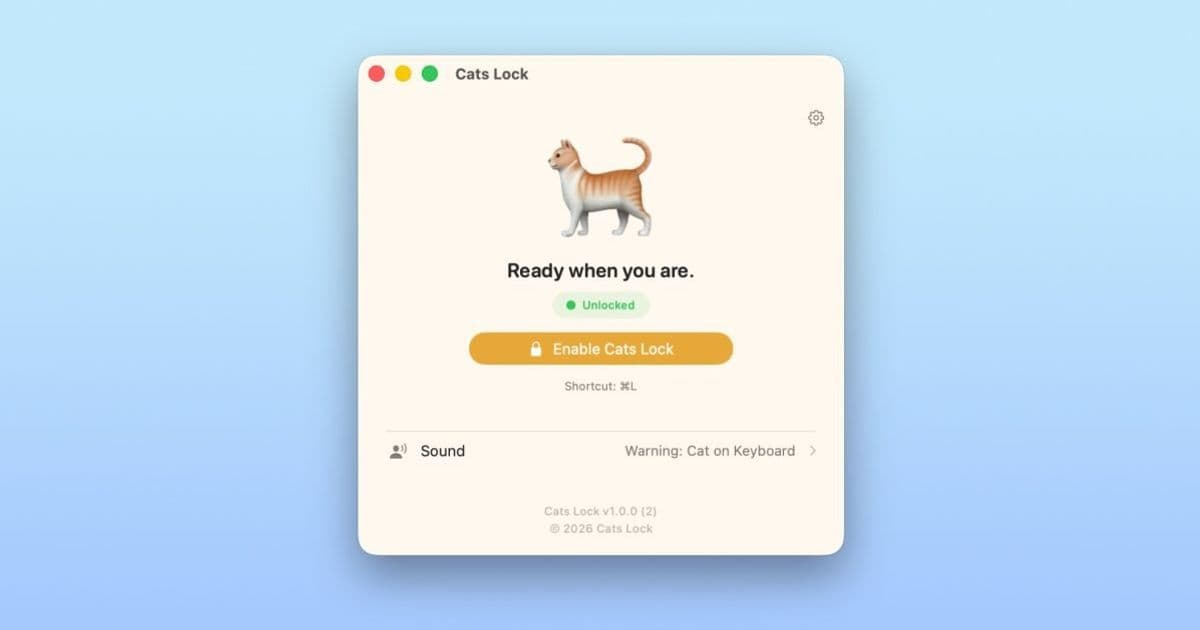
Cats Lock is a $2.99 Mac App Store utility that disables the keyboard with a hot‑key or menu‑bar toggle, adds optional sound and blur effects, and offers a stealth mode for meetings. The app is sandboxed, free of subscriptions, and designed for cat owners who need a quick way to stop accidental typing.
A quick fix for feline‑induced keyboard chaos
If you’ve ever watched a cat sprint across your MacBook and wondered whether the stray keystrokes will post an unwanted email, you’ll appreciate what Cats Lock does. The utility sits in the menu bar and can be turned on or off with ⌘ L. When active, the keyboard stops sending input, letting your cat explore the keys without triggering commands.
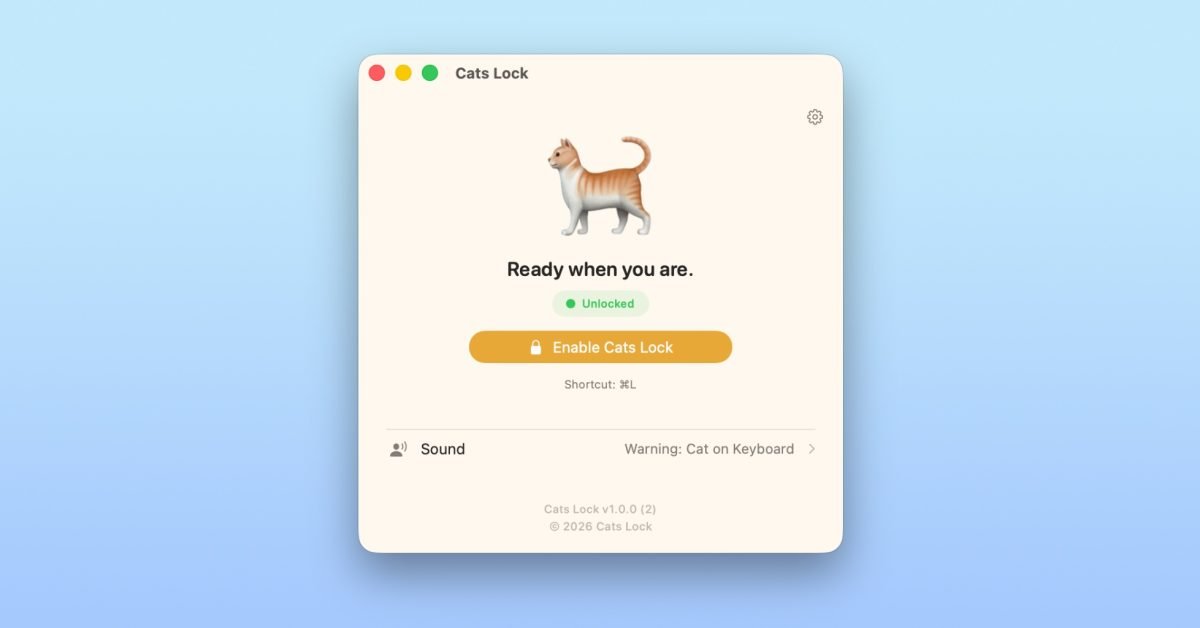
How the app works
- Hot‑key activation – Press ⌘ L to lock or unlock the keyboard instantly.
- Menu‑bar control – A small icon lets you toggle the lock, useful when you’re already using the hot‑key elsewhere.
- Feedback options – By default the app plays a short “click” sound for every blocked keystroke and blurs the screen, so you can hear the cat’s activity even from another room.
- Stealth mode – Disables the keyboard without sound or blur, perfect for video calls or presentations where visual distraction must be avoided.
- One‑time purchase – $2.99 on the Mac App Store, no subscriptions, no in‑app purchases, fully sandboxed for privacy.
Why developers might care
Even though Cats Lock is aimed at end‑users, the implementation touches on a few macOS development topics that indie creators often wrestle with:
- Global hot‑key registration – The app uses
NSEvent.addGlobalMonitorForEventsMatchingMaskto listen for the ⌘ L combination, a pattern that can be reused for any shortcut that needs to work when the app is in the background. - Keyboard event interception – By installing a low‑level event tap (
CGEventTapCreate) the utility can swallow key events before they reach the responder chain. This approach works on macOS 13 Ventura and later, but developers must request the Input Monitoring entitlement and handle the user‑prompt gracefully. - Sandbox compliance – Cats Lock runs entirely within the App Sandbox, only needing the com.apple.security.device.keyboard entitlement. The code demonstrates how to keep the app lightweight while still accessing the necessary system resources.
- Accessibility considerations – The optional sound and blur effects are implemented via the
AVFoundationandCoreImageframeworks, respectively. Both are optional, allowing users with visual impairments to disable the blur while still benefiting from the keyboard lock.
If you are building a utility that needs to block input – for example, a focus‑timer or a parental‑control tool – Cats Lock’s source code (available on the developer’s GitHub here) offers a concise reference.
Migration and compatibility notes
The current release targets macOS 13.0 and later, matching the minimum required version for most modern indie apps. If you maintain an app that still supports macOS 12 Monterey, you’ll need to add a fallback path that uses the older CGEventTapCreate API without the newer NSEvent convenience methods.
For developers using cross‑platform frameworks such as Flutter or React Native, the keyboard‑blocking logic must be written in native Swift/Objective‑C and exposed to the framework via a platform channel. Cats Lock’s small native module can be copied into a macos/Runner folder and called from Dart or JavaScript, keeping the rest of your codebase unchanged.
Where to get it
Cats Lock is available on the Mac App Store for a single payment of $2.99. The listing includes a 14‑day free trial, allowing users to test the lock before committing. Because the app is fully sandboxed, there are no background network calls, and the only permission it asks for is Input Monitoring – a prompt that appears the first time you enable the lock.
Buy Cats Lock on the Mac App Store
If you have an indie Mac or iOS app you’d like to see featured, reach out to the 9to5Mac editorial team. The Indie App Spotlight runs weekly and highlights tools that solve everyday problems with a dash of personality.
Comments
Please log in or register to join the discussion