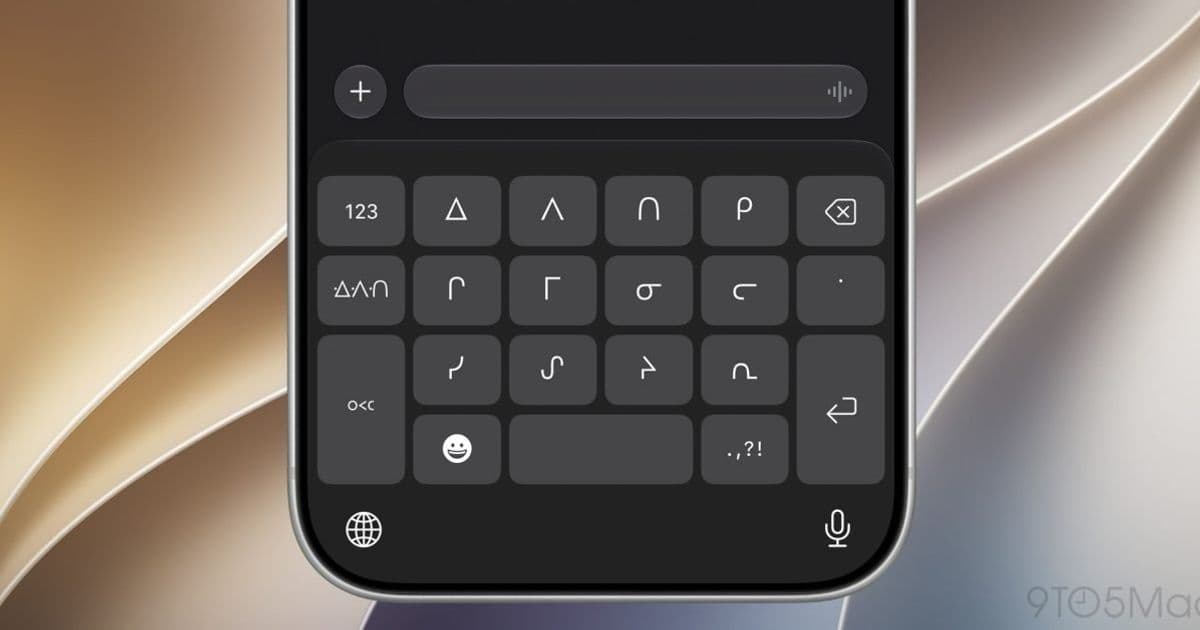
Apple’s iOS 27 keyboard additions are a localization update with real engineering consequences for input fields, search, chat, forms, and cross-platform text handling.
Platform update
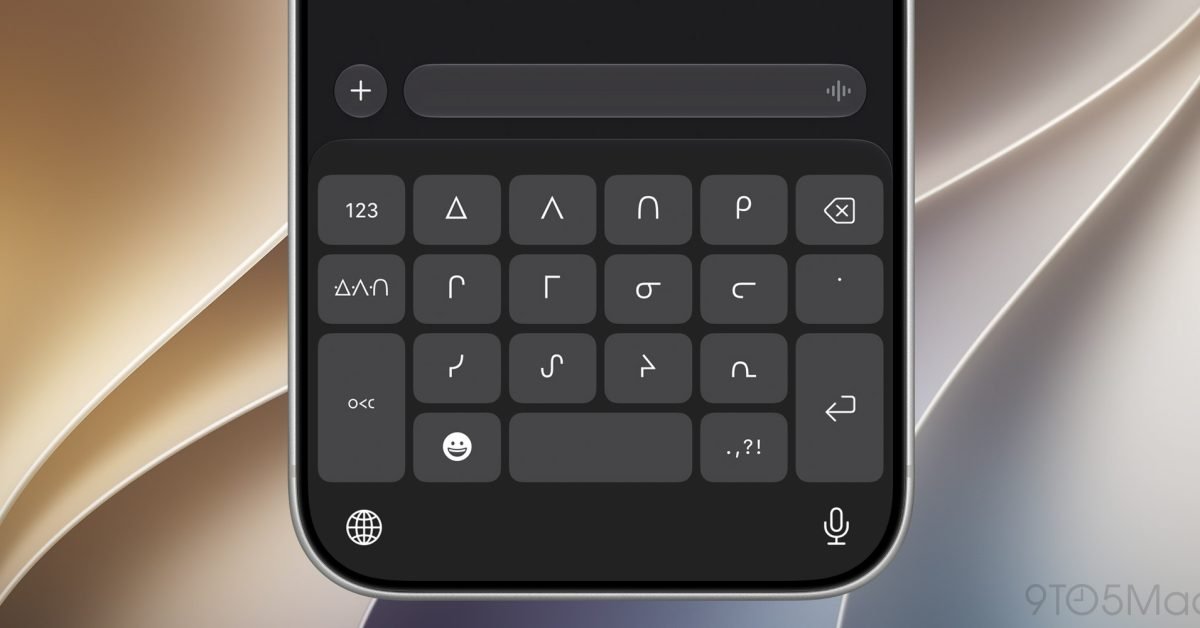
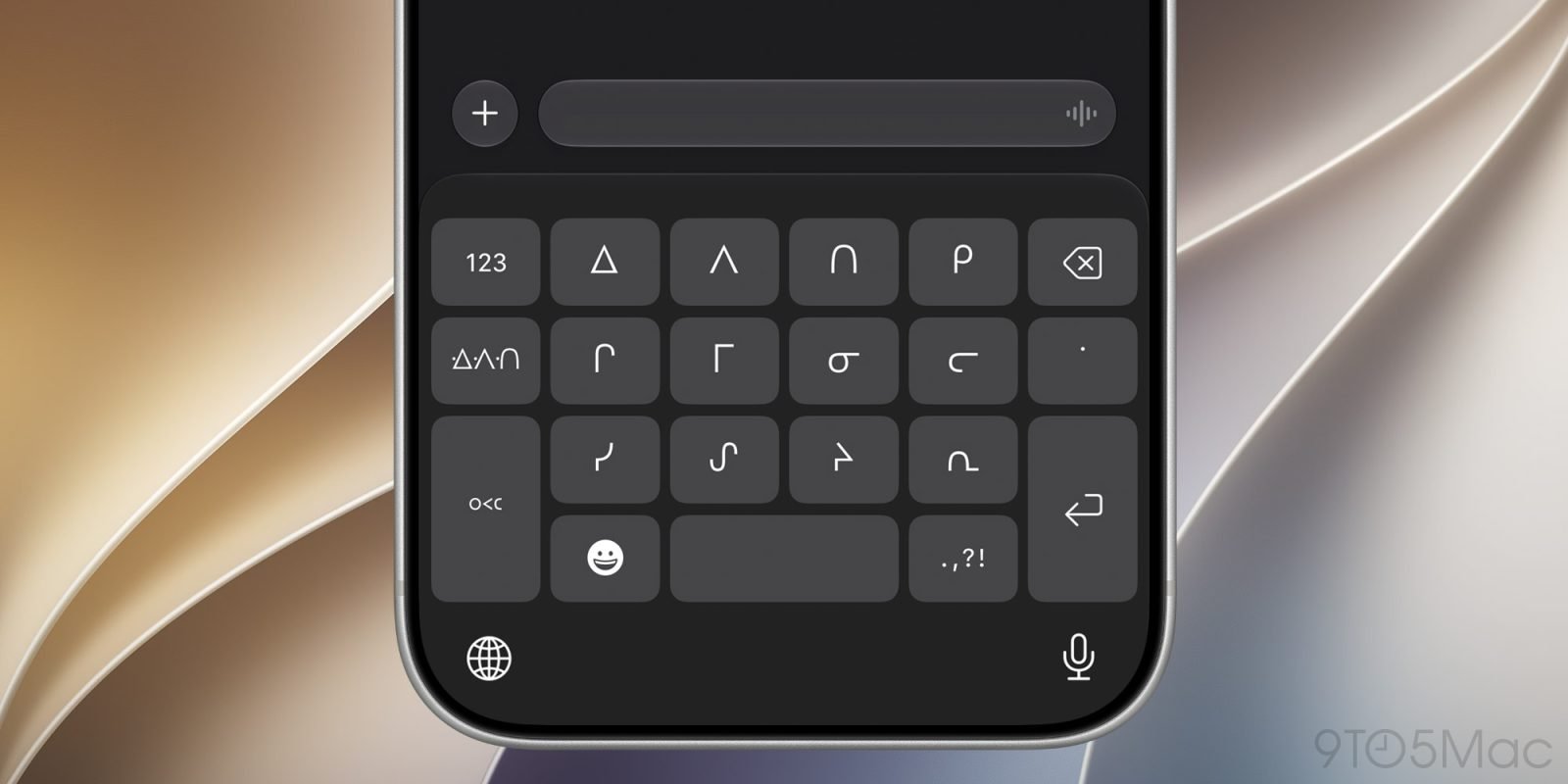
Apple is expanding keyboard and typing support in iOS 27 with new keyboards for Afrikaans, Basque, Baybayin, English Philippines, Galician, Guarani, Luxembourgish, Xhosa, Zulu, and several Indigenous languages including Blackfoot, Comanche, Cree, Kiowa, and Tsuut’ina. The update also brings typing improvements across Chinese, Japanese, Vietnamese, multilingual keyboards, emoji and sticker keyboards, and handwriting input.
For users, this is a basic platform dignity issue: the system keyboard should understand the language they actually type in. For developers, it is a reminder that text input is not just a string field with a cursor. It is a contract between the OS keyboard, input method editors, autocorrection, suggestions, Unicode handling, validation rules, layout, accessibility, sync, search, and backend storage.
Apple’s broader iOS developer resources are available through the Apple Developer site, with text input APIs documented under UIKit text input and UITextInput. Cross-platform teams should also compare Android’s equivalent input behavior through the Android input method documentation and Jetpack Compose text input documentation.
Developer impact
The new keyboards matter most in places where apps assume Western European typing behavior. A login form that trims or rejects characters too aggressively, a search box that normalizes text incorrectly, or a chat composer that miscounts characters can become visibly broken when users type with phonetic conversion, handwriting, QuickPath, multilingual prediction, or non-Latin scripts.
The iOS 27 changes called out by 9to5Mac include automatic punctuation on multilingual keyboards, faster emoji and sticker keyboard loading, improved multilingual handwriting processing, better conversion from Pinyin and Kana for Simplified Chinese and Japanese, Vietnamese VNI QuickPath and suggestions, punctuation suggestions for Chinese, and smarter language and keyboard configuration suggestions.
That affects several app surfaces:
Text fields and validation. Avoid ASCII-only validation unless the field truly requires it. Names, addresses, organization names, notes, comments, and search queries should accept Unicode. If a backend schema still assumes narrow character sets or byte-length limits, iOS 27’s broader input coverage will expose that quickly.
Search and indexing. A user typing Japanese through Kana conversion or Chinese through Pinyin may expect search to handle both the source phonetic input and the converted script. Apps with local search should check tokenization, normalization, diacritic handling, and case folding. Server-side search should be tested with real examples, not just English sample data.
Character counting. User-facing counters should count grapheme clusters, not UTF-16 code units. Emoji, combining marks, and some Indigenous language orthographies can produce surprising counts if code uses naive string length APIs. Swift developers should prefer Swift
Stringsemantics for user-visible character counts, while Kotlin and Java teams should be careful with UTF-16 indexing on Android.Layout. New keyboard layouts can change available viewport height, especially in chat, notes, document editing, form-heavy apps, and web views. Test safe area handling, keyboard avoidance, scroll-to-focused-field behavior, accessory views, and bottom action bars.
Cross-platform parity. If your product ships on iOS and Android, users should not see one platform accept their language cleanly while the other rejects it. Flutter, React Native, Kotlin Multiplatform, .NET MAUI, Capacitor, and native stacks all need platform-specific keyboard testing because the OS keyboard remains platform-owned even when UI code is shared.
SDK and platform requirements
App teams should test this using the iOS 27 SDK once available in Apple’s current Xcode release channel, while keeping deployment-target decisions separate. Building with a newer SDK does not mean every app must drop older iOS versions immediately. The practical split is simple: compile and validate against iOS 27, then decide whether your minimum supported iOS version changes based on product needs, dependency support, and QA capacity.
For cross-platform apps, check the framework layer as well as native behavior. In React Native, review TextInput behavior and any native modules that customize keyboard types. In Flutter, test TextField, EditableText, formatters, and platform text input plugins using the latest stable Flutter SDK from flutter.dev. In Compose Multiplatform or Kotlin Multiplatform apps, keep shared validation logic Unicode-aware, but test actual keyboard behavior separately on iOS and Android.
Web-based apps inside WKWebView also need attention. HTML input attributes such as inputmode, autocomplete, lang, and dir can influence keyboard behavior. If a hybrid app wraps a web form, the native shell may be fine while the web layer still blocks valid input.
Migration checklist
Start with audit targets where typing quality directly affects revenue, retention, or support: sign-up, checkout, profile editing, messaging, search, notes, comments, and customer support flows. Add test data for the new iOS 27 keyboard languages where your app has users, then include Chinese, Japanese, Vietnamese VNI, emoji, and multilingual input in regression testing.
Review validation rules. Replace broad “letters only” checks with explicit business rules. If a field accepts a person’s name, it should not silently reject diacritics, apostrophes, spaces, combining marks, or non-Latin scripts. If a field is a username or product code, explain the allowed character set clearly and enforce the same rule on iOS, Android, web, and backend services.
Check storage and APIs. Databases should use UTF-8 compatible encodings, API contracts should document length limits in user-visible characters or bytes, and analytics pipelines should avoid dropping events containing non-English text. Logging systems also need care, since broken encoding in logs can make production bugs impossible to diagnose.
For UI migration, run keyboard tests on compact and large devices. Verify that focused fields remain visible, submit buttons are reachable, predictive text bars do not cover controls, and custom input accessory views still behave when switching keyboards. This is especially important for apps with custom editors, code fields, rich text, or chat composers.
Finally, coordinate iOS and Android QA instead of treating this as an Apple-only update. Android users already rely on Gboard, OEM keyboards, handwriting, voice input, and regional keyboard layouts. iOS 27 is a good forcing function to make text input testing part of the shared mobile release checklist, not a one-time platform pass.
Comments
Please log in or register to join the discussion