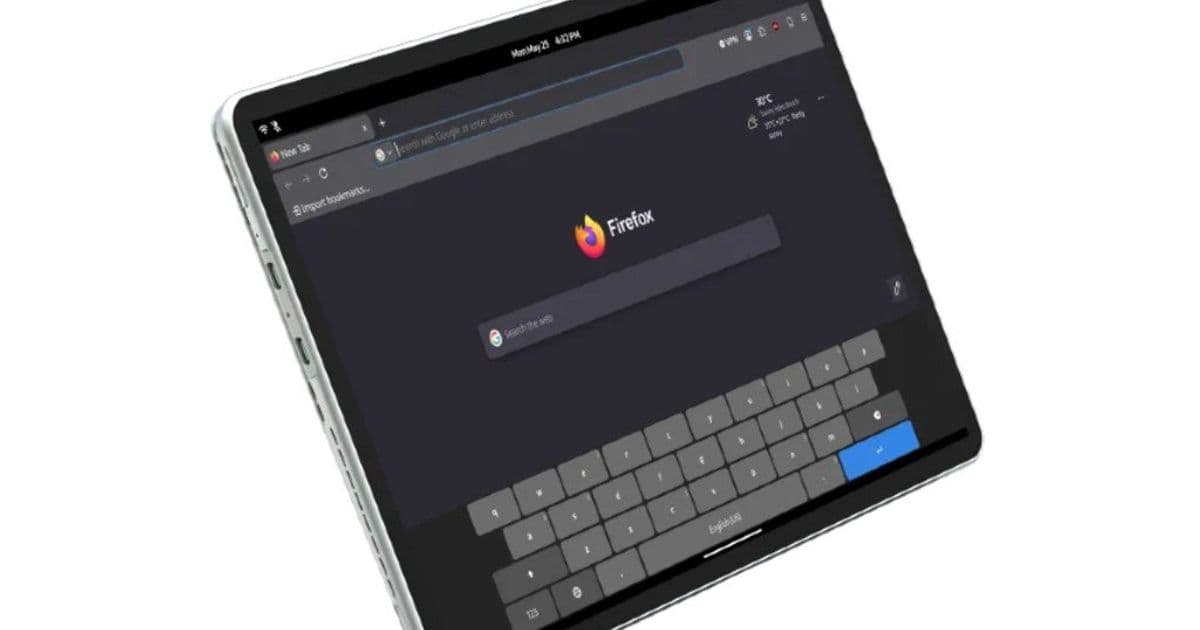
Juno Computers built two fanless-and-fanned tablets for people who want desktop Linux on a slate. The 10.5'' model takes calls over LTE, the 13'' trades the modem for a faster Core Ultra chip and active cooling. Both let you choose the distro at checkout.
Linux tablets remain a rare category, and Juno Computers just added two more options to it. The Juno Tab 4 ships in two distinct configurations: a 10.5'' LTE model and a 13'' Wi-Fi model. They are not simply the same tablet at two sizes. The smaller one keeps cellular connectivity and runs fanless, while the larger one drops the modem in favor of a stronger processor and active cooling. The most interesting part for the target buyer is that you pick which of five Linux distributions gets preinstalled before you check out.
What's new
Both tablets run on Intel silicon and ship with a detachable keyboard that connects over pogo pins at the base. That keyboard is backlit on both models. The shared connectivity baseline is Wi-Fi 6 and Bluetooth 5.2, plus a pair of USB-C 3.1 ports on each that handle charging and video output.
The distro selection is the headline feature. At checkout, buyers choose one of the following to be installed:
- Debian Forky (Posh)
- Debian Forky (Plasma Mobile)
- Debian Testing/Forky (Gnome)
- Kubuntu 26.04 LTS (KDE Plasma)
- Ubuntu 26.04 LTS (Gnome)
The inclusion of Plasma Mobile and Posh signals that Juno is at least trying to address touch-first use, which has historically been the weak point of desktop Linux on slate hardware. Debian Forky is the next stable release in line, so buyers picking it are getting a fairly fresh base.
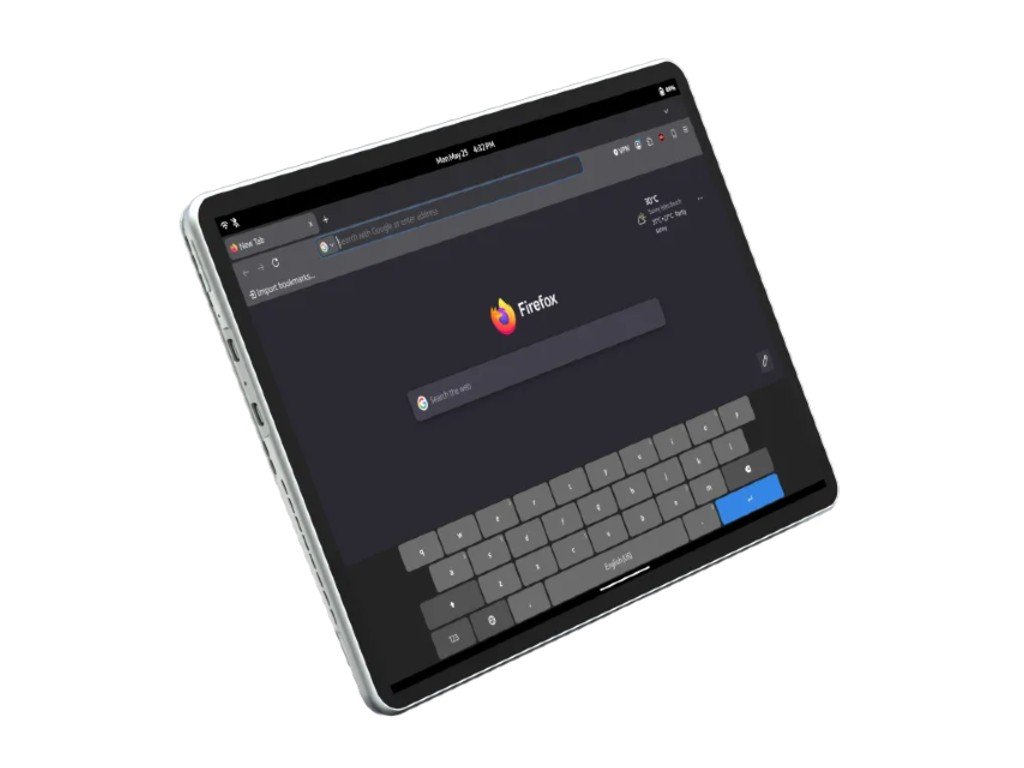
Juno Tab 4 10.5'' LTE
{{IMAGE:2}}
The 10.5'' model uses a 10.5-inch LCD at 1920 x 1080 and 60Hz. Inside is the Intel Core i3-N300, an 8-core part built on Intel's efficiency cores that tops out at 3.80 GHz. It pairs that with 12GB of soldered LPDDR5 and a 1TB M.2 2242 SSD on the SATA III interface, and that drive is removable, so storage upgrades are on the table even though the RAM is fixed.
The N300 is a low-power chip, which is why this tablet gets away without fans. That keeps it silent and helps explain the slim 0.9 cm metal chassis. The trade-off is that SATA III caps your SSD throughput at roughly 550 MB/s, well short of what NVMe delivers, and the i3-N300 is meant for light desktop work rather than heavy multitasking.
Where this model earns its keep is connectivity. It carries an LTE modem and a nano SIM slot, and Juno says you can actually place calls from it, not just pull data. That SIM slot doubles as a microSD reader, so you trade cellular for expandable storage or pick one at a time. Ports include micro HDMI, two USB-C 3.1 ports, and an audio jack. Cameras are modest at 5MP rear and 2MP front. The 29.6Wh battery is small, and the included charger is rated at 36W. Dimensions come in at 24.6 x 17.2 x 0.9 cm.
Juno Tab 4 13'' Wi-Fi
{{IMAGE:3}}
The 13'' model is the performance option. Its 13-inch IPS panel runs at a sharper 1600 x 2560 and 60Hz, a noticeable step up in pixel density over the smaller LCD. Driving it is the Intel Core Ultra 5 115U, paired with 16GB of LPDDR5 and a 1TB M.2 2280 NVMe SSD on PCIe 3.0 x4. That drive is also removable, and the move from SATA to NVMe means roughly six times the sequential read ceiling compared to the 10.5'' model.
The Core Ultra 5 115U is a meaningfully more capable processor than the i3-N300, with performance cores in the mix rather than efficiency cores alone, so this is the tablet to pick if you plan to compile, run containers, or keep many browser tabs and an IDE open. That extra capability is why it needs two fans, housed in a magnesium alloy body. You give up the LTE modem and the microSD slot to get here, so this is a Wi-Fi-only machine.
Ports are slightly more generous: two USB-C 3.1 ports with video out plus a single USB 3.0 Type-A port, which is handy for legacy peripherals without a dongle. Both cameras are 5MP, an upgrade over the smaller model's 2MP front camera for anyone doing video calls. The battery grows to 42.71Wh and ships with a 65W charger to match the higher-power chip.
How it compares
Put side by side, the two Juno Tab 4 models split along a clear line. The 10.5'' is the portable, always-connected, silent option with a weaker chip, slower storage, and a smaller, lower-resolution screen. The 13'' is the workstation-style slate with a faster CPU, NVMe storage, a denser display, and better cameras, at the cost of cellular and fan noise.
Against the broader market, the closest comparisons are devices like the Star Labs StarLite and other small-batch Linux tablets, plus Windows convertibles you would reflash yourself. The N300 in the 10.5'' model is the same class of chip found in budget mini PCs, so expectations should be set accordingly. The Core Ultra 5 in the 13'' puts it in range of mainstream thin-and-light laptops on raw compute, which is unusual for a tablet form factor running Linux. Compared to mainstream Android tablets or an iPad, neither Juno model competes on app polish or battery endurance, and the batteries here, 29.6Wh and 42.71Wh, are on the smaller side, so runtime is likely the weakest spec on both.
Who it's for
These are not mainstream tablets, and they are not trying to be. The buyer is someone who wants a real desktop Linux environment in a slate, values hardware they can service, removable SSDs on both, and wants the OS configured out of the box rather than fighting driver support after the fact. Choose the 10.5'' LTE if mobility and cellular calling matter more than horsepower. Choose the 13'' Wi-Fi if you want it to behave like a portable Linux workstation and can live without a modem.
The open question is price. Juno has not announced pricing or availability for either model yet, and that figure will decide whether these land as compelling niche machines or expensive curiosities. The hardware choices, serviceable storage, distro selection at checkout, and a genuinely capable chip in the larger model, suggest Juno understands its audience. Whether the cost matches what that audience will pay is the part still missing from the spec sheet. More detail is on the Juno Computers product pages, with additional coverage at Liliputing.
Comments
Please log in or register to join the discussion