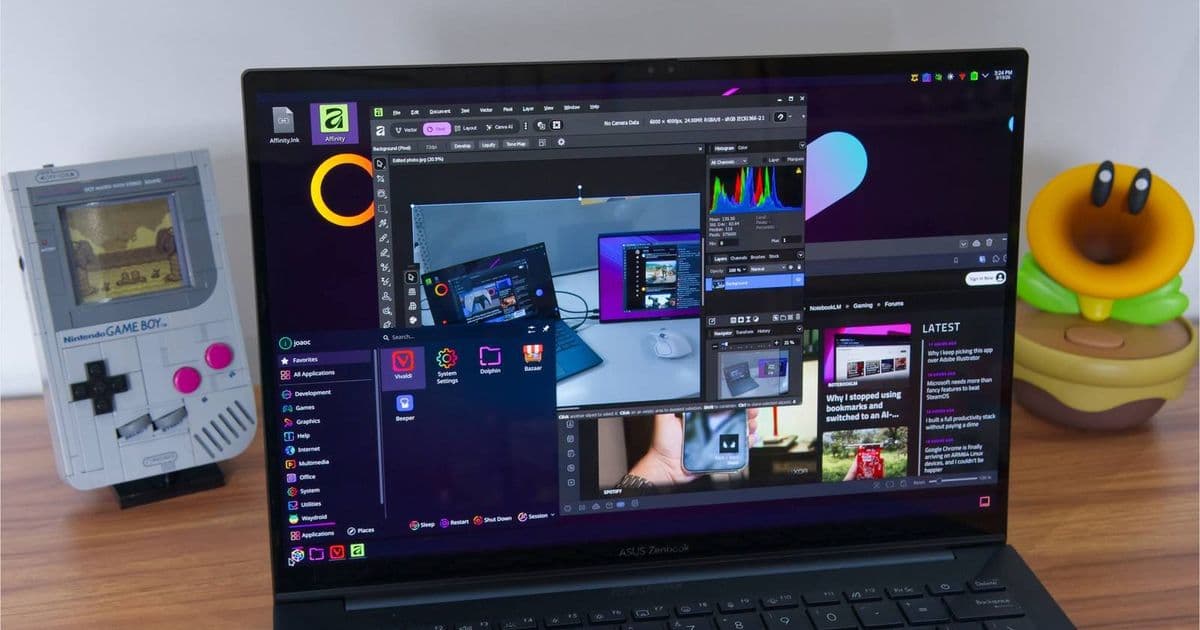
KDE Plasma 6.7 is close, and the final stretch looks focused on practical polish: fewer rough edges, better Wayland behavior, and a desktop that keeps pushing Linux laptops closer to mainstream readiness.
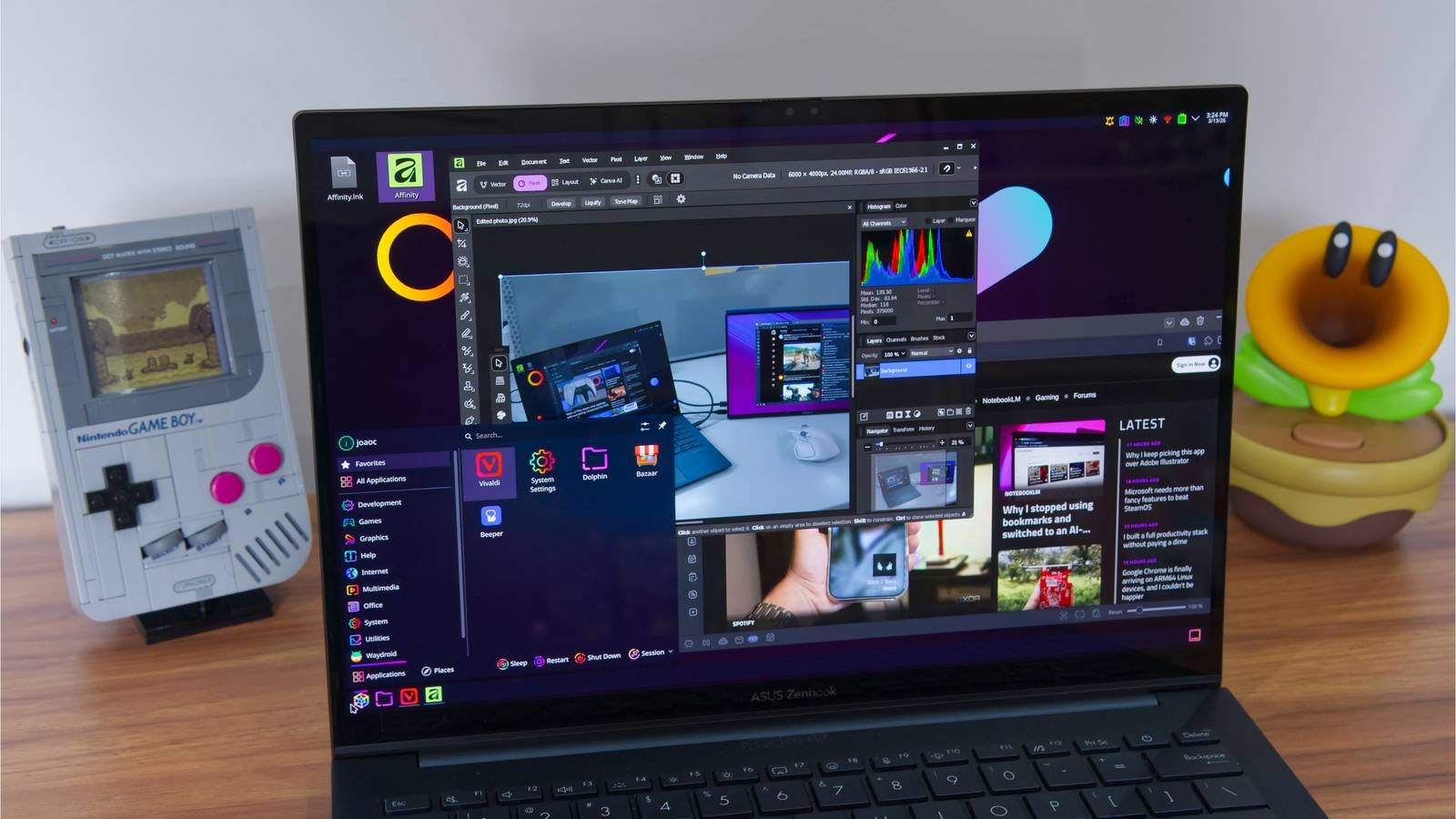
KDE Plasma 6.7 is expected within days, giving Linux desktop users another meaningful update to one of the most polished open source interfaces available today. The release follows Plasma 6.6, which arrived on February 17, 2026, and continues KDE’s Plasma 6 cycle built around Qt 6, KDE Frameworks 6, and a Wayland-first desktop direction.
For everyday users, the headline is not just that a new version number is landing. Plasma has become one of the most important desktops for people who want a PC experience that feels modern without locking them into Apple, Microsoft, or Google’s ecosystem rules. It powers distributions such as KDE neon, Kubuntu, Fedora KDE Spin, openSUSE KDE editions, EndeavourOS, and plenty of enthusiast laptop setups. That means a Plasma update can matter as much as a Windows feature update or macOS point release, especially if your daily machine is a Linux laptop.
The official KDE Plasma page still presents Plasma as a flexible desktop for browsing, files, media, notifications, system settings, and device integration. Plasma 6.7 is expected to build on that same foundation rather than reset the experience. The late-stage contributor rush is typical for KDE’s release process, where bug fixes, UI refinements, regression fixes, and final merge requests pile up before the public release window. That is usually where the difference between “new feature release” and “pleasant daily driver” gets decided.
Key features and technical direction
Plasma 6.7 is part of the Plasma 6 generation, which moved KDE onto the Qt 6 application framework and made Wayland the default display path for most users. That matters because display handling is where a desktop either feels modern or starts to show its age. Wayland is the layer responsible for how windows, monitors, input devices, scaling, screenshots, screen sharing, touch gestures, and graphics security work. On a current laptop with a high-refresh display, mixed-DPI external monitor, fingerprint reader, touchpad gestures, and USB-C dock, the display server is not an invisible detail. It shapes the whole experience.
KDE has already spent several Plasma 6 releases tightening that foundation. Plasma 6.6 added usability and accessibility work such as an improved on-screen keyboard, text recognition in Spectacle screenshots, a new setup flow, better permission prompts, smoother animations on high-refresh screens, and more practical controls for common desktop tasks. Plasma 6.7 is expected to continue that practical pattern: less drama, more refinement, and more attention to the kind of small interaction details that determine whether a Linux laptop feels finished.
The technical stack is still the important spec sheet. Plasma 6.7 belongs to the Qt 6 and KDE Frameworks 6 era, which means newer Kirigami components, modernized libraries, continued KWin Wayland development, and tighter integration with KDE apps. The Plasma 6 schedule page explains KDE’s release process, including public beta windows, freezes, tarball creation for packagers, and bugfix releases after the main version ships. In consumer terms, that is the Linux equivalent of an OS update moving from internal build to release candidate to public rollout.
The hardware story is also better than it used to be. Plasma is especially relevant on laptops with fractional scaling needs, OLED or HDR-capable panels, multi-monitor desks, and modern touchpads. Those are the same categories where Windows and macOS users expect the system to feel natural out of the box. KDE’s long-running work on Wayland, color handling, display configuration, and input behavior is aimed right at that gap.
What changes for users
The most likely visible impact of Plasma 6.7 will be polish across the shell: panels, widgets, notifications, settings pages, KWin window behavior, Discover software management, and Wayland session reliability. KDE releases often contain hundreds of individual changes, but the user-facing value is cumulative. A smoother screen recording permission prompt, a settings page that explains itself better, a panel that behaves more predictably after monitor changes, or an animation that no longer stutters on a 120Hz display can make the desktop feel much more expensive than the version number suggests.
That practical angle is why Plasma keeps winning attention from power users. It lets you run a very personal setup without giving up modern conveniences. You can use Flatpak through Discover, install traditional distro packages, customize panels and widgets, pair an Android phone through KDE Connect, and still keep control over defaults. Apple gives you polished device continuity, but only inside its hardware and services. Windows gives you broad app compatibility, but increasingly ties the PC experience to Microsoft accounts, Edge prompts, OneDrive, and Copilot placement. ChromeOS gives you simplicity, but it is tightly attached to Google’s cloud model. Plasma’s bet is different: give users modern desktop features while keeping the system open, modular, and distribution-driven.
That does come with trade-offs. Plasma 6.7 will not arrive for everyone on the same day. Rolling distributions and KDE neon users usually see major Plasma updates quickly. Fedora, openSUSE Tumbleweed, Arch-based distributions, and similar channels may move fast depending on packaging and QA. Ubuntu LTS, Debian stable, enterprise distributions, and conservative spins may hold back until later. For a phone or laptop buyer used to Apple-style day-one operating system updates, Linux can feel fragmented. For enthusiasts, that same model is a strength because it lets each distribution decide how aggressively to ship new desktop components.
Ecosystem context
Plasma 6.7 lands at a time when the PC ecosystem is getting more locked down, not less. Microsoft keeps adding cloud-linked defaults to Windows, Apple’s best continuity features remain strongest when every device you own has an Apple logo, and Google’s desktop story is built around Chrome and account sync. KDE sits in a different lane. It is not trying to sell you a phone, a cloud drive, or an app store cut. It is trying to make the free software desktop good enough that people can choose their own hardware and services.
That is why KDE Connect remains one of Plasma’s most underrated ecosystem features. It gives Android users notification sync, file sharing, media controls, remote input, and device pairing without requiring a Windows Phone Link style Microsoft account path or an Apple-only setup. It is not the same as iPhone and Mac continuity, but it is far more flexible. For users carrying an Android phone and a Linux laptop, Plasma remains one of the cleanest cross-device options.
Plasma Mobile also keeps KDE relevant beyond traditional laptops, even if the desktop remains the main attraction. Linux phones are still niche, but the shared KDE technology base matters. Improvements to Kirigami, touch-friendly components, permission handling, virtual keyboards, and adaptive layouts can benefit tablets, convertibles, handheld PCs, and small-screen Linux devices over time. Plasma 6.7 should be viewed in that wider context: not just a desktop update, but another step in KDE’s attempt to make open source interfaces credible across device types.
For most users, the smart move is to wait for your distribution’s packaged update rather than forcing a manual install. KDE provides source code through KDE Invent and release material through its announcement hub, but Plasma is a core desktop component, not a standalone app. Updating it safely depends on matching versions of KWin, Plasma Workspace, KDE Frameworks, Qt, Discover, system settings modules, and distro-specific integration packages.
Plasma 6.7 may not be a flashy reset, and that is fine. The Linux desktop needs fewer resets and more confidence. If KDE’s contributors land the final tweaks cleanly, this release should make Plasma feel a bit more mature on the machines people actually use: mixed-monitor laptop docks, high-DPI screens, Android-connected workflows, and daily productivity setups where the desktop should help without getting in the way.
Comments
Please log in or register to join the discussion