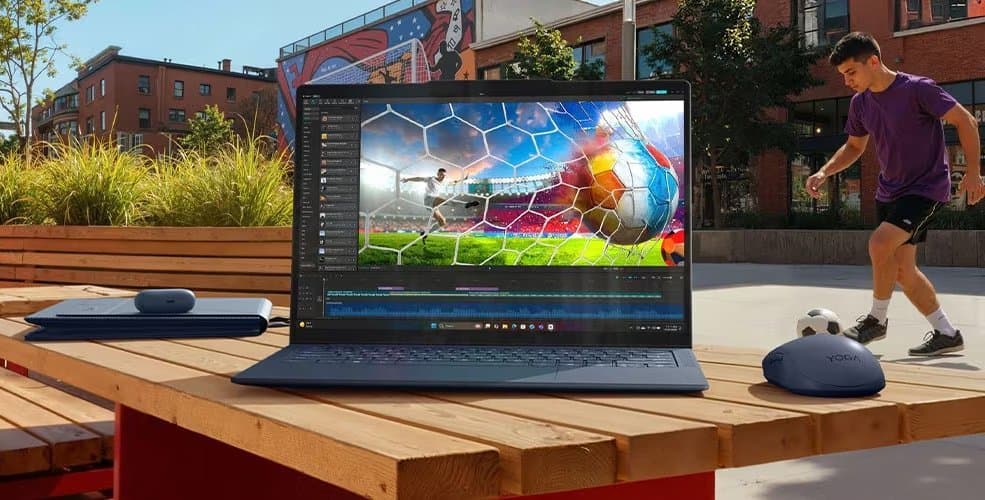
Lenovo's new Yoga Slim 7x brings Qualcomm's ARM-based Snapdragon X2 Elite processors to a 14-inch OLED ultraportable, but the chip hierarchy reveals important performance distinctions developers need to understand.
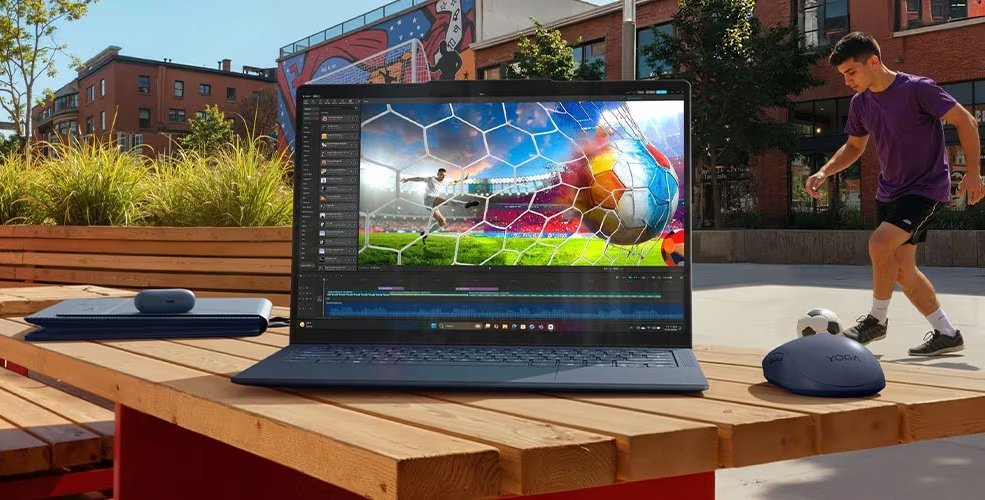
Lenovo has officially unveiled the Yoga Slim 7x (14″), a compact notebook that enters the competitive ARM-based Windows laptop segment with Qualcomm's latest Snapdragon X2 Elite processors. At less than 14mm thick and starting at 1.17 kg (2.6 pounds), it's positioned as a premium ultraportable, but the real story for mobile developers lies in the processor configuration options and what they mean for cross-platform development workflows.
Processor Tiers and Performance Implications
The Yoga Slim 7x supports up to the 18-core Qualcomm Snapdragon X2 Elite (X2E-88-100), which represents a middle tier in Qualcomm's new lineup. This chip offers solid performance but falls short of the flagship X2 Elite Extreme (X2E-96-100) variant, which features increased memory bandwidth and higher CPU/GPU frequencies. For developers, this distinction matters when targeting ARM64 Windows builds or testing performance-critical applications.
The processor choice directly impacts development workflows. The X2E-88-100's memory bandwidth limitations could affect compilation times for large codebases, especially when running virtualization or containerized development environments. However, for most mobile app development targeting iOS and Android, this chip should handle emulators and build tools competently.
Lenovo also offers lower-tier configurations: 12-core Snapdragon X2 Elite and 6-core Snapdragon X2 Plus processors. These options create a clear performance hierarchy that developers must account for when documenting system requirements or providing support.
Display and Development Considerations
The 14-inch OLED display comes in two configurations:
- 2880 x 1800 pixels at 120 Hz
- 1920 x 1200 pixels at 60 Hz
For developers working on cross-platform UI, the 2880 x 1800 panel at 120 Hz offers excellent pixel density and smooth scrolling, making it suitable for testing high-refresh-rate mobile interfaces. The 1920 x 1200 option provides a more traditional 16:10 aspect ratio that matches many development laptops and reduces scaling issues when running multiple tools.
The OLED technology delivers deep blacks and high contrast ratios, which benefits developers testing dark mode implementations and color-sensitive UI work. However, developers should be aware that OLED burn-in mitigation requires careful handling of static elements like IDE toolbars and status bars during long coding sessions.
Memory and Storage Architecture
The Yoga Slim 7x supports up to 32GB of LPDDR5x-9600 memory and up to a 2TB PCIe Gen 4 SSD. The memory is soldered and not user-upgradeable, which is typical for thin ultraportables but limits long-term flexibility. The storage is user-replaceable, allowing developers to upgrade capacity as project files grow.
For mobile development workflows, 32GB should comfortably handle multiple IDE instances, Android emulators, and design tools simultaneously. The LPDDR5x-9600 speed provides adequate bandwidth for ARM64 compilation tasks, though developers working with large native codebases may notice longer build times compared to x86 workstations with faster memory subsystems.
Connectivity and Peripheral Support
Three USB4 Type-C ports provide modern connectivity, supporting external displays, fast storage, and docking stations. USB4's compatibility with Thunderbolt 3 ensures developers can use existing peripherals and external GPU enclosures if needed for specific testing scenarios.
WiFi 7 and Bluetooth 5.4 support future-proofs the device for testing next-generation wireless features in mobile applications. The 9MP IR webcam with privacy shutter addresses security-conscious developers who need reliable video conferencing without compromising privacy.
Cross-Platform Development Implications
For developers maintaining apps across iOS and Android, the Yoga Slim 7x represents an interesting option for Windows-based development. The ARM64 architecture aligns closely with mobile SoC designs, potentially making emulation more efficient than on traditional x86 laptops. However, developers must consider:
Emulator Performance: Android Studio's ARM64 emulator should run natively on the Snapdragon X2 Elite, eliminating translation overhead and improving performance compared to x86 laptops using ARM emulation.
Build Tool Compatibility: While major development tools have embraced ARM64 Windows, some niche utilities and build scripts may still require x86 translation layers, which could impact workflow efficiency.
Virtualization: The Snapdragon X2 Elite's virtualization capabilities enable running Linux containers or lightweight VMs, useful for backend development or testing server-side components.
Power Efficiency: ARM's inherent power efficiency translates to longer battery life during development sessions, especially when running lightweight tasks or using the system for documentation and communication.
Pricing and Availability
The Yoga Slim 7x is scheduled for Q2 2024 release with a starting price around $950. However, this entry price likely corresponds to configurations with the 6-core Snapdragon X2 Plus or 12-core X2 Elite processors. The 18-core X2E-88-100 configuration will command a premium, potentially pushing the price well above $1,200.
For developers considering this as a primary development machine, the price-to-performance ratio needs careful evaluation against established x86 alternatives. While the ARM architecture offers benefits for mobile development workflows, the software ecosystem maturity and potential compatibility issues may justify waiting for broader industry adoption.
Developer Workflow Considerations
When evaluating the Yoga Slim 7x for development work, consider these practical aspects:
Build Performance: ARM64 native compilation will be fastest, but many development tools still rely on x86 binaries. The Windows on ARM translation layer (Prism) handles x86 apps, but performance overhead exists. Developers should verify their toolchains run natively or accept translation performance.
Testing Strategy: The device excels at testing ARM64 Windows builds and Android ARM64 emulators. However, iOS development still requires a Mac for building and testing, limiting this device's role in complete cross-platform workflows.
External Display Support: With three USB4 ports, developers can drive multiple external monitors, essential for productivity. The 2880 x 1800 internal display works well as a primary screen, while external 4K displays can handle code editing and preview windows.
Thermal Management: Thin ultraportables often throttle under sustained load. Developers running long compilation jobs or multiple emulators should monitor thermal performance and consider cooling pads or elevated positioning for extended sessions.
Market Context
The Yoga Slim 7x enters a growing market of ARM-based Windows laptops, competing with devices like the Microsoft Surface Pro 10 with Snapdragon X Elite and various OEM offerings. For mobile developers, this trend signals ARM's maturation as a development platform, though the transition remains ongoing.
Qualcomm's Snapdragon X2 Elite series represents a significant step forward in ARM performance, but developers must still navigate compatibility layers and ecosystem gaps. The Yoga Slim 7x's hardware is compelling, but its true value depends on how well the software stack supports ARM64 development workflows.
For developers primarily focused on iOS and Android, the Yoga Slim 7x offers a capable Windows alternative to MacBooks, particularly if you need Windows-specific tools alongside mobile development. However, those deeply invested in x86 toolchains or requiring specific Windows-only software may want to wait for broader ARM64 adoption or consider x86 laptops with proven compatibility.
The device's Q2 2024 availability gives developers time to evaluate early reviews and compatibility reports before making purchasing decisions. As the ARM Windows ecosystem matures, devices like the Yoga Slim 7x may become standard development machines, but early adopters should prepare for potential workflow adjustments and compatibility testing.
Comments
Please log in or register to join the discussion