
Apple is turning the Apple Silicon transition from a compatibility project into a hard platform requirement, which matters as much for mobile build machines as it does for Mac desktop apps.
Platform update
Apple's next macOS line is drawing a clear boundary around the Mac's Intel era. According to the Liliputing report, macOS 27 Golden Gate will not install on Intel-based Macs, making Apple Silicon the baseline for the current Mac platform. The same report says macOS 27 is also the last major release with full Rosetta support, meaning macOS 28 is the point where ordinary x86 Mac apps stop being part of the supported path on Apple Silicon machines.
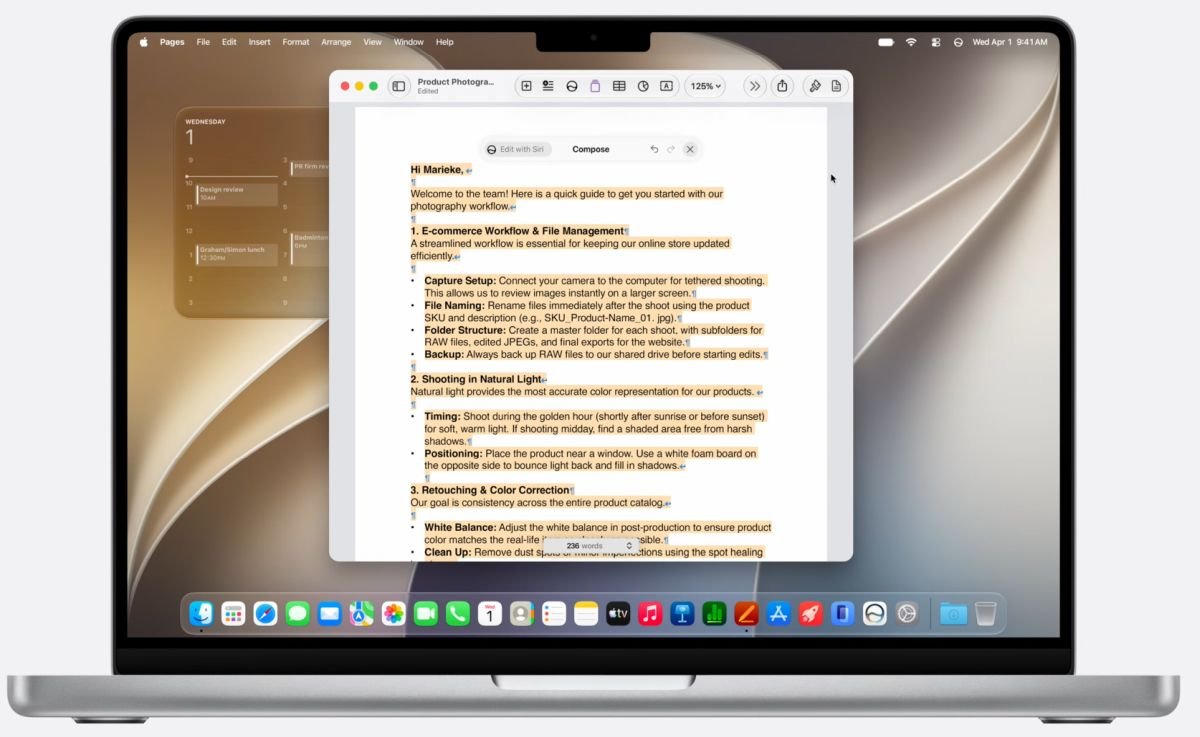
For mobile developers, this is not just a Mac desktop story. The Mac is still the required build host for iOS and iPadOS apps, whether the app is native Swift, React Native, Flutter, Kotlin Multiplatform, Unity, or a shared C++ codebase. Android work can be done on Windows or Linux, but many cross-platform teams standardize on Macs because one machine can run Xcode, Android Studio, simulators, emulators, signing tools, and release automation.
The platform requirement shift means those machines now need a closer audit. Intel Macs can remain useful on older macOS releases for maintenance, but they are no longer a safe long-term target for current SDK work. Apple documents Rosetta as the compatibility layer for running Intel apps on Apple Silicon in its Rosetta support article, and developers should treat that layer as temporary infrastructure, not as a runtime dependency.
The SDK angle is the part that matters most in practice. When teams adopt the macOS 27 SDK through the WWDC-era Xcode beta and later stable Xcode releases, the host environment is expected to be Apple Silicon. That affects local development, CI images, notarization workflows, native dependency compilation, and test runners. It also puts pressure on tools that still ship Intel-only binaries inside larger mobile stacks.
Developer impact
If your app is iOS-only and built entirely from Swift or Objective-C, the change may look boring at first. Your app already targets Arm devices, and the App Store has required modern architectures for years. The risk is usually not the app binary itself, it is the tooling around it: old command-line utilities, binary CocoaPods, closed-source vendor SDKs, private code generation tools, build hooks, analytics uploaders, crash-symbol processors, and plugins that were compiled once for Intel and then forgotten.
Cross-platform mobile projects have more surface area. A Flutter app may depend on native CocoaPods, Dart tooling, Android Gradle Plugin behavior, and a custom Fastlane lane. A React Native app may include Node packages with native modules, Ruby gems used by CocoaPods, JavaScript build steps, and Xcode project generation. Kotlin Multiplatform projects can add Gradle, Kotlin/Native, cinterop definitions, and generated frameworks. Each layer can hide an executable that has been working only because Rosetta translated it.
A useful first check is to inspect the binaries that run during a clean build. On macOS, file path/to/tool will tell you whether a binary is arm64, x86_64, or universal. lipo -info path/to/binary gives similar information for Mach-O files. If a build script invokes a downloaded tool from node_modules, Pods, vendor, bin, or a cached CI directory, that tool should be treated as part of the migration inventory.
The most fragile area is native plugin and SDK maintenance. Audio developers are already worried because DAW plugins often lag macOS transitions, but mobile teams have their own equivalent: payment terminals, camera SDKs, Bluetooth device libraries, VPN components, mapping SDKs, authentication brokers, and embedded database wrappers. If a vendor still ships only Intel Mac tools for code generation, packaging, or simulator support, macOS 28 turns that from a warning into a blocker.
There is also a simulator distinction that gets missed. iOS apps run on Arm devices, but iOS Simulator builds on Apple Silicon use different slices than physical devices. A dependency can work on a real iPhone while failing in the simulator, or it can work under Rosetta today because Xcode or Terminal was launched in translated mode. That is a short-term workaround, not a future platform strategy.
Android teams are affected differently. The Android app runtime is not tied to macOS, and Android Studio supports Apple Silicon. The practical issue is mixed-platform workstation policy. If your release process assumes a single Mac mini can build both Android and iOS artifacts, that machine needs to be Apple Silicon, and all local native build dependencies need Arm-compatible versions. Otherwise, the Android side may be healthy while the shared release lane fails during iOS packaging.
CI providers will feel this quickly. Hosted macOS images follow Apple's platform direction because they need supported Xcode versions. If a workflow pins an Intel macOS runner to preserve an old tool, that pin becomes technical debt with a date attached. Teams using GitHub Actions, Bitrise, Codemagic, Jenkins on Mac minis, or self-hosted runners should check which jobs require Xcode, which jobs require Rosetta, and which jobs can move to Linux for Android-only work.
Migration
The clean migration path is to remove Rosetta from the critical path before macOS 28 forces the issue. Start with build hosts, not app code. Inventory every Mac used for local development, release signing, CI, QA automation, and emergency hotfixes. Intel machines can still be useful for reproducing customer bugs on older macOS versions, but they should not be the only machines capable of shipping a current iOS release.
Next, make Apple Silicon native builds the default. On developer machines, run Terminal normally, not under Rosetta. Reinstall Homebrew using the Apple Silicon prefix at /opt/homebrew rather than relying on an older Intel /usr/local setup. Rebuild native Node modules, Ruby gems, Python wheels, CocoaPods dependencies, and custom command-line tools. When possible, replace checked-in binaries with source builds or vendor releases that include arm64 slices.
For Xcode projects, review EXCLUDED_ARCHS, simulator architecture settings, and any build script that assumes x86_64. Many projects added exclusions during the early M1 transition to get simulator builds passing. Those settings may now hide problems or prevent native simulator builds from working as intended. Check Apple's Xcode documentation and release notes when moving to the macOS 27 SDK, because Xcode version requirements usually drive the real deadline for mobile teams.
For CocoaPods and Swift Package Manager, update dependencies and remove stale binary frameworks where possible. A universal framework should include the slices you need for device and simulator builds. An XCFramework is usually the better packaging format for modern Apple platforms because it can carry separate variants for iOS device, iOS Simulator, macOS, and Mac Catalyst. If a vendor still ships a plain framework with unclear architecture support, ask for an Apple Silicon-ready XCFramework and a support statement for macOS 27 and macOS 28.
For React Native, audit native modules and the toolchain around them. Node itself is available for Apple Silicon, but packages may download prebuilt binaries during install. Delete old caches, reinstall dependencies on an Apple Silicon machine, and run a clean iOS build without Rosetta. For Flutter, run flutter doctor, refresh CocoaPods, and check any plugin with native iOS or macOS code. For Kotlin Multiplatform, verify the Kotlin version, Gradle version, Xcode integration, and any cinterop or native framework packaging tasks.
Release automation deserves its own pass. Fastlane, Ruby, CocoaPods, Java, Gradle, Firebase CLI, Sentry CLI, App Center replacements, symbol uploaders, and store metadata tools all need native support or maintained universal binaries. The failure mode is often subtle: the app compiles, then the release job fails while uploading dSYMs, processing screenshots, signing a helper, or invoking a vendor binary from a script phase.
Teams that support desktop Mac apps alongside mobile apps need a product decision too. If the Mac app is still Intel-only, it should be rebuilt as Apple Silicon native or universal while macOS 27 still gives users a compatibility bridge. Apple's developer site has the current SDK entry points, and the broader Apple Silicon transition history is a useful reminder that compatibility layers are transition tools, not permanent platform contracts.
The pragmatic schedule is simple: use macOS 27 as the validation window. By the time macOS 28 is the active target, your build graph should already be clean on Apple Silicon, your CI should not depend on Intel runners, and your vendor SDK list should have no mystery binaries. That puts mobile teams in the right posture for both iOS and Android work: current Xcode on supported Macs, Android tooling on native Arm or Linux where it makes sense, and fewer hidden architecture assumptions waiting to break a release.
Comments
Please log in or register to join the discussion