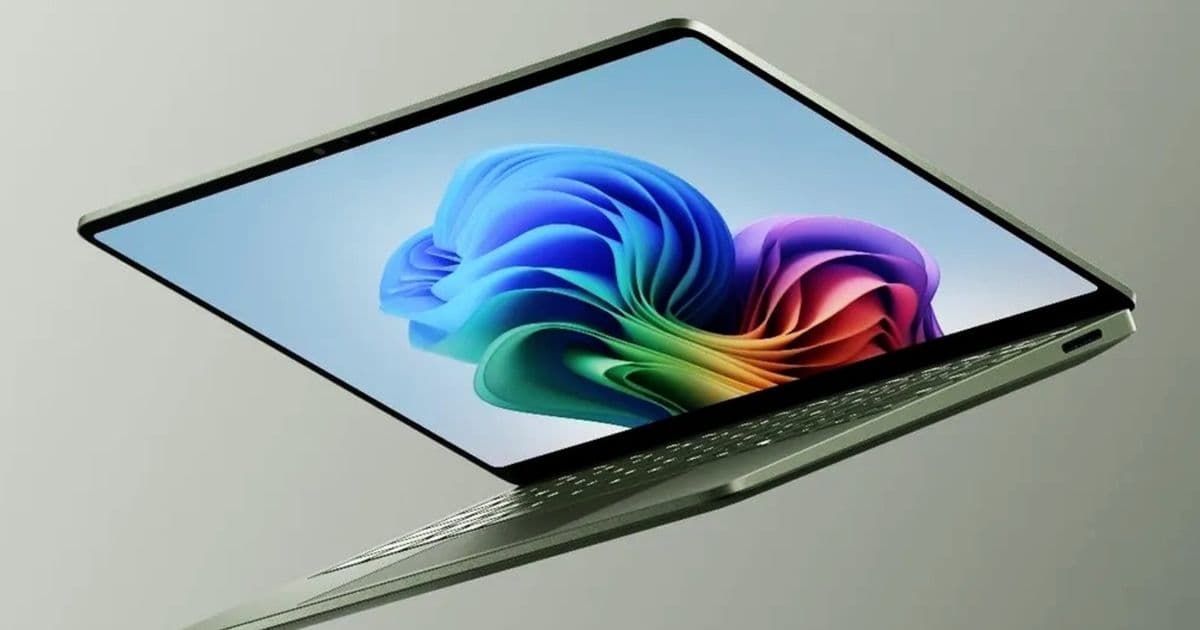
Microsoft’s new 13.8-inch Surface Laptop 8 keeps the familiar Surface chassis, adds Qualcomm’s Snapdragon X2 chips, and gives buyers a rare 64 GB RAM option in a compact Windows on Arm laptop.
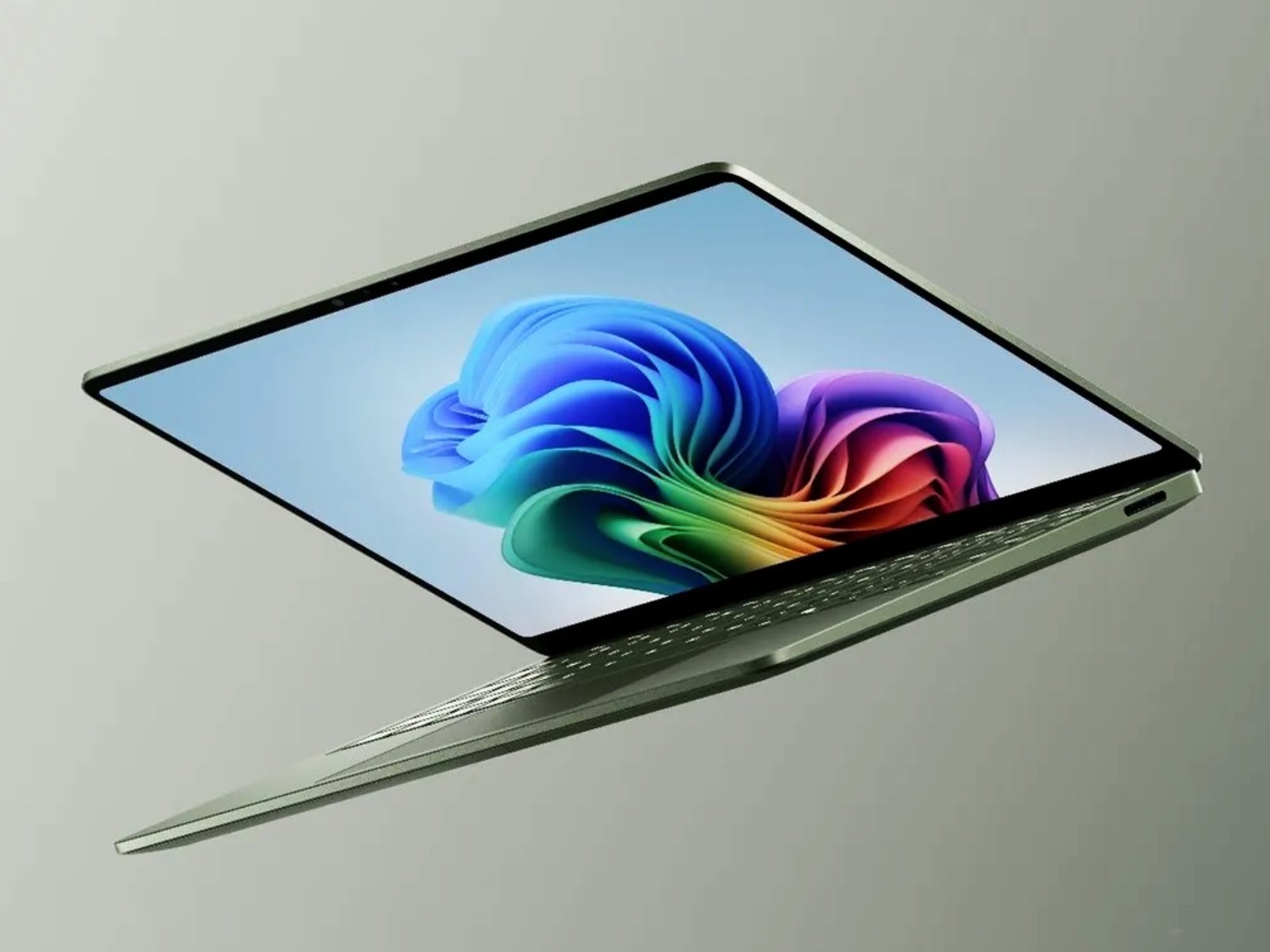
Microsoft launched the 13.8-inch Surface Laptop 8 Tuesday with Qualcomm’s new Snapdragon X2 Plus and Snapdragon X2 Elite processors, a 64 GB RAM ceiling, and a $1,599 starting price.
The new model replaces the Arm-based Surface Laptop 7 13.8-inch, while Microsoft still sells Intel-based Surface Laptop 8 for Business systems for buyers who need x86 compatibility. Microsoft kept the broad Surface Laptop shape intact: a thin aluminum clamshell, a 3:2 touch display, a removable SSD, and four color options.
The main change sits inside the chassis. Microsoft offers a 10-core Snapdragon X2 Plus or a 12-core Snapdragon X2 Elite, both part of Qualcomm’s Snapdragon X Series. Buyers can choose 16 GB, 24 GB, 32 GB, or 64 GB of LPDDR5X memory. Microsoft limits the 64 GB option to the Black finish, which makes the top configuration less flexible than the lower-memory versions.
Microsoft also kept the 13.8-inch PixelSense Flow display from the prior model. The panel uses a 2,304-by-1,536 resolution, a 201 pixel-per-inch density, a 120 Hz refresh rate, and a 600-nit peak brightness rating. Buyers waiting for OLED on the smaller Surface Laptop will need to look elsewhere. Microsoft chose IPS again, which favors battery life and price control over the contrast and per-pixel dimming that OLED panels provide.
{{IMAGE:2}}
The display choice gives the Surface Laptop 8 a familiar strength. A 3:2 screen gives you more vertical room than a 16:10 panel, which helps with documents, code, spreadsheets, and web pages. The 120 Hz refresh rate also keeps cursor movement and scrolling smooth. Microsoft’s 600-nit claim should give the panel enough brightness for offices, classrooms, and travel, though glare handling will decide how well it works near windows.
The chassis measures 301 by 220 by 17.5 mm and weighs 1.36 kg. That puts it in the same ultraportable class as Apple’s 13-inch MacBook Air and Dell’s XPS 13, though Microsoft gives you a taller display and a touch screen. Microsoft offers Black, Dune, Jade, and Platinum finishes, so buyers get more color choice than many business-focused Windows laptops provide.
Microsoft rates the 13.8-inch Surface Laptop 8 for up to 20 hours of battery life. That figure gives buyers a rough ceiling, not a lab result for mixed workloads. Browser-heavy work, video calls, Windows on Arm app compatibility, display brightness, and standby behavior will decide the real number. The prior Snapdragon Surface Laptop already made battery life a selling point, so the X2 generation needs to improve performance without giving back that advantage.
{{IMAGE:3}}
The pricing sets a higher floor than the first Snapdragon Surface Laptop generation. The Snapdragon X2 Plus model starts at $1,599. Microsoft charges $100 more for the Snapdragon X2 Elite version. That puts the 13.8-inch Surface Laptop 8 above many premium Windows ultraportables before buyers add memory or storage upgrades.
The comparison with the Intel Surface Laptop 8 for Business matters. Intel models preserve broad x86 compatibility, which still matters for older enterprise software, drivers, VPN tools, and hardware utilities. The Snapdragon model gives buyers the Arm value proposition: long battery life, fast sleep and wake behavior, quiet operation, and Copilot+ PC support. Buyers should check the apps they use before they choose the Arm model, because emulation has improved but still carries a penalty in some workflows.
Against the Surface Laptop 7, Microsoft’s new 13.8-inch model looks more like a platform refresh than a redesign. The screen specs, dimensions, removable SSD support, and broad exterior design remain close. The Snapdragon X2 chips and 64 GB RAM option give the new machine its reason to exist. Users who own the prior model may not gain enough from the upgrade unless they need more memory or want the faster Qualcomm silicon.
{{IMAGE:4}}
The 64 GB configuration stands out because compact Windows on Arm laptops often stop at 16 GB or 32 GB. More memory helps developers, analysts, and heavy browser users who keep large local tools, virtualized environments, databases, or many tabs open. It also gives the machine more runway as Windows and AI features consume more RAM. Microsoft undercuts that advantage by tying the option to one color, but the capacity still gives the 13.8-inch model a stronger professional angle.
The removable SSD also helps. Many thin laptops solder storage to the board, which forces buyers to pay high upgrade prices at checkout or accept a storage ceiling for the life of the machine. Surface Laptop buyers still need compatible modules and some care during service, but Microsoft’s design gives IT teams and repair shops a path to replacement.
The 15-inch Surface Laptop 8 launched alongside the 13.8-inch version, giving buyers a larger screen option in the same family. The smaller model makes more sense for travel and mixed desk use. The 15-inch version suits users who want more canvas and can accept the larger footprint.
Microsoft’s new Surface Laptop 8 13.8-inch targets buyers who already like the Surface Laptop formula and want Windows on Arm performance without moving to a tablet-style Surface Pro. Students, writers, managers, and developers who rely on Arm-native or web-based apps should get the best experience. Users with legacy Windows tools, device-specific utilities, or plug-ins should test compatibility before they pay Surface pricing.
The laptop’s pitch rests on a direct trade-off: Microsoft gives you a premium compact chassis, a tall 120 Hz display, Qualcomm’s new PC silicon, and up to 64 GB RAM. In exchange, you accept Arm compatibility checks, a high starting price, and no OLED option on the 13.8-inch model.
Comments
Please log in or register to join the discussion