
Microsoft will remove Outlook's Predictive Categorization feature in late 2026 after discovering extremely low adoption rates and widespread confusion about its functionality.
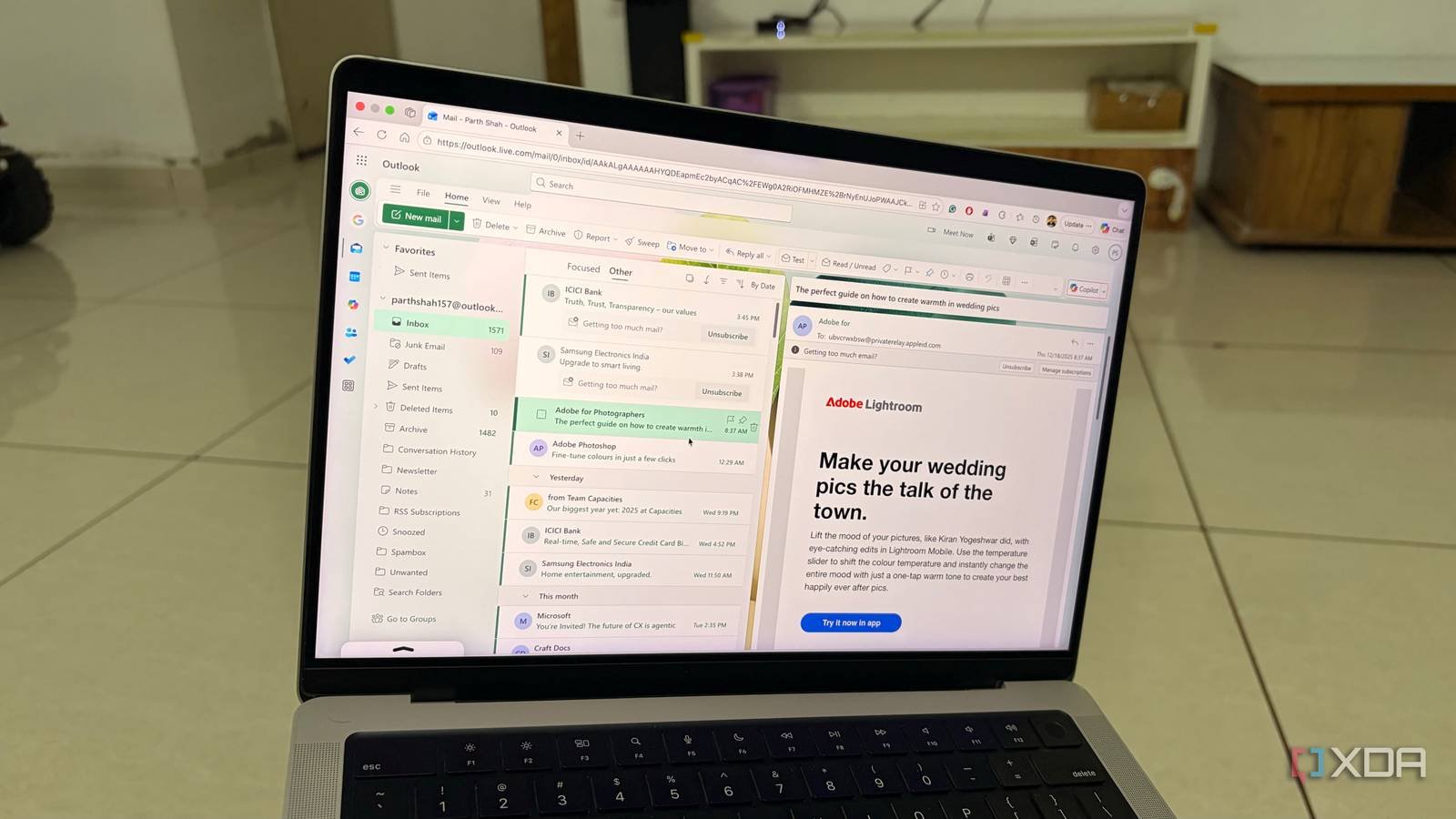
Microsoft has announced the upcoming removal of Outlook's Predictive Categorization feature, with the change scheduled for implementation in the November 2026 update. This decision comes after internal telemetry revealed that fewer than 0.3% of Outlook desktop users ever activated the feature, and surveys indicated that most who tried it couldn't understand its behavior.
The Predictive Categorization tool, introduced in Outlook 2021, used machine learning to automatically assign categories to incoming emails based on perceived patterns. Unlike traditional rules that execute explicit user instructions, this feature operated as a black box—analyzing email content, sender patterns, and user interactions to create its own organizational logic. Microsoft's internal usability studies found three primary reasons for its failure:
- Hidden implementation: The feature was buried under Settings > Mail > Automatic Processing, with no surface-level UI indicators when active
- Unpredictable behavior: Users reported categories appearing/disappearing without clear triggers
- Lack of control: No interface existed to review, edit, or train the categorization model
For developers, the removal simplifies Outlook's COM object model by eliminating the PredictiveCategory API interface. Cross-platform implications are minimal since the feature never appeared in Outlook for Web or mobile clients. Microsoft's telemetry showed particularly low usage among enterprise environments, where IT administrators consistently disabled it via Group Policy due to concerns about unpredictable mailbox modifications.
When the feature is removed in late 2026, existing predictive categories will be converted to standard manual categories. Users seeking similar functionality can implement these alternatives:
- Condition-based rules: Create explicit rules via Home > Rules (works across Windows/macOS)
- Quick Steps: Combine multiple actions into single-click buttons
- Power Automate integration: Build custom workflows with visible logic chains
- VBA macros: For advanced automation with complete control (Windows only)
This removal reflects Microsoft's increased focus on usage-driven feature development. As stated in their Feature Retirement FAQ, any capability with under 1% adoption rate after 18 months enters evaluation for removal. The Outlook team has confirmed they're reallocating resources to improve the Rules interface and add new AI-powered features with clearer user control and visibility.
While niche power users who decoded the feature's behavior may mourn its loss, this elimination of 'dark functionality' ultimately simplifies Outlook's cognitive load for most users. The change underscores the importance of transparent UX design—especially for features relying on opaque machine learning models.
Comments
Please log in or register to join the discussion