
Microsoft plans to auto-open Copilot in Edge for Outlook links, summarizing content and suggesting actions by default, raising privacy and control concerns.
Microsoft is preparing to roll out a feature that will automatically open the Copilot pane in Edge whenever you click on links within Outlook emails. The feature, spotted in Microsoft's Microsoft 365 roadmap under the title "Microsoft Edge: Auto-open Copilot side pane for Outlook links," is set to launch in May 2026.
What the Feature Does
When enabled, clicking any link in an Outlook email will trigger Edge to automatically open the Copilot sidebar. This sidebar will then summarize the webpage content and suggest potential actions based on what it finds. The integration aims to provide quick context and next steps without requiring users to manually copy, paste, or navigate away from their email.
Privacy and Control Concerns
The automatic nature of this feature raises several red flags. Microsoft has been steadily pushing Copilot deeper into its ecosystem, and this represents another step toward making AI assistance the default experience rather than an optional tool. The concern is that users may not have meaningful control over whether this feature activates.
Based on Microsoft's recent pattern with Edge and Copilot integration, it's likely that this feature will be enabled by default. Users might find themselves needing to dig through settings or potentially use third-party tools to disable it completely. The automatic summarization also means that Microsoft's AI will be processing the content of every linked webpage you visit from Outlook, which could raise privacy considerations for sensitive or confidential information.
The Broader Context
This move fits into Microsoft's larger strategy of transforming Edge into a Copilot-centric browser. The company has been gradually adding AI-powered features that cannot be fully disabled, creating a more opinionated browsing experience that prioritizes Microsoft's vision of how users should interact with web content.
The timing is also notable. With May 2026 as the rollout target, Microsoft is giving users several months of advance notice. This provides an opportunity for those uncomfortable with the direction to explore alternatives before the feature becomes widespread.
What Are Your Options?
If automatic Copilot summarization doesn't align with your workflow or privacy preferences, you have a few paths forward:
- Explore Outlook alternatives: Several email clients offer similar functionality without the forced AI integration
- Monitor the rollout: Watch for official announcements about whether disabling options will be available
- Consider browser alternatives: If Edge's direction doesn't suit your needs, other browsers remain available
The Bottom Line
Microsoft's plan to auto-summarize Outlook links in Edge represents another step in the company's AI-first strategy. While the feature could provide convenience for some users, the lack of clear opt-out options and the automatic nature of the integration may frustrate others who prefer more control over their workflow and data processing.
The May 2026 rollout gives users time to prepare, whether that means adjusting settings, exploring alternatives, or simply getting comfortable with the idea of AI-powered email link handling becoming the new normal in Microsoft's ecosystem.
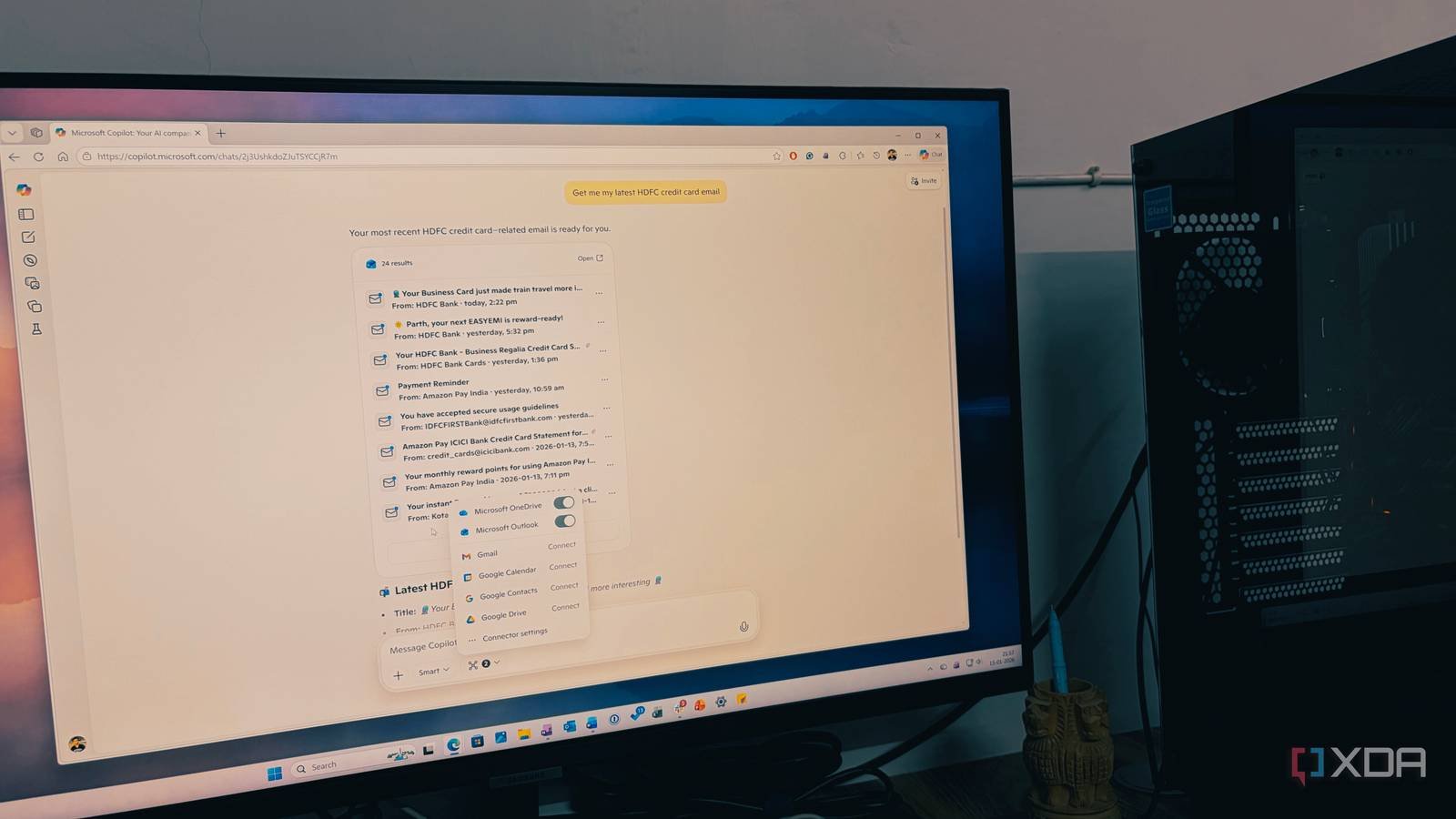
Featured image: Microsoft's vision of AI-powered productivity
Comments
Please log in or register to join the discussion