Monitor light bars provide significant ergonomic benefits for desk-bound users through adjustable illumination and bias lighting, with key differences in features and pricing across brands like BenQ, Razer, and Xiaomi.
For professionals spending extended hours at computer workstations, monitor light bars represent a transformative yet frequently overlooked upgrade. These LED-based accessories mount atop displays to deliver task lighting with adjustable brightness and color temperature, addressing workspace illumination needs while minimizing desk clutter.
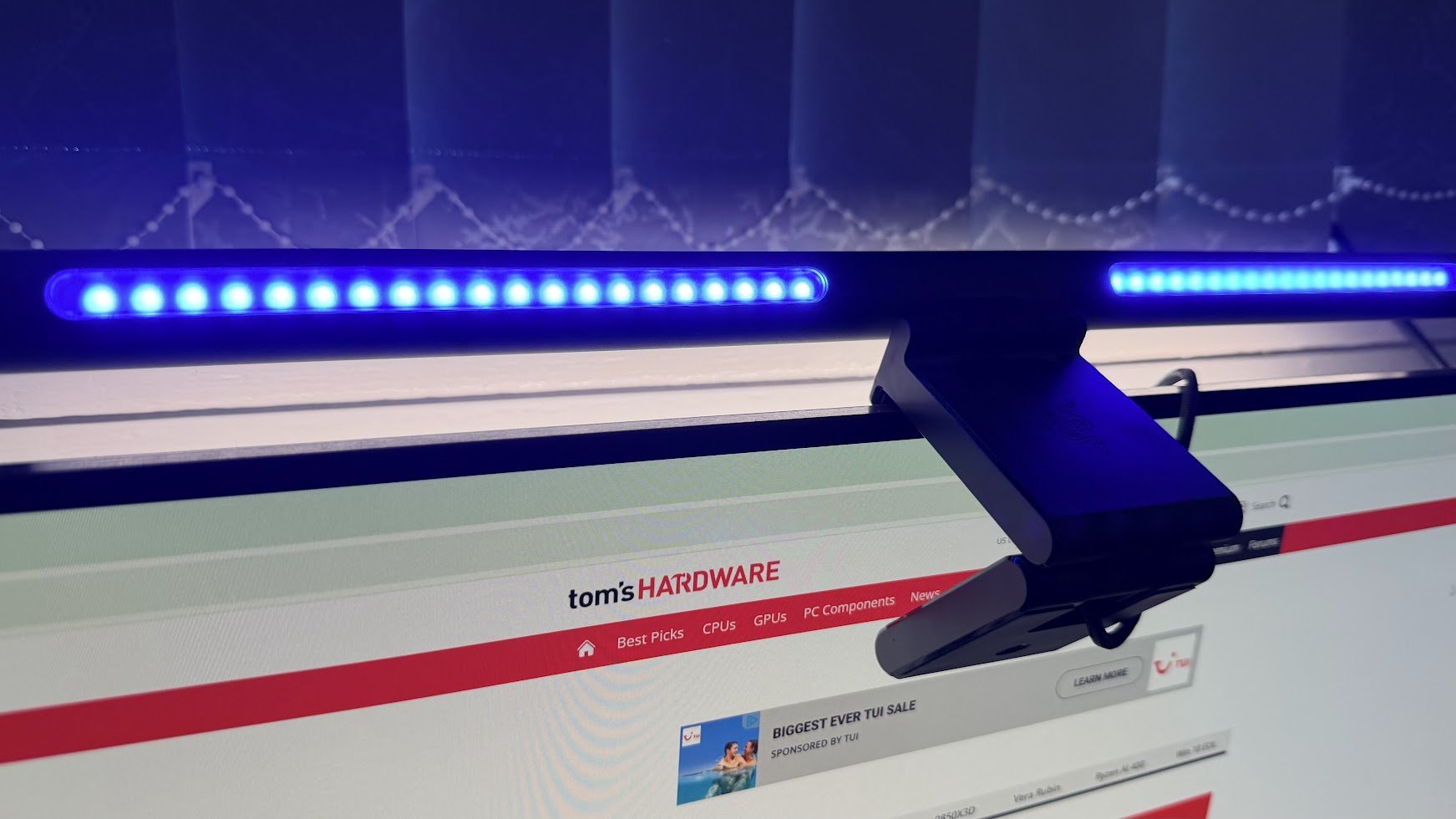
Fundamentally, monitor light bars consist of LED arrays housed in elongated enclosures designed for monitor-top placement. Premium models feature dual lighting zones: primary downward-facing illumination for task surfaces and rear-facing bias lighting. This dual-zone approach creates balanced ambient lighting that reduces eye strain by minimizing contrast between bright screens and dark surroundings. Scientific studies indicate that proper bias lighting can decrease visual fatigue by up to 38% during extended screen exposure.
Technical specifications vary significantly between models:
- Brightness typically ranges from 500-1800 lux
- Color temperature adjustment spans 2700K-6500K
- Power consumption averages 5-15W
- Control interfaces include physical buttons, wired remotes, or mobile apps
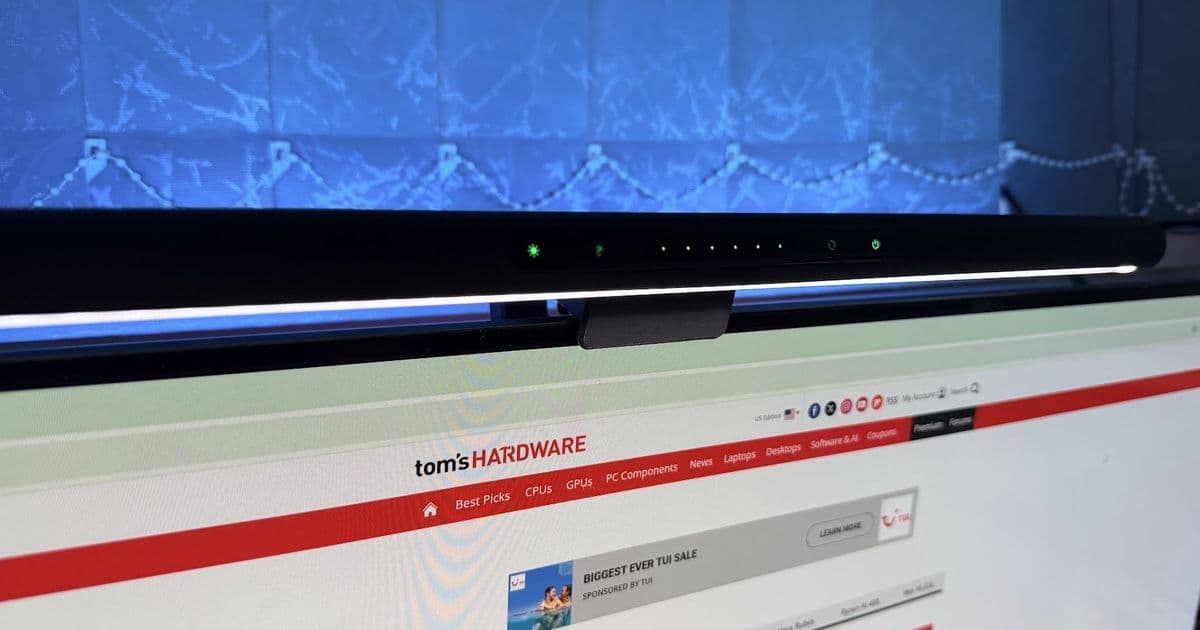
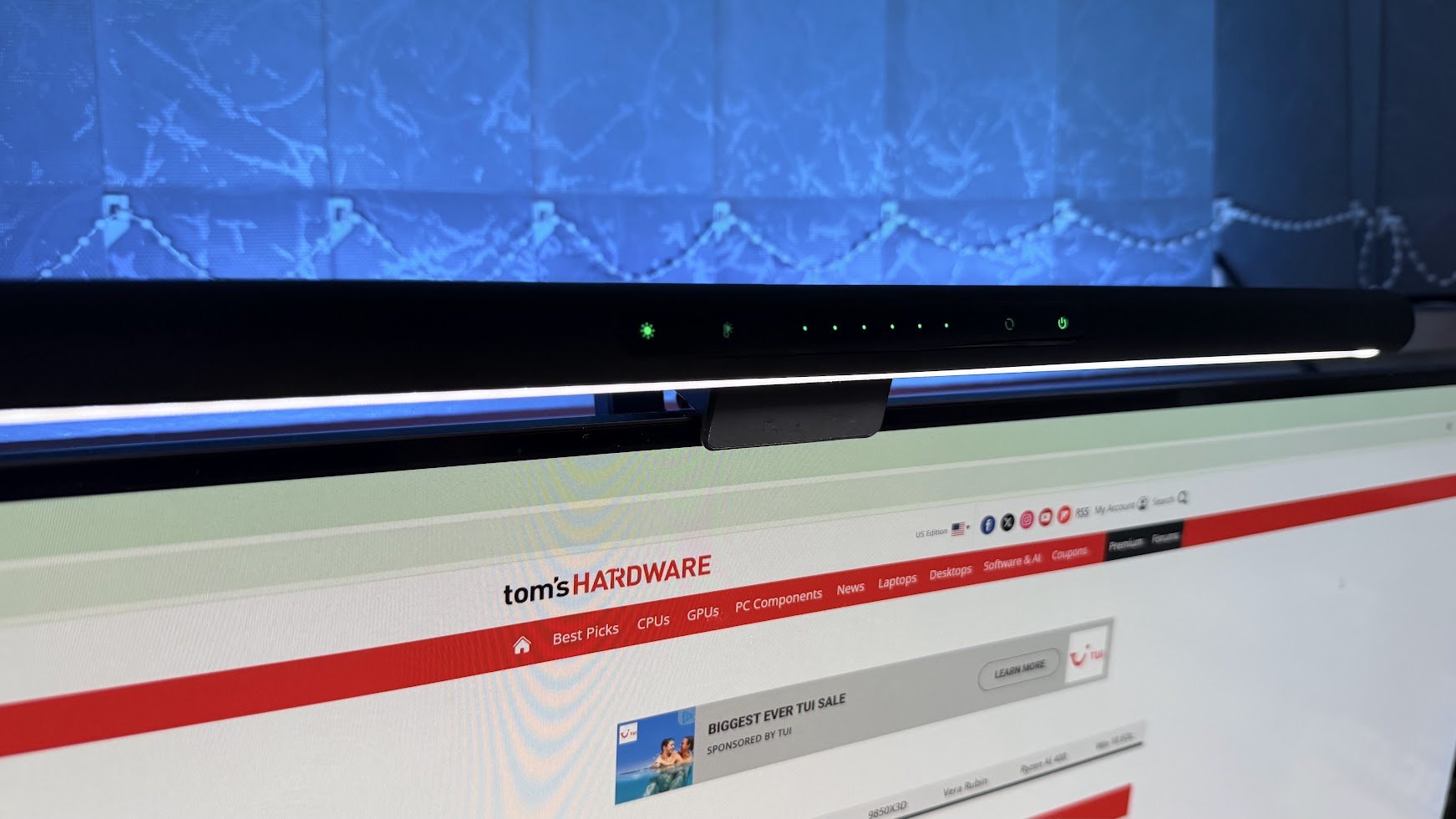
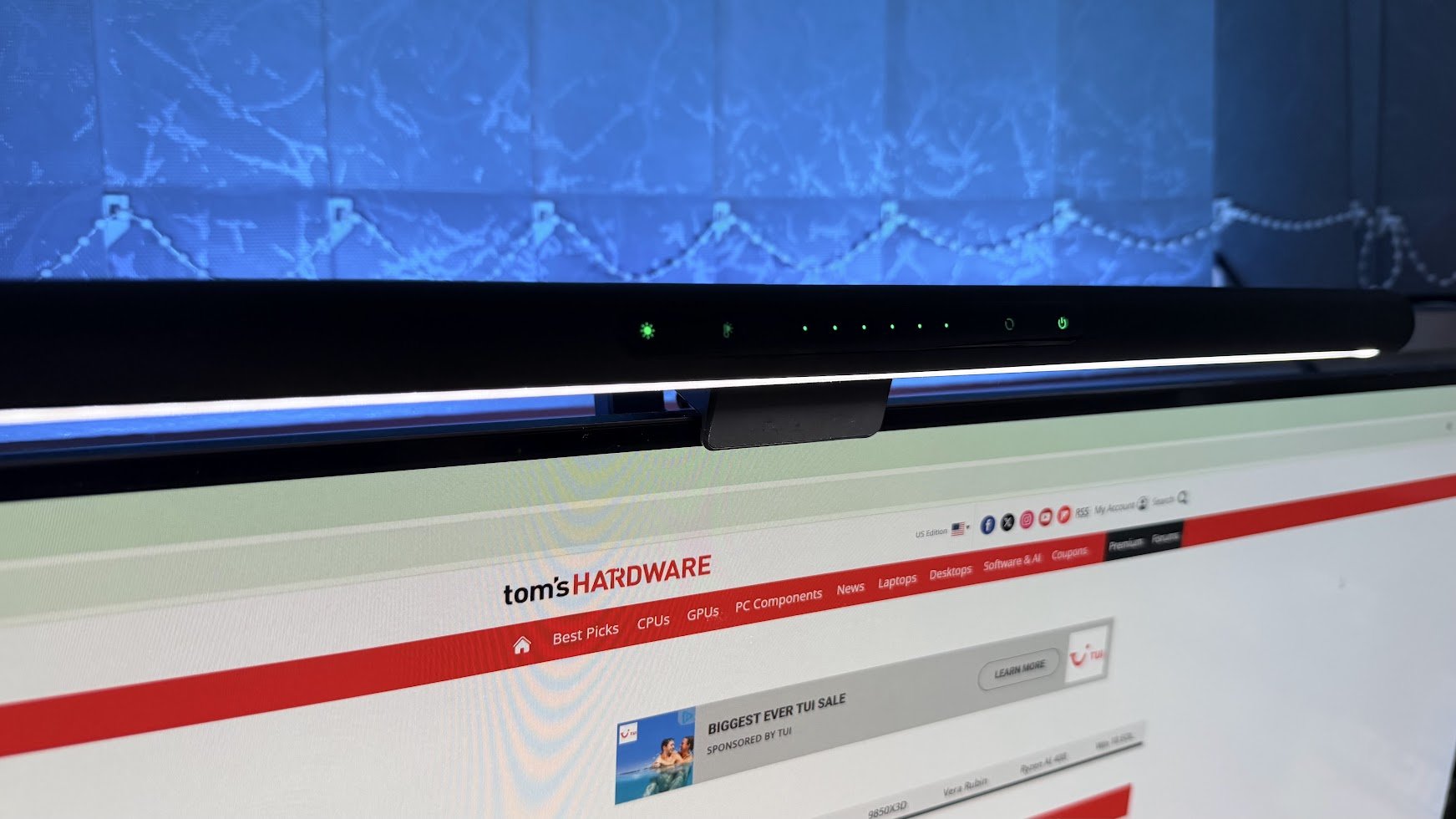
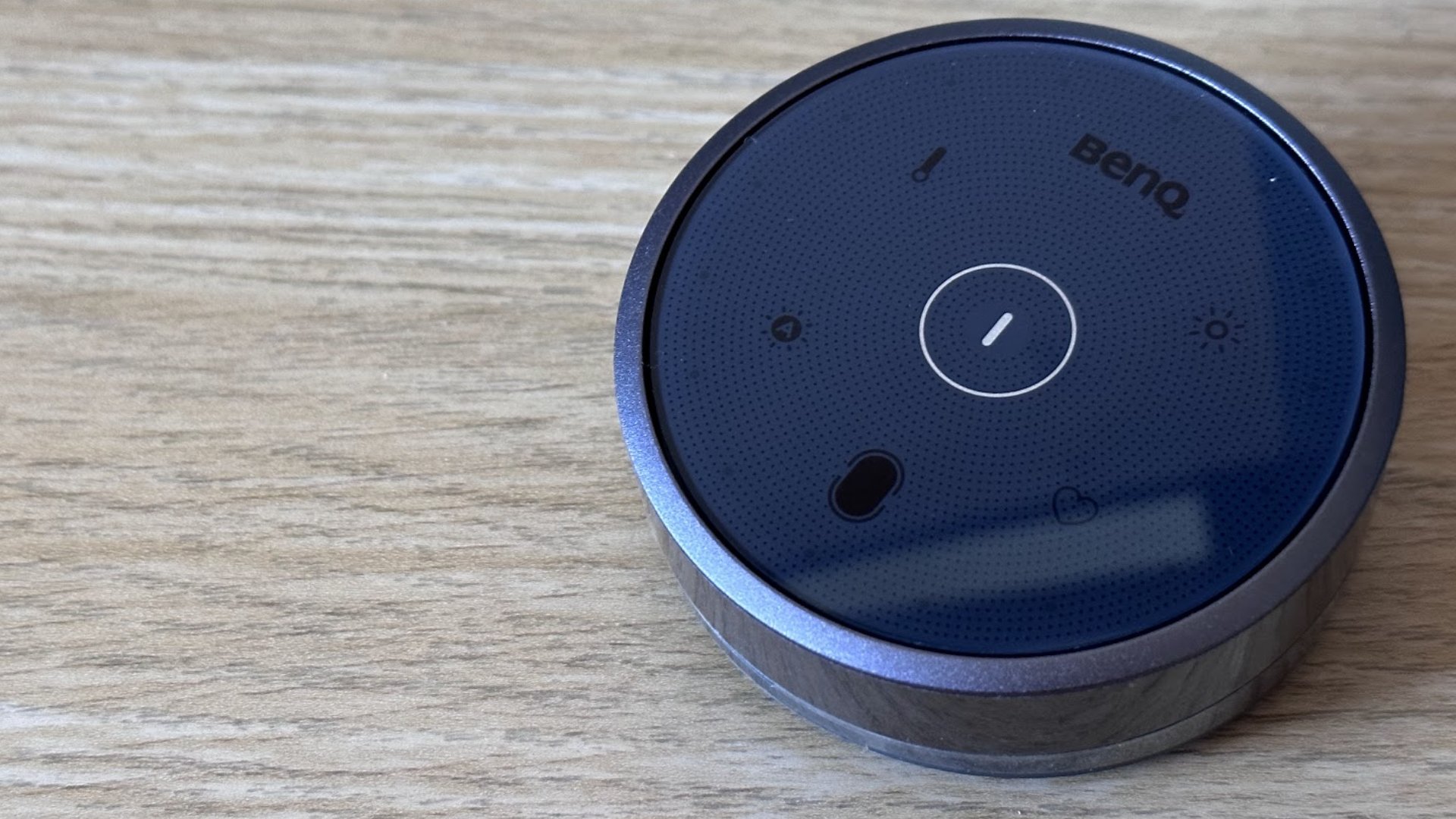
The Razer Aether Monitor Light Bar ($129) exemplifies mid-range offerings with both task and bias lighting zones controlled via touch-sensitive top panel. Its 1800 lux output provides ample illumination for dual-monitor setups. BenQ's ScreenBar Halo ($179) includes a wireless control puck and slightly broader temperature range (2700K-6500K) but commands a premium price. Budget-conscious users can consider Xiaomi's $67 alternative, which retains core functionality but omits bias lighting.
When selecting a light bar, consider these technical factors:
- Monitor Compatibility: Curved displays require matching curvature radius (typically 1000R-1800R). Most premium models only accommodate flat panels
- Coverage Area: Verify beam angle (typically 50°-70°) and lux output against desk dimensions
- Control Preferences: Physical controls versus app-based systems with smart home integration
- Bias Lighting: Rear illumination requires approximately 300-500 lux output to effectively balance screen contrast
Market analysis reveals significant segmentation:
| Feature | Premium ($150+) | Mid-Range ($80-$150) | Budget (<$80) |
|---|---|---|---|
| Bias Lighting | ✓ | ✓ (select models) | ✗ |
| Color Temp Range | 2700K-6500K | 3000K-6000K | Fixed/limited |
| Control Method | Wireless remote | On-device controls | Basic buttons |
| Build Quality | Metal housing | Metal/plastic hybrid | Plastic |
The ergonomic benefits extend beyond eye comfort. Proper task lighting reduces neck strain by eliminating the need to reposition toward traditional lamps during detailed work. For model builders, illustrators, and professionals handling physical documents, the high-CRI (90+) lighting in premium models provides accurate color rendering. Temperature adjustments also support circadian rhythm alignment, with warmer settings (2700K-3500K) recommended for evening use.
Despite price differentials, third-party testing shows minimal variation in core illumination performance between premium and budget models. The primary differentiators remain bias lighting implementation and control systems. Users should evaluate whether smart features justify premium pricing, as many advanced functions require proprietary apps that may complicate setup.
As workspace ergonomics gain prominence, monitor light bars represent a convergence of functionality and minimalist design. While not replacing primary room lighting, they provide targeted illumination that enhances productivity during extended computing sessions. For optimal results, pair with displays exhibiting matte coatings to minimize reflective glare from overhead lighting.
By Sayem Ahmed, Subscription Editor

Comments
Please log in or register to join the discussion