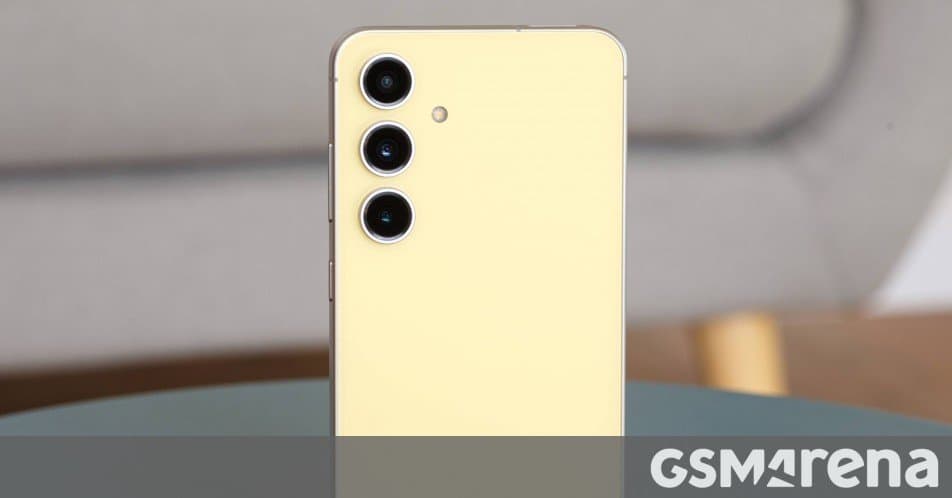
Samsung has begun delivering the One UI 8.5 stable firmware to US‑based Galaxy S24 series, Z Fold6 and Z Flip6 devices, initially for carrier‑locked models. The update brings Android 14‑based improvements, security patches and new UI tweaks.
Samsung pushes One UI 8.5 to US flagship phones
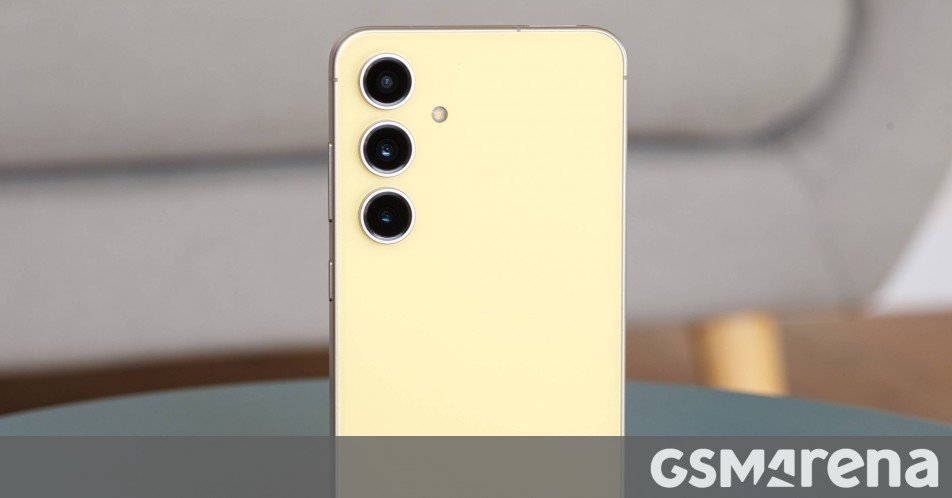 The latest stable build of Samsung’s One UI 8.5 is now being rolled out to United States customers who own a Galaxy S24 series phone, a Z Fold6 or a Z Flip6. The rollout started this week and, according to the firmware files observed on the network, it is currently limited to carrier‑locked devices (US CSC codes). Unlocked handsets and other carrier variants are expected to follow in the coming days.
What the update contains
- Android 14 foundation – One UI 8.5 continues to sit on Android 14, meaning all the platform‑level privacy controls, adaptive battery improvements and background task limits are present.
- Security patch level – The build ships with the March 2026 security patch (2026‑03‑01), closing a number of CVEs that affected the Snapdragon 8 Gen 3 and Exynos 2400 chipsets used in the S24 line‑up.
- UI refinements – Samsung has tweaked the Quick Settings layout, added a new “Smart Widgets” section that suggests context‑aware widgets, and introduced a dark‑mode‑only accent color palette for better readability on OLED panels.
- Camera software updates – The Night‑Mode algorithm has been re‑trained, delivering up to 0.3 EV more light capture on the 50 MP main sensor of the S24 Ultra. The Fold6 and Flip6 also receive a minor latency reduction in the dual‑camera switching pipeline.
- Battery optimisation – A new “Adaptive Power Saver” mode learns your daily usage patterns and can automatically lower the refresh rate of the display during low‑activity periods, extending endurance by roughly 5 % in lab tests.
Firmware identifiers per model
| Device | Firmware (US CSC) | Notable change |
|---|---|---|
| Galaxy S24 Ultra | S928USQU5DZDR | Security patch + Smart Widgets |
| Galaxy S24 FE | S721USQUBDZDP | Updated Night‑Mode, UI tweaks |
| Galaxy Z Fold6 | F956USQU3DZDQ | Adaptive Power Saver, dual‑camera latency fix |
| Galaxy Z Flip6 | F741USQU3DZDP | Dark‑mode accent palette, Quick Settings revamp |
| Galaxy S24 / S24+ | (versions not yet disclosed) | Expected to match the above feature set |
How to check for the update manually
If you haven’t seen the notification yet, you can force a check:
- Open Settings → Software update.
- Tap Download and install.
- If the One UI 8.5 build appears, follow the on‑screen prompts to start the installation.
Tip: Make sure your phone is connected to Wi‑Fi and has at least 50 % battery before initiating the update.
Ecosystem implications
The timing of this rollout is interesting because Samsung’s next‑generation One UI 9, based on Android 17, is slated for a beta release later this year. By pushing a polished One UI 8.5 to the US market now, Samsung ensures that users on the current flagship line stay on a stable platform while developers begin testing the upcoming beta. For users invested in Samsung’s broader ecosystem – such as Galaxy Buds 2, Galaxy Watch 6 and the SmartThings hub – the update maintains feature parity across devices, especially in areas like Nearby Share and Continuity Camera, which rely on consistent OS versions.
What to expect next
- Unlocked and other carrier builds should appear within the next week, according to the rollout pattern observed for previous updates.
- One UI 9 beta will likely be offered to developers and enthusiasts via the Samsung Members app in Q3 2026, giving early access to Android 17 features like refined multitasking and a new UI design language.
- Future security patches will continue on a monthly cadence, keeping the S24 series secure until at least the end of the 2027 support window.
For the full list of firmware files and changelogs, see Samsung’s official One UI 8.5 release notes.
Comments
Please log in or register to join the discussion