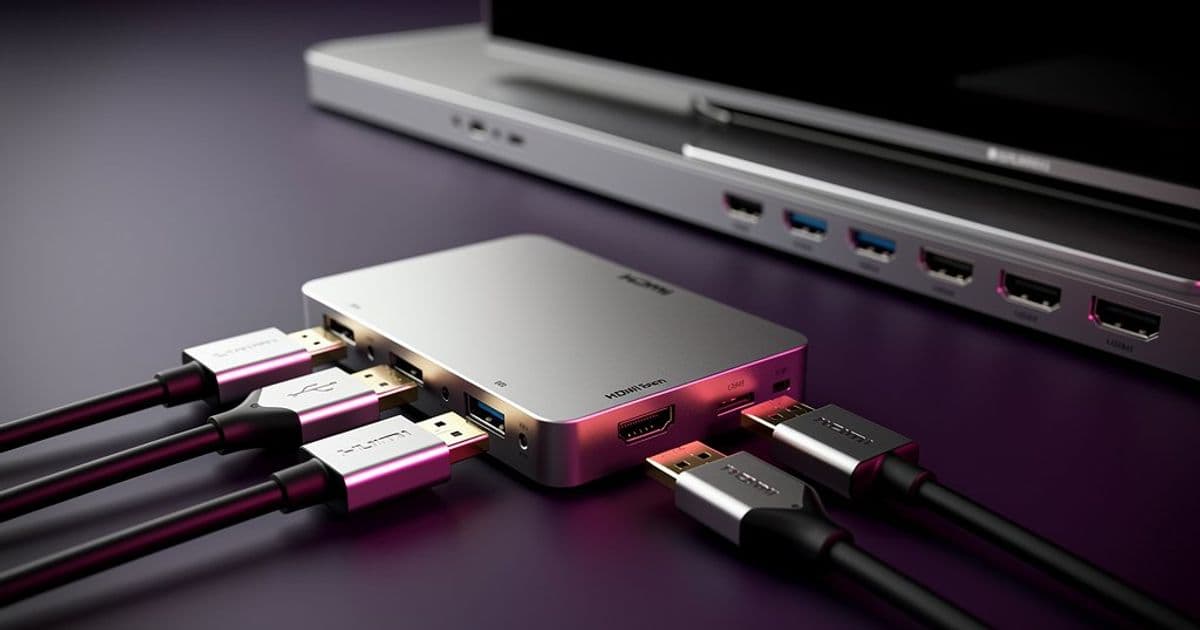
A practical guide to selecting reliable HDMI switches that expand your TV's connectivity while preserving 4K/120Hz, VRR, and HDR support for modern gaming consoles and streaming devices.
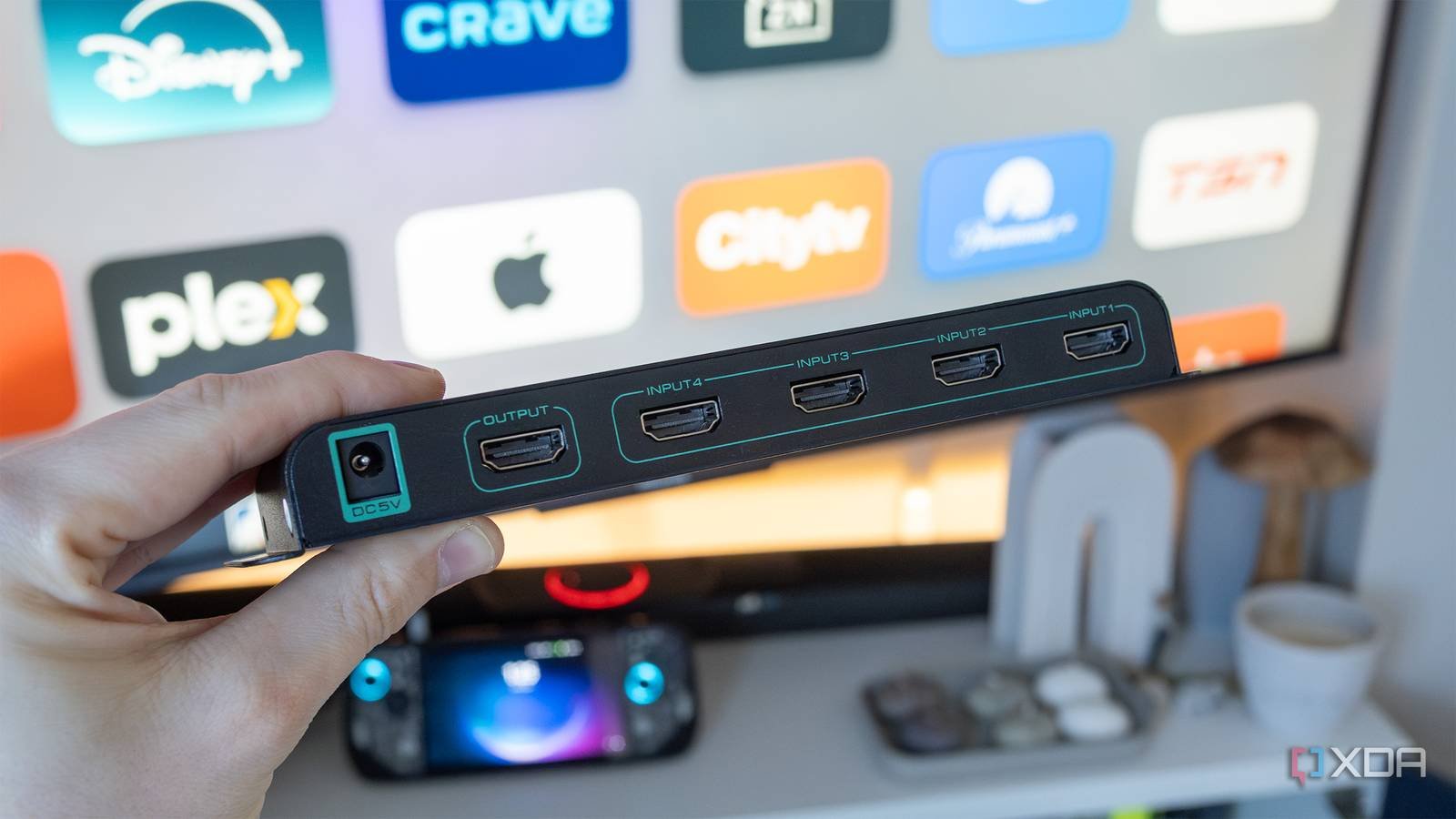
Modern entertainment setups often involve multiple HDMI devices competing for limited TV ports. Gaming consoles (PlayStation 5, Xbox Series X), streaming devices (Fire TV Stick, Apple TV), and PC connections can quickly overwhelm even mid-range TVs that typically offer just 2-4 HDMI ports. While swapping cables is theoretically possible, it's impractical for wall-mounted TVs or complex entertainment centers.
The HDMI Switch Solution
HDMI switches act as port multipliers, letting you connect multiple sources to a single TV input. When you press a button (either manually or via included remote), the switch routes different devices to your display. Modern switches support advanced features like:
- 4K resolution at 120Hz/144Hz refresh rates
- Variable Refresh Rate (VRR) for gaming
- HDR10, Dolby Vision, and HDR10+ metadata passthrough
- HDMI-CEC device control
- Dolby Atmos audio formats
Critical Selection Criteria
Not all HDMI switches are created equal. Key technical considerations include:
HDMI Specification Compatibility
- HDMI 2.1 switches support 48Gbps bandwidth for 4K/120Hz, 8K/60Hz, and VRR
- HDMI 2.0 devices max out at 4K/60Hz (HDMI official specifications)
Format Support Verification
- Confirm explicit support for Dolby Vision/HDR10+ in product descriptions
- Beware of switches claiming "HDR support" that only handle basic HDR10
Cable Quality Matters
- Always use Ultra High Speed HDMI cables for HDMI 2.1 devices
- Certified cables ensure reliable handshaking between devices
Brand Reliability
Real-World Testing Insights
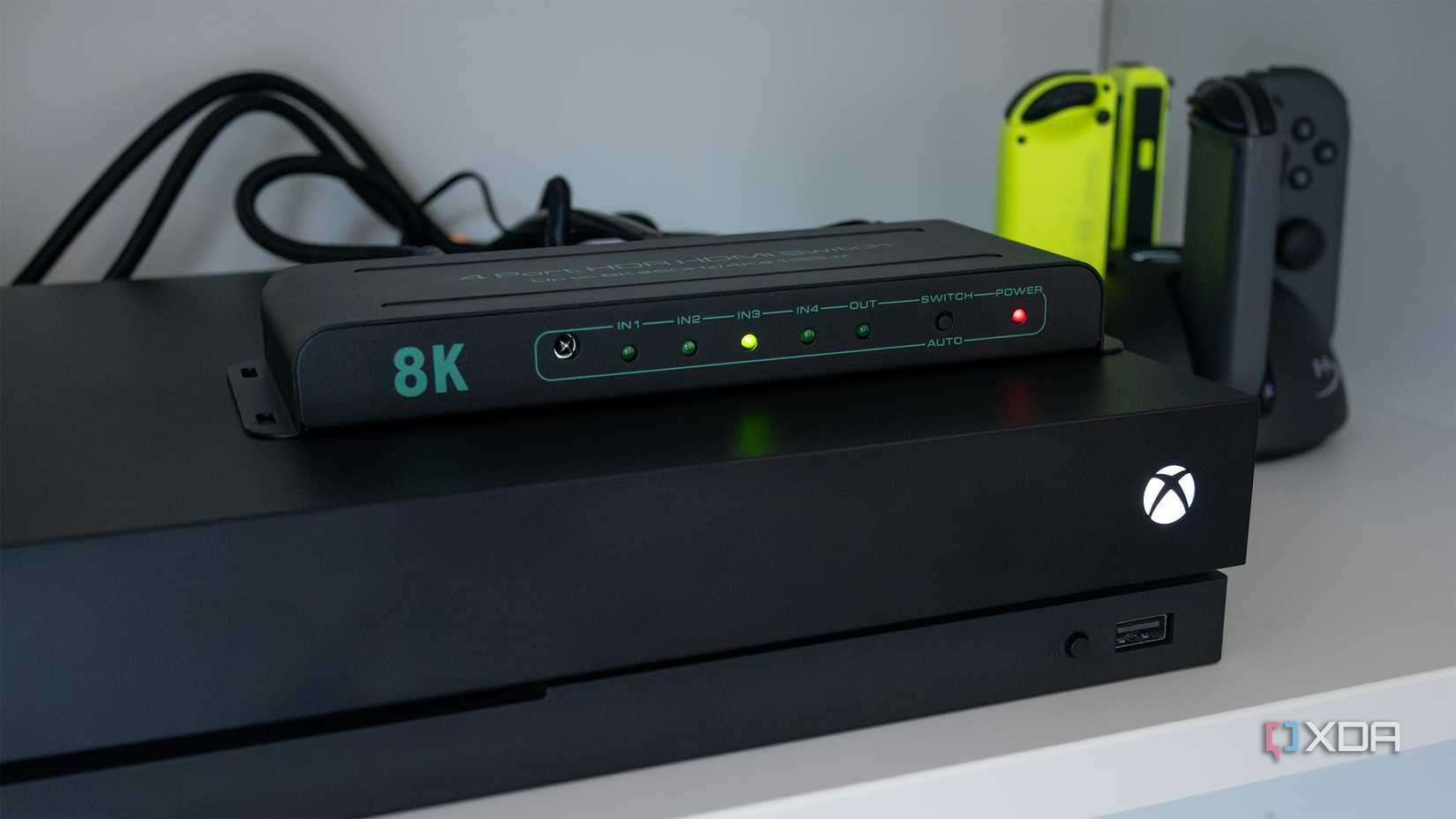
After extensive testing with multiple setups, the SkycropHD HDMI 2.1 switch ($60) emerged as a standout performer. Its 48Gbps bandwidth cleanly passes:
- 4K/120Hz from Xbox Series X and PlayStation 5
- Dolby Vision from Apple TV 4K
- VRR signals from gaming PCs
- HDCP 2.3 for DRM-protected content
In a living room setup with a Hisense U8H TV (which has only two HDMI 2.1 ports), the switch allowed simultaneous connection of:
- Xbox Series X (HDMI 2.1)
- PlayStation 5 (HDMI 2.1)
- Nintendo Switch 2
- Amazon Fire TV Stick 4K Max
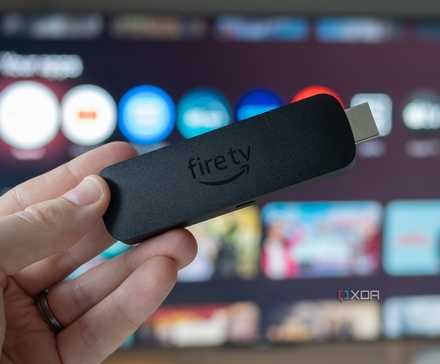
Note: Cheaper alternatives like Yiwentec showed occasional handshake issues requiring device power cycles, particularly with older hardware like Xbox One X.
Implementation Best Practices
- Direct Connection First: Connect new devices directly to confirm functionality before adding to switch
- Power Delivery: Use included power adapters for switches - bus-powered models often fail under high bandwidth
- Firmware Updates: Check manufacturer sites for switch firmware updates resolving compatibility issues
- Input Ordering: Place frequently used devices in lower-numbered ports for quicker switching
As TVs continue prioritizing slim profiles over abundant connectivity, HDMI switches have evolved from unreliable stopgaps to essential AV components. With careful selection focusing on certified specifications and reputable brands, you can seamlessly expand your system without sacrificing next-gen features.
For further reading, consult the HDMI Licensing Administrator's certification guidelines and RTINGS' TV input lag database for gaming setups.
Comments
Please log in or register to join the discussion