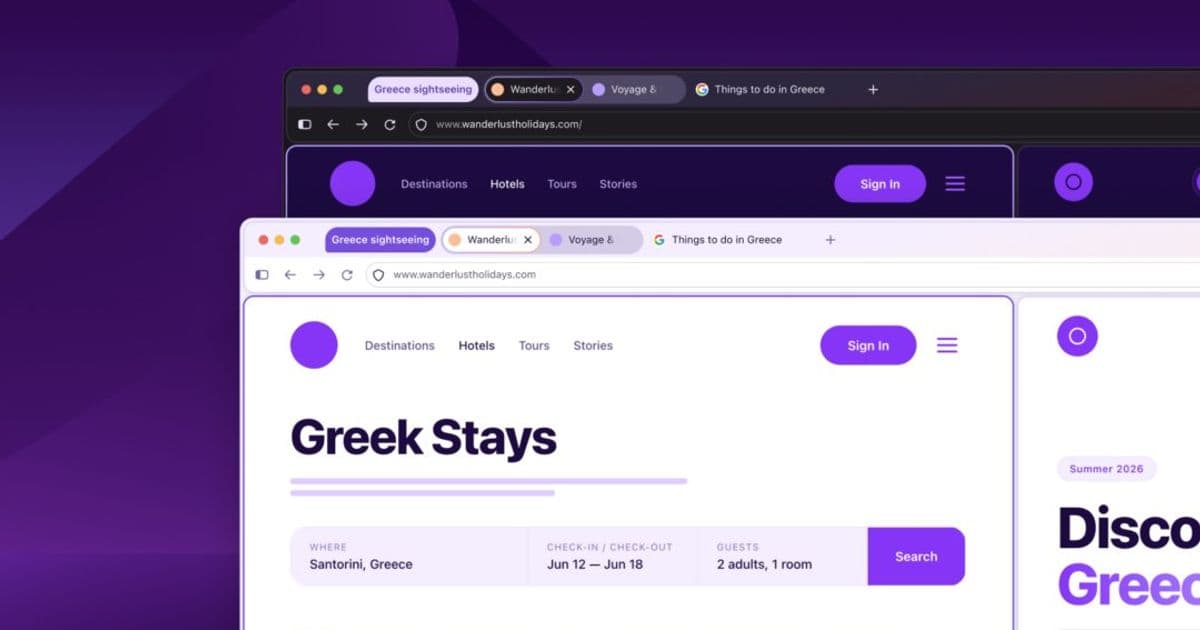
Firefox’s upcoming redesign, internally dubbed Project Nova, refocuses the browser on privacy, speed, and a warm, cohesive visual language while preserving its open‑source, customizable ethos. The article explores the design decisions, technical underpinnings, and broader implications for users and the web ecosystem.
Project Nova: Re‑imagining Firefox for a Faster, More Private Web
May 21 2026 – Firefox UX Team
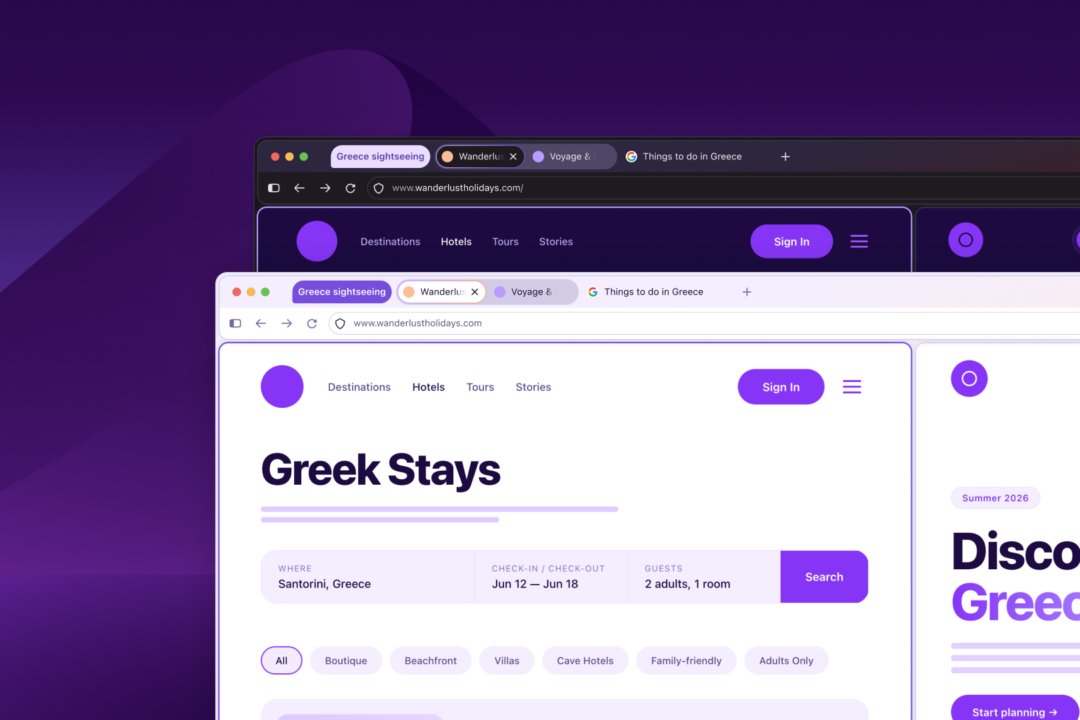
The internet is in a state of constant flux: AI‑generated content, ever‑more aggressive tracking, and an expanding suite of web‑apps demand a browser that can adapt without demanding the user’s constant attention. Firefox, long‑standing as the only major browser built first for people rather than platforms, is answering that call with a comprehensive redesign known internally as Project Nova. The name is deliberate – a nova shines brighter using the material already present, suggesting a renewal that does not discard the core identity of the product.
Thesis: Privacy and performance are no longer opposing forces
Firefox’s new visual language places privacy at the center of the experience. By surfacing tools such as the built‑in VPN, private browsing, and a revamped Settings panel, the browser makes it possible to understand and control data flows without digging through nested menus. At the same time, the team claims a 9 % reduction in time‑to‑first‑contentful‑paint for typical pages, a gain that stems from prioritizing primary content over peripheral assets and from tighter integration between the UI and the tracking‑blocking engine.
Key Arguments
1. A design system that unifies desktop and mobile
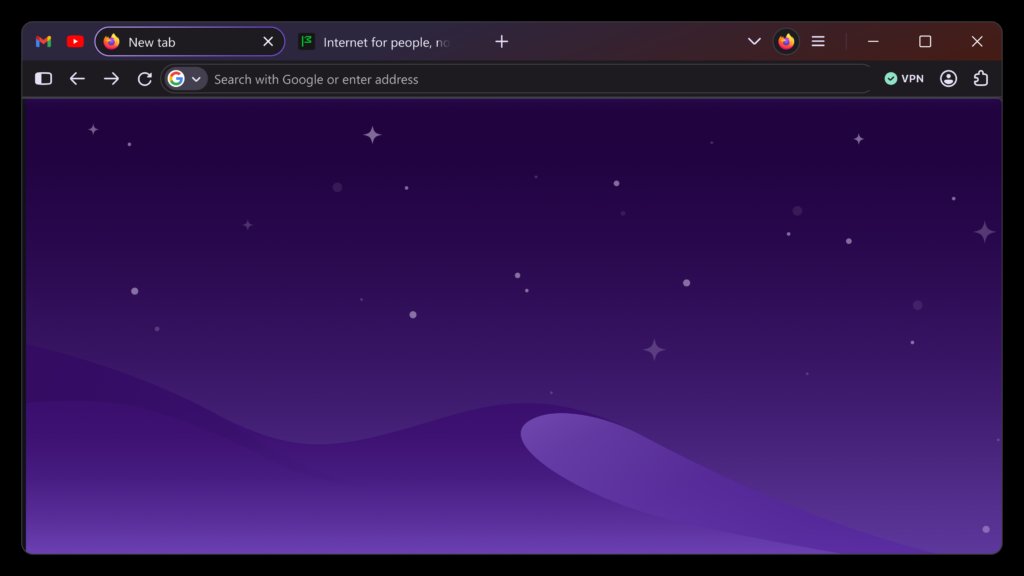
Project Nova introduces a shared token library—colors, spacing, typography, and interaction states—that is consumed by both the desktop client and the mobile apps. This means a user who switches from a MacBook to an Android phone will encounter the same deep smoky purples, fire‑inspired glows, and rounded components across devices. The consistency reduces cognitive load and reinforces the brand’s personality.
Reference: The updated design tokens are documented in the open‑source repository mozilla/firefox-design-system.
2. Privacy‑first defaults become discoverable
Historically, Firefox’s privacy features lived behind toggle switches that many users never found. Nova brings Enhanced Tracking Protection, the free VPN, and AI‑feature toggles to the forefront of the Settings UI, using plain language and visual hierarchy to guide decisions. The redesign also adds a privacy‑mode indicator in the toolbar, a subtle yet constant reminder that the browser is protecting the user.
3. Speed is felt, not just measured
Blocking trackers reduces the number of network requests, but Nova goes further by pre‑loading critical resources and deferring non‑essential scripts. The result is a smoother scrolling experience and quicker interaction with tab groups, split view, and vertical tabs—features now reachable via a compact, context‑aware toolbar.
4. Customization remains a cornerstone
Open‑source DNA means Firefox will continue to welcome themes, extensions, and user‑driven UI tweaks. Nova adds new theme APIs that let developers adjust the shape of tabs, the curvature of panels, and even the intensity of the color palette, all while preserving accessibility guarantees such as minimum contrast ratios and focus‑visible outlines.
5. Accessibility is baked into the visual language
The redesign does not treat accessibility as an afterthought. Contrast ratios meet WCAG 2.2 AA standards across light and dark modes; interactive elements meet a 44 px minimum target size; and keyboard navigation has been audited to ensure logical tab order. Dark mode is treated as a first‑class environment rather than a simple inversion, acknowledging its role in reducing eye strain for many users.
Implications for Users and the Ecosystem
- Empowered Decision‑Making – By surfacing privacy controls, users can make informed choices without consulting external guides, potentially reducing reliance on third‑party privacy extensions.
- Performance‑Sensitive Workflows – Faster load times and more reachable productivity tools (tab groups, split view) benefit power users, remote workers, and developers who keep many tabs open.
- Design Consistency Across Platforms – A unified design system lowers the barrier for third‑party developers to create extensions that work seamlessly on both desktop and mobile, fostering a healthier extension ecosystem.
- Open‑Source Collaboration – The public design repository invites designers and engineers worldwide to contribute tokens, components, or accessibility audits, reinforcing Mozilla’s community‑driven model.
Counter‑Perspectives
While the redesign is largely praised, some critics argue that the softened visual language may blur the distinction between Firefox and other browsers that have adopted similar rounded aesthetics. Additionally, the reintroduction of compact mode—a feature that some power users love—could re‑ignite debates about UI density versus discoverability. Finally, the emphasis on built‑in VPN, while convenient, may raise concerns about data jurisdiction and the need for transparent logging policies.
Looking Ahead
Project Nova is slated for a phased rollout later this year, beginning with a beta channel for desktop users and a preview build for Android. Mozilla encourages feedback through the usual channels—Bugzilla, GitHub, and community forums—so that the final public release reflects the lived experience of its diverse user base.
Takeaway: Nova does not aim to replace Firefox; it seeks to renew it, preserving the browser’s core values of openness, privacy, and user control while delivering a warmer, faster, and more adaptable experience.
Download the latest Firefox build and join the conversation on the future of the web.
Comments
Please log in or register to join the discussion