As computing demands surge with AI, multitasking, and intensive workflows, determining optimal RAM is critical. This deep dive reveals why 16GB is now the baseline for Windows laptops, how Macs optimize memory differently, and when power users should upgrade—helping you avoid overspending on unused resources.
For years, tech enthusiasts prioritized processors and storage when buying new computers, often overlooking RAM's pivotal role. But as applications grow more complex—think generative AI tools, 4K video editing, and resource-hungry browsers—understanding your memory needs isn't just technical trivia; it's essential for avoiding sluggish performance. I've spent a decade testing devices in diverse environments, from home offices to creative studios, and the shift in RAM requirements is undeniable. Today, 16GB is the operational minimum for Windows laptops, while Macs leverage optimization to make 8GB viable for basic tasks. Chromebooks? They thrive on less but sacrifice versatility. Let's demystify why.
The RAM Reality Check: Windows vs. Mac vs. Chromebooks
RAM (Random Access Memory) acts as your computer's short-term memory, temporarily holding data for quick access instead of relying solely on slower storage drives. Skimp here, and even a powerful CPU feels inadequate. Based on rigorous testing:
- Windows Machines: 16GB is non-negotiable for most. Modern workflows—dozens of browser tabs, background apps, and AI assistants—demand it. Opting for 8GB limits you to lightweight tasks like email or streaming, creating bottlenecks for professionals.
- MacBooks: Apple's silicon optimization changes the game. The M4 MacBook Air starts at 16GB, but older 8GB models still handle daily use smoothly. For heavy lifting, the MacBook Pro series offers 24GB–36GB, justifying its premium price for creatives.
- Chromebooks: ChromeOS's efficiency allows 8GB (or less) to suffice for web-based work, but you lose access to Windows/Mac apps. It's a trade-off: affordability and speed versus flexibility.
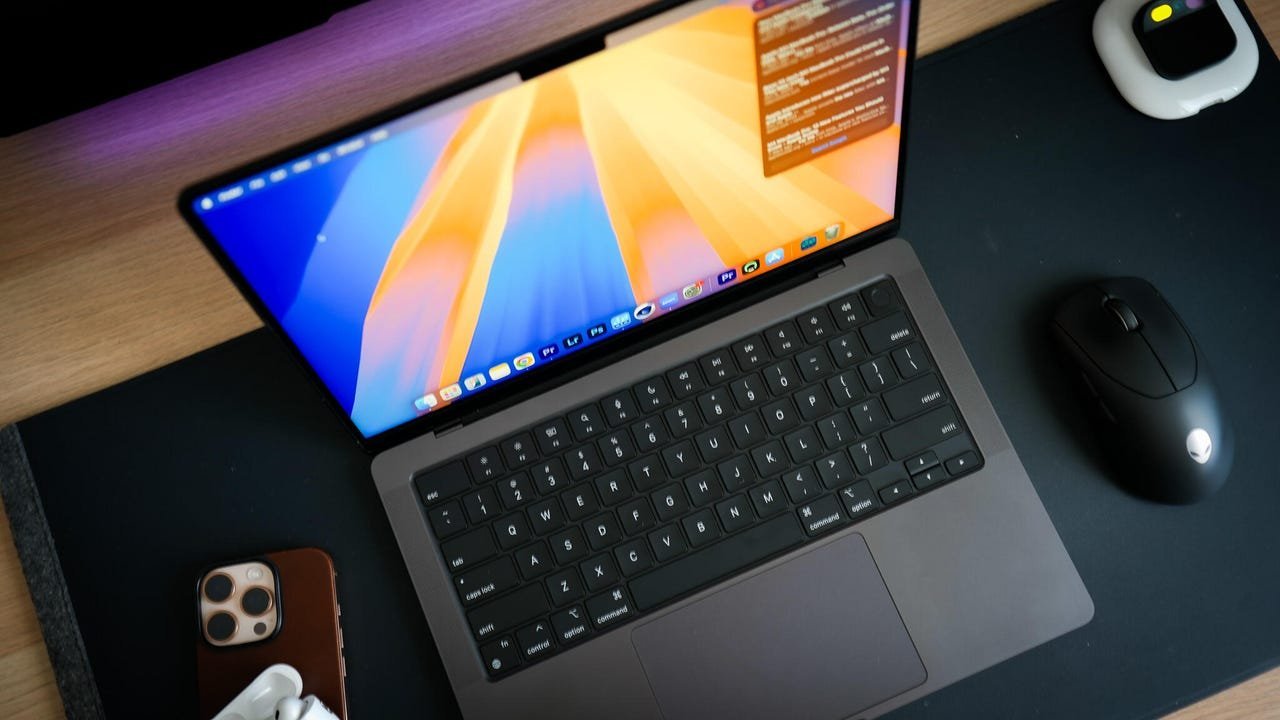 Image: The M4 MacBook Pro exemplifies high-RAM configurations for intensive tasks.
Beyond Capacity: Understanding DDR5 and Future-Proofing
When specs list "DDR5" or "LPDDR5X," it's not jargon—it's about speed. DDR (Double Data Rate) technology dictates how fast RAM communicates with your processor. DDR5 is today's standard, boosting performance significantly over older generations. LPDDR5X, a low-power variant, extends battery life in portables like the Lenovo Chromebook Plus 14. While JEDEC's new LPDDR6 standard looms, widespread adoption isn't imminent, making DDR5 a safe bet for 2025.
When Should You Upgrade to 32GB or More?
For average users, 16GB strikes a balance between cost and capability. But exceptions exist:
- Gamers and Creatives: 32GB ensures smoother gameplay and app performance. As one tester noted: "Editing videos while running virtual machines consumed over 70% of my 32GB setup—upgrading is inevitable."
- Extreme Workloads: 8K video editors or data scientists need 48GB–64GB. Devices like the Dell Premium 16 or M4 MacBook Pro deliver here.
Overbuying RAM wastes money, though. Assess actual use: If you're not pushing your system, extra memory is like an empty room in a mansion—expensive and unused.
The Bottom Line: Match RAM to Your Real Needs
RAM isn't one-size-fits-all. Windows users should prioritize 16GB as a baseline, Mac users can leverage Apple's efficiency for savings, and Chromebook fans must accept OS limitations. As AI and multitasking escalate, skimping on memory cripples potential. Before upgrading, audit your workflow: Are you juggling heavy apps? Future-proof with 32GB. Just browsing? 16GB (or less for Chromebooks) suffices. In tech, more isn't always better—it's about right-sizing for the demands ahead.
Source: ZDNET
Comments
Please log in or register to join the discussion