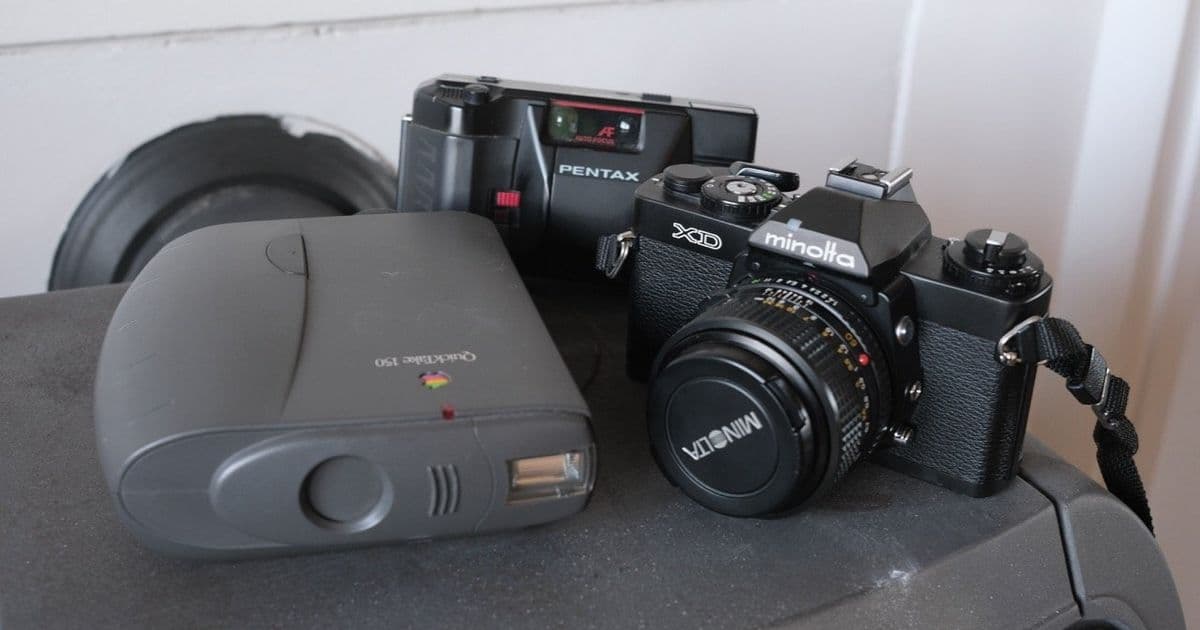
A developer reverse-engineers a 1997 Epson FilmScan 200 scanner to work with a 35-year-old Mac SE/30, overcoming SCSI protocol mysteries and color channel puzzles. The project demonstrates how legacy hardware documentation and persistence can bridge analog and digital eras.
In an era where obsolescence often condemns hardware to landfills, one developer embarked on a mission to resurrect a 1997 Epson FilmScan 200 scanner for modern use – not through virtualization or adapters, but via a vintage Mac SE/30 running System 7. The scanner's SCSI interface posed the first challenge: its official drivers only supported Mac System 7/8 or Windows 95/98, and modern alternatives like USB-SCSI adapters proved unreliable.
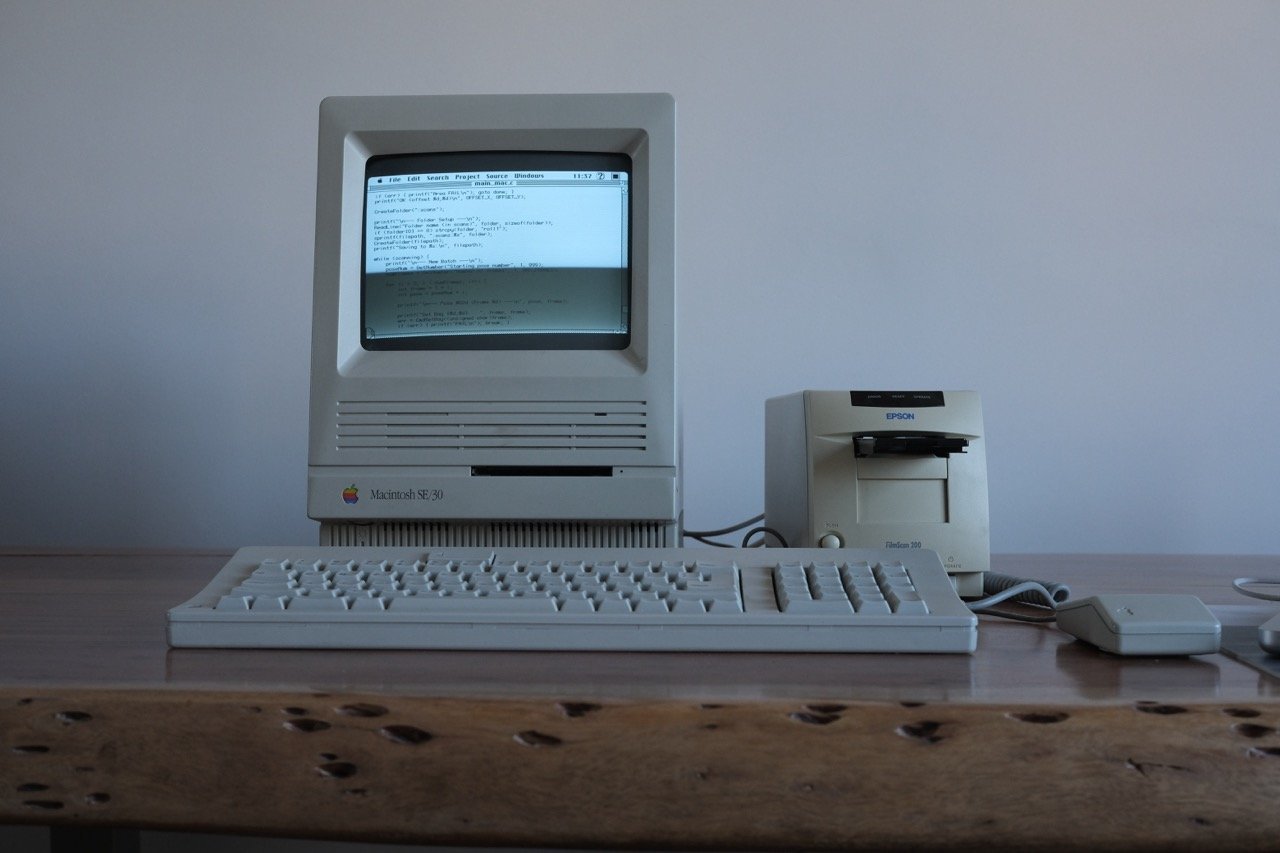 The FilmScan 200 scanner alongside the Mac SE/30 used for development.
Decoding the Hardware
Armed with a service manual, the developer uncovered critical specifications:
| Spec | Value |
|---|---|
| SCSI device type | “Processor” (0x03) |
| Protocol | ESC/I commands via SCSI SEND/RECEIVE |
| Max resolution | 1200 DPI |
| Frame size | 1120x1680 pixels |
The scanner’s designation as a "Processor" was unusual—unlike standard scanners, it used generic SCSI commands (SEND 0x0A, RECEIVE 0x08) to shuttle ESC/I protocol data. 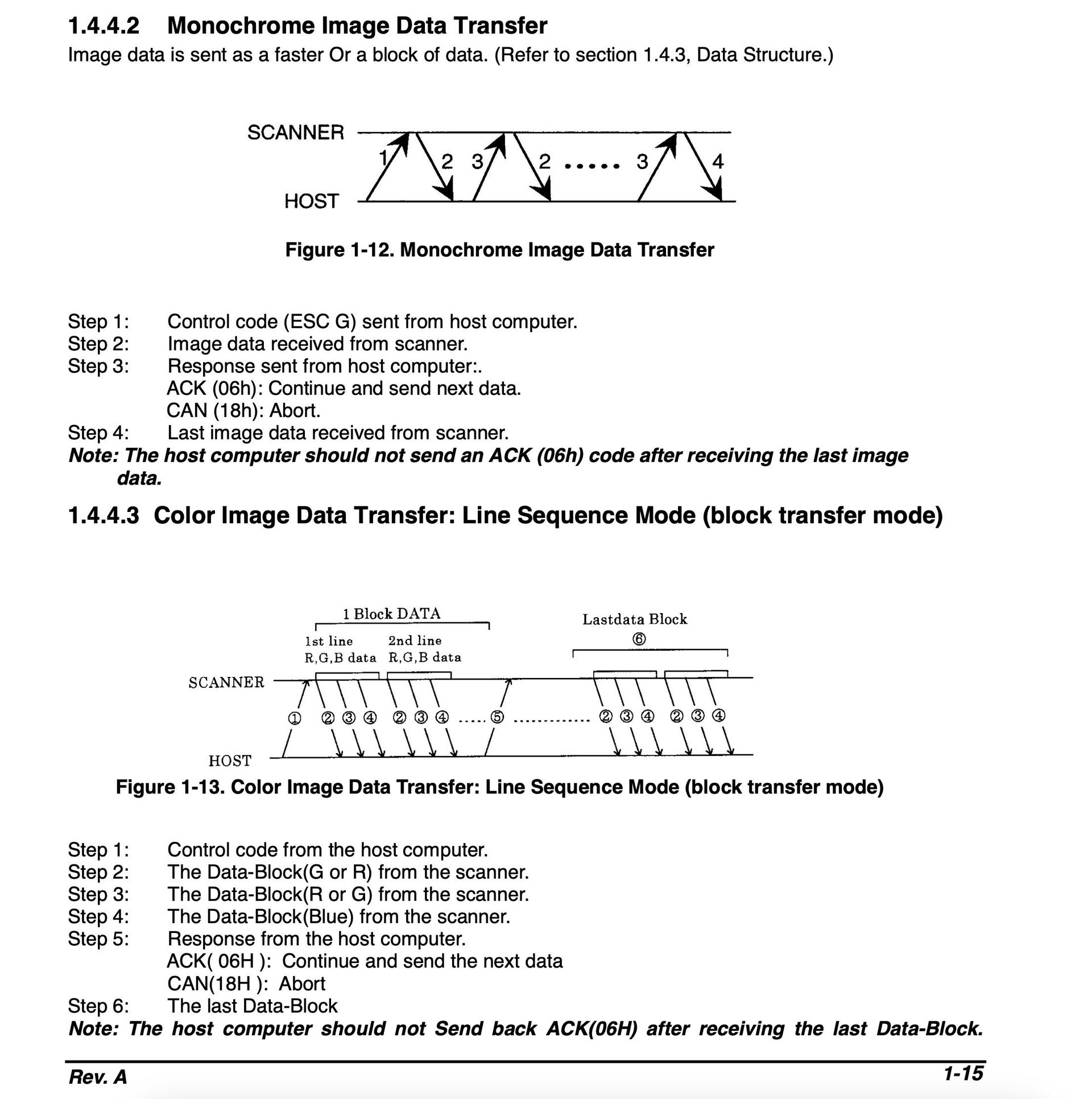 Excerpt from the scanner's service manual.
Building the Driver
Using THINK C 5.0 on the SE/30, development began with the SCSI Manager API—a complex sequence requiring precise error handling:
SCSIGet();
SCSISelect();
SCSICmd();
SCSIRead();
SCSIComplete();
The initial breakthrough came with a monochrome scan sequence:
- Initialize scanner (
ESC @) - Set mono mode (
ESC C 0x00) - Configure resolution (
ESC R) - Define scan area (
ESC A) - Start scan (
ESC G)
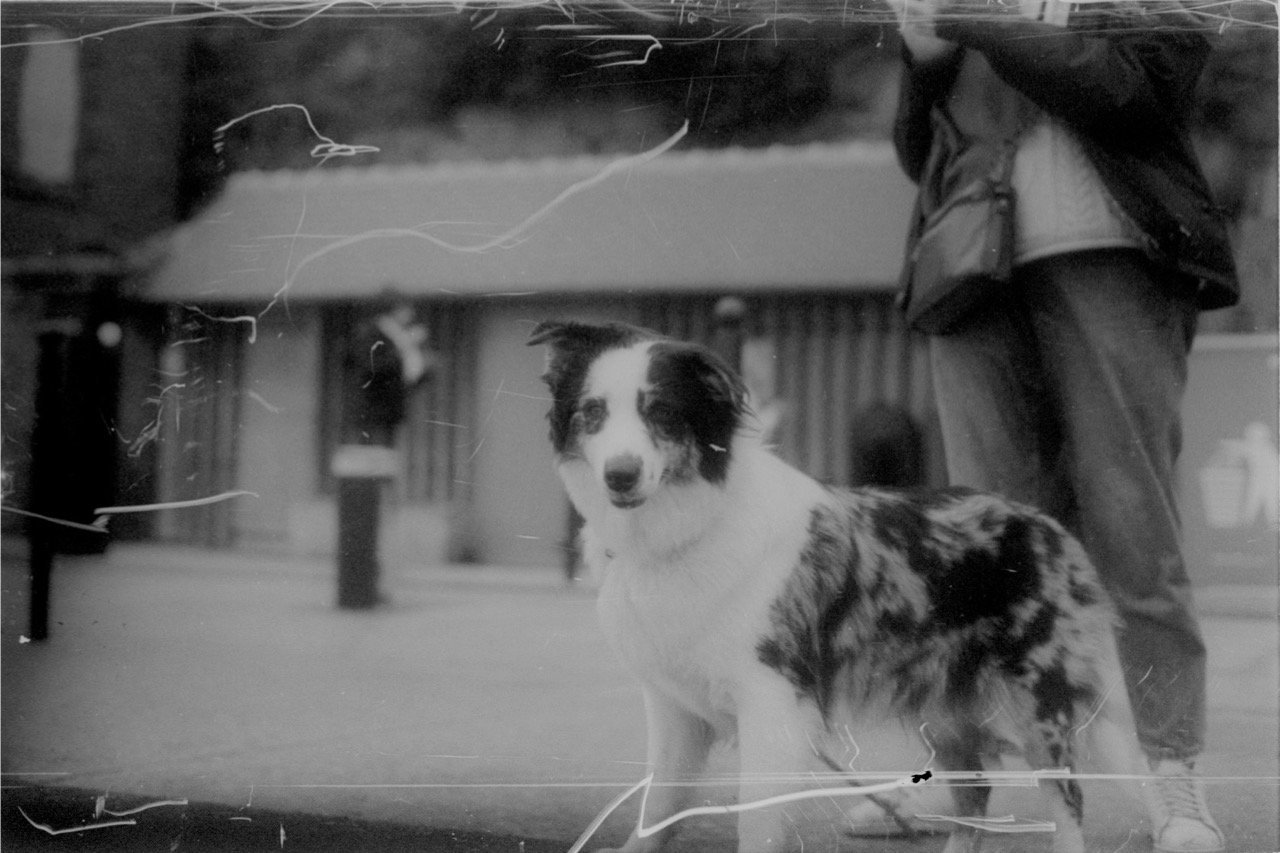 First successful monochrome scan saved as PGM file.
The Frame Selection Puzzle
Attempts to scan frames beyond #1 failed despite disassembling Epson’s 68K driver. The breakthrough came from an obscure SANE driver patch discovered on a decades-old website:
// SANE driver revelation:
simplecommand(SET_BAY, s, s->val[OPT_BAY]+1, s->val[OPT_BAY]+1);
The solution? Send the frame number twice in the command (e.g., [2,2] for frame 2), bypassing the original driver’s undocumented validation handle.
Cracking Color Scanning
Color mode (ESC C 0x02) revealed another layer: data arrived in non-interleaved GRB order across three separate blocks per line:
for (i = 0; i < width; i++) {
    output[i*3]   = rBuf[i]; // Red
    output[i*3+1] = gBuf[i]; // Green
    output[i*3+2] = bBuf[i]; // Blue
}
Mixing up the channel order initially produced surreal green-tinted results before correction.
The Workflow
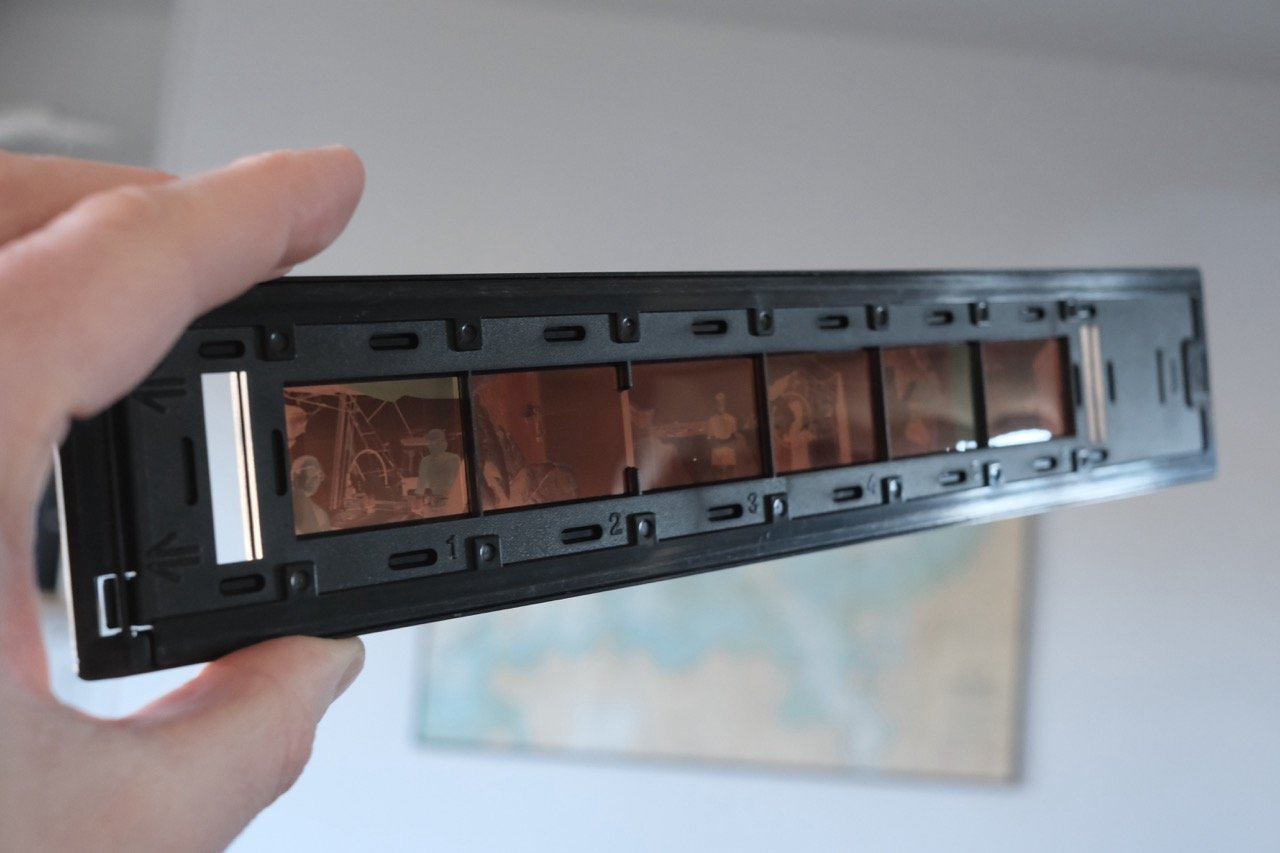 The film carrier holds six frames. The final driver:
- Scans batches of 1-6 frames
- Saves as PPM/PGM files
- Transfers via FTP to modern systems A 6-frame color scan takes ~10 minutes—a testament to the SE/30’s enduring capability.
Why This Matters
Beyond nostalgia, this project underscores critical lessons for modern developers:
- Documentation longevity: Service manuals enabled reverse-engineering that binary disassembly alone couldn’t solve.
- Protocol assumptions: 0 vs. 1-indexing and parameter formats remain subtle failure points.
- Sustainable tech: Legacy systems retain utility in specialized workflows when given purpose-built software.
The driver (available on GitHub) transforms obsolete gear into a functional digitization pipeline—proving that with curiosity and C, even analog film can find a path through 30-year-old silicon.
Comments
Please log in or register to join the discussion