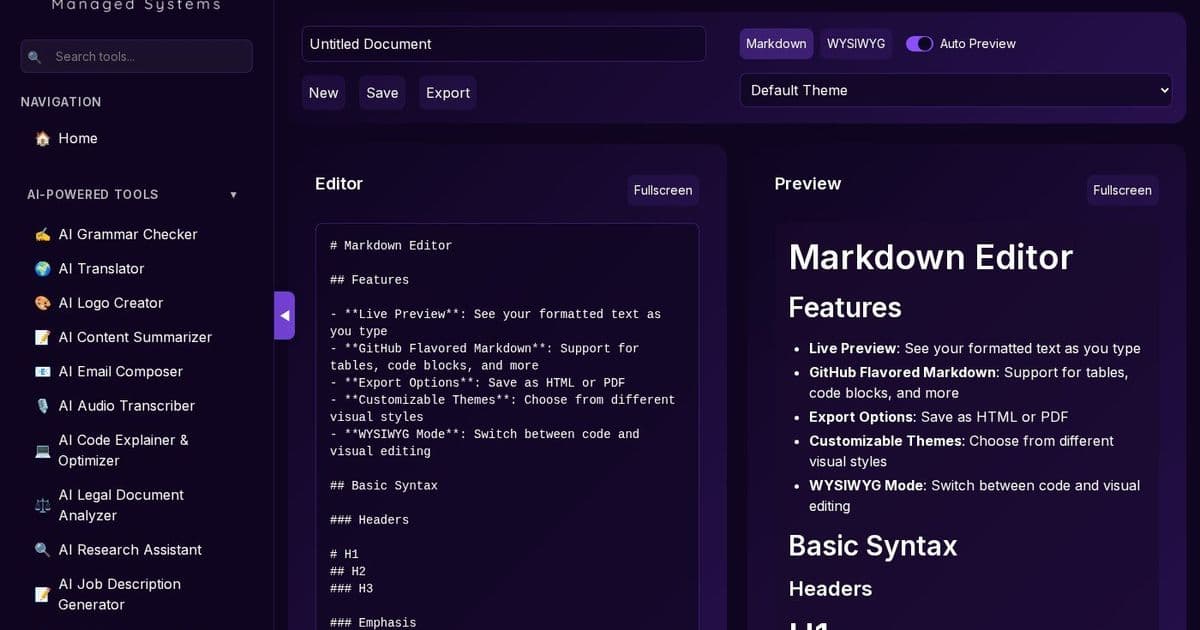
In today’s fast‑moving dev‑ops landscape, a single tool that delivers instant rendering, GitHub‑compatible syntax, and offline safety is a game‑changer. LavX’s Markdown Editor turns the humble markdown file into a collaborative, secure asset that integrates seamlessly with our broader AI‑powered toolkit.
Why Markdown Still Rules the DevOps World
Markdown remains the lingua franca of code‑first documentation, README files, and knowledge bases. Yet most editors either lag behind GitHub Flavored Markdown (GFM) or expose users to privacy risks when editing online. LavX’s Markdown Editor solves both problems with a browser‑only, no‑server architecture that guarantees that your text never leaves your machine.
Core Features that Matter to Engineering Leaders
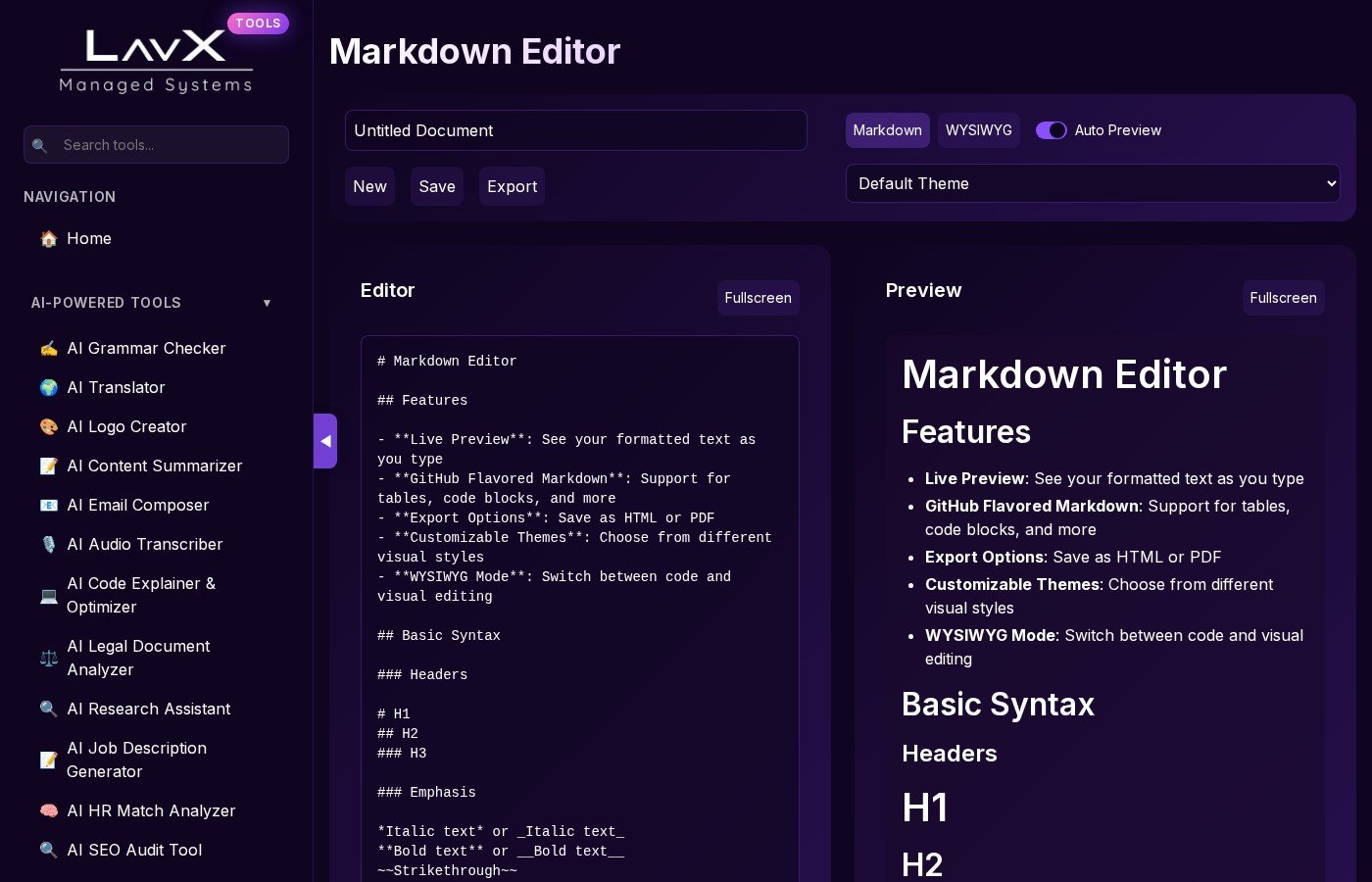
- Live preview: See formatting changes in real time, eliminating the trial‑and‑error loop.
- GFM support: Tables, code fences, task lists, and more—ready for any GitHub‑centric workflow.
- Export versatility: Convert to HTML or PDF with a single click, ideal for generating release notes or compliance docs.
- Theme ecosystem: Dark, Sepia, Solarized, and GitHub themes keep your eyes comfortable during long editing sessions.
- WYSIWYG toggle: Switch between raw markdown and visual editing, catering to both writers and developers.
- Local history: All changes are stored locally, ensuring quick rollbacks without external dependencies.
How It Fits Into LavX’s Platform Vision
LavX Managed System is built around reliability, automation, and security. The Markdown Editor is a cornerstone of our AI‑powered tools suite, enabling:
- Seamless integration with AI Grammar Checker, Code Explainer & Optimizer, and AI Content Summarizer, so you can enrich documentation on the fly.
- Automated compliance by exporting PDFs that can be signed or archived with LavX’s Certificate Toolkit.
- Secure collaboration: Since the editor runs client‑side, you can share drafts via encrypted links or integrate with LavX’s Secret Note Sharer for sensitive content.
Practical Use Cases
- Release notes: Draft, preview, and export a polished release note in minutes.
- Internal knowledge bases: Create consistent, searchable documentation that stays within your corporate firewall.
- On‑boarding guides: Combine markdown with LavX’s AI tools to auto‑generate code snippets and explanations.
- Compliance documentation: Export PDFs that can be signed with LavX’s PGP Tool or QR‑coded for audit trails.
Takeaway
LavX’s Markdown Editor isn’t just another text editor—it’s a secure, automation‑ready hub that elevates how engineering teams create, review, and archive documentation. By keeping your data local, supporting industry‑standard syntax, and integrating with our AI ecosystem, it empowers developers to focus on what matters: building great software.
Explore the full suite of LavX tools at https://lavx.hu and dive deeper into the Markdown Editor at https://tools.lavx.hu/tools/markdown-editor.
Comments
Please log in or register to join the discussion