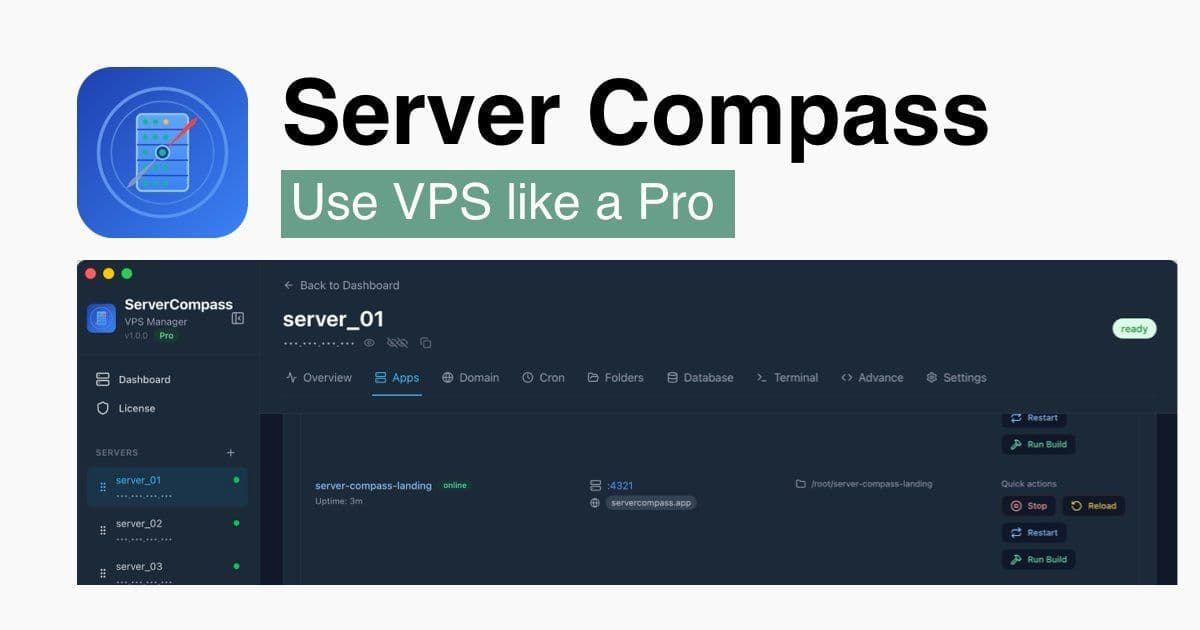
A new desktop app offers the one‑click deployment experience of cloud platforms while keeping the cost and control of a single VPS. By eliminating server‑side control panels and bundling automatic SSL, logs, and rollbacks, Server Compass could reshape how indie developers and small teams ship code.
The Cost‑Crunch of Managed Platforms
For many developers, the promise of a frictionless deployment pipeline is worth the premium price of services like Vercel, Railway, or Render. Yet the monthly bills can quickly climb—$200+ for a basic project, as the product’s own pricing curves illustrate. In contrast, a $5 DigitalOcean droplet or a similarly priced VPS remains largely idle, because managing it typically requires terminal commands and a deep understanding of server administration.
The result is a classic “pay‑for‑ease” trap: developers sacrifice control and budget for convenience. Server Compass aims to break that cycle.
What Server Compass Brings to the Table
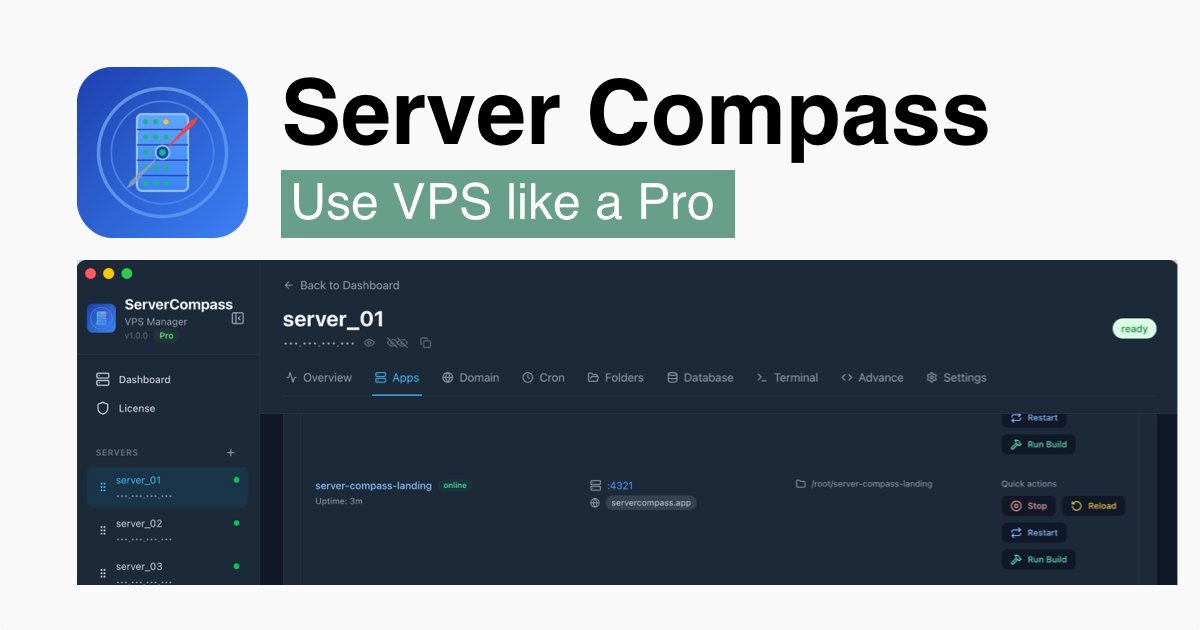
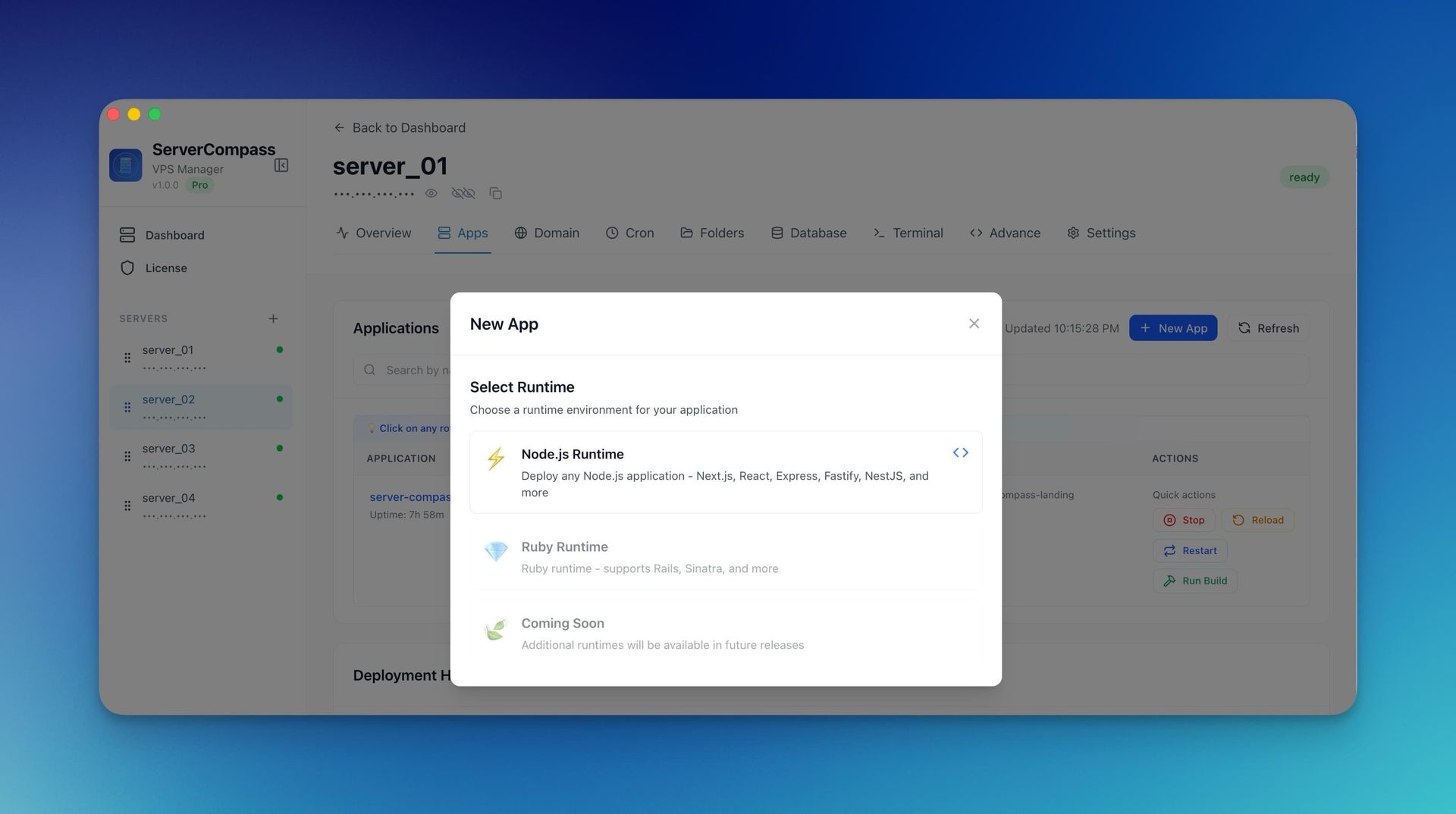
Server Compass is a native desktop application that lets teams push code to a VPS with the same click‑and‑deploy feel that Vercel provides. The tool operates entirely over SSH, connecting to the server only during a deployment. No long‑running daemons or heavy control panels are installed on the VPS, keeping the server lean and focused on running the application.
Key features include:
- One‑click GitHub integration – automatically detects frameworks such as Next.js and builds the project.
- Automatic SSL issuance – Let’s Encrypt certificates are provisioned and renewed without manual intervention.
- Real‑time logs and monitoring – Developers can view deployment output and performance metrics from the desktop UI.
- One‑click rollbacks – Revert to any previous deployment instantly.
- Zero vendor lock‑in – The user owns the VPS, the data, and the credentials.
The product is available for a one‑time $19 fee, with no recurring subscriptions, and supports macOS, Windows, and Linux clients.
Comparing the Landscape
| Platform | Cost | Server Overhead | Vendor Lock‑in | Key UX Advantages |
|---|---|---|---|---|
| Vercel / Railway | $100‑$200/month | Heavy PaaS stack on the cloud | Full lock‑in | Seamless one‑click deploy, instant feedback |
| Coolify / Dokploy / CapRover | $5‑$10/month (VPS) | Control panels run on VPS | Some lock‑in | Free‑form deployment, but heavy local footprint |
| Server Compass | $5‑$10/month (VPS) | None (only apps) | None | Desktop UI, automatic SSL, rollback, no terminal |
The comparison shows that Server Compass delivers comparable UX to managed services while keeping the cost of a single VPS and eliminating server‑side bloat.
Implications for Developers and Teams
- Cost efficiency – A $5 VPS can support dozens of projects, saving $600‑$700 per year compared to a single managed‑platform subscription.
- Security and compliance – Credentials never leave the local machine, and the tool uses SSH key authentication, reducing attack surface.
- Scalability – Teams can add more VPS instances without changing the workflow; the desktop app can manage multiple servers.
- Vendor independence – Projects remain portable; if a provider’s terms change, the code and data stay on the user’s infrastructure.
For indie hackers, small teams, and agencies, this model offers a compelling blend of convenience and control.
Looking Ahead
The roadmap includes GitLab integration, database management, multi‑server orchestration, and support for additional frameworks such as Remix and Astro. A Docker Compose support feature is slated for Q1 2026, promising to broaden the tool’s appeal to container‑centric workflows.
Final Thoughts
Server Compass demonstrates that the promise of “deploy‑on‑click” can be realized without surrendering the economics or autonomy of self‑hosted infrastructure. By stripping away the overhead that plagues many VPS‑based solutions, the product offers a lean, secure, and cost‑effective alternative that could reshape how developers ship code.
Source: https://servercompass.app/
Comments
Please log in or register to join the discussion