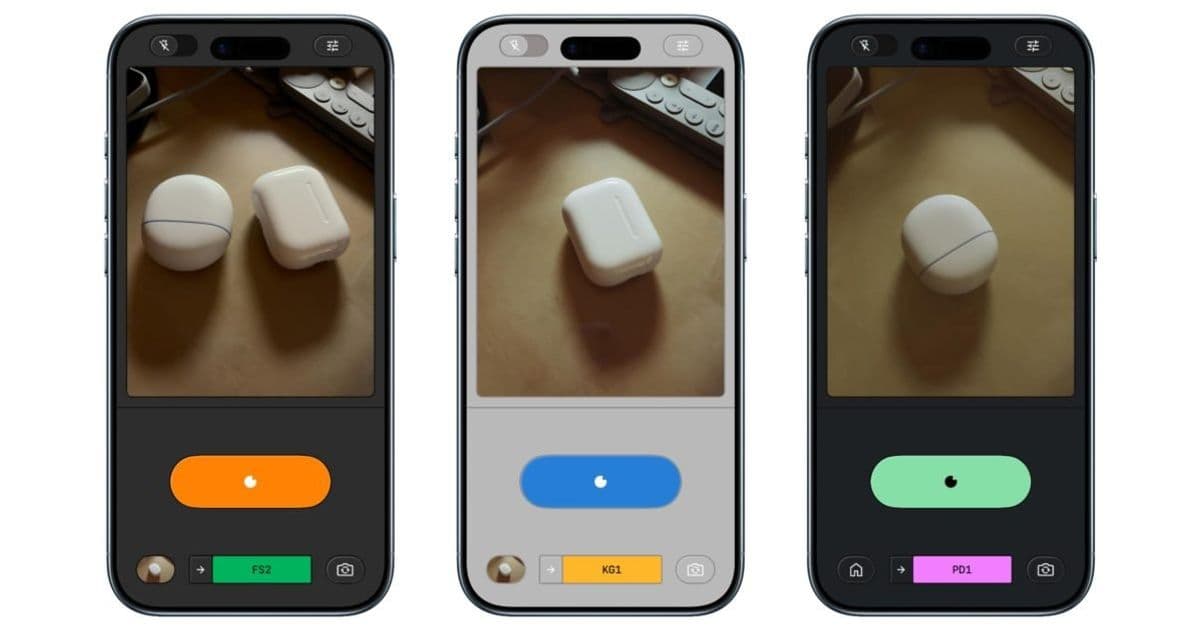
Google officially launches Snapseed's integrated camera for iPhone, adding professional manual controls and real-time film simulation presets to transform the photo editor into a comprehensive photography tool.
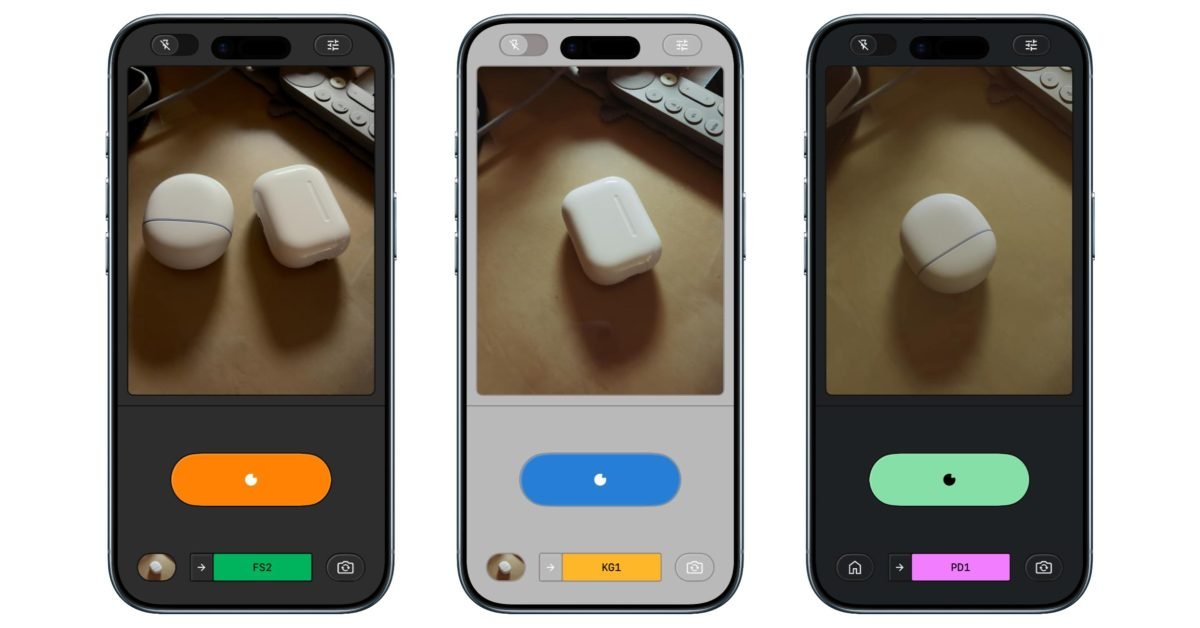
Google has officially rolled out its integrated camera feature for Snapseed on iOS, fundamentally expanding the app's capabilities beyond photo editing. Following a limited soft launch in December, the update (version 3.15.0) introduces professional-grade manual controls and nostalgic film emulation presets directly accessible within the popular editing app.
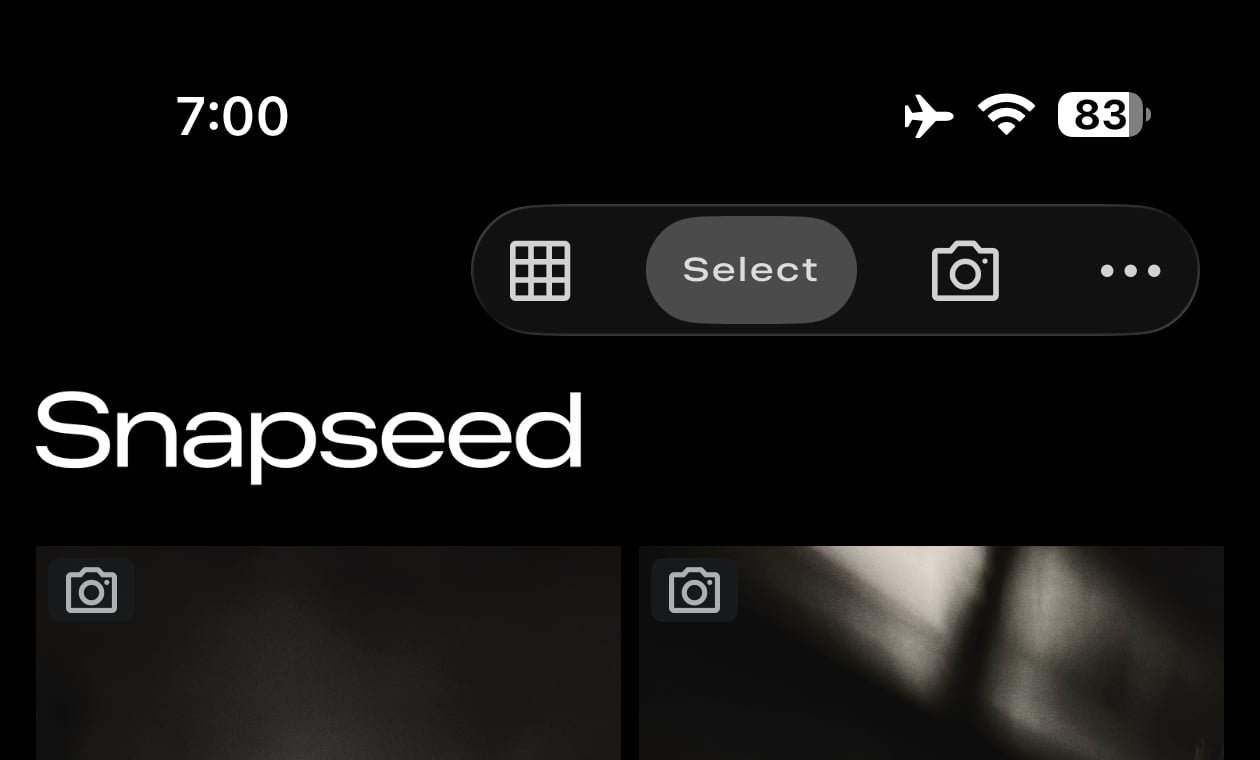
Previously, accessing Snapseed's camera required workarounds like Lock Screen widgets or Control Center shortcuts. The update simplifies this with a dedicated camera icon in the top-right corner of the app interface. This integration creates a seamless capture-to-edit workflow, eliminating the need to switch between multiple applications.
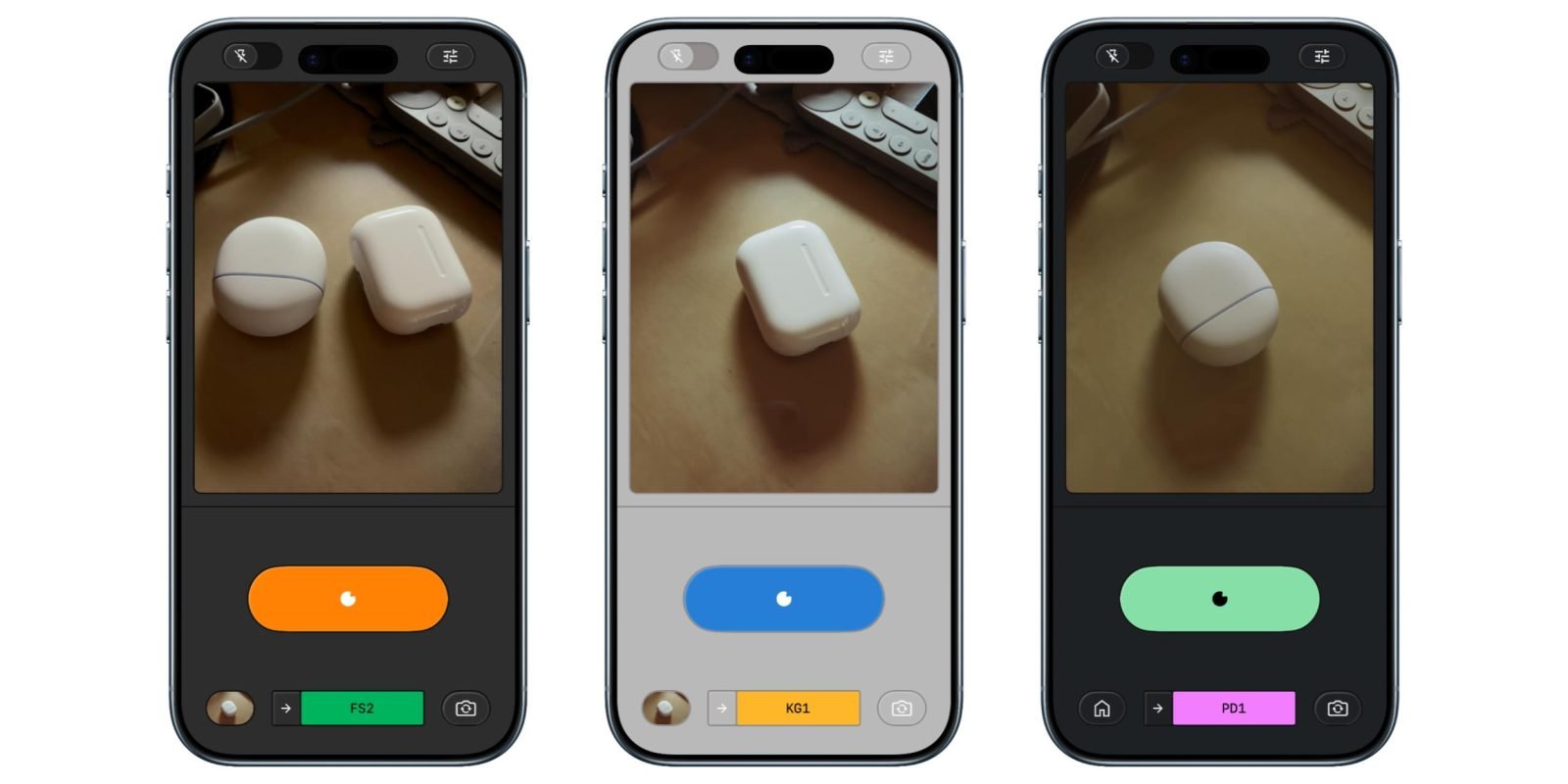
The camera introduces three core enhancements:
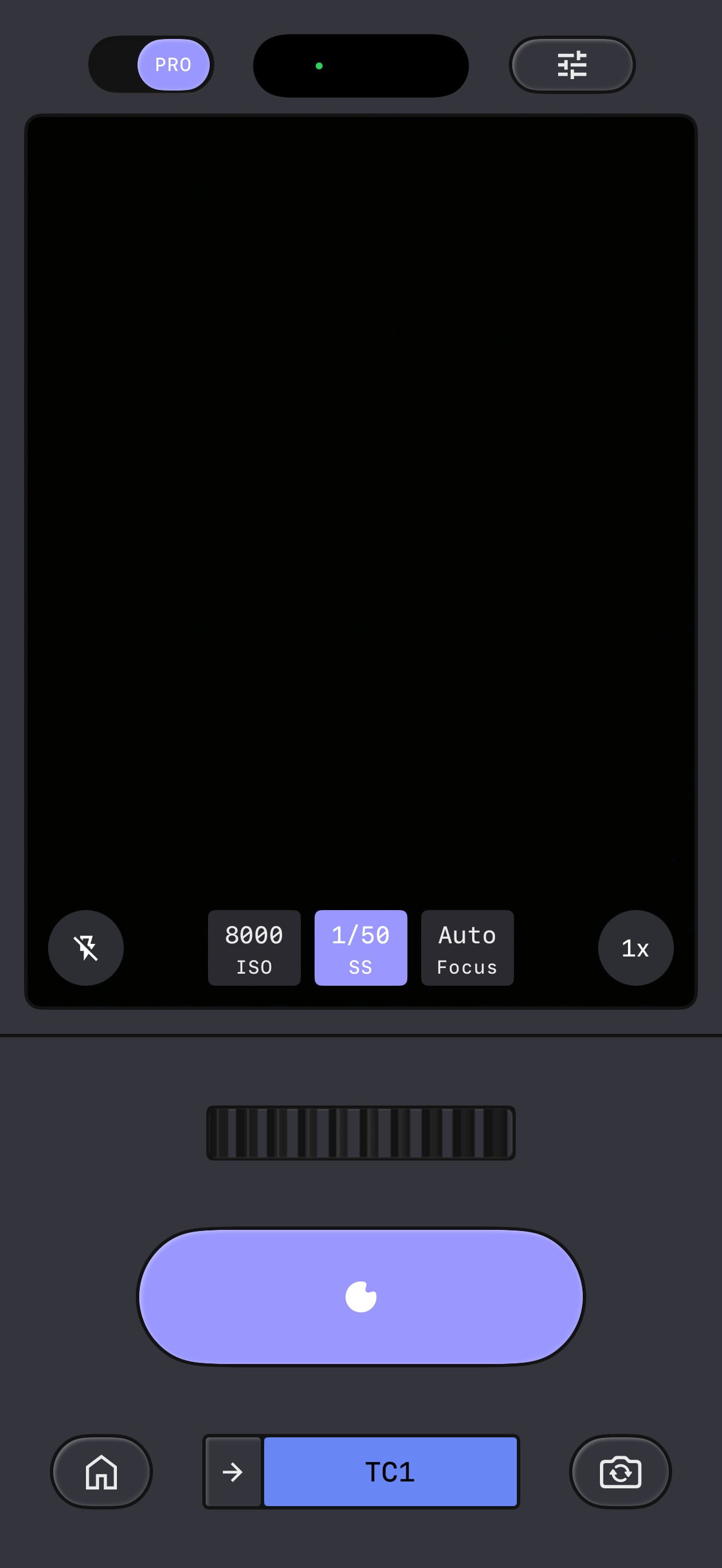
Professional Manual Controls: Toggling the "PRO" switch in the top-left corner reveals manual adjustment dials for ISO, shutter speed, and focus. These skeuomorphic controls replace automatic settings with precision tools modeled after traditional camera interfaces. The flash control has been relocated to the bottom-left corner, while zoom remains on the right.
Film Emulation Presets: Eleven film simulation styles apply retro aesthetics in real-time during composition. The presets include:
- KP1/KP2: Kodak Portra 400/160
- KG1: Kodak Gold 200
- KE1: Kodak E200
- FS1/FS2: Fuji Superia 200/800
- FP1: Fuji Pro 400h
- AG1/AS1: Agfa Optima 200/Scala 200
- PD1: Polaroid 600
- TC1: Technicolor Switching presets triggers a nostalgic film-rewind animation.
Non-Destructive Editing Pipeline: Every captured photo retains the complete editing stack, allowing users to revisit and modify film presets or manual adjustments even after saving to the camera roll. This preserves flexibility without compromising original image data.
Additional customization includes six viewfinder color themes (Editor, Dusk, Negative, Steel, Haze, Depth) that modify the shooting interface without affecting output. The update remains completely free in the App Store with no subscription requirements.
For Android users, Google confirmed development is underway to port the redesigned editor interface that iOS received last year. The cross-platform discrepancy highlights Google's iterative approach to feature deployment across ecosystems.
This transformation positions Snapseed as a viable alternative to premium camera apps, combining Google's computational photography expertise with practical manual controls and nostalgic film simulations—all within a free, unified capture-and-edit environment.
Comments
Please log in or register to join the discussion