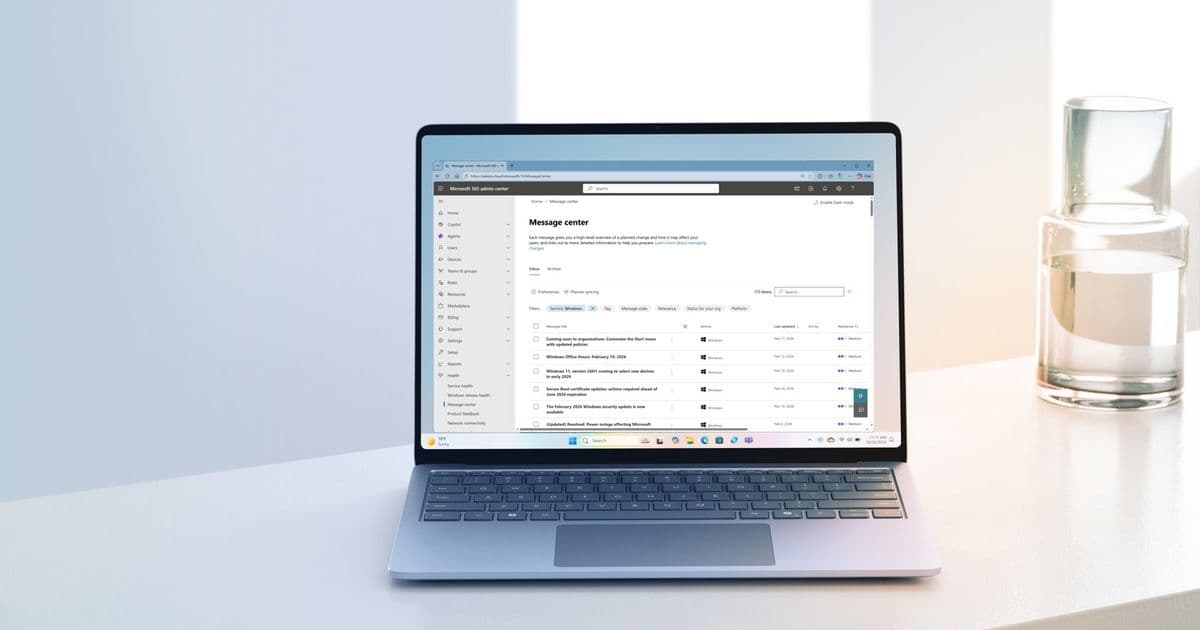
Microsoft enhances Windows update management through Message Center customization, enabling IT teams to prioritize critical changes amid cloud complexity.
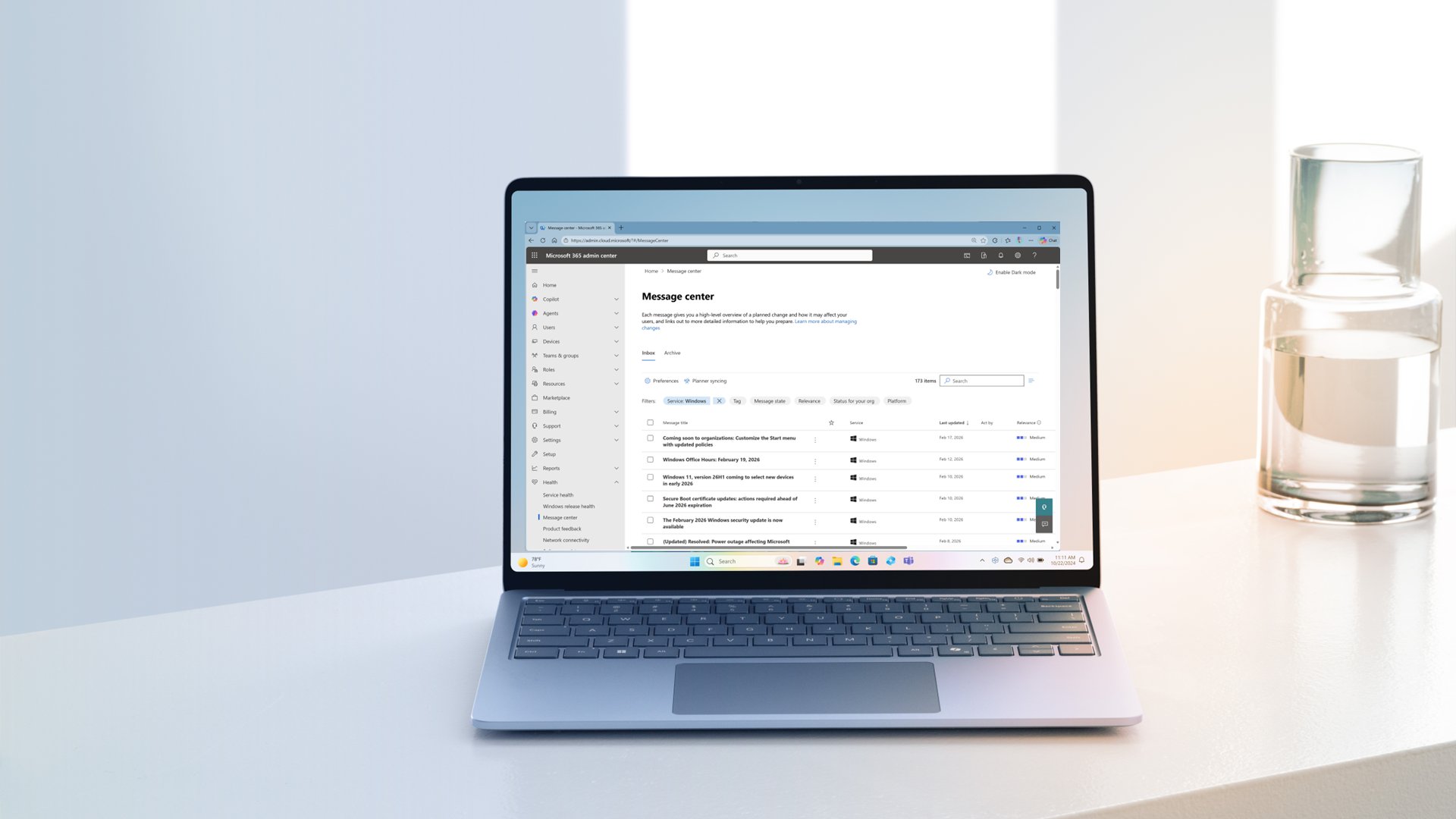
Enterprise IT teams managing Windows environments face constant operational challenges: security patches, feature rollouts, and compliance updates arrive through multiple channels. Microsoft's Message Center in the Microsoft 365 admin center serves as the centralized hub for these critical notifications. Yet without proper configuration, administrators risk overlooking essential updates in the noise of cloud service announcements. The newly documented customization capabilities represent a strategic shift toward prioritized update management.
What Changed: Granular Filtering for Windows-First Organizations
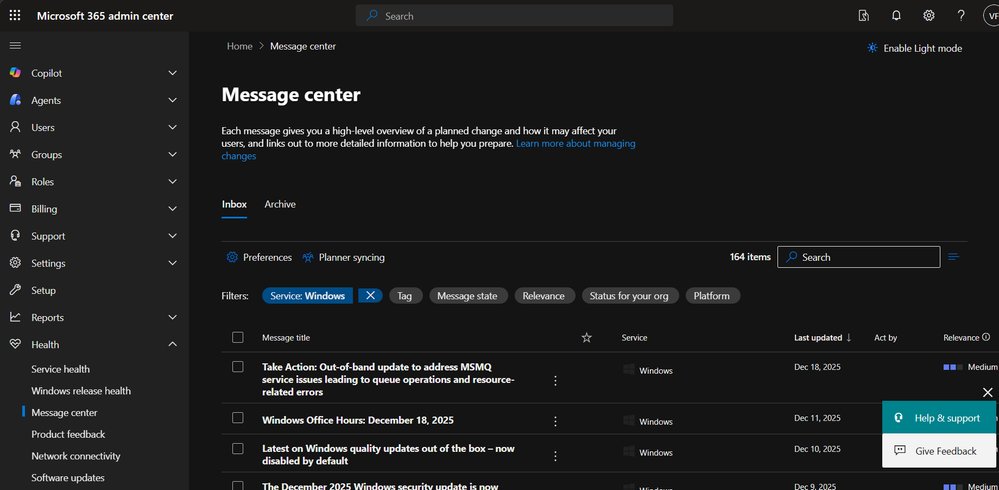
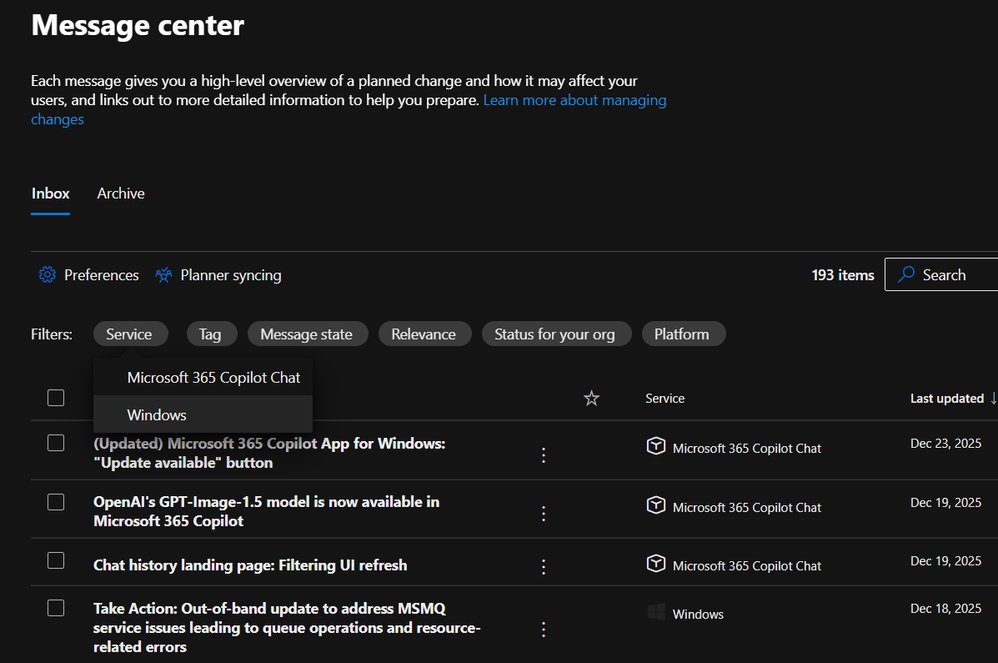
Message Center now supports service-specific preferences enabling Windows administrators to:
- Isolate Windows updates from unrelated SaaS product announcements
- Apply persistent filters showing only Windows service notifications
- Leverage automatic tagging that categorizes updates by impact level (e.g., "major updates" for disruptive changes)
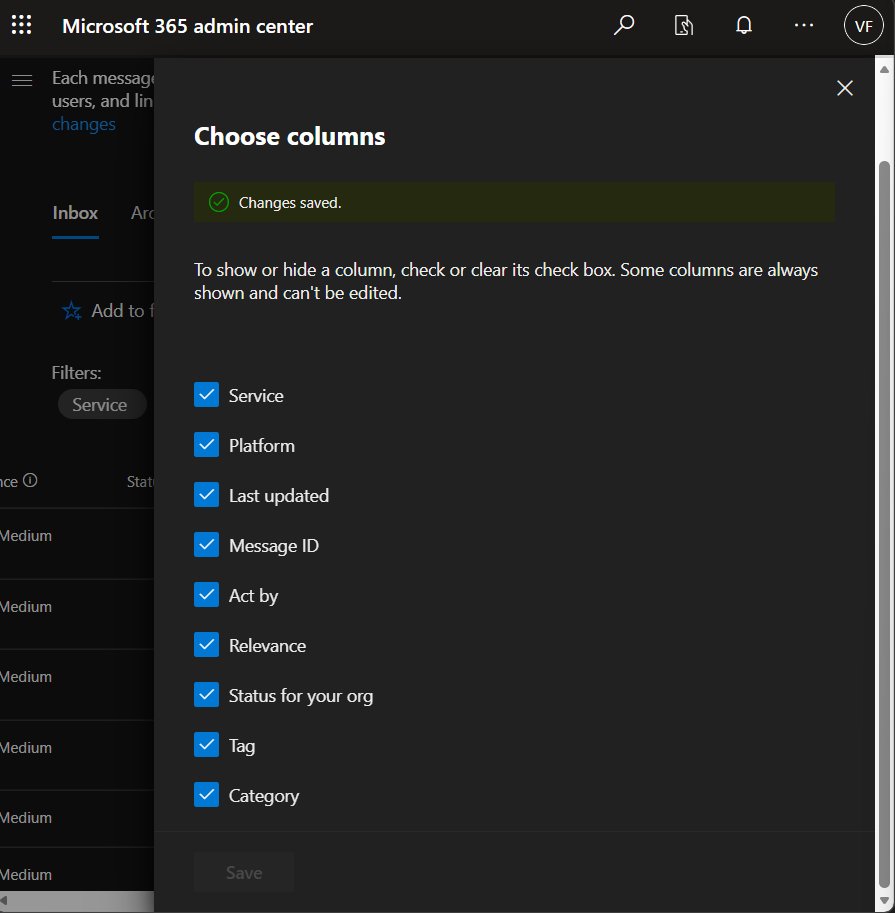
- Customize columns to display only relevant metadata like "Act by" dates
Unlike the public Windows message center on Microsoft Learn, the enterprise version offers administrative controls crucial for large organizations. The separation of Windows notifications from broader Microsoft 365 communications addresses a key pain point for dedicated Windows administrators.
Provider Comparison: Notification Management Across Clouds
| Platform | Customization Depth | Windows-Specific Filtering | Tagging System | Integration Capabilities |
|---|---|---|---|---|
| Microsoft 365 | Service-level preferences Column customization Persistent filters |
Native Windows service toggle Dedicated tags |
Automated impact tagging (Major/User Impact/Admin Impact) |
Planner integration Email alerts |
| AWS Health Dashboard | Limited to service selection No column customization |
EC2/Workspace filters No Windows specialization |
Generic severity levels (Info/Warning/Critical) |
SNS integration Limited third-party tools |
| Google Workspace | Basic category filters No persistent views |
OS-agnostic No Windows focus |
Manual labeling only No automated tagging |
Limited to Google ecosystem (Chat/Spaces) |
Microsoft's approach provides deeper Windows-specific context than competitors. While AWS offers robust infrastructure monitoring, its Windows focus remains generalized. Google's notification system lacks OS-level specialization entirely.
Business Impact: Reducing Operational Overhead
For enterprises managing hybrid environments, these filters deliver measurable benefits:
Risk Mitigation
Prioritizing "major update" tags prevents missed critical patches. The system automatically flags disruptive changes requiring change management processes, reducing security vulnerabilities from unpatched systems.Administrative Efficiency
Persistent Windows filters save ~3-7 hours monthly otherwise spent manually sorting updates. Column customization enables quick scanning of "Act by" dates and impact categories without opening individual messages.Compliance Alignment
The archiving function creates auditable trails of acknowledged updates. Combined with Planner integration, organizations demonstrate structured response workflows to auditors.
Implementation Strategy
Follow this configuration sequence for maximum impact:
Set Service Preferences
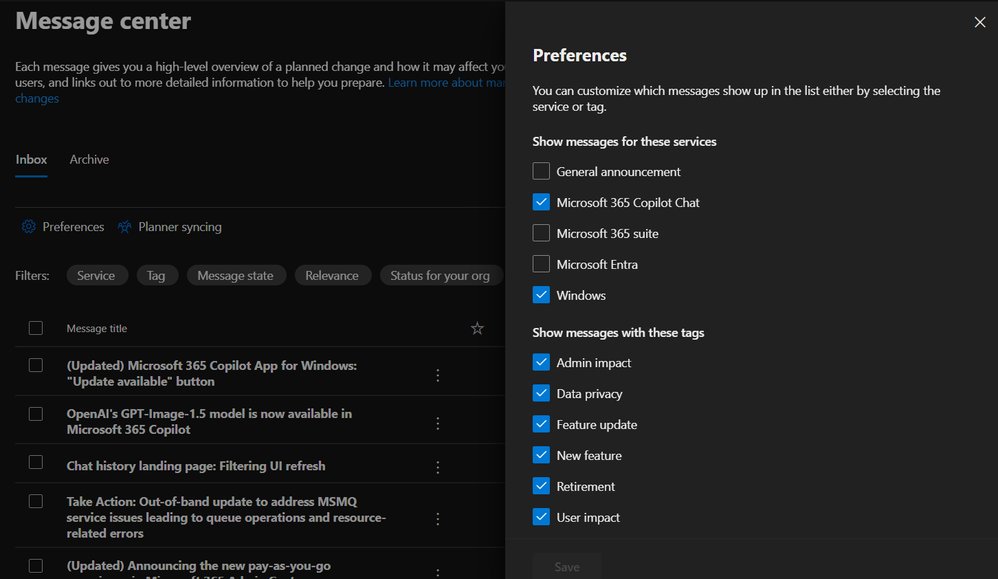
Navigate to Health > Message Center > Preferences, then enable only Windows under service filtersConfigure Core Filters
Use the Service filter to lock the view to Windows updates. Combine with Tag filters (e.g., "Major updates") for critical notificationsCustomize Columns
Hide irrelevant columns via Choose Columns. Prioritize "Act by," "Category," and "Last Updated" fieldsEnable Proactive Alerts
Configure email notifications for "High" relevance messages under Preferences > Email
Pitfalls to Avoid
- Over-filtering: Excluding "Low" relevance messages may miss compliance updates
- Tool Fragmentation: Using separate systems for Windows/cloud updates creates visibility gaps
- Notification Fatigue: Balance email alerts with scheduled Message Center reviews
For enterprises standardized on Windows, these optimizations transform Message Center from an information firehose into a strategic management console. The capabilities position Microsoft favorably against cloud competitors for organizations requiring specialized OS management tooling. Continue exploring best practices at the Windows Tech Community.
Comments
Please log in or register to join the discussion