A philosophical exploration of how developers are shifting from physical monitor arrays to virtual desktop workflows for enhanced focus and cognitive flow.
The modern developer's workspace represents more than just physical hardware; it embodies a cognitive architecture for navigating complex information landscapes. Over years of experimentation—from multi-monitor arrays to ultrawide displays and portrait orientations—a pattern emerges: the most effective setups increasingly prioritize cognitive flow over screen real estate. This evolution reveals a fundamental shift in how we engineer our attention in increasingly distraction-prone digital environments.
The Monitor Paradox
{{IMAGE:2}}
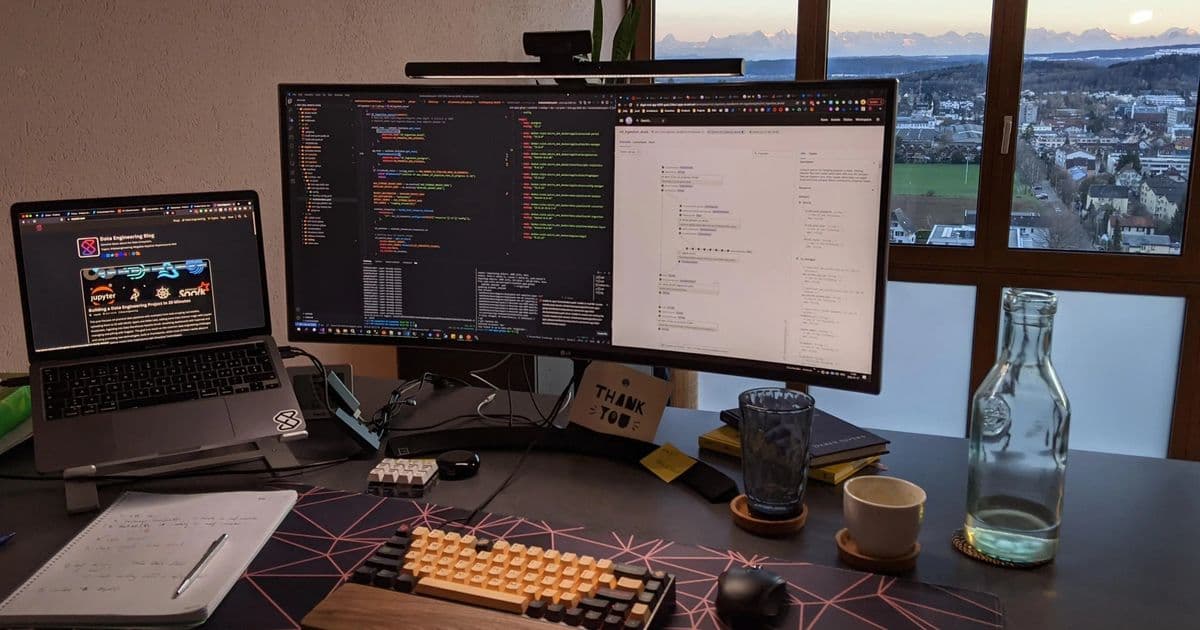
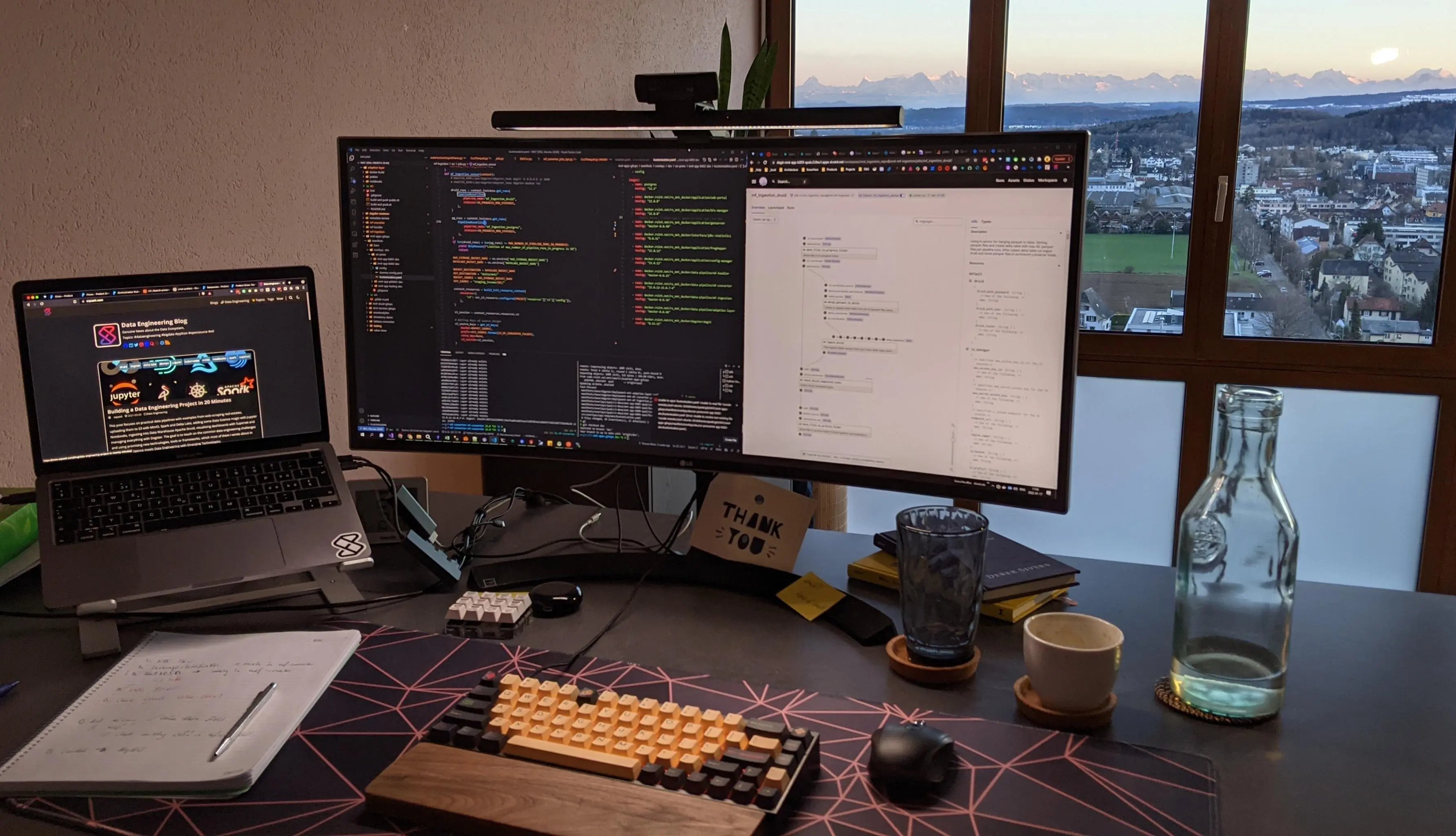
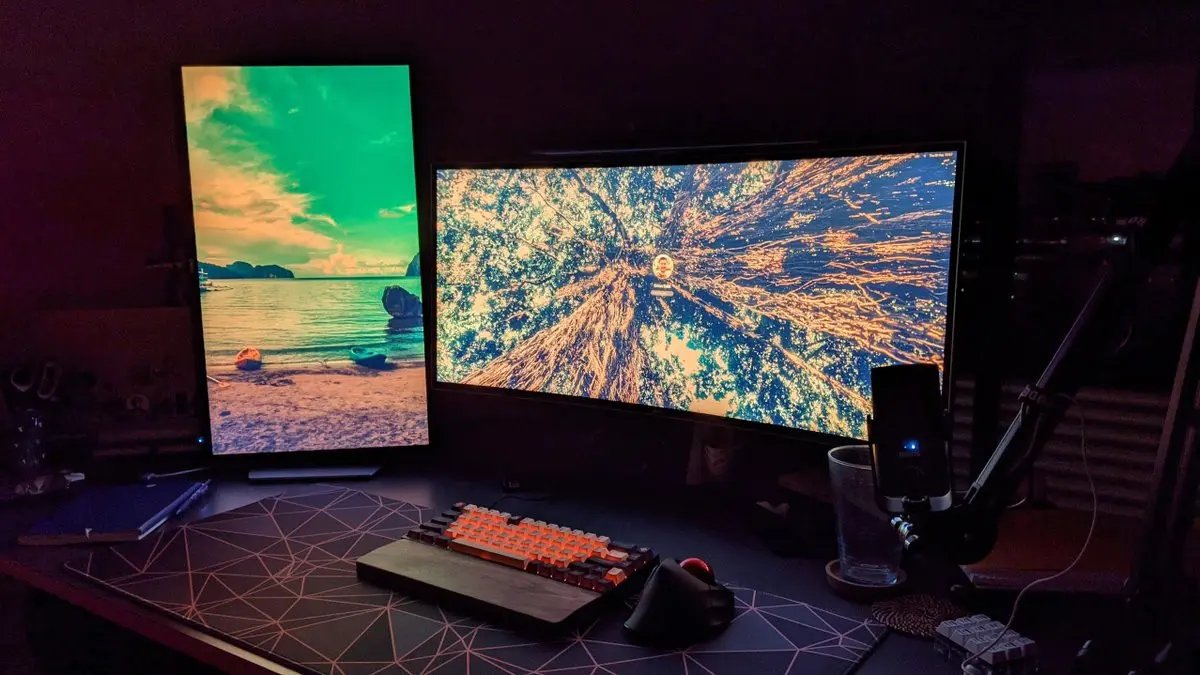
The initial pursuit of productivity often manifests as hardware accumulation. Many developers begin with dual monitors, then expand to triple configurations or ultrawide displays, seeking to minimize application switching through spatial organization. The Battlestation in the Alps exemplifies this phase—a landscape of screens promising simultaneous visibility for code, documentation, and communication tools. Yet this approach introduces cognitive overhead: the physical act of turning between displays fractures attention, while peripheral visual clutter creates subconscious distraction. The portrait monitor trend—ideal for reading documentation or code—partially addresses this by aligning with natural scrolling behavior, but still relies on physical arrangement.
The Virtual Desktop Revolution
What emerges is a counterintuitive solution: reducing physical monitors while multiplying virtual spaces. The keyboard-centric workflow described—using shortcuts like Alt+1 for terminals and Alt+3 for Obsidian—represents a temporal organization system. Each virtual desktop becomes a cognitive mode:
- Deep Work Zone (Terminal/Editor): Uninterrupted coding space
- Research Context (Browser): Reference material without editor clutter
- Conceptual Space (Note-taking): Distillation of ideas in tools like Obsidian
- Ambient Layer (Music/Communication): Background processes consciously separated
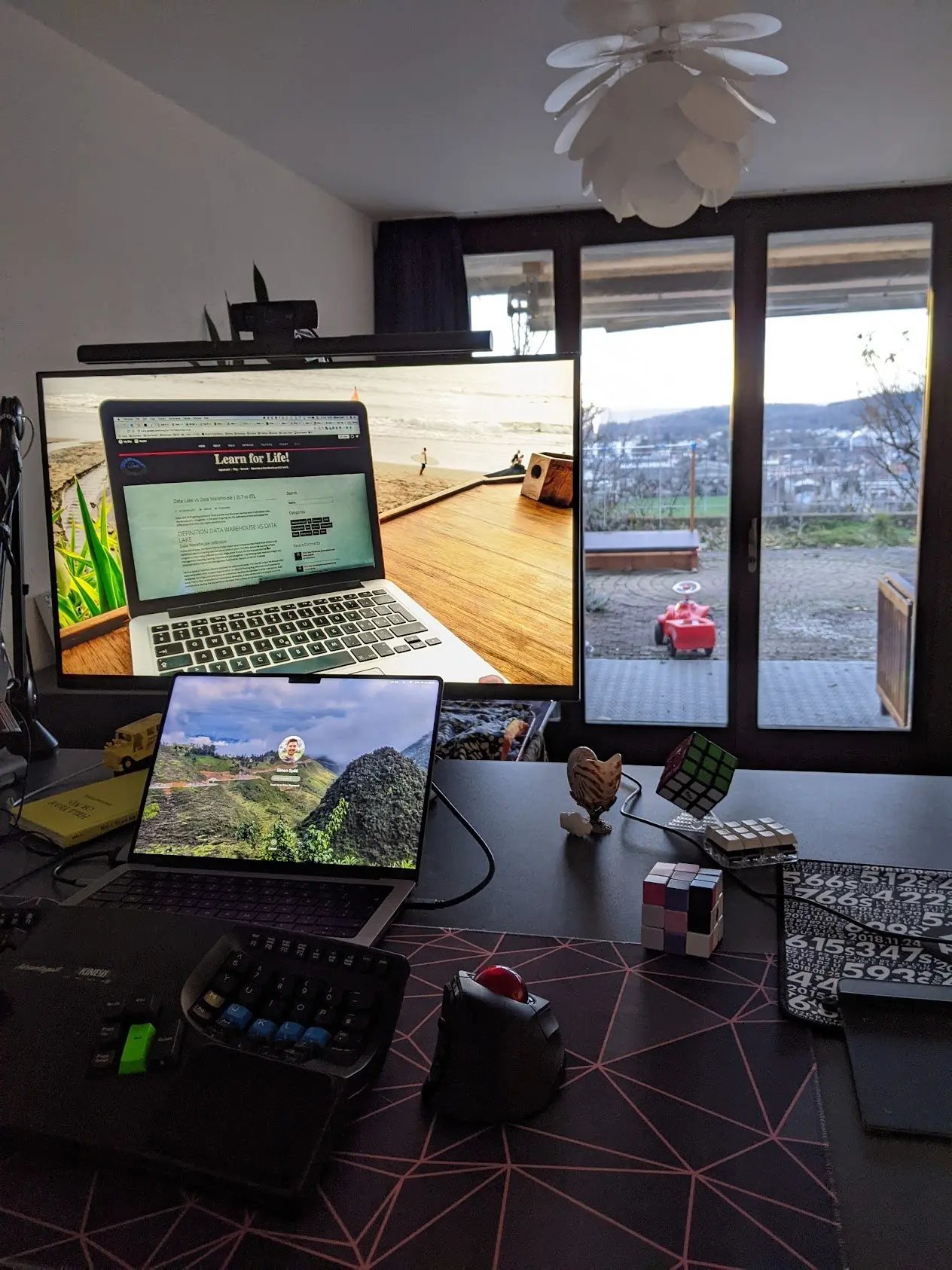
This structure acknowledges that true focus requires eliminating competing visual stimuli, not merely arranging them. The Kinesis Advantage 2 and custom mechanical keyboards become crucial interfaces for this workflow, transforming hand movements into precise context switches.
Philosophical Implications
This evolution reflects deeper principles of cognitive ergonomics:
Attention as Finite Resource: Physical monitor arrangements assume attention is divisible. Virtual desktops accept attention's singularity, forcing intentional context shifts.
The Tyranny of Visibility: What remains visible demands cognitive processing. By hiding non-essential applications (Slack, Spotify) in dedicated virtual spaces, we reclaim subconscious processing power.
Flow State Engineering: Tools like Focus@Will aren't mere utilities—they're auditory environments scientifically tuned to sustain concentration, complementing the visual purity of single-screen focus.
Counterpoints and Alternatives
Not all agree with this consolidation. Some maintain that certain workflows—like video editing or financial trading—require persistent visual monitoring across domains. Developers like ThePrimeagen advocate for tiling window managers (i3, tmux) that maintain visibility within a single screen. Others question digital note-taking when analog alternatives exist, though tools like Obsidian offer linking and search capabilities impossible on paper.
The Future Workspace
The progression suggests a future where workspace personalization moves beyond physical arrangement into deeper integration with cognitive patterns. As seen in Omarchy—an opinionated Arch Linux setup—the next frontier involves programmatically defined workflows that adapt to mental states. The ideal setup isn't about screen quantity, but about minimizing friction between thought and action—a principle extending to distraction-free writing tools and even mobile configurations.
In this light, the developer's workspace becomes less about monitors and more about designing interfaces for sustained thought—a continually evolving cognitive scaffold where every Alt-tab serves a deliberate neurological purpose.
Comments
Please log in or register to join the discussion