
The Sharge IceMag 3 brings a built-in cooling fan to the crowded MagSafe battery pack market, promising sustained high-speed charging without the thermal throttling that plagues most competitors. After two trips with this unique-looking power bank, the active cooling proves to be more than just RGB-lit gimmickry.
The current MagSafe battery pack market is pretty insane right now. There are literally thousands of magnetic power banks all over Amazon. Most of them are the same: they attach to the back of your phone, trickle-charge your iPhone, and get warm the longer they charge. When you look for one on Amazon, they all look like slightly modified versions of the previous one. But every once in a while, you see one that actually looks, feels, and functions differently.
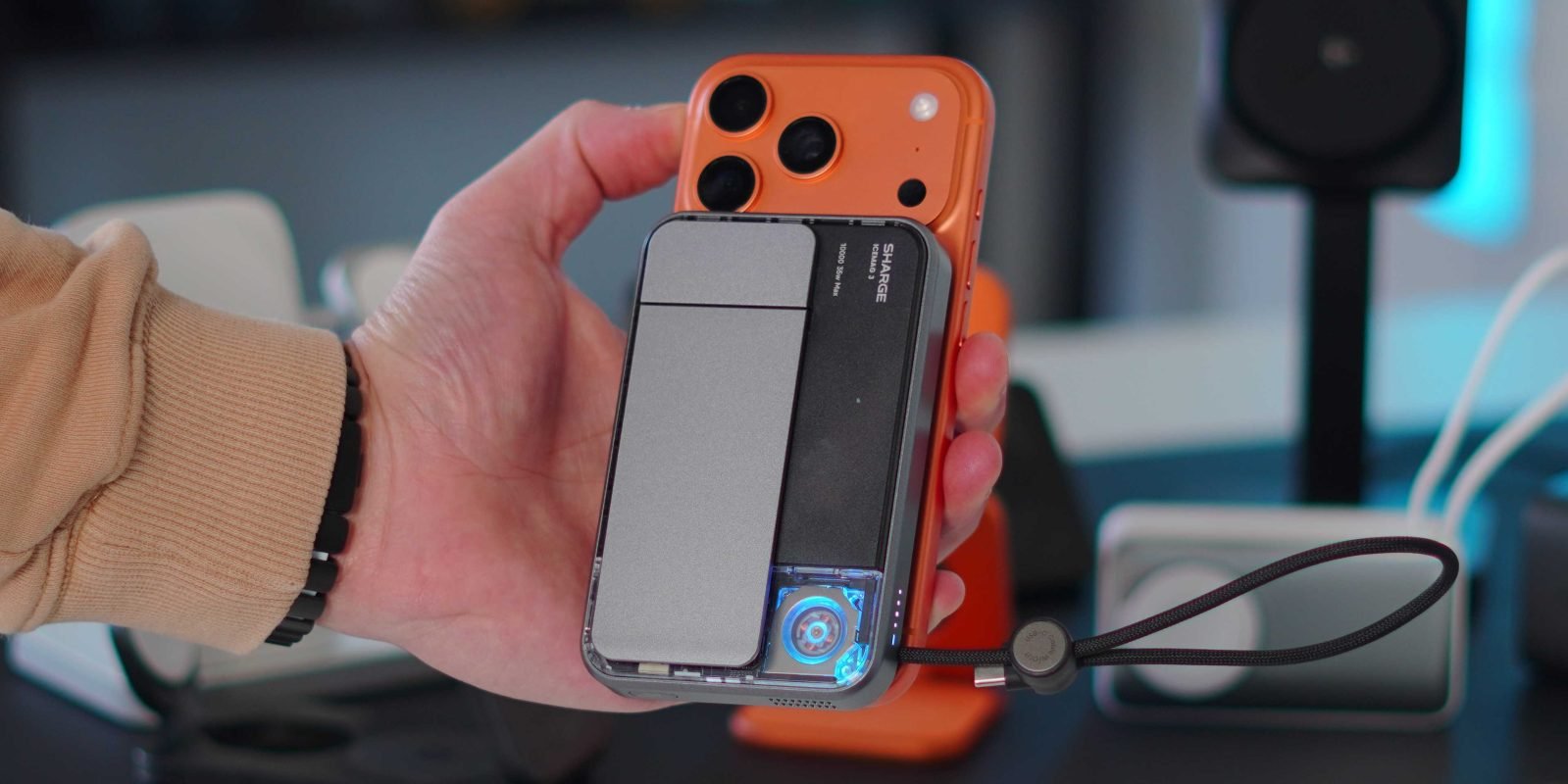
That is exactly what the new Sharge IceMag 3 has. It's fast, has a very unique look, and can do more than just charge your phone. Let's take a look.
The Specs: What You're Getting
Before we get into my experience and review of this charger, we have to talk about the specs because you get quite a lot here. On paper, the IceMag 3 checks off basically every box:
- Qi2.2 25W wireless charging - This is the latest Qi standard, delivering the same speeds as Apple's own MagSafe Charger
- 35W wired charging - Via the USB-C port, enough for a MacBook Air
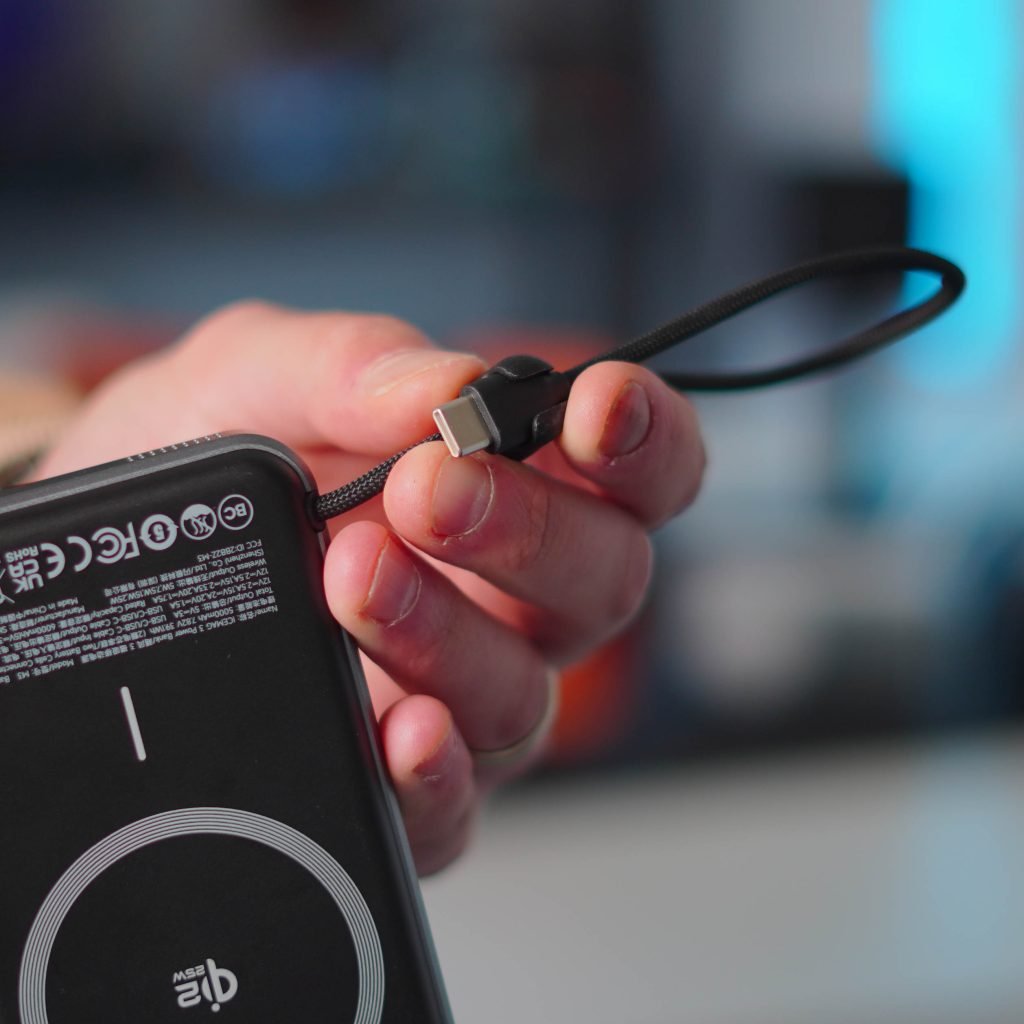
- Built-in USB-C cable that doubles as a lanyard
- Additional USB-C port for charging in and out
- Charge up to three devices at once (wireless + USB-C + built-in cable)
- 10,000mAh battery - That's roughly 2.5 iPhone 17 Pro charges
- RGB active cooling fan - The headline feature
- Built-in kickstand with multiple locking points
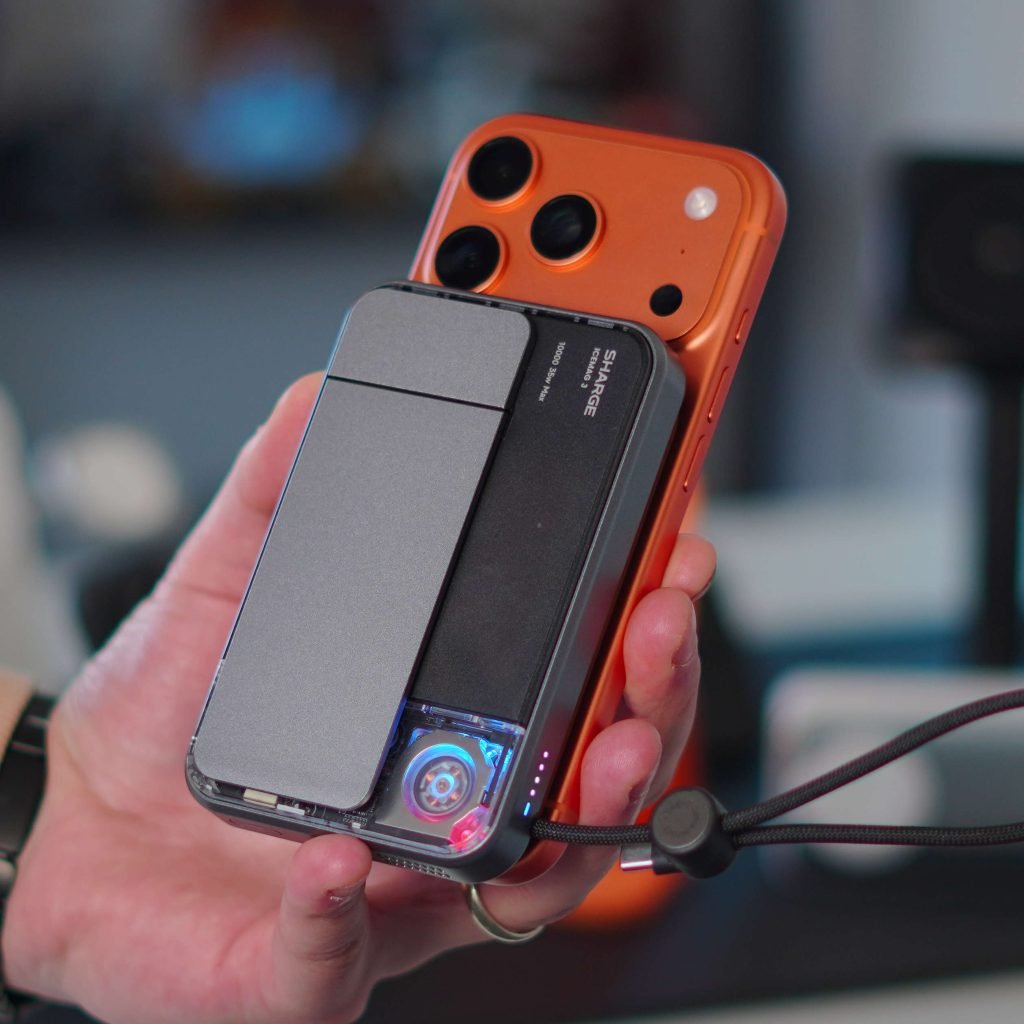
The kickstand is also fantastic, with multiple locking points and support for portrait and landscape orientations. So again, on paper it is great, but how was it in practice?
Hands-on Experience: The Cooling Test
I recently used the Sharge IceMag on two trips, and it was the only MagSage battery pack I brought with me. I was using it alongside my iPhone 17 Pro and my M4 iPad Pro. This device really passed all of my tests.
Of course, as a MagSafe charger, it worked great. I tend to use my iPhone caseless, so it is important that the magnets are strong. The Sharge IceMag magnets are insanely strong, which is fantastic. It charged my iPhone easily at 25W.
Here's where the active cooling matters: The IceMag 3 can sustain those charging speeds for longer thanks to the built-in Active Cooling 3.0 fan. It actively moves out the hot air produced by the wireless charging coils. Most MagSafe chargers hit 25W for a minute or two, then throttle down to 15W or even 7.5W as heat builds up between the phone and battery pack.
I was a bit worried that the fan might be a gimmick and generate unwanted noise. But both of those statements are false. First off, you can hear it at all, and secondly, it is not a gimmick at all.
Smart Power Management
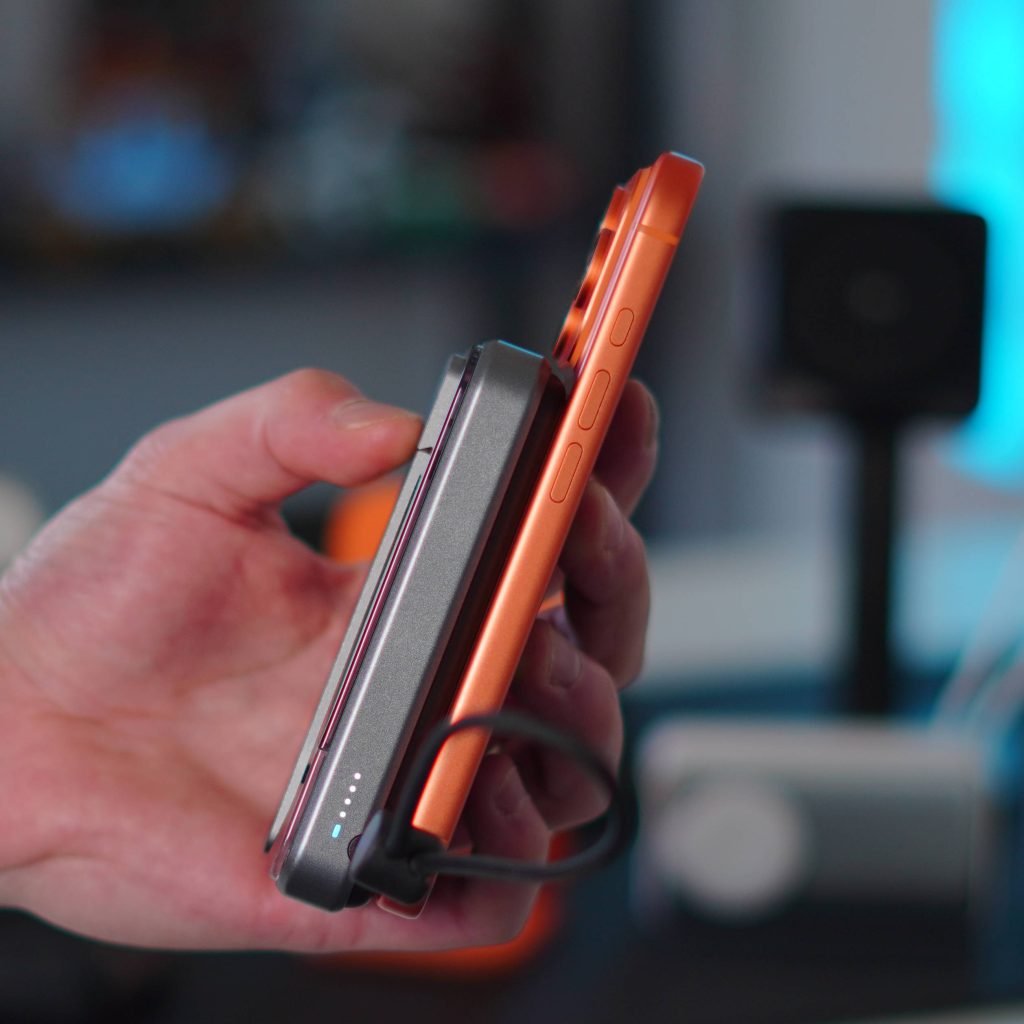
Another great feature of this charger is how it smartly adapts to the charging situation. For example, if I plug my iPhone into the USB-C cable but still magnetically attach the battery to the phone, the IceMag will know to use the cable to charge, and then switch to Qi2 charging. It will default to the faster speed.
But then at the same time, if I have my iPhone charging magnetically and I plug the cable into my AirPods, it will know to charge both at full speed. It's amazing how it can do that so simply.
This matters because many dual-port power banks force you to choose between ports or split power in confusing ways. The IceMag 3's logic means you don't have to think about it - just plug things in and it figures out the optimal distribution.
The Kickstand: Actually Useful
I also really appreciated how nice the kickstand was. It supports multiple viewing angles and even lets you use standby mode. This isn't just a flimsy plastic flap - it has real detents at different angles, so your phone stays put whether you're in portrait for FaceTime calls or landscape for watching videos.
What's Missing?
My only wishlist item for this device is that they include an LED display to show battery percentage and, perhaps, even the wattage output. Many competitors have added this, and it's genuinely useful to know how much juice remains and what speed you're charging at. But other than that, the function, unique design, and capabilities made this MagSafe battery pack a pleasure to use, and it will be a mainstay in my travel pack.
Pricing & Availability
The Sharge IceMag 3 is available on Amazon today. Normally it is $80, but it is currently discounted to $67! It comes in two colors: Black/Classic (the color I have) and White.
If you want to save a bit of money, Sharge also has its IceMag 2 for $49. This one still has the active-cooling RGB fan, but it charges at Qi2 speeds (15W) and does not include the built-in USB-C cable that doubles as a lanyard. But there is that option.
The Verdict: Is Active Cooling Worth It?
If you are in the market for a new MagSafe power bank and are looking for something unique, top-of-the-line, and functional, the IceMag 3 is worth your consideration.
The real question is whether active cooling actually matters for your use case. For most people topping up their phone during the day, probably not - you'll be fine with any decent Qi2 pack. But if you're a heavy user who needs sustained charging speeds during long travel days, or if you live in a hot climate where thermal throttling hits earlier, that fan becomes genuinely valuable.
The IceMag 3 doesn't just add a fan for marketing - it solves a real problem that plagues the entire category. Combined with the excellent kickstand, smart power distribution, and the convenience of a built-in cable, it's one of the few MagSafe batteries that feels like it was designed by people who actually use these things regularly, not just copied from a generic template.
For $67 on sale, it's a solid value if you want the best possible charging performance without carrying a brick. The RGB lighting on the fan is just a bonus - the real story is that your phone will stay cooler and charge faster, longer.
Comments
Please log in or register to join the discussion