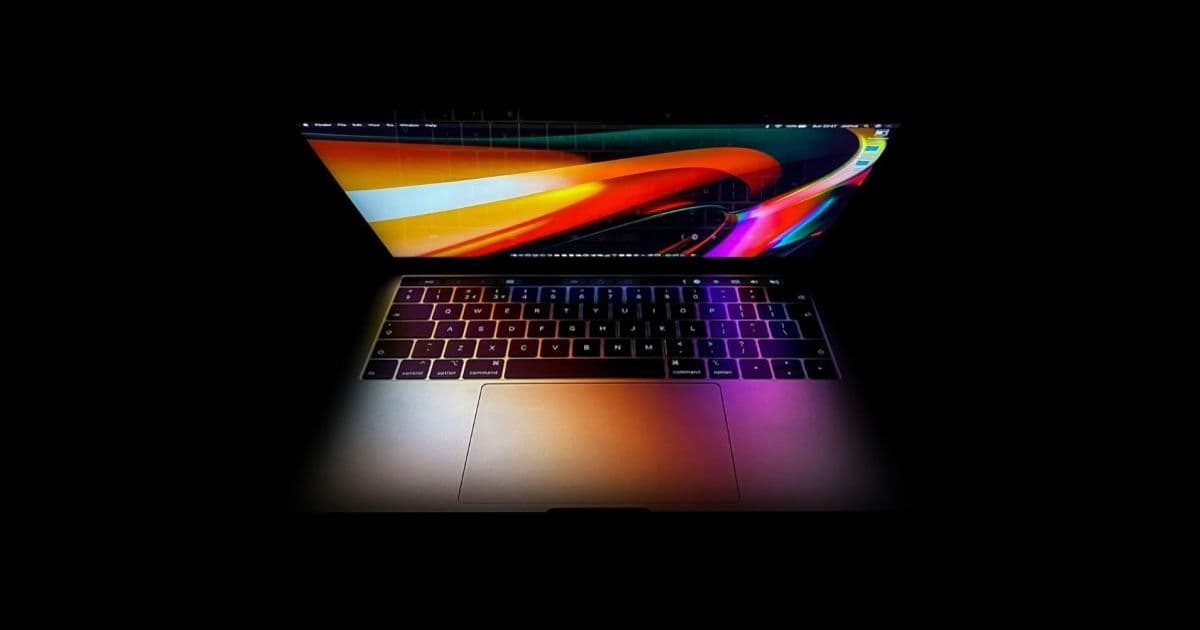
A supply chain leaker says the long-rumored touchscreen MacBook is locked in, with Samsung reportedly gearing up to produce the panels. For developers who already maintain code across iOS, iPadOS, and macOS, this would reshape how touch and pointer input get handled on the Mac.
Apple spent more than a decade insisting that touchscreens didn't belong on the Mac. That position now looks like it's ending. According to a new Weibo post from supply chain leaker Instant Digital, surfaced by 9to5Mac, it's "100% confirmed that the MacBook screen will be touch-enabled." The claim lines up with reports that Samsung is about to begin producing touch-equipped panels for the device, and with hints buried inside the macOS "Golden Gate" pre-release builds.
The naming is still unsettled. Rumors swing between MacBook Ultra and a continuation of the MacBook Pro line. For developers, the branding matters far less than the input model, because a touchscreen Mac changes assumptions that have held since the first Intel MacBooks shipped.
The platform update
For years, the dividing line was clean. iOS and iPadOS handled touch. macOS handled the mouse and trackpad. That separation shaped Apple's frameworks, its human interface guidelines, and the muscle memory of everyone building for the platforms. Catalyst and SwiftUI started blurring it, letting iPad apps run on the Mac, but those apps still landed in a pointer-driven environment where touch targets were merely tolerated, not expected.
A touchscreen MacBook collapses that distinction at the hardware level. macOS would need to treat direct touch as a first-class input alongside the existing trackpad and mouse events. Apple has actually rehearsed parts of this. The pointer on iPadOS, introduced in 2020, taught the company how to reconcile precise cursor input with a touch-first interface. A touchscreen Mac is the same problem from the other direction: a pointer-first interface that now has to accept imprecise finger taps.
Developer impact
If you ship a Mac app today, your hit targets are sized for a cursor. A click is a single pixel-accurate point. A fingertip is closer to a 44 by 44 point blob, the minimum touch target Apple has recommended on iOS for years. The moment a Mac display accepts touch, every undersized button, every tightly packed toolbar, and every hover-dependent control becomes a usability problem.
The specific concerns split along framework lines.
AppKit apps carry the most risk. AppKit was never designed around touch. It has no direct analog to UITouch, and many controls rely on mouseEntered and mouseExited tracking areas to reveal functionality. Hover states simply don't exist when a finger is the input device. Expect Apple to either bridge touch events into the existing NSResponder chain or introduce new event types that AppKit developers will need to handle explicitly.
SwiftUI apps are best positioned. SwiftUI gesture modifiers like onTapGesture, DragGesture, and spatialTapGesture already abstract away the underlying input source. Code written for an iPad tap can, in principle, respond to a Mac touch with no changes. That said, layout still matters. A SwiftUI view that looks fine under a cursor can still pack controls too tightly for fingers.
Mac Catalyst apps sit in an interesting spot. These are UIKit apps already carrying the full touch event model. The irony is that Catalyst spent years translating touch intentions into pointer behavior on the Mac. A touchscreen Mac could let those apps finally use the input model they were originally written for.
The trade-off no one escapes is the hybrid input problem. A user might tap the screen, then immediately reach for the trackpad, then type. Your interface has to feel correct for all three within the same session. This is exactly the friction Microsoft has wrestled with on Windows hybrids for over a decade, where desktop apps designed for a mouse feel awkward the moment someone reaches up to poke the screen.
Migration
There's no SDK to download yet, and Apple has confirmed nothing officially. But if these leaks hold, the practical preparation looks familiar to anyone who has done a cross-platform input audit.
Start by auditing touch target sizes across your Mac UI. The 44-point minimum from the iOS Human Interface Guidelines is the obvious starting baseline, and there's no reason to assume macOS guidance will land far from it. Controls that currently rely on a 16-point click target need a rethink.
Next, find every interaction that depends on hover. Tooltips, reveal-on-hover buttons, and trackpad-only affordances all degrade or vanish under touch. Each one needs a touch-accessible fallback, the same way responsive web design had to provide alternatives to :hover once phones arrived.
For teams already sharing a SwiftUI codebase across iPhone, iPad, and Mac, the migration cost is lowest. Lean into gesture modifiers that are input-agnostic rather than wiring directly to mouse events. For AppKit-heavy apps, the honest answer is to watch what Apple ships in the next macOS beta cycle before committing to an architecture, because the event-handling API is the piece most likely to introduce new requirements.
Apple moving touch onto the Mac would close one of the last clean boundaries between its mobile and desktop platforms. For developers who maintain apps on both sides of that line, it's less a surprise than the next logical step in a convergence that started with Catalyst and accelerated with SwiftUI. The work ahead is mostly about making sure interfaces built for a cursor can survive a fingertip, and the teams that already think in cross-platform terms will have the shortest distance to travel.
Comments
Please log in or register to join the discussion