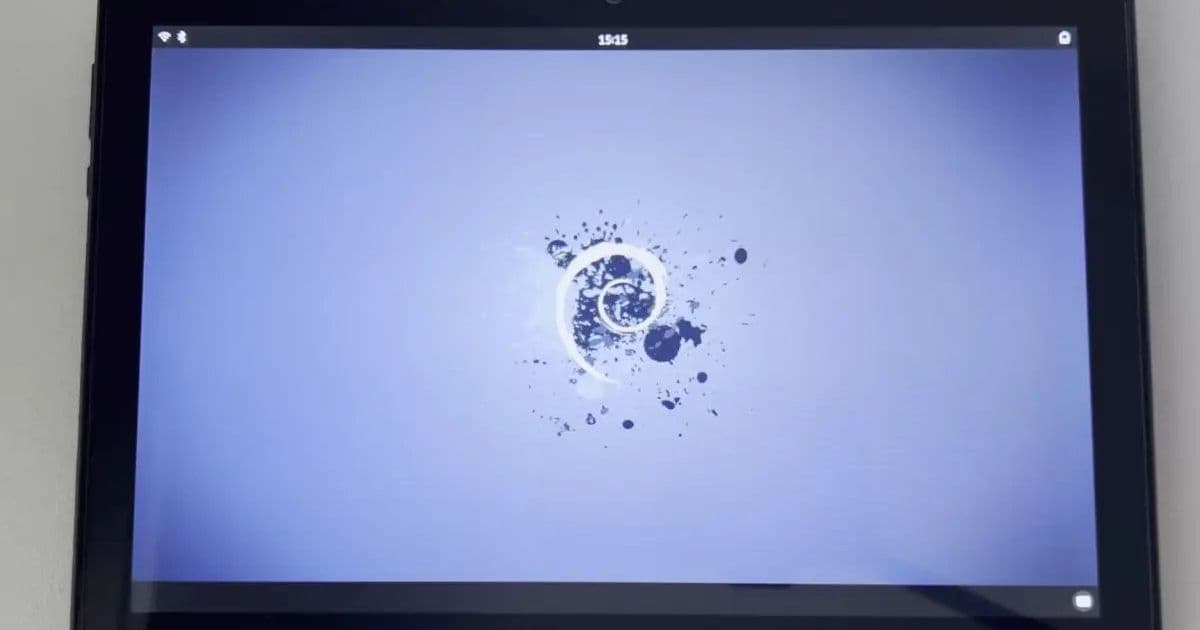
Tech4bot’s open‑source project lets the budget Doogee U10 run Debian 12 from a microSD card, offering a full Linux desktop without unlocking the bootloader and extending the device’s useful life.
Turning an $80 Android Tablet into a Debian Linux PC
Platform update
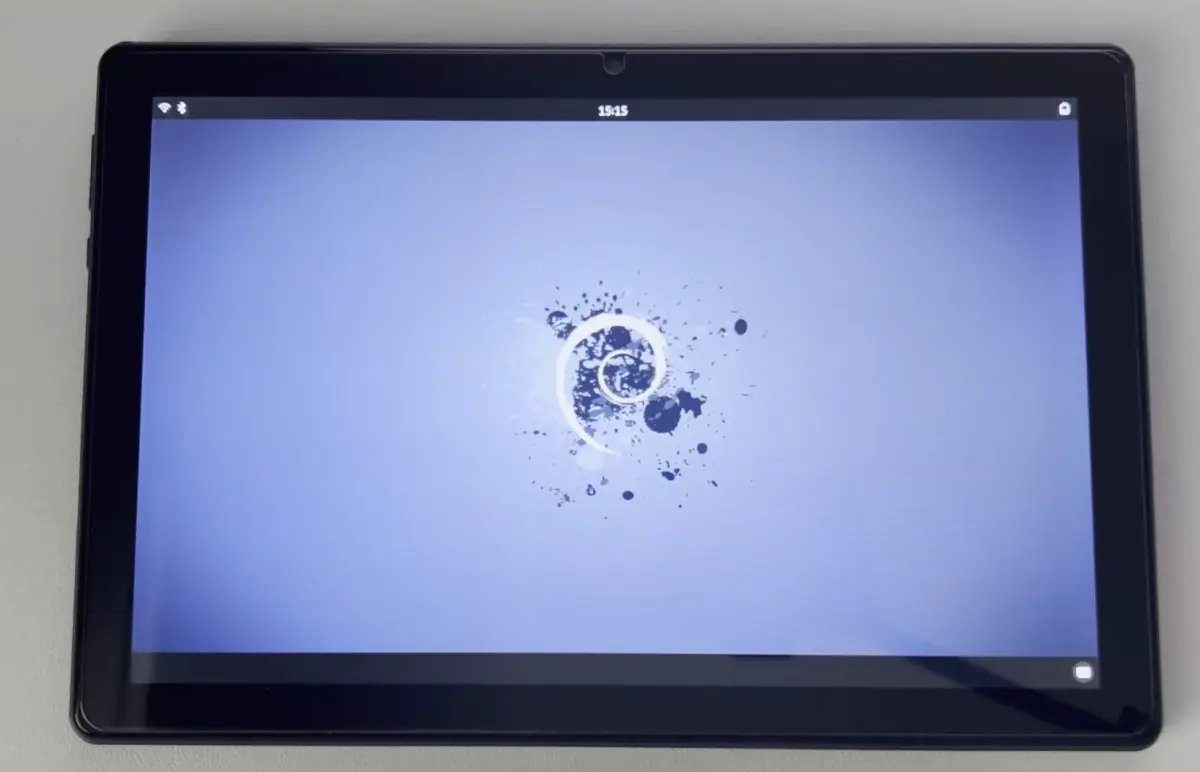
The Doogee U10 is a low‑cost 10.1‑inch tablet that ships with Android 14 and a Rockchip RK3562 quad‑core Cortex‑A53 processor. Tech4bot has released a Debian 12 “Bookworm” image that boots directly from a microSD card. Because the bootloader does not need to be unlocked, the original Android system remains untouched and users can switch between Android and Debian simply by inserting or removing the card.
Developer impact
Hardware support
- CPU & NPU – The image detects the RK3562 CPU and its integrated NPU (up to 1 TOPS AI performance).
- Graphics – Panfrost provides partial OpenGL ES support; 3‑D acceleration works for most desktop apps but is not yet full‑speed.
- Peripherals – Wi‑Fi, Bluetooth, microphone, speakers, battery monitor, USB‑C port, display, and touch input are all functional. The rear camera is recognized but still requires calibration.
Software stack
- Base system – Debian 12 (kernel 6.6, glibc 2.38) built for arm64.
- Desktop environment – Phosh, the GNOME‑based UI designed for mobile form factors, is pre‑installed.
- App selection – Firefox, Chromium, Dolphin file manager, GNOME Terminal, Gedit, a simple camera app, and a drawing tool are included out of the box.
- Package manager – KDE Plasma Discover provides a graphical way to install additional Debian packages without dropping to the command line.
AI capabilities
Even on a modest 4 GB of LPDDR4, the NPU can run quantized local LLMs. The GitHub project page shows a benchmark where a 7 B model runs inference at roughly 3 tokens / second, enough for short‑form text generation or on‑device classification tasks.
Migration guide
- Prepare the microSD card – Use a card of at least 32 GB, formatted as FAT32. Download the Debian image from the official GitHub release page.
- Write the image – On a Linux or macOS host run
dd if=debian-u10.img of=/dev/sdX bs=4M status=progress && sync. Windows users can use Balena Etcher. - Insert and boot – Power off the tablet, insert the card, and turn the device on. The bootloader automatically detects the Linux image and starts Debian.
- First‑run configuration – The initial setup wizard asks for language, keyboard layout, and Wi‑Fi credentials. After that, you land on the Phosh home screen.
- Switch back to Android – Power down, remove the microSD card, and power on again. The device boots Android as usual.
Cross‑platform considerations
- SDK versions – The Debian image uses the Linux kernel 6.6 series, which includes Rockchip‑specific patches from the mainline tree. No Android SDK is required for the Linux side, but developers who want to build additional drivers should reference the Rockchip Open Source Release and the latest Android 14 NDK if they plan to maintain hybrid apps.
- Future updates – Because the system runs from a removable card, updating Debian is as simple as flashing a newer image. Android updates remain untouched, preserving OTA compatibility.
- Portability – The same approach can be adapted to other RK3562‑based tablets (e.g., the Chuwi Hi10 X) by adjusting the device‑tree overlay. The community has already forked the repo for a handful of similar devices.
Why this matters
Cheap Android tablets often become e‑waste once the vendor stops providing security patches. By providing a full Debian environment that coexists with Android, Tech4bot shows a practical path to extend the useful life of such hardware. The project also serves as a reference for developers tackling Arm‑based Linux ports: the device‑tree, kernel patches, and user‑space integration are all open‑source and documented in the repo’s README.
Getting involved
- Source code – https://github.com/tech4bot/doogee-u10-debian
- Documentation – Detailed flashing instructions and hardware compatibility notes are in the repo’s wiki.
- Community – Discussions happen on the project’s GitHub Issues page and the /r/LinuxOnTablets subreddit.
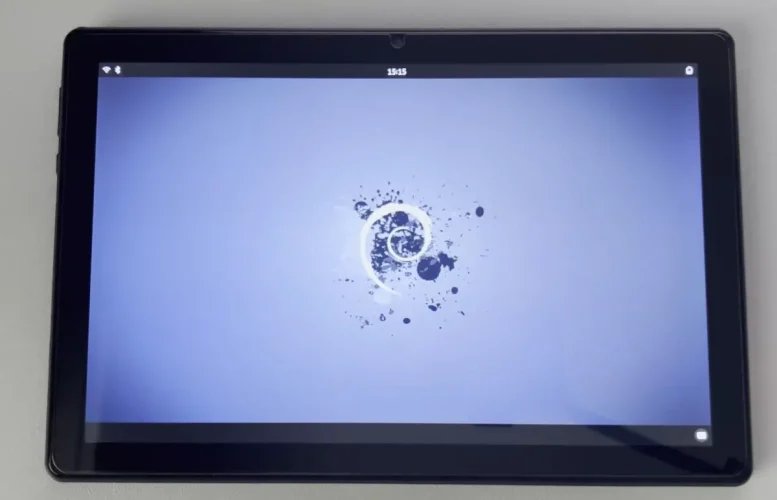
With a modest investment and a few minutes of setup, an $80 tablet can become a portable Debian workstation, ready for coding, web browsing, or even light AI inference. It’s a reminder that the line between “mobile” and “desktop” hardware is increasingly blurred, and open‑source tooling is the key to crossing it.
Comments
Please log in or register to join the discussion