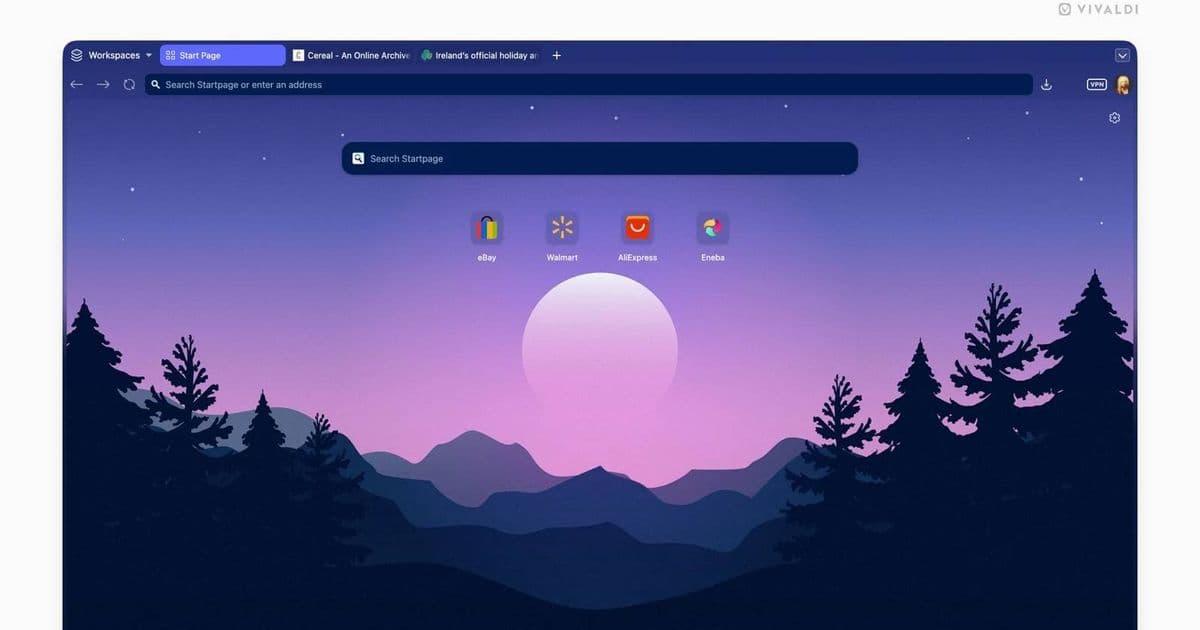
Vivaldi 8.0 introduces a “Unified” design that blends toolbars, tabs, panels and content onto a single visual plane, adds six built‑in layouts and extends theming across the whole browser, giving long‑time users a reason to revisit the once‑fragmented interface.
Vivaldi 8.0 Unifies Its UI After 13 Years of Incremental Changes
By Simon Batt – May 21, 2026
Simon is a Computer Science BSc graduate who has been writing about technology since 2014, and using Windows machines since 3.1.
What’s new in Vivaldi 8.0?
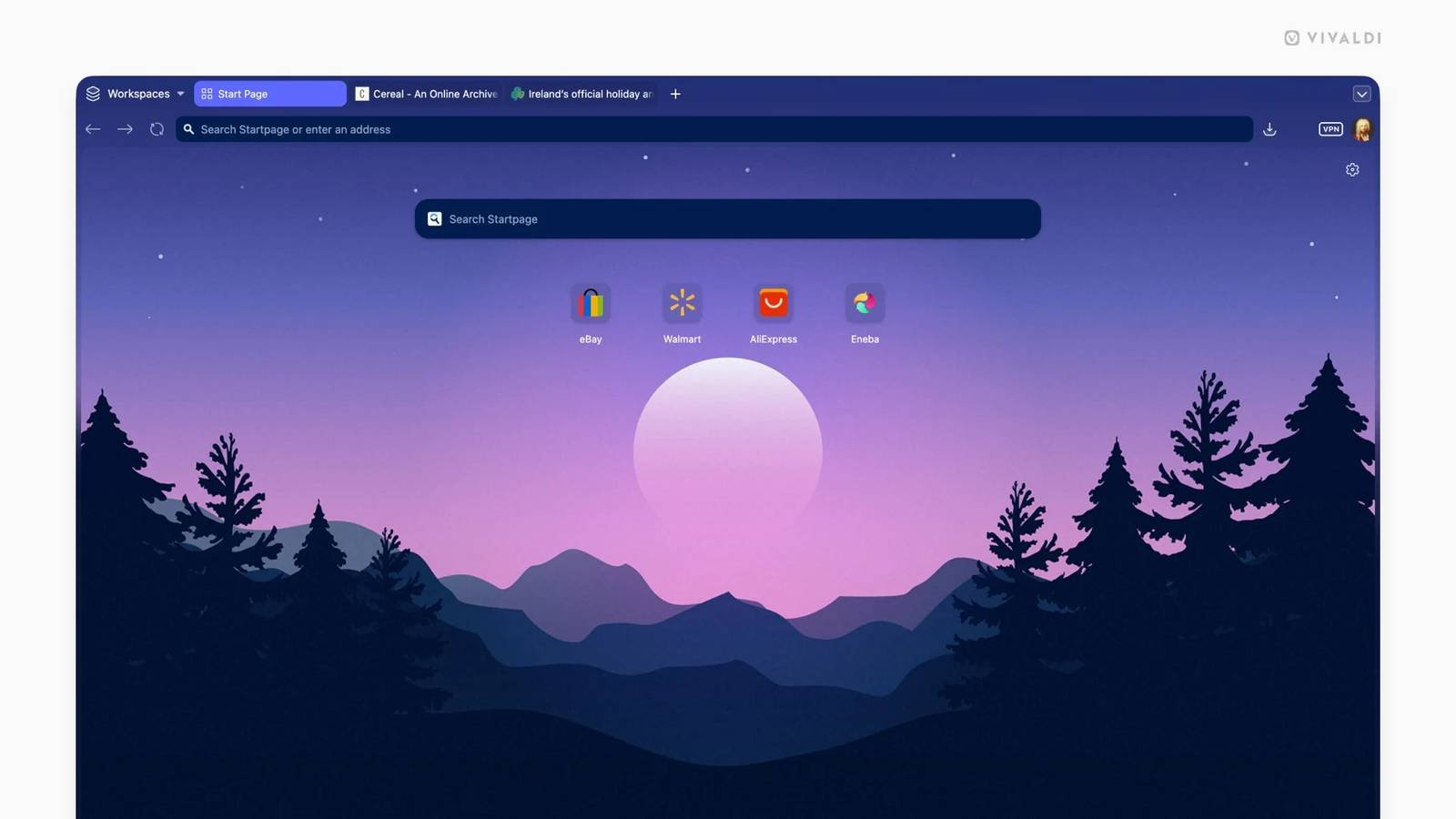
Vivaldi’s biggest visual overhaul since its first release arrives as version 8.0, and the headline feature is a redesign the team calls Unified. The idea is simple: stop treating the browser’s UI as a set of separate panels and start treating it as a single, layered surface. Tabs, toolbars, side panels and the web‑page itself now share the same background, border radius and colour palette. When you switch to a dark theme, every element—down to the tiny scroll‑bars—adopts the new shade instantly, eliminating the “half‑light, half‑dark” look that older versions sometimes produced.
Key points of the Unified redesign
| Feature | What it does | Why it matters |
|---|---|---|
| Single visual plane | All UI components sit on the same background layer. | Reduces visual clutter and makes reading easier on the eyes. |
| Global theming | Themes apply to the entire browser, not just individual sections. | Consistent look across tabs, panels, and the address bar. |
| Improved hover states | Buttons and icons now use subtle colour shifts instead of stark outlines. | Gives a more modern, less busy feel. |
| Rounded corners everywhere | Tabs, panels and the address bar share the same corner radius. | Creates a cohesive aesthetic that feels intentional rather than patched together. |
Six built‑in layouts to match any workflow
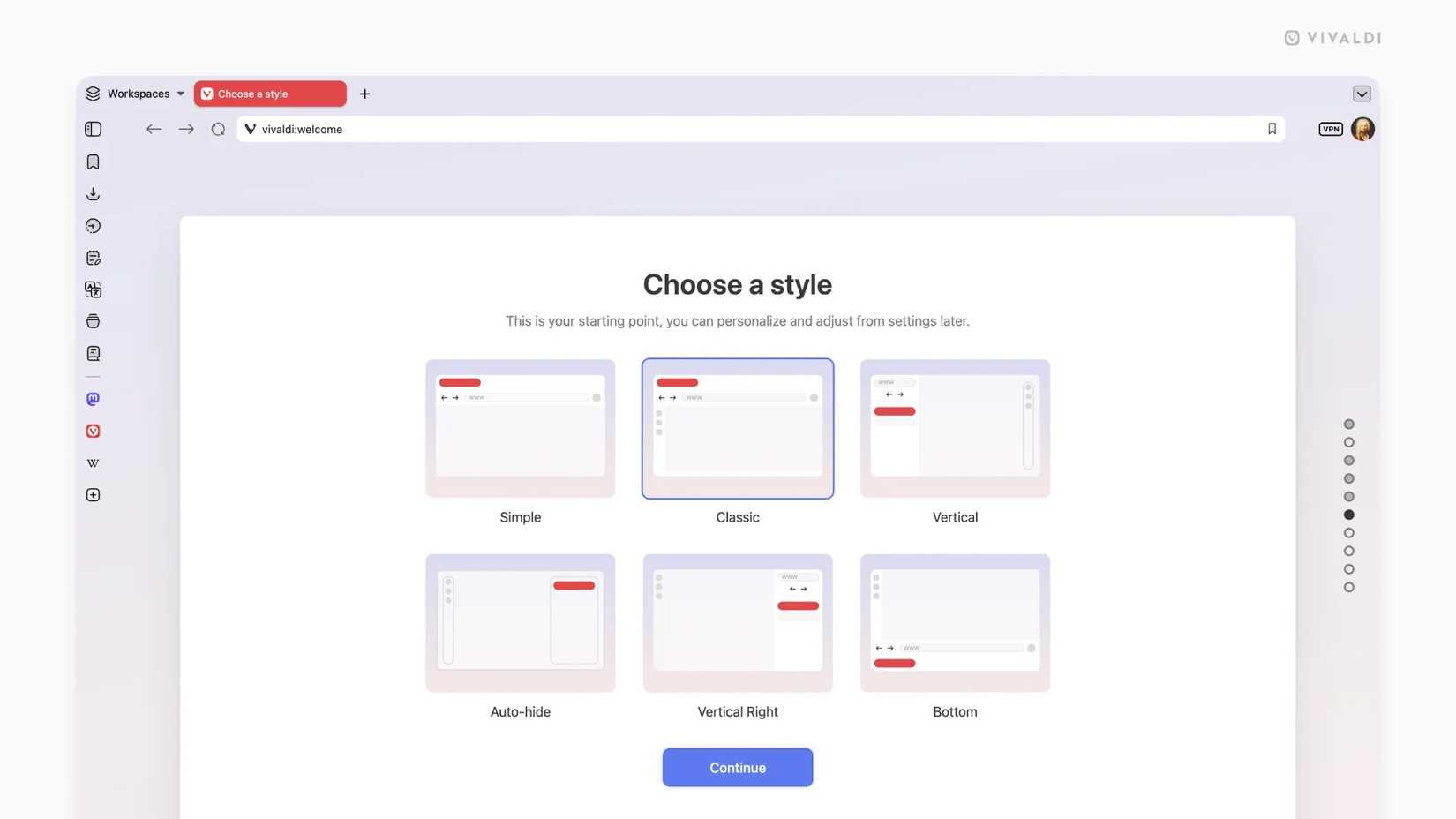
Vivaldi 8.0 also ships with six pre‑configured layouts that let you start with a workspace that mirrors how you browse:
- Simple – Minimal chrome, just the address bar and a single tab row.
- Classic – The familiar Vivaldi look with separate tab bar, toolbar and side panel.
- Vertical Left – Tabs stack on the left, panels on the right; great for widescreen monitors.
- Vertical Right – Mirrors the left layout for left‑handed users.
- Auto‑Hide – Toolbars and panels collapse until you hover, maximizing screen real‑estate.
- Bottom – Tabs move to the bottom of the window, a layout popular among power users who prefer a top‑focused address bar.
These layouts are not just cosmetic; each one re‑positions the Unified frame to keep the visual plane intact while adapting to different ergonomic preferences. You can switch between them instantly from the Settings → Layouts menu, and the change is animated so the transition feels fluid rather than jarring.
How the redesign affects extensions and customizations
One concern with a major UI overhaul is how it will impact the thousands of Vivaldi extensions that rely on DOM hooks. The Vivaldi team has taken a pragmatic approach:
- Stable CSS classes – Core UI elements now expose a set of permanent CSS class names (
.vivaldi-unified,.vivaldi-tab,.vivaldi-panel). Extension developers can target these without worrying about future redesigns breaking their code. - Theme API updates – The existing
chrome.themeAPI now includes aunifiedflag. Extensions that provide custom themes can opt‑in to the global theming model with a single line of JSON. - Backward‑compatible UI hooks – Legacy UI hooks remain functional but emit a deprecation warning in the console. This gives developers time to migrate while keeping existing extensions usable.
For power users who like to tinker, the Vivaldi Settings → Appearance → Advanced panel now includes a Custom CSS box that applies to the Unified frame. This means you can still add a personal touch—like a custom background image behind the address bar—without breaking the new layout.
Ecosystem lock‑in considerations
Vivaldi has always marketed itself as a browser for “power users” who value deep customization. The Unified redesign strengthens that positioning by making the UI feel more integrated, but it also raises a subtle lock‑in question:
- Theme portability – Because themes now affect the entire UI, a Vivaldi‑specific theme cannot be directly ported to Chrome or Edge without significant re‑work. Users who have invested heavily in a custom theme may need to recreate it for other browsers.
- Extension ecosystem – While the team has kept legacy hooks alive, extensions that rely on the old layered UI will eventually need updates. This could push users toward Vivaldi‑specific extensions, further narrowing their choices.
- Data sync – Vivaldi’s sync service now includes layout preferences, meaning your chosen Unified layout follows you across devices. This is convenient, but it also means switching to a different browser would require manual re‑creation of your workflow.
Overall, the redesign makes Vivaldi feel more like a cohesive product rather than a collection of optional add‑ons. For users already invested in the Vivaldi ecosystem, the changes are a net positive. For newcomers, the unified look lowers the entry barrier, making the browser feel polished right out of the box.
Getting Vivaldi 8.0
The update is available today from the official Vivaldi download page. Windows, macOS, Linux and Android builds are all ready, and the installer will replace older versions without losing your bookmarks, passwords or sync data.
If you’ve tried Vivaldi before and found the fragmented UI off‑putting, the Unified redesign gives you a solid reason to give it another look. The combination of a cleaner visual language, globally applied themes, and flexible layouts makes Vivaldi 8.0 feel like a fresh browser while preserving the custom‑rich experience that long‑time fans love.
For more technical details, see the official Vivaldi blog post on the Unified redesign and the updated developer documentation.
Comments
Please log in or register to join the discussion